Some deliveries may take a little longer than usual due to regional shipping conditions.

DOWNLOAD THE APP


Customer Services
Copyright © 2025 Desertcart Holdings Limited
DOWNLOAD THE APP
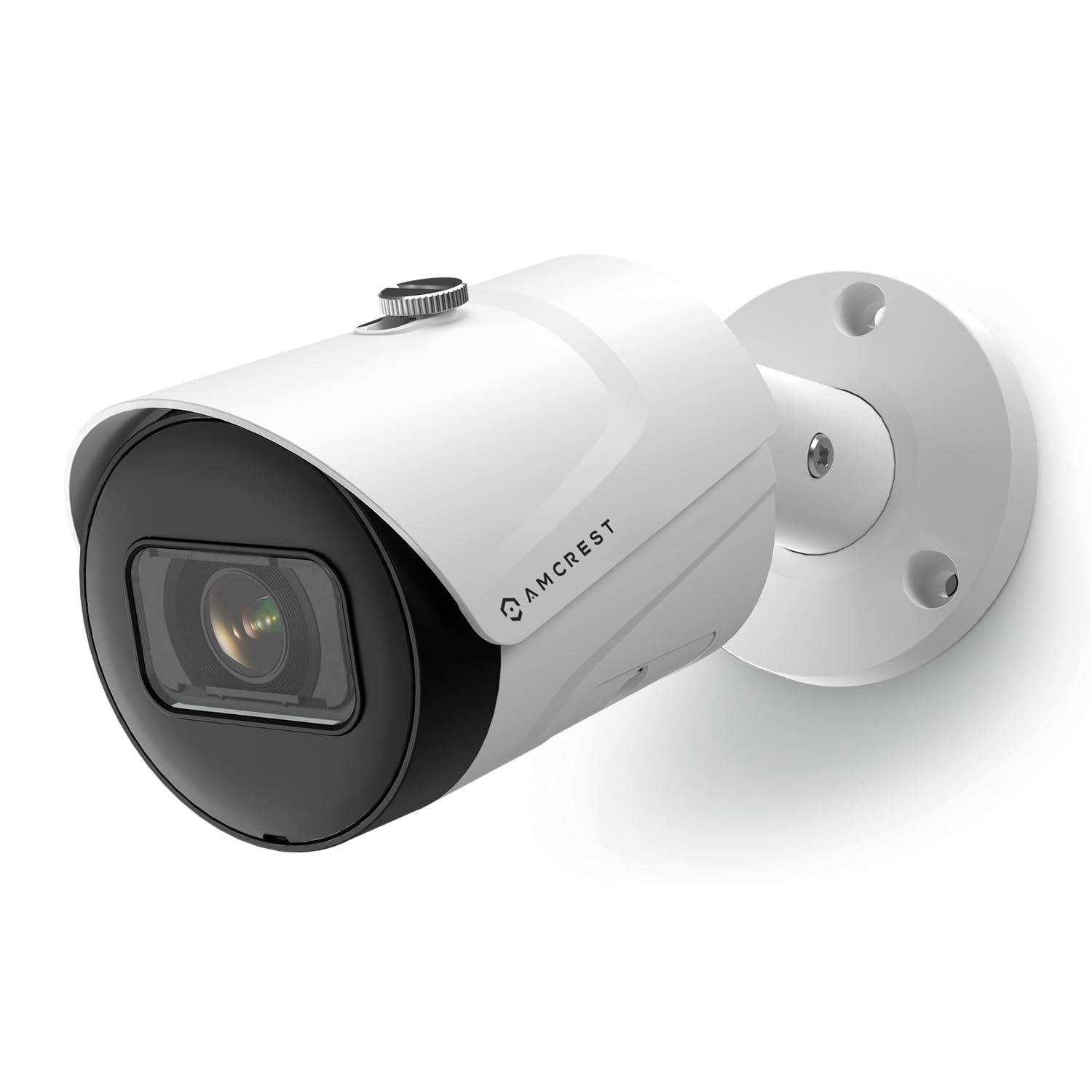
🚀 Elevate your security game with ultra-clear, AI-smart outdoor surveillance!
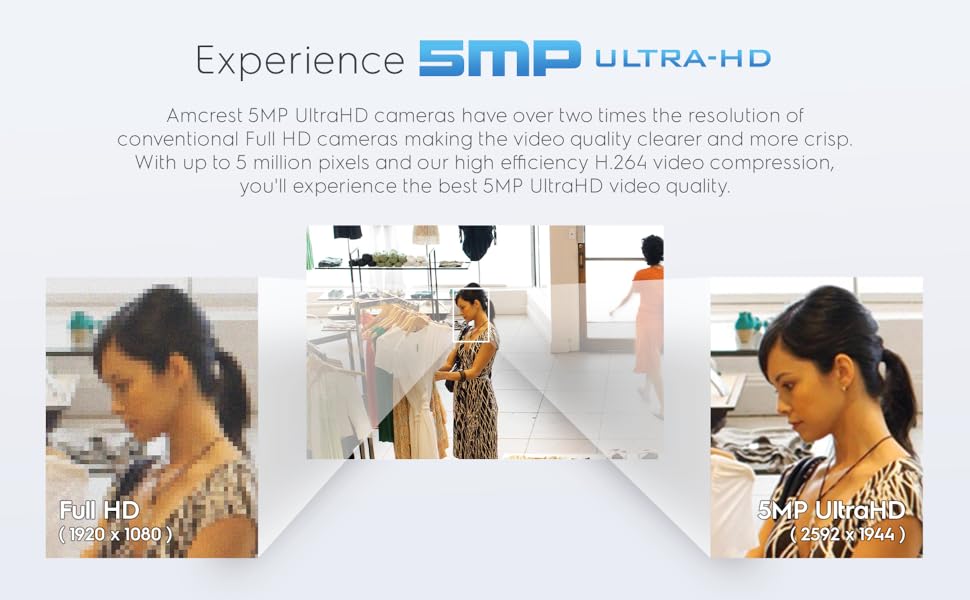
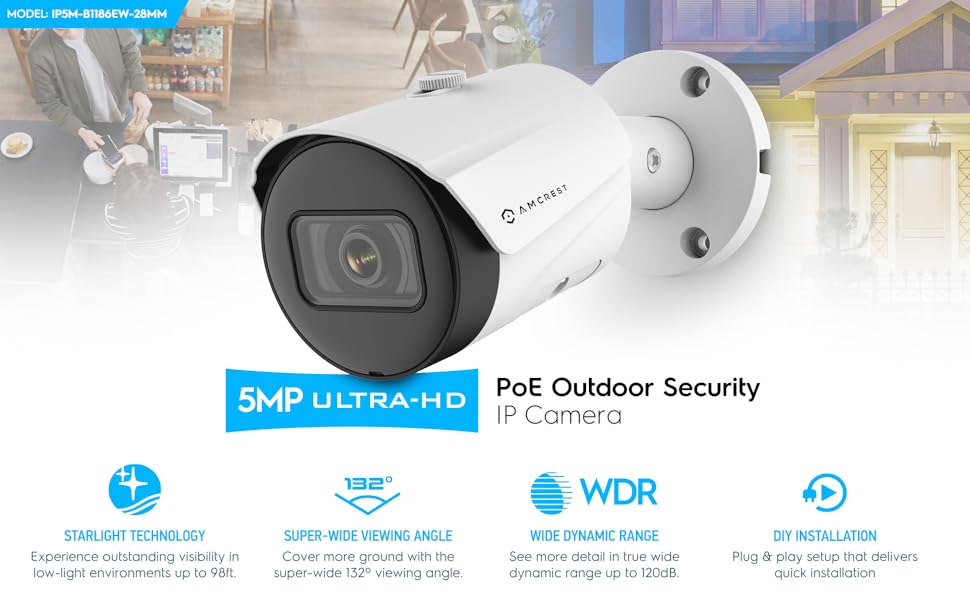
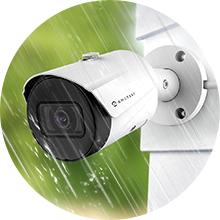
The Amcrest 5MP UltraHD PoE Outdoor Bullet Camera delivers professional 2592x1944 resolution video with a wide 132° viewing angle. Featuring AI-powered human and vehicle detection, customizable motion zones, and tripwire/intrusion alerts, it minimizes false alarms. Its rugged IP67 metal housing ensures durability in all weather conditions, while built-in IR LEDs provide night vision up to 98 feet. Powered via PoE for simplified installation, it supports Amcrest Cloud storage and integrates with Alexa and major NVR systems, making it a versatile, reliable choice for modern outdoor security.







| ASIN | B08K1M34ZQ |
| Alert Type | Tripwire, Intrusion |
| Batteries Required? | No |
| Best Sellers Rank | #140 in Bullet Surveillance Cameras |
| Color | White |
| Compatible Devices | Desktop, Laptop, Smartphone, Tablet |
| Connectivity Protocol | Ethernet |
| Control Method | App |
| Controller Type | Amcrest View Pro App 2 |
| Customer Reviews | 4.3 4.3 out of 5 stars (1,167) |
| Date First Available | December 11, 2019 |
| Department | All Ages |
| Effective Still Resolution | 5 MP |
| Effective Video Resolution | 1944 Pixels |
| Focus Type | Manual Focus |
| Form Factor | Bullet |
| Frame Rate | 20 frames per second |
| Global Trade Identification Number | 00850011990919 |
| Included Components | Quick Start Guide |
| International Protection Rating | IP67 |
| Item Weight | 1.28 pounds |
| Item dimensions L x W x H | 6.5 x 2.76 x 2.76 inches |
| Item model number | IP5M-B1186EW-28MM |
| Light Source Type | LED |
| Low light technology | Night Color |
| Manufacturer | Amcrest |
| Material | Metal |
| Maximum Webcam Image Resolution | 5 MP |
| Mounting Type | Wall Mount |
| Night Vision Range | 98 Feet |
| Number of Channels | 1 |
| Number of IR LEDs | 1 |
| Number of Items | 1 |
| Photo Sensor Technology | CMOS |
| Power Source | Power Over Ethernet |
| Product Dimensions | 6.5 x 2.76 x 2.76 inches |
| Room Type | Outdoors |
| Shape | Bullet |
| Specific Uses For Product | Surveillance |
| UPC | 850011990919 850007530785 |
| Unit Count | 1.0 Count |
| Upper Temperature Rating | 60 Degrees Celsius |
| Video Capture Format | MP4 |
| Video Capture Resolution | 5-Megapixel |
| Viewing Angle | 132 Degrees |
| Voltage | 12 Volts |
| Water Resistance Level | Water Resistant |
| Wattage | 6 watts |
| Wireless Communication Technology | Wired / POE |
R**.
Great bullet IP security camera for the price
I have been learning and getting into PoE cameras and have purchased a Netgear GS308EPP PoE switch for it. Purchased this Amcrest with a lower price for testing purposes to see how IP cameras work with a PoE switch. After I installed their IP Config Software named ConfigTool, I honestly did not understand it, so I I sent a long email with the steps that I was taking and the error message I was getting "invalid username or password", no matter what I did it would not work. I read on their forum someone mentioned to removed the screws and hit reset which I did and after that I was able to login with the default user/pass. The next day I called support and spoke to Sofia ( I still have not received a reply for my long email ) and explained to her what was happening, and what I did during the night which was resetting the IP camera, and after that I was able to login, but I still had issues understanding the ConfigTool application. The rep asked if she could connect to the computer remotely and that was OK with it. Once she saw the software open, I explained the issues that I had and the rep responded and assisted me understanding their ConfigTool application. Quality: The camera has great colors during daylight and great view at night. It does not have a direct white spot in the middle from the infrared, its just perfect view at night. The quality of the camera itself seems great and its not plastic, the case is metal. No connectivity issues once I was assisted with their ConfigTool application. Once the program is running, it displays the IP address assigned to it and you make the changes like the user/password and connect to it to view it. There is a small glitch on the application and it is one of the icons ( I think its Chrome ) to connect to the camera, when the admin clicks on it, it displays the following error message: Whoops, our bad... The page you requested was not found, and we have a fine guess why. If you typed the URL directly, please make sure the spelling is correct. If you clicked on a link to get here, the link is outdated. Clicking on the E icon ( me thinking it would open Edge ) will open the default browser on your computer, so clicking E will open Chrome if you have Chrome as your default browser, and clicking on Chrome icon on the application does not open the page, it gives you the error mentioned above. Other than that, I am happy with the camera. Thanks to Sofia from customer support and her assistance with the application and Steve from tech support for following up on email.
J**B
Great PoE security camera for Frigate and Home Assistant
Using it with Frigate and Home Assistant. It works great. Multiple streams so one can be used for viewing / recording and the other for detection. Two minor gripes. First is the extra power cable just hanging there when running PoE. Second the cap for the network cable isn't large enough to fit the cable through if it even has a small boot. The view angle is slightly narrower than a blink camera. The image quality is better.
L**S
Good value but some glitches
On the plus side: 1) Very good image quality, good night vision and range of view 2) Inexpensive 3) Responsive tech support On the negative side: 1) After adding this model to two other Amcrest cameras already in use (one an identical 5 MP, the other an 8 MP), I found that the third camera kept dropping off my network every few days. Unplugging the POE cord and plugging it back in would get the camera back on line, but it would eventually drop off again. Eventually I replaced it with another manufacturer's 5 MP camera, which has worked fine. 2) Motion detection is WAY oversensitive, significantly more so than any other brand of camera I've used. This model comes with a default setting of 60 on a scale of 0-100. I figured that would be too sensitive so I reset it to 30 and got a ton of false alarms. I kept dialing it down, eventually to 1, but still got a slew of false alarms. I blotted out a lot of the field of view using the region setting tool, but there were still too many false alarms. 3) The Amcrest View Pro app has a lot of features and is relatively easy to use, but is glitchy in some respects. You can assign a name to each Amcrest camera, but with more than 2 cameras on the network the app would frequently assign the same name to two different cameras. When trying to exit the app you get a box asking you to tap OK if you really want to leave and Cancel if not - but neither allows you to exit (had to use the home button on my phone to do so). Overall it's a nice camera with limitations, deserving of 3.5 stars (which rounds to 4).
E**R
One of the Best Brands
The price and quality of this camera makes it a good deal compared to more expensive brands. You are going to get a higher resolution for a better price. The setup of this camera is straight forward: Plug it in, run the app to find the camera, add in to the app, and view. You can hook this up to a NVR or just a regular switch to view Live Video. The App for mobile devices is practically the same you will see across other brands, but seems a bit better, is easy to use, and setup. Follow the instructions Amcrest provides with the camera and Setup took no more than 30 mins to have live viewing on your phone and/or Computer. I tested the Power-over-Ethernet (POE) and the Power directly to the camera if your switch doesn’t have POE, both worked great. I have the Camera hooked up to a Network Video Recorder (not Amcrest brand) and it works great, which is a big plus if you are looking at switching brands. Great to see that Amcrest is ONIVF compliant. Only Con is the IR light is not the best for a large outdoor areas at night, if you are trying to illuminate a large area in dark hours try to find a model with more than 98ft IR Distance. Amcrest has models with 131 ft. and 164 ft. IR distances Pros: Price, image quality, ease of setup, ONIVF, need to buy Ethernet cable Cons: IR isn’t the best, Amcrest watermark on video.
H**Y
Esta marca es muy conocida y la verdad está muy bien hecha para exteriores lo instalé y funcionó tipo plug and play (obvio estaban bien ponchados los conectores y el cable). Lo recomiendo para los NVRs
Trustpilot
3 days ago
1 week ago