✍️ Elevate your Surface game—where precision meets power and style.
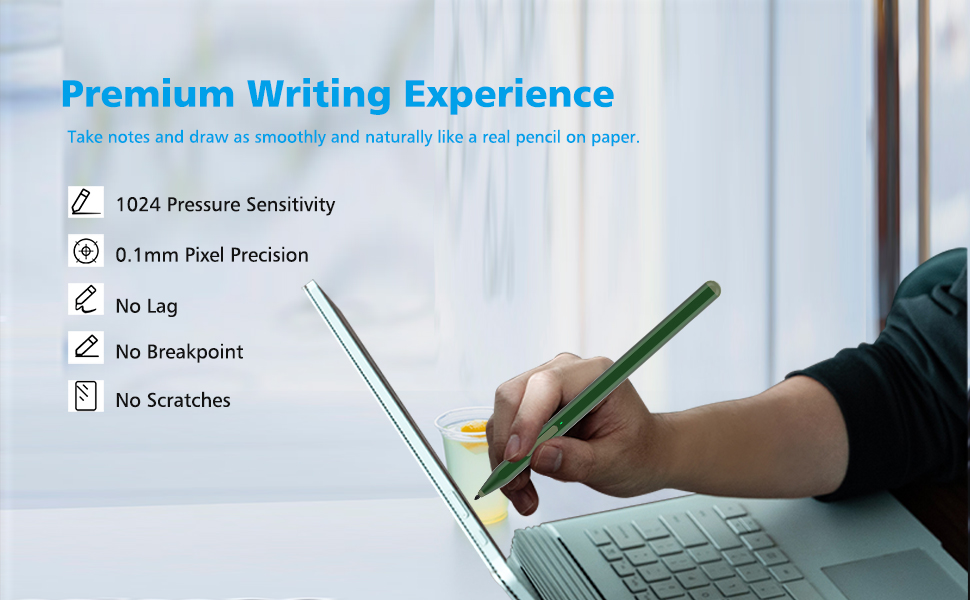
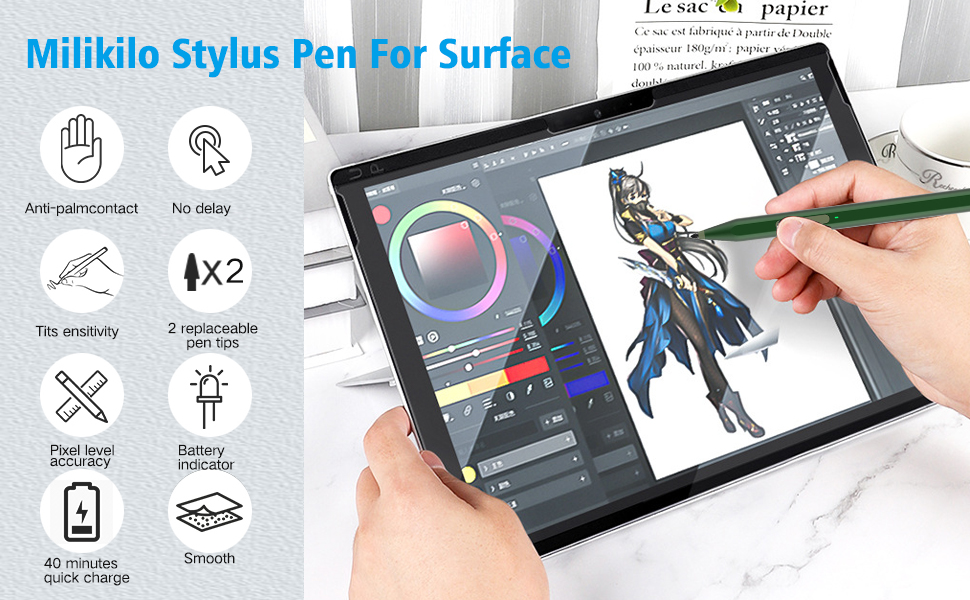
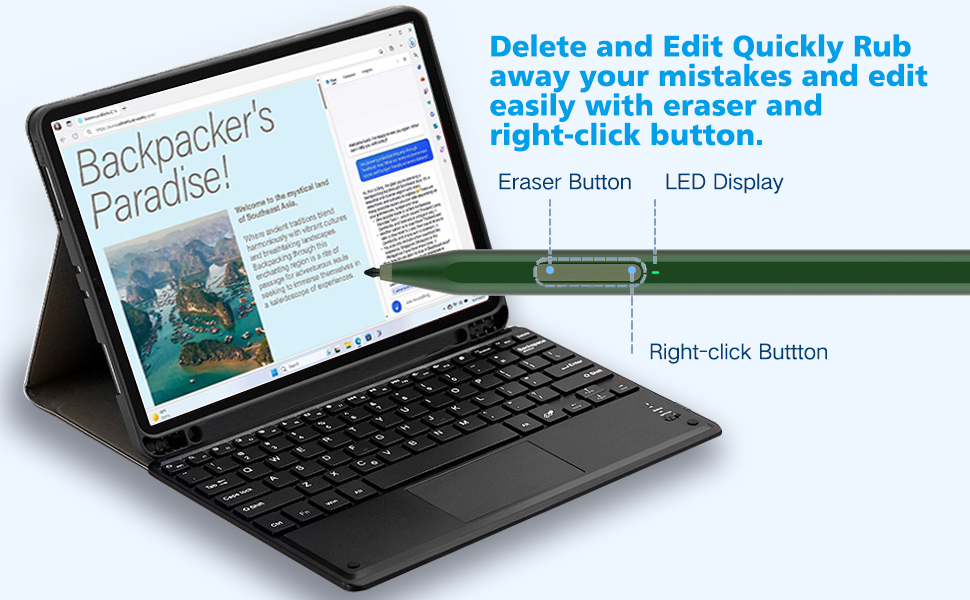
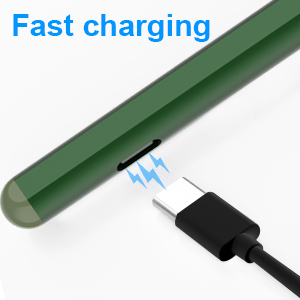
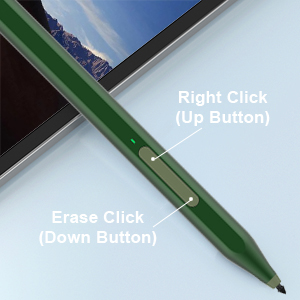
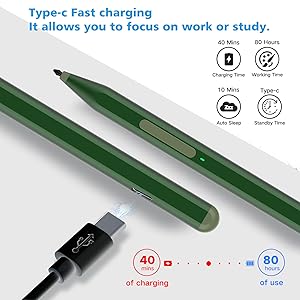
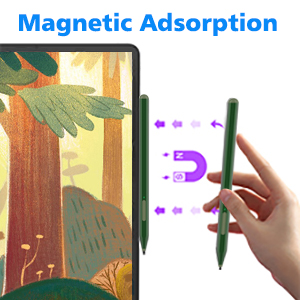
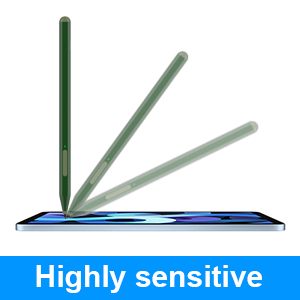
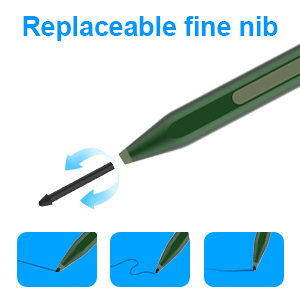
The Milikilo F97 Stylus Pen is a Microsoft MPP-certified accessory compatible with a wide range of Surface devices. Featuring 1024 pressure sensitivity, tilt support, palm rejection, and a magnetic design, it offers professional-grade precision and comfort. Fast USB-C charging delivers up to 80 hours of use from a quick 40-minute charge. Includes eraser and right-click buttons plus two replaceable tips, making it an ideal tool for students, creatives, and professionals seeking a reliable, high-performance Surface pen alternative.


| ASIN | B0DN9MY35S |
| Batteries | 1 P76 batteries required. (included) |
| Best Sellers Rank | #2,095 in Cell Phones & Accessories ( See Top 100 in Cell Phones & Accessories ) #53 in Styluses |
| Customer Reviews | 4.3 4.3 out of 5 stars (1,255) |
| Date First Available | November 16, 2024 |
| Item Weight | 0.494 ounces |
| Item model number | F97 |
| Manufacturer | Milikilo |
| Product Dimensions | 6.22 x 0.39 x 0.39 inches |
A**.
Instant pairing and zero lag, a no-brainer alternative to the $100 official pen.
I needed a backup stylus for field work because I didn't want to risk losing my expensive official Microsoft Surface Pen on a job site. I honestly expected this to feel "cheap" or have connectivity issues, but I can't tell the difference in daily performance. The "MPP" Magic (No Bluetooth needed): Because this uses the Microsoft Pen Protocol (MPP), there is no fiddling with Bluetooth settings. As soon as I turned it on and touched the screen, it worked. • Pressure Sensitivity: It tracks perfectly. If I press harder while sketching a diagram in OneNote, the line thickens exactly like the OEM pen. • Palm Rejection: This is the dealbreaker feature, and thankfully, it works here. I can rest my hand fully on the screen while writing, and it doesn't register stray marks. Magnetic Attachment & Charging: It has a strong magnet that snaps firmly to the side of the Surface Pro, just like the original. • Important Note: While it magnetically attaches, it does not wirelessly charge (unlike the Slim Pen 2). You have to plug it in via USB-C to charge it. However, the battery lasts forever. I’ve used it for a week of meetings and haven't needed to recharge it yet. Tactile Feel: The tip has a nice amount of friction. It doesn't feel like slippery plastic-on-glass; there is just enough resistance to make your handwriting look neat. Verdict: Unless you are a professional digital artist who needs specific tilt-shading capabilities of the high-end Slim Pen 2, save your money. For taking notes, marking up PDFs, and general navigation, this is an absolute steal.
J**N
Instant setup, USB-C charging, and smoother writing than the original Surface Pen.
I’ve had ongoing issues with Surface Pens purchased from Best Buy, so I decided to try this one instead, and I’m so glad I did. Although I’ve only had it for a few hours, it’s already far better than any of the original Surface Pens I’ve used. Shipping was fast (arrived within two days), and the pen itself looks great in the emerald green color. It charges via USB-C and comes with two extra pen tips and a pen tip extractor, which is a nice bonus. The biggest surprise was that I didn’t need to connect it to Bluetooth at all; it worked immediately as soon as I turned it on. It also arrived fully charged, which was greatly appreciated. I’m especially happy to be done with AAAA batteries, which are frustratingly hard to find in stores. The writing experience is excellent: very responsive, with strong pressure sensitivity that accurately translates into line thickness. There’s no noticeable lag, and it feels natural to write with. The pen fits comfortably in my hand and is very easy to use. For reference, I’m using it with a Microsoft Surface Book 2, and it works perfectly. Overall, I’m genuinely excited to start using this pen in my day-to-day work.
A**R
Very good basic stylus
Product works as advertised. It feels well built and i have zero complaints about it for what it is. If you need a basic stylus then this is great, however as someone who really likes to use my tablet for drawing, i am going to replace this stylus with one that has the built in eraser side at the end.
B**A
Basic and functional
It's light, and it fits in the holder on the case I bought. It charges with USB C and that works well enough with a light that turns green when it's done. You press the button to turn the thing on and then it works with a Microsoft surface tablet with no specific issues with that. Comes with some different tips. It's basic but it works as advertised.
J**R
This is the official high-end stylus designed for Surface devices
Best overall experience: The Surface Slim Pen 2 is hard to beat if you plan to use your Surface Pro 12 for serious productivity or creative work. Great value picks: Mid-range third-party styluses provide strong performance at a fraction of the price, especially if your focus is note-taking, document markup, or general use. Budget-friendly: Simple stylus pens are perfect for casual users or as a backup. Weight & Size: Very lightweight at about 13 g (0.03 lb) — lighter than many competitors, which reduces hand fatigue during long writing or drawing sessions. Compact dimensions (~5.38″ × 0.44″ × 0.25″) give it a sleek, pencil-like feel that many users appreciate. Feel & Balance: Feels thin and modern — closer to a traditional pen than older Surface pens — offering a natural grip. Reviewers often describe the writing experience as pen-on-paper like, with good balance and control. Connectivity & Features: Connects via Bluetooth 5.0, enabling button functions and extra features like customizable clicks. Magnetic attach and optional keyboard dock charging (depending on your Surface accessory setup) make storage and power more convenient. 4,096 levels of pressure sensitivity and zero-force inking make for smooth shading and detailed writing. Pros: Excellent accuracy, light weight, rich features, great for notes & art. Cons: Price is higher than budget options, and you need the right keyboard case or charger to recharge easily.
A**N
Writes well
Works great with surface pro. The pen is super lightweight and feels good to write with. Connects easily with just a push of a button. Easy to recharge too.
S**R
Terrable
So the company emailed me and asked for a description of what's going on, they told me to hit reply to their email. I did this and the email on their end is not supported. Do not buy this pin, it is a nightmare. It's a shame you can't give zero stars. This pen will not hook up to any Microsoft pro surface 5, the instructions are absolutely terrable. It does not even give you install instructions and you have to stumble and figure it out yourself. It is magnetic but does not have a top button, which absolutely alters the pen style. The only good thing out of this mess is they give you a couple different tips. I guess that doesn't matter since the pin won't work!
R**6
Compatible surface pro 7+ et 9. S'aimante bien a la tablette. Finition vraiment bonne.
M**A
Works fine, on surface pro 4
B**H
It works well
S**A
Funziona perfettamente con surface
T**M
Works great. I have a Surface Pro 7, 9 and 10 and this pen works on all of them without an issue. It holds well (magnetic) on the side of the tablets. I also like that it uses the genuine microsoft tips/nibs. This way you don't need to search for some obscure 3rd party consumables when it is time to replace them. Charging via USB is a nice bonus and simple. No need to constantly buy batteries. All this at a fraction of the price of the original MS pen. Now if they can make one with the form factor of the newer "Microsoft Surface Slim Pen 2", that would be great, so it can easily fit in the dedicated slot that is present on the newer Surface Pro 9 (and above) type covers.
Trustpilot
3 weeks ago
2 weeks ago