
DOWNLOAD THE APP


Customer Services
Copyright © 2025 Desertcart Holdings Limited
DOWNLOAD THE APP

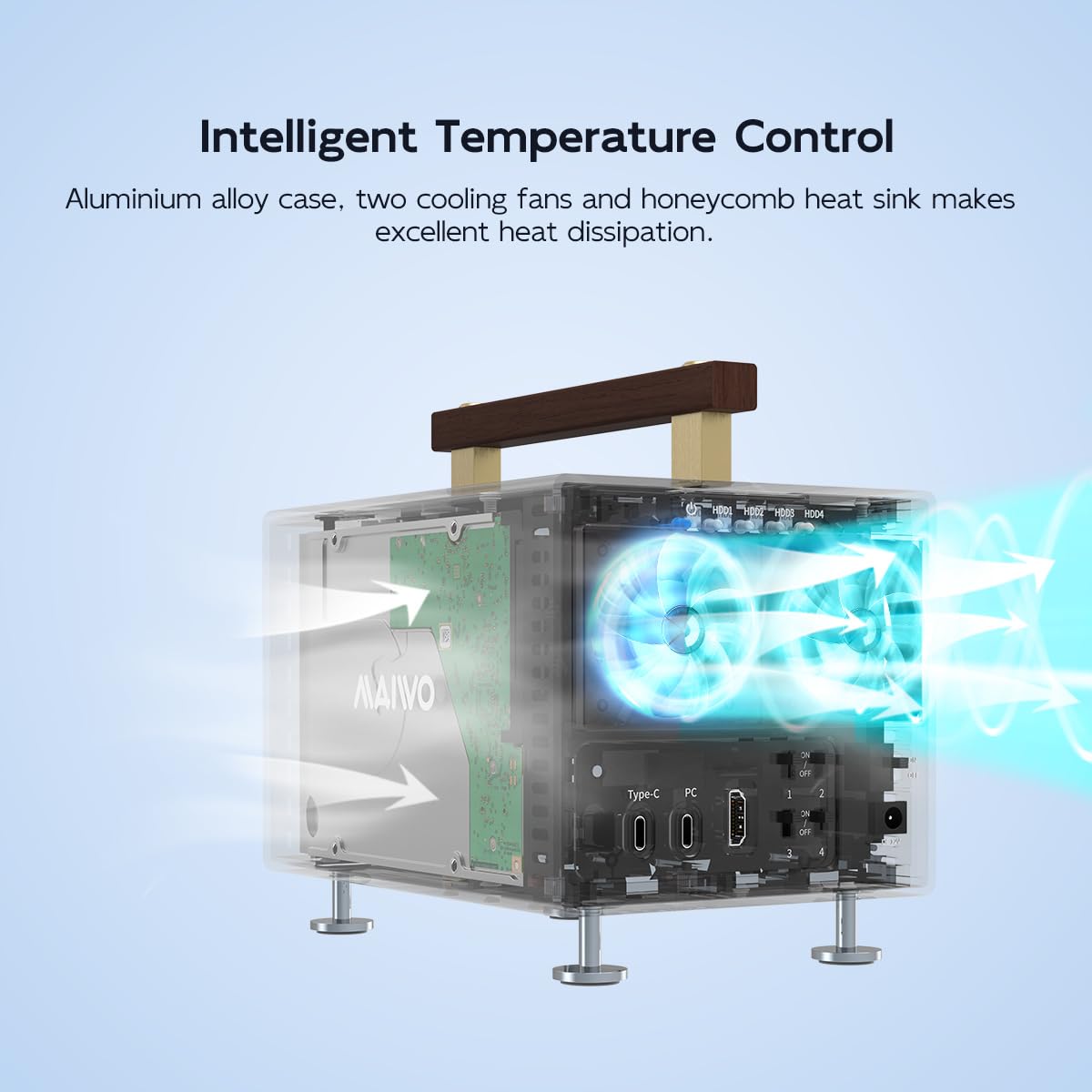
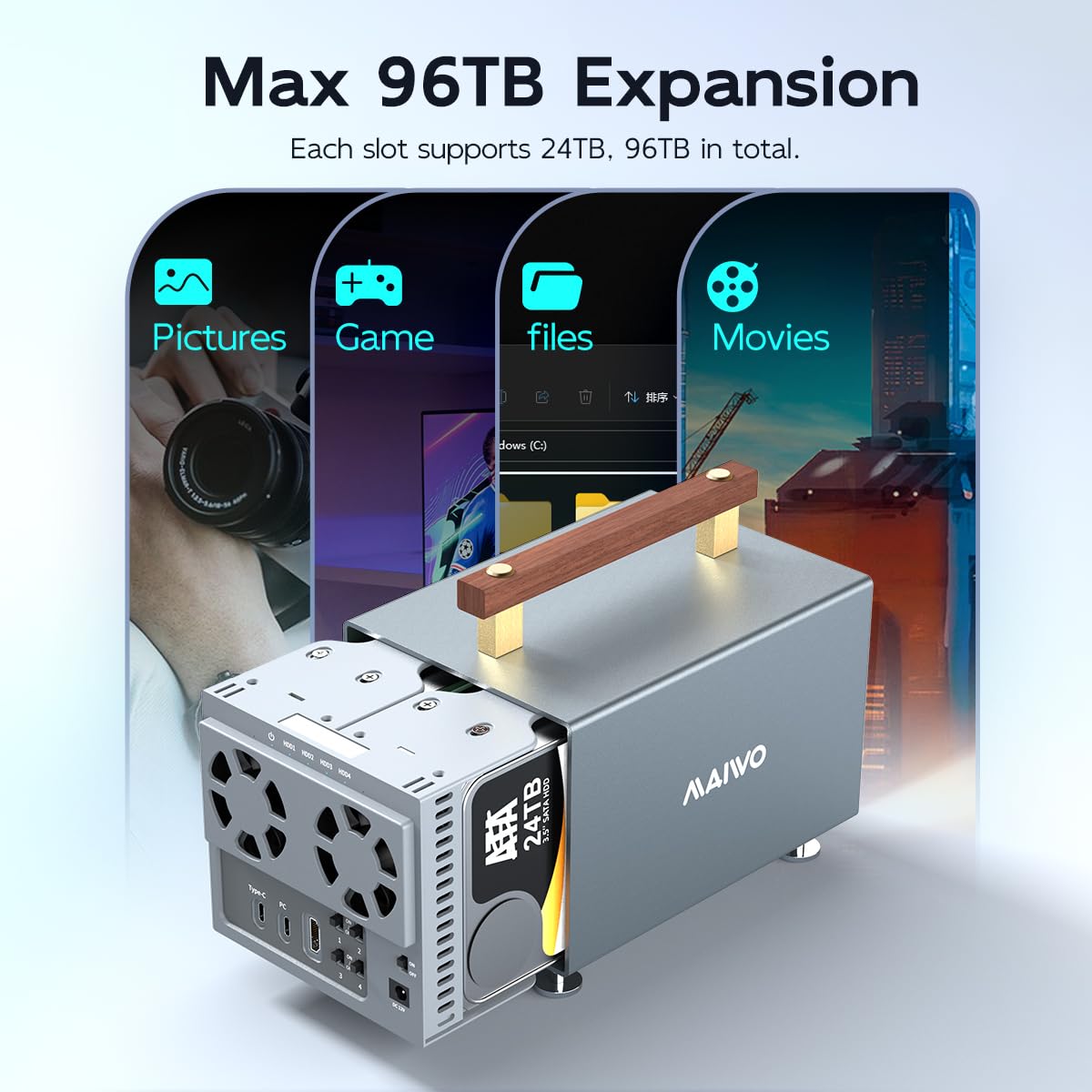

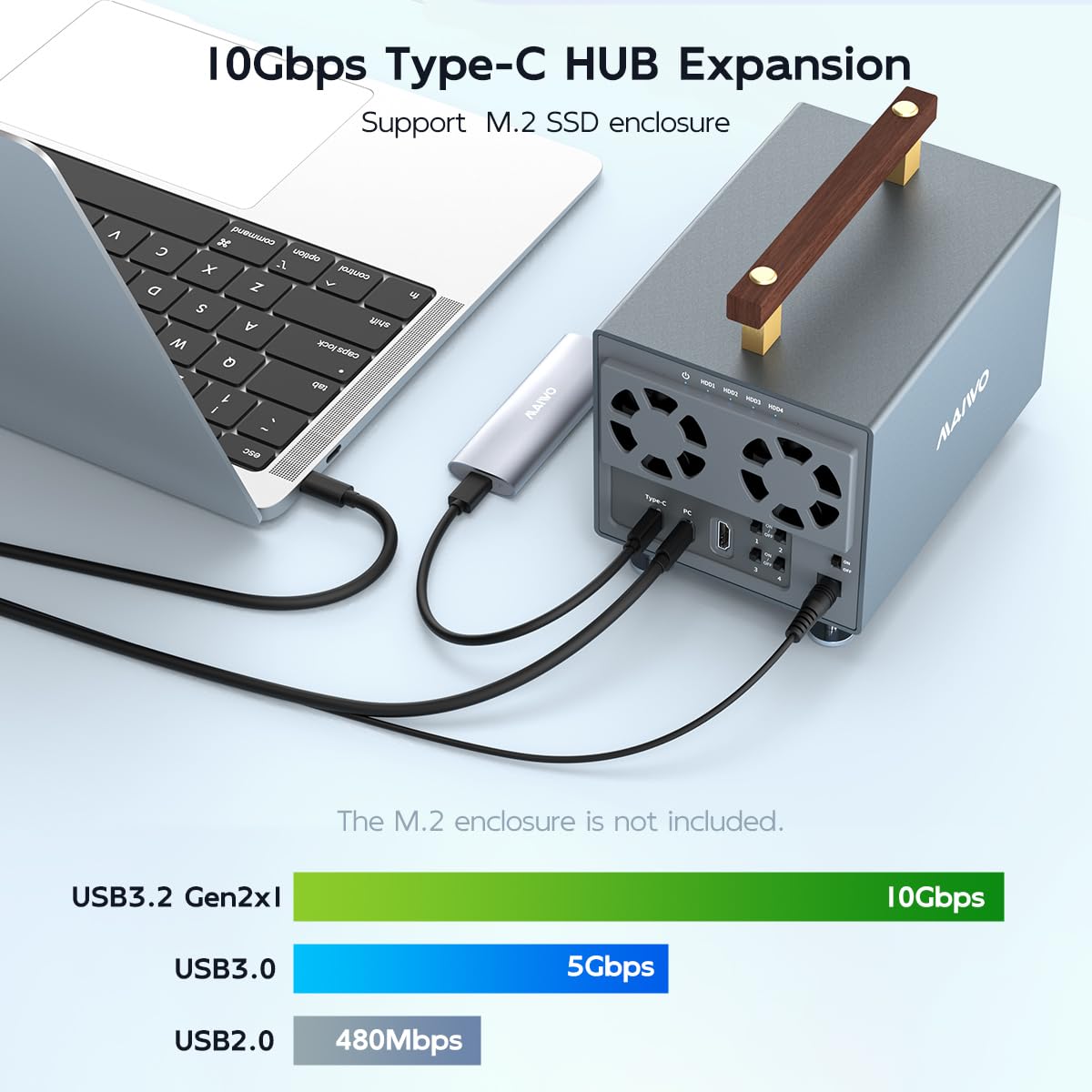
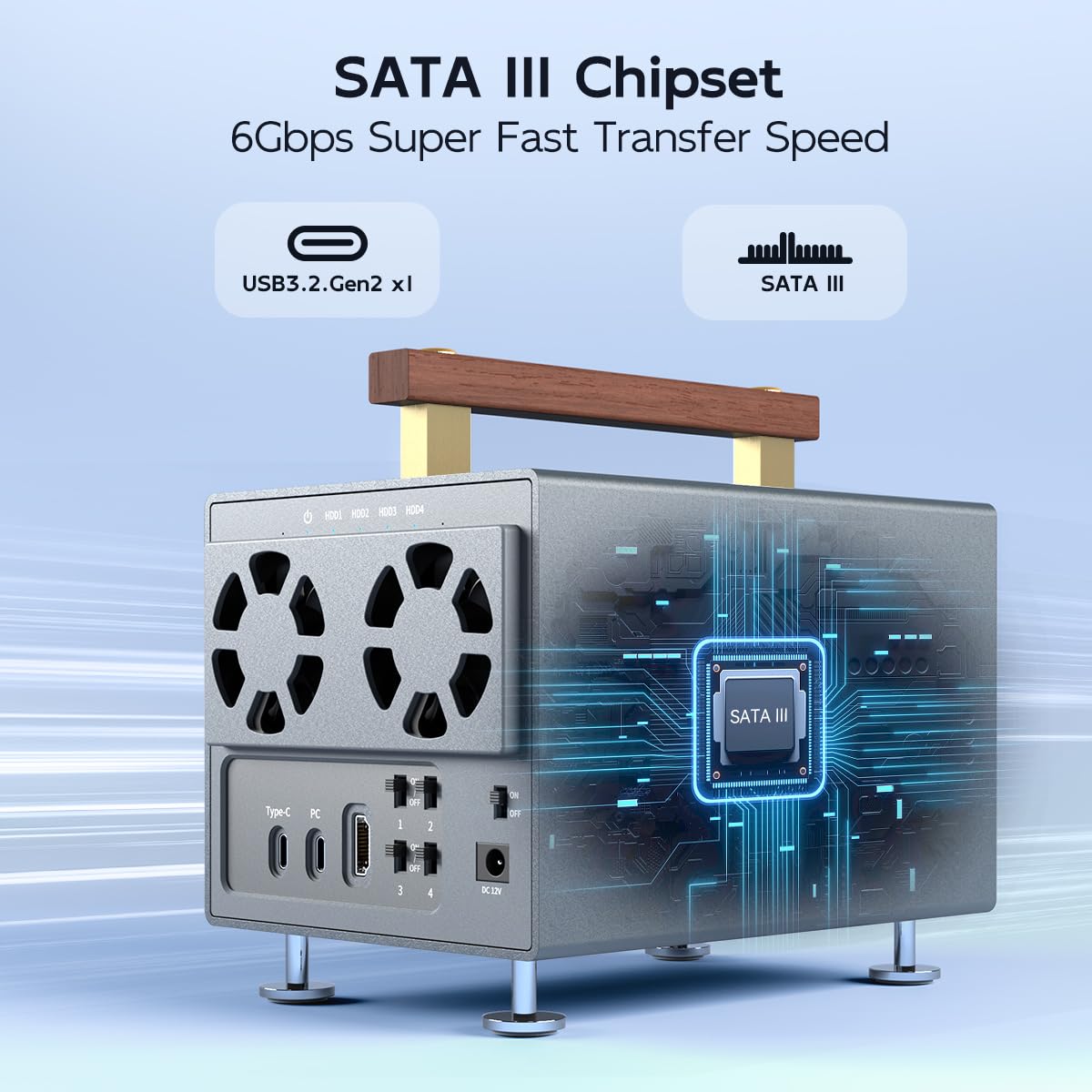
🚀 Elevate your storage game with speed, scale, and cool precision!
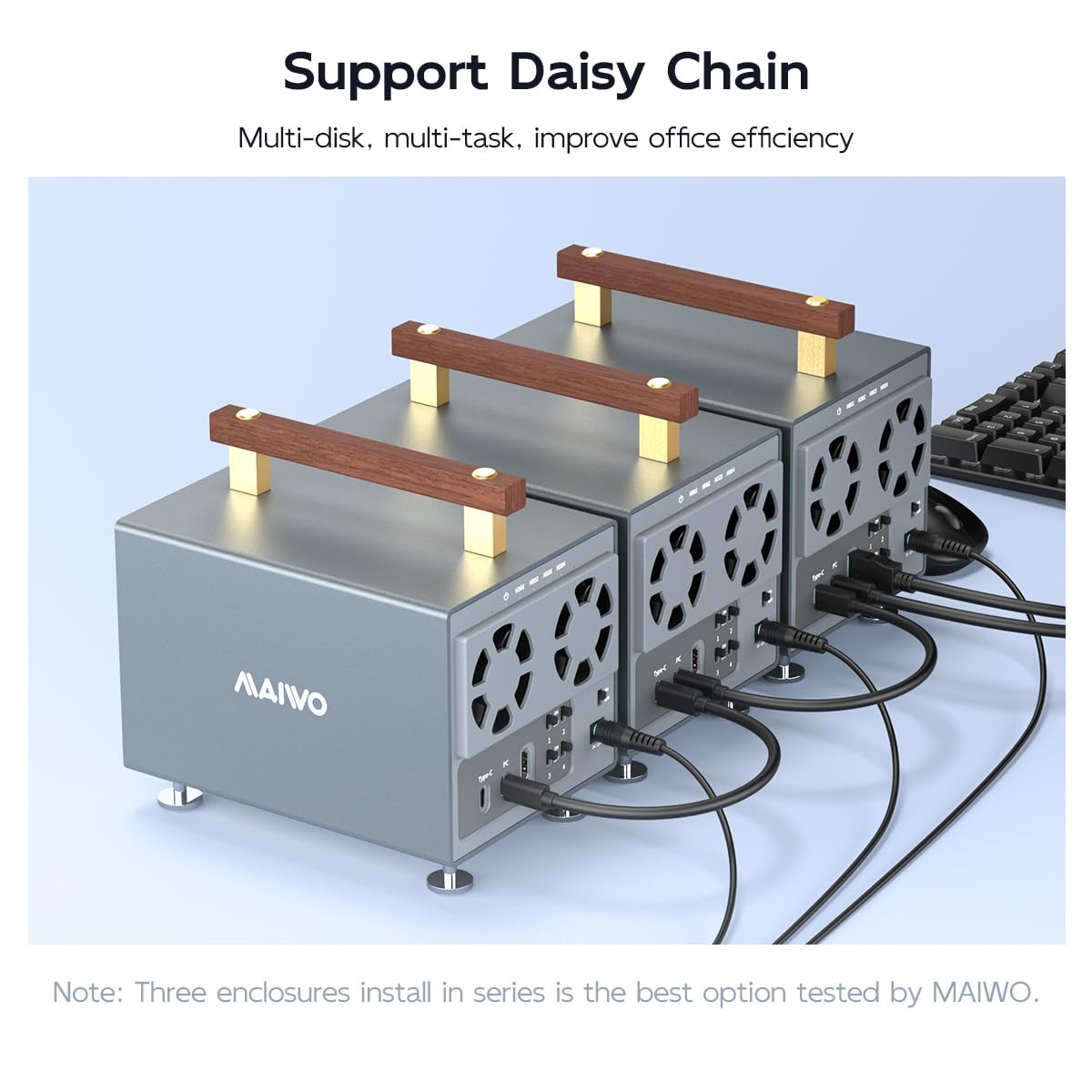
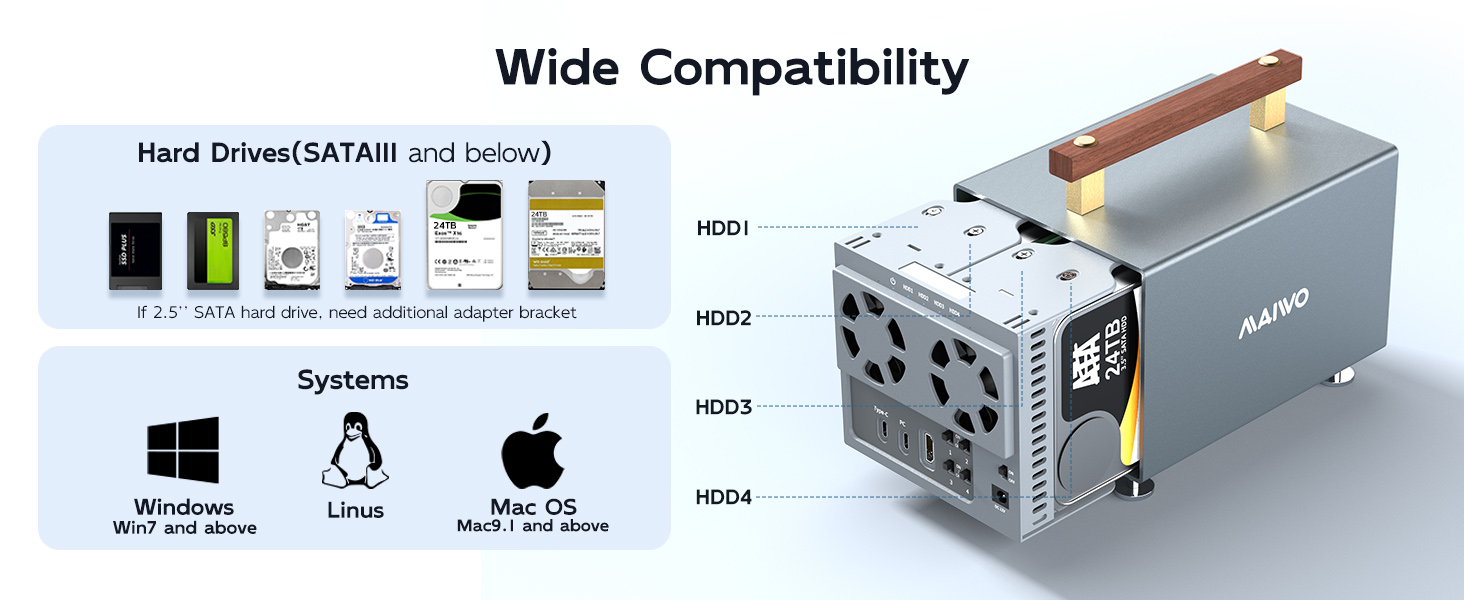
The MAIWO 4 Bay Hard Drive Enclosure is a professional-grade SATA III docking station supporting 3.5-inch drives with up to 96TB total capacity. Featuring USB 3.2 Gen2 Type-C interface delivering 10Gbps transfer speeds, it offers independent power switches per bay, robust aluminum alloy construction with dual cooling fans, and advanced features like 4K HDTV support and daisy chaining for scalable, high-performance storage solutions compatible with Windows, Mac, and Linux.




| ASIN | B0CX14DR9T |
| Best Sellers Rank | #120,928 in Computers ( See Top 100 in Computers ) #518 in Enclosures |
| Compatible devices | Desktop, Laptop, Macbook, Xbox, TV, Router, Phone(should support OTG), PS5, etc. |
| Data transfer rate | 10 Gigabits Per Second |
| Hard disk form factor | 3.5 Inches |
| Item model number | 4 Bay - USB3.2 Gen2 Type C 10Gbps |
| Item weight | 0.8 Kilograms |
| Manufacturer | MAIWO |
| Material | Aluminium Alloy Case |
| Max number of supported devices | 2 |
| Memory storage capacity | 96 TB |
| Product Dimensions | 18.39 x 12.7 x 16.89 cm; 800 g |
M**G
Update!!! It did state payment into my Amazon account would be faster than to my bank yet it still isnt in my accounts so i can get a replacement I only used this a few times, in between uses it was powered off and unplugged only using the drives or drive I required. Yet the last time I tried to use it, the blue light just flickered. I did read a review or two that said the same thing. PSU seems fine this looks to be some design flaw on the circuit board, I couldn't see any reset button, so I have begun a return. Considering these things travel halfway across the world to get to the UK, you would think Amazon would ensure the quality, especially after this problem has been reported a few times. Another thing I didn't realise was the Evri delivered and this company is the reason I rarely use flea bay these days Box was open and dumped at my door every time I checked tracking it said arriving Saturday Anyway, having read previous comments I was ready for the loose legs (a few seconds to screw in) and loose handle the supplied screw drive fit inside perfect to tighten these too I suppose travelling halfway across the world it would shake loose. I fitted all 4 bays but bay 4 is a mile out on one side so only got 2 screw in there, but it is tight so... but it really needs the holes moving or elongating to save costs. be prepared to use a screwdriver to secure your drives and remember bay 4 only has 2 powered on each bay separately and waited for it to initialise. One drive (bay 4) was showing, but it wouldn't let me access it. Ejected all drives rebooted the computer and all was good, It doesn't seem noisy I moved some files around on each disc and the speeds are what i would expect. It took about 5 minutes for the fans to kick in and youcan feel the heat being thrown out. I read some comments about the unit breaking down after an amount of time and got the impression some folk are leaving it on all the time. I will only turn it on when needed, and then only the drive i need. No point leaving it powered up and drives spinning if you aren't using it, hope this helps someone in future should I have issues I will be back to let folk know All around a good buy, the individual switches for each drive is a nice feature Obviously having returned this I would say research this before you buy
E**.
No issue so far with 2 of 8TB and 2 of 22TB. Just a note, the drive came with loose feet and loose handles which needs to be tightened with included screwdriver before putting the drive assembly back in. Also the drive assembly did not want to come out initially, there was one screw on the bottom holding it in that I missed the first time. Once that screw was removed, the whole assembly came out for easy installation of hard drives. I've tried other, cheaper drive system, it was flaky and prone to losing drives at random. Since it had only one switch for all of the drives, I couldn't just cycle a single offending drive. With this Maiwo 4 bay enclosure, I can enable or turn off a drive or 2 while leaving others connected. New hard drive notes: you may need to initialize and format them before it shows up. For Windows, run compmgmt.msc and select disk management, then look for the uninitialized or unformatted drive to set it up.
K**L
I love this enclosure. Works with 12tb drives. No mods needed.
A**S
Purchased in April of 2025, died in December 2025. Like others it won't power on. I turn it off only when I am going to be gone for a long period of time. When the computer shuts off the drives are still spinning so to conserve drive integrity, I simply shut off the drives one at a time then the main power switch. It has worked fine until, it didn't. Would not buy another one.
W**R
The product came quickly and was well packed, and included a small screwdriver and pack of hardware screws to mount drives. It had a small multi-language instruction pamphlet with minimal information - there was not much assembly/disassembly info. There is no technical/operational info except what's on the Amazon pages. I couldn't find anything else comprehensive to download from the net. On arrival both top handle attachment screws weren't tightened at all - the handle was totally loose. The inner drive cage is locked in place by a very small screw in the case bottom, but there was no mention at all that it needs removal to slide the cage out for drive installation. Assembly takes awhile since all drives are screwed in. When I powered it up the small blue power light flashed briefly but nothing else happened! DOA. The return and refund were seamless .... but I can't recommend this product to others regardless of apparently decent features and price.
Trustpilot
2 weeks ago
1 month ago