
DOWNLOAD THE APP


Customer Services
Copyright © 2025 Desertcart Holdings Limited
DOWNLOAD THE APP
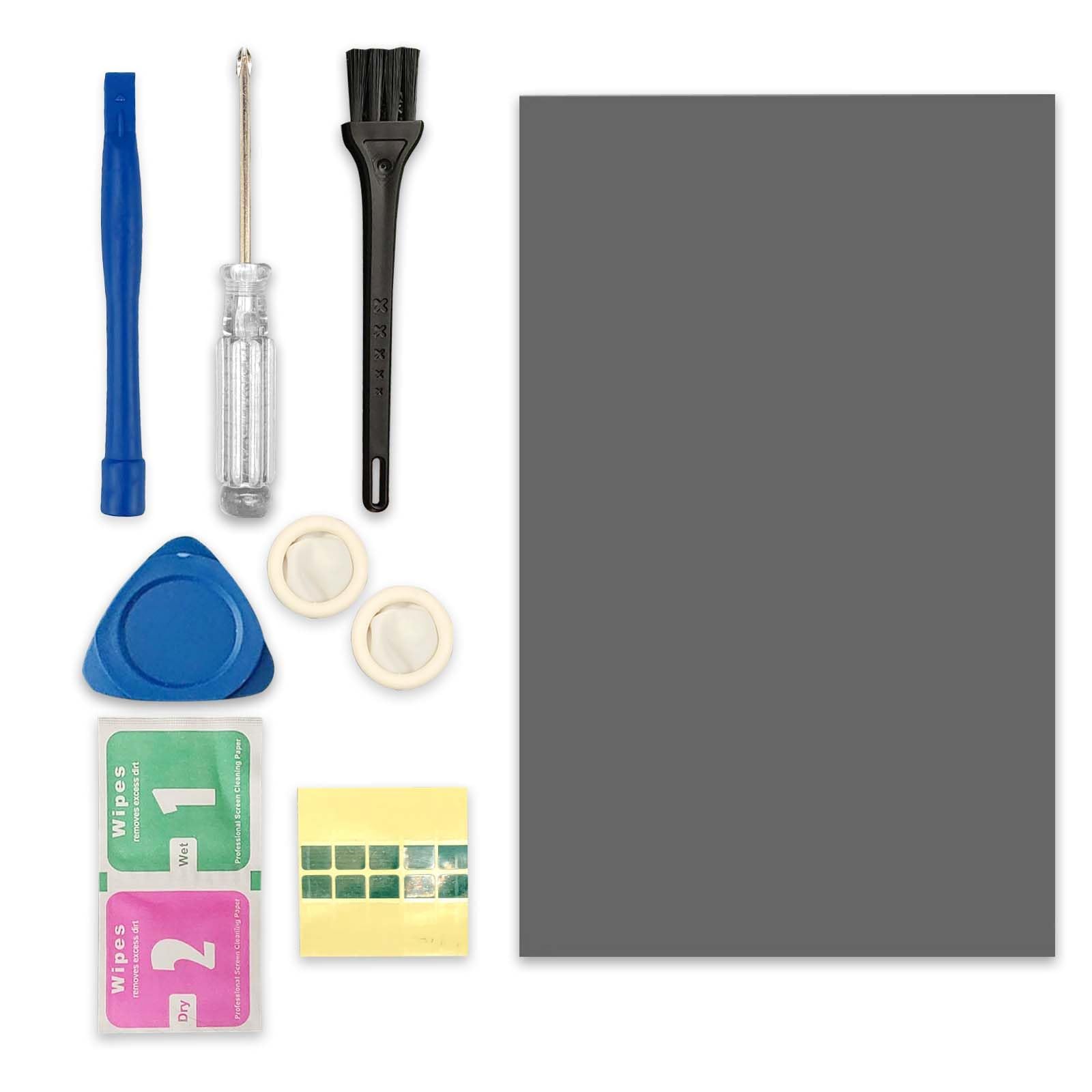
❄️ Keep your gear cool, your game hotter — don’t let heat hold you back!
The TERRIFI PTM7950 Phase Change Thermal Pad is a cutting-edge 40x80x0.2mm silicone-based cooling solution boasting an impressive 8.5W/mK thermal conductivity. Engineered for high-performance laptops, GPUs, and gaming machines, it dramatically reduces thermal resistance and maintains stability through rigorous testing (1000 hours at 150°C). The included professional-grade toolkit ensures easy, precise application, making it the go-to upgrade for millennial pros demanding peak device performance and longevity.


| ASIN | B0D8TF117D |
| Best Sellers Rank | #4,587 in Computers ( See Top 100 in Computers ) #2 in Thermal Pads |
| Brand | TERRIFI |
| Customer Reviews | 5.0 5.0 out of 5 stars (12) |
| Date First Available | 4 July 2024 |
| Item Weight | 40 g |
| Model Number | FG-0289 |
| Package Dimensions | 13.2 x 8.3 x 2.5 cm; 40 g |
I**V
New technology for cooling system
Good! Laptop more colder under load. Easy to use. All pieces in pack very useful
K**Y
Don't be in doubt
I'm writing this fo anyone who's worried about it. I bought an Asus ROG Strix G18 in 2024 and while I loved everything about it. CPU temp was constantly at 90-95 during gaming or heavy tasks. It got to the point where opening any game will keep it at 95c. That also resulted in constant stutters and made me feel that's the best I can do. I took it to a computer shop they inspected it and said they'd reapply thermal paste but it didn't do anything. Enter this sheet...I was worried I'd buy a cheap copy of the real deal but this is the real deal, the only challenge was to clean the liquid metal so please watch some videos on it first....applying this though was extremely easy, I just used scissors to cut to the shape of the CPU then GPU...followed the instructions on applying it...it took a week or two of heavy use to realize how amazing it is. Now CPU temp dropped from 95 to 75-80 during heavy tasks... Only spikes to 90-95 when I'm loading a game for the first time or there's a loading screen but it only lasts a few seconds then back to 80. Also consider watching videos on undervolting CPU using throttle stop software. You might think you're messing up with your cpu but combine it with this paste and now my laptop runs at the clocking speed set by Intel while keeping the temperature stable....in a nutshell this thermal sheet saved my laptop experience
E**�
it is actually real!
this is an authentic, genuine product it worked well
M**S
Authentic Thermal Game Changer
Finally an Authentic Honeywell version! Will recommend!
A**M
Best thermal solution
PTM7950 thermal pads are game changer, I have witnessesed 15C° drop in temperature during peak activity and stress for my laptop, went from constant +95C° to below 80C°. Idle temperature went from +70C° to below 45C° Highly recommend these pads instead of regular thermal paste
A**.
Works the best
Please do purchse from seller this thermal pad works like a charm helped me reduce temps from 90 plus to 77 plus till 83 laptop gets a bit hot but temps stay normal but that's how most laptops work u just gotta keep cpu temp in line 100% recommend
V**C
Incredible
I was really skeptical about this product and with how much praise it was getting. My laptop was sitting at 95c while playing BF6 even with thermal grizzly paste. I decided to purchase this for my GL75 laptop and straight from boot my laptop was SIGNIFICANTLY cooler. I'm talking 40c . Sometimes on boot while all the programs were launching on startup my cpu would hit 90+c but with this pad it never went over 60. In battlefield it did get to a cozy 85c but that was with sustained clock on all cores of 4ghz while before the CPU would throttle down to 3.4ghz. That's a 10c degrees decrease and a massive performance increase. I STRONGLY suggest this to anyone who has laptop overheating issues as this blows even thermal grizzly straight out of the park .
B**N
Skeptical but it works well
Having read about 'fake' versions of this product (original is from Honeywell) I decided to bite the bullet to help my laptop out in a pinch. I put the thermal sheet in the freezer for about an hour before installation which helped. It's a little tricky to install, I would recommend measuring/creating a template of the die you're planning on applying it to before cutting and giving yourself a MM or two over. Make sure everything is cleaned thoroughly, remove one side of plastic, gently place the exposed compound on the die, use your finger to gently warm up and adhere the compound, using one of the provided stickers you should be able to carefully lift the other side along with any excess. I managed to apply to two laptops (10th Gen i8 and 2070 Super) and might be able to get a 3rd out of this. Have had noticeable reduction in temps, although it will take a few heat cycles to fully perform (it becomes more liquid with heat). So far would recommend.
Trustpilot
2 weeks ago
1 month ago