
DOWNLOAD THE APP


Customer Services
Copyright © 2025 Desertcart Holdings Limited
DOWNLOAD THE APP

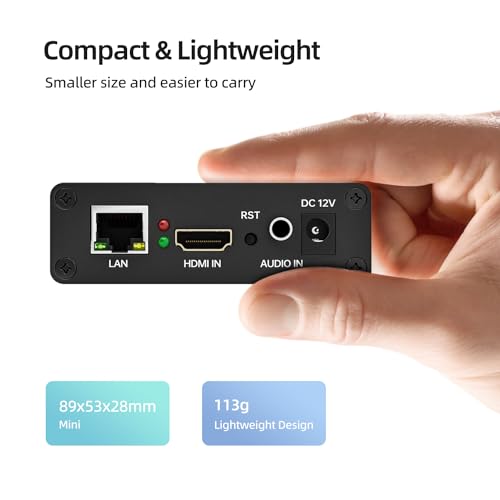
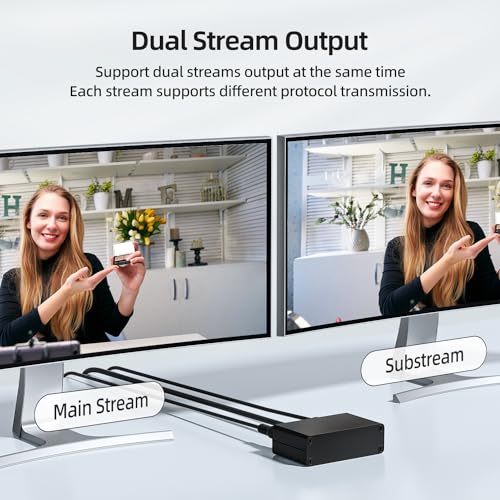
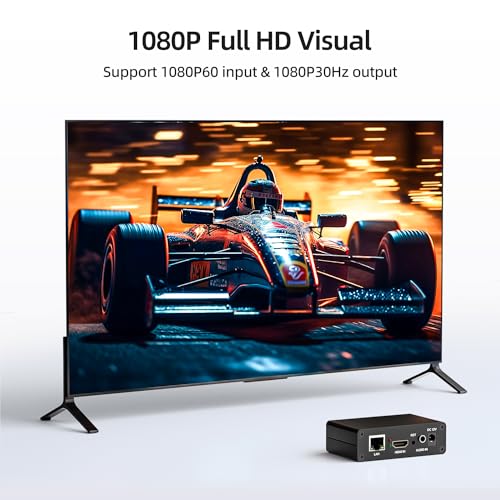


🚀 Elevate Your Live Stream Game with Pro-Level 1080P60 Power!
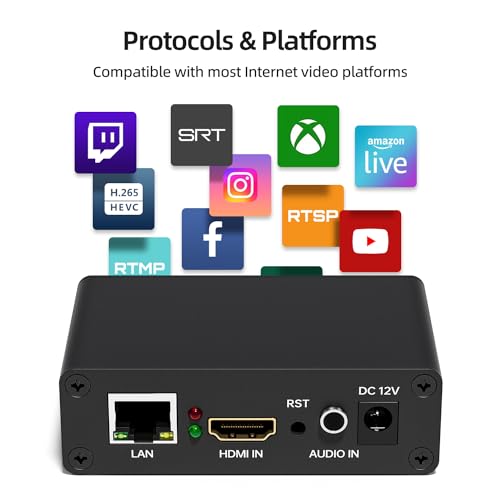
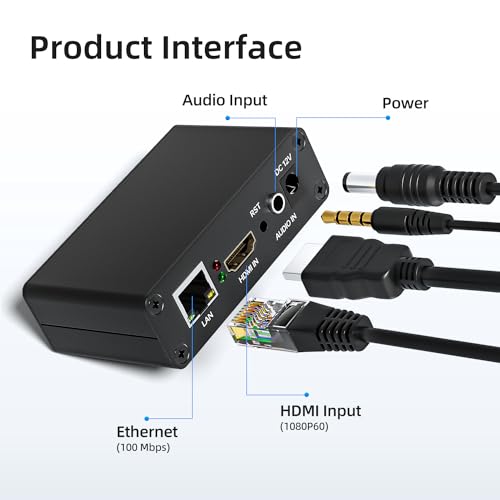
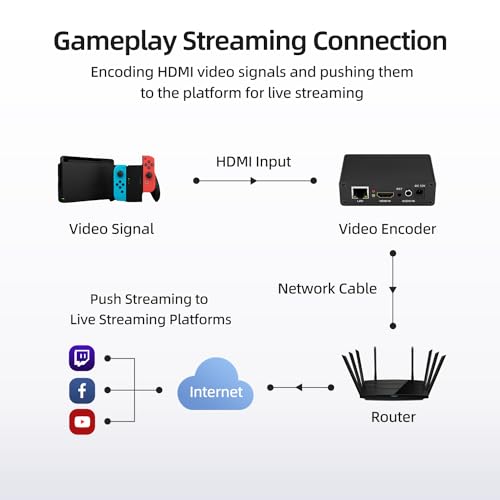
The UNISHEEN HDMI Encoder delivers professional 1080P60 live streaming with advanced H.265/H.264 encoding, supporting multiple streaming protocols including SRT, RTMP, and HLS. Designed for seamless dual-stream output without a PC, it offers low latency (100ms), LAN multi-client viewing, and a robust web-based control interface. Compact and energy-efficient, it’s perfect for content creators and managers seeking reliable, high-quality live broadcasts across major platforms like YouTube, Facebook, and Twitch.


| ASIN | B0CLV1HYKG |
| Best Sellers Rank | #157,794 in Electronics ( See Top 100 in Electronics ) #605 in Video Converters |
| Item model number | BM1000 |
| Manufacturer | UNISHEEN |
| Product Dimensions | 9 x 5.4 x 2.9 cm; 100 g |
A**R
Llegó en tiempo. El producto funciona muy bien acordé lo esperado. El manual es básico pero sirve de arranque.
S**D
Looking to encode an hdmi video feed from a camcorder to allow a sports match to be viewed remotely on YouTube Live. First venture into this area, so maybe a bit of a challenge. First point - the instruction book text is so small I had to scan it and view on the laptop! Browser logged into encoder set up pages ok, and accepted video straightaway - able to preview through set up page, or through vlc. Setting up YouTube info is straight forward too - address followed by key. Connected to local router and logged into hub manager page - noticed that the encoder IP address clashed with another device. Solution was to enable DHCP on the encoder so that the router assigned an unused IP. Currently using this sequence to get streaming - login to the YouTube Studio page you're going to use, remove power plug from encoder, switch on encoder power supply, switch on video source (i.e. camera) and plug hdmi into encoder, plug in network cables: encoder -> router ....finally plug in encoder power plug. Takes 30s - 1 min to sync up and might take a few refreshes on YouTube page. OSD graphics work ok - text or images. Love the scrolling text option! Update - external sound tested and working. Option for 2 channels - easy to manage in encoder panel.
O**L
Bought this for device that has hdmi output but no rtsp streaming capability. Now can access the output of this device to all my Smart Tvs all around my house, using for example, VLC (no need to specify port 554). Easy to set up but make sure to access the setup page with http and not https, so port 80 instead of port 443. Easily watch the output on your rtsp viewer. The ability to use either the hdmi audio or through the audio input is a nice feature. I monitor this device temperature through the status page (eg. CPU Junction Temperature:60°C). This doesn't vary much.
V**Y
First, it works. But you need to know a bit of networking to get it working. My network runs a different subnet than how it comes configured so i had to use a basic switch and static my laptop first to get into it and change the IP settings to match my own network. Second, there are a lot of settings here, and its going to take awhile for you to find the perfect stream for what you are using it for. Myself, I am sending my Video Server to all tv;s in my house with my Apple tv's and xbox's being able to pull the stream. I ended up using H264 or H265 because some of my older apple tv's could handle H265. Also spent a bit adjust the bitstream data throughput. If you do not have a robust network, be prepared to drop it low so it doesnt bog down your network. I have mines set at the highest level i can but if i go download and transfer something large on the network, i dont ahve the backplane to support and the video gets spotty. Again, i can lower the bitrate but I want the quality and boy oh boy can they send some crystal clear video.
A**S
Not gonna lie...this thing was difficult to configure and set up, but once I got that done (thanks, ChatGPT!), it works great! Size is smaller than I expected, which is a good thing. However, it lacks a 1/4-20 mounting thread for mounting on a tripod or standard video-type equipment. I'll probably 3D print an adapter for it, so no big deal, but a small detail that would improve usage. Once I got it configued, I like that it is just plug & play with no on-box UI...I livestream a lot of sports and sometimes have teens running the camera...this ensures they can't mess with it and inadvertently kill the stream by changing something they shouldn't. Overall, really pleased with this purchase, just wish the configuration UI was a bit more intuitive.
Trustpilot
1 month ago
2 months ago