

Desert Online General Trading LLC
Dubai, United Arab Emirates
Desert Online General Trading LLC
Dubai, United Arab Emirates


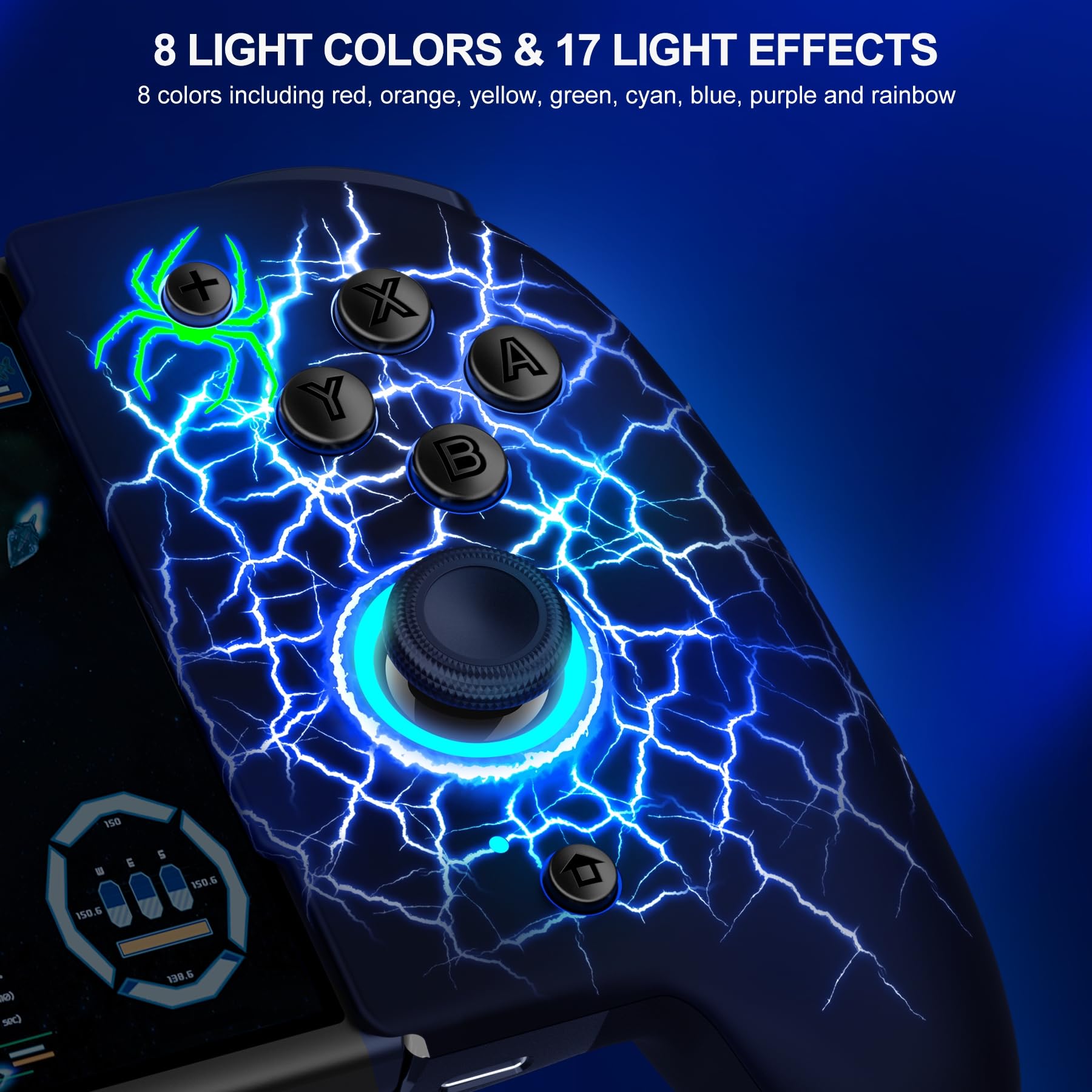


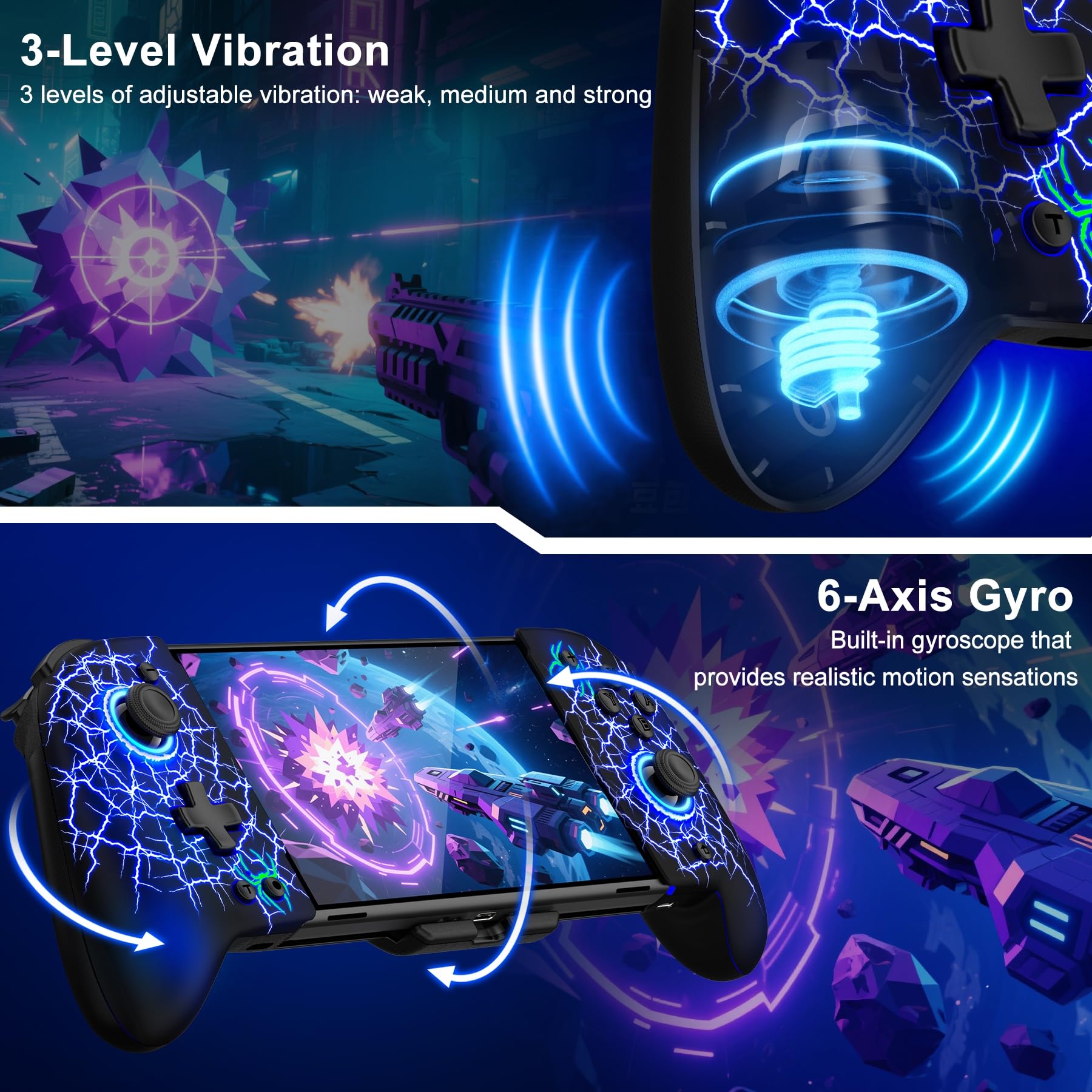
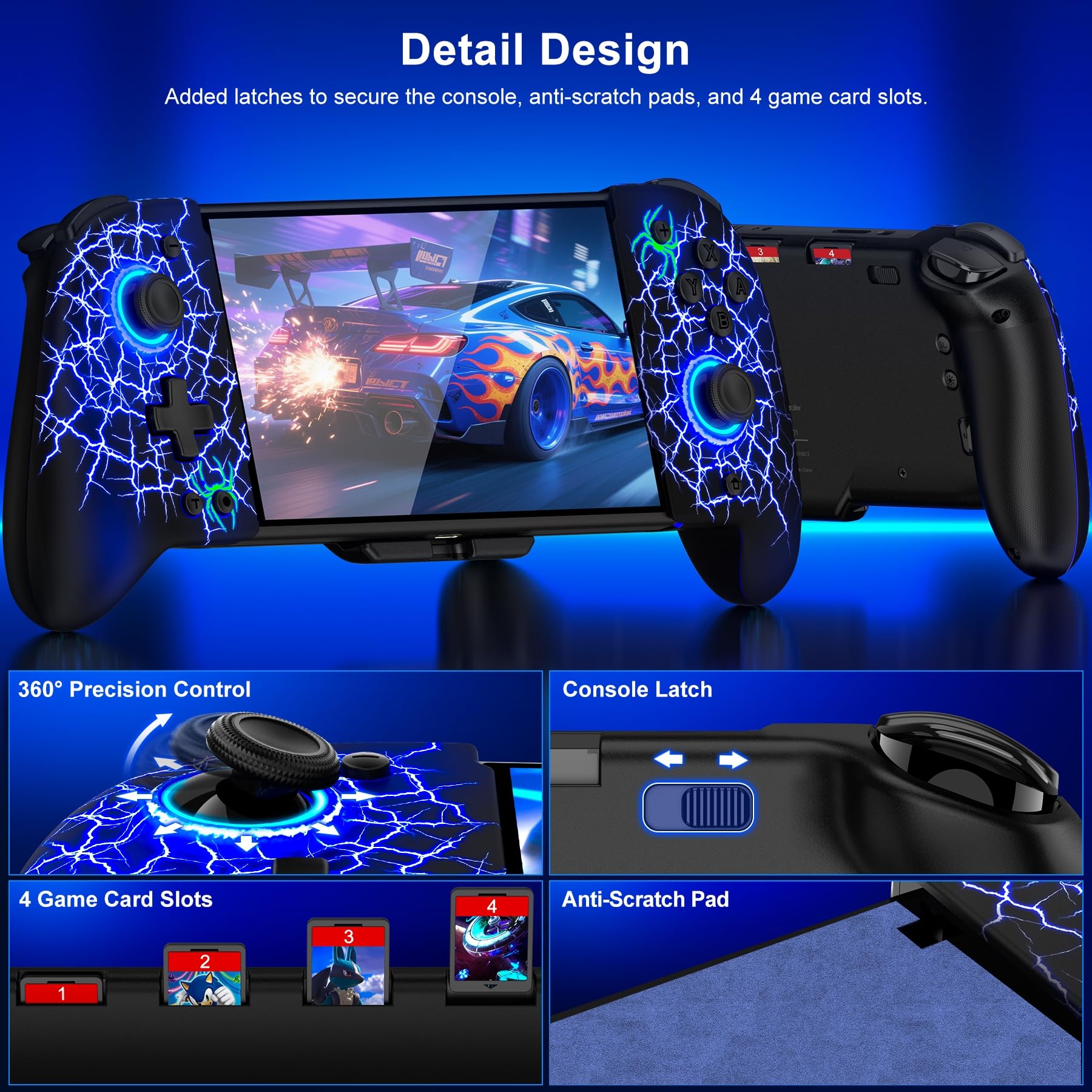

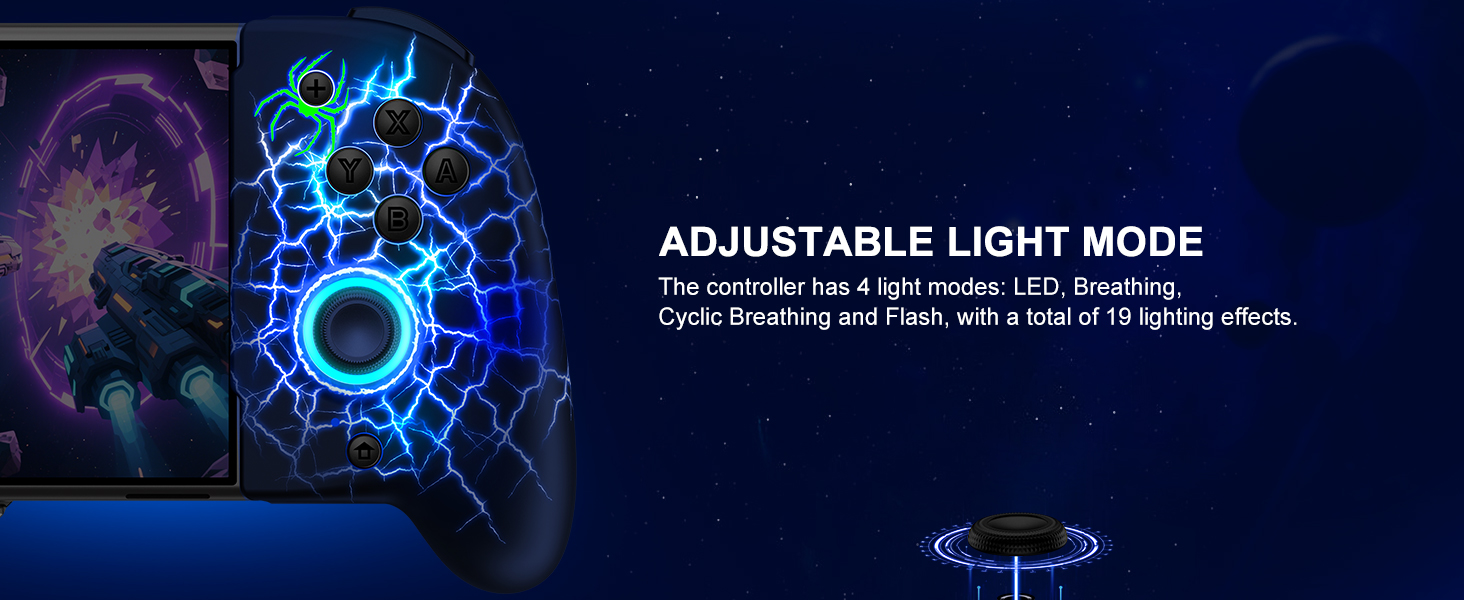
🎮 Level up your Switch game with precision, style, and stamina!
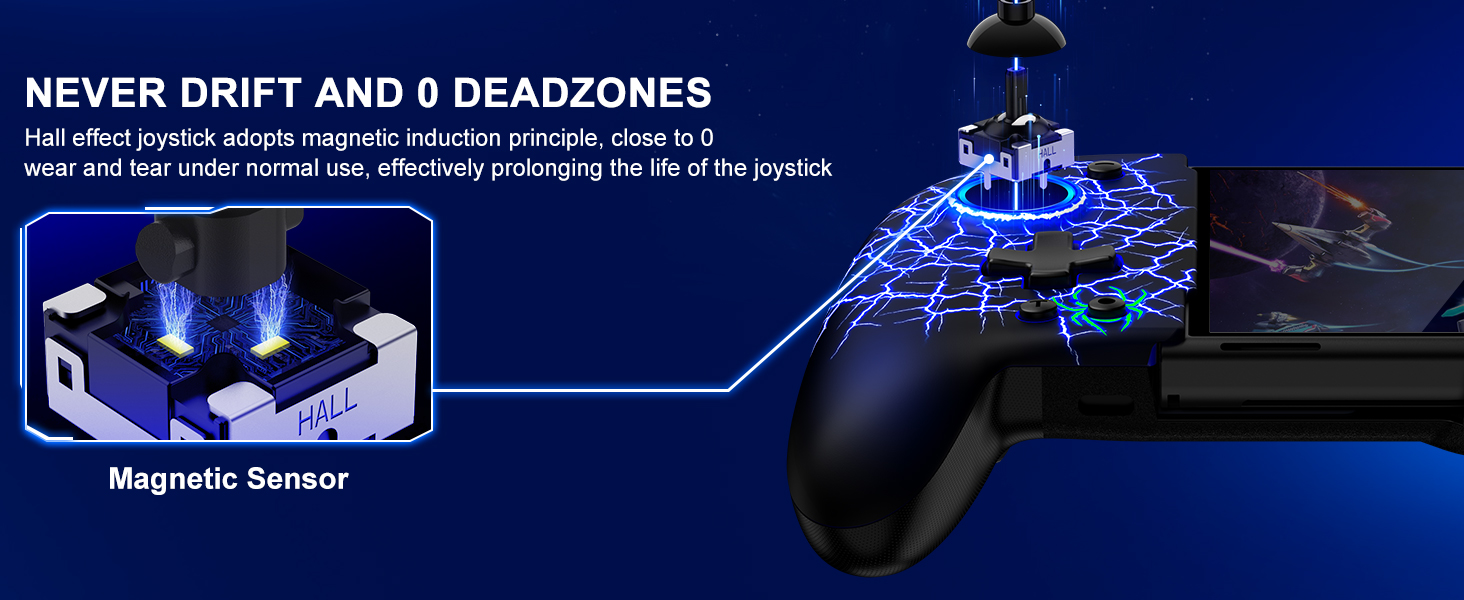
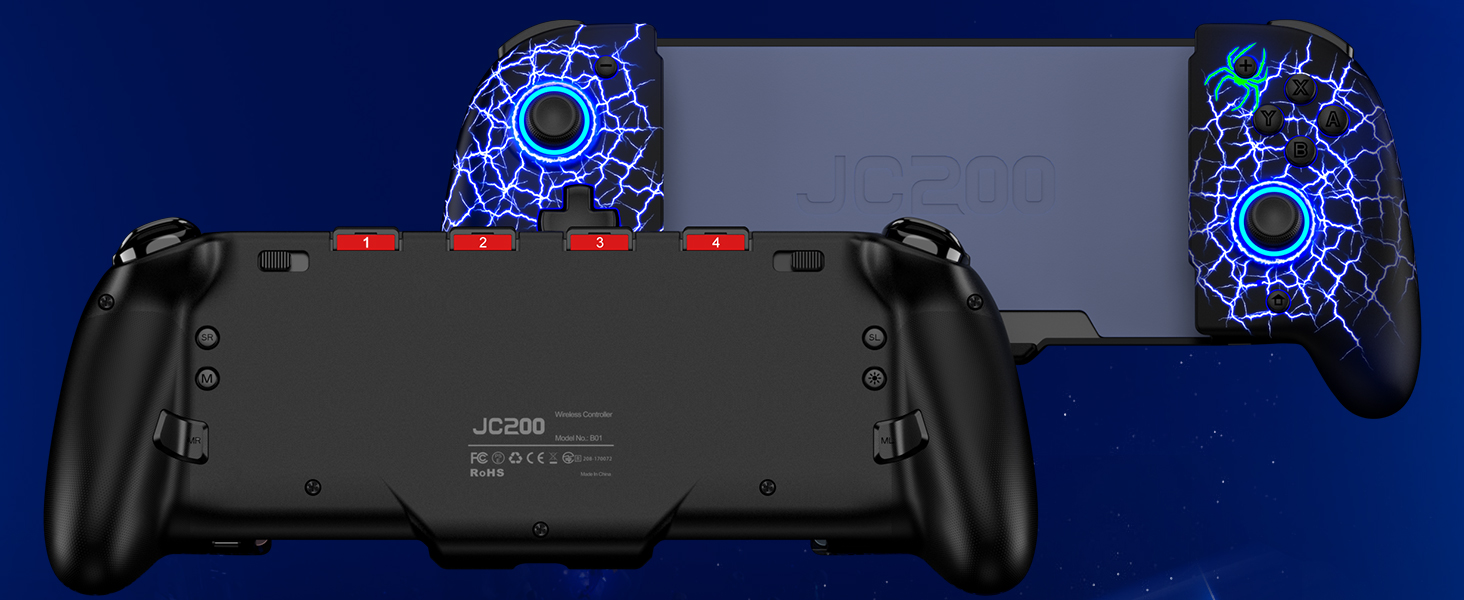
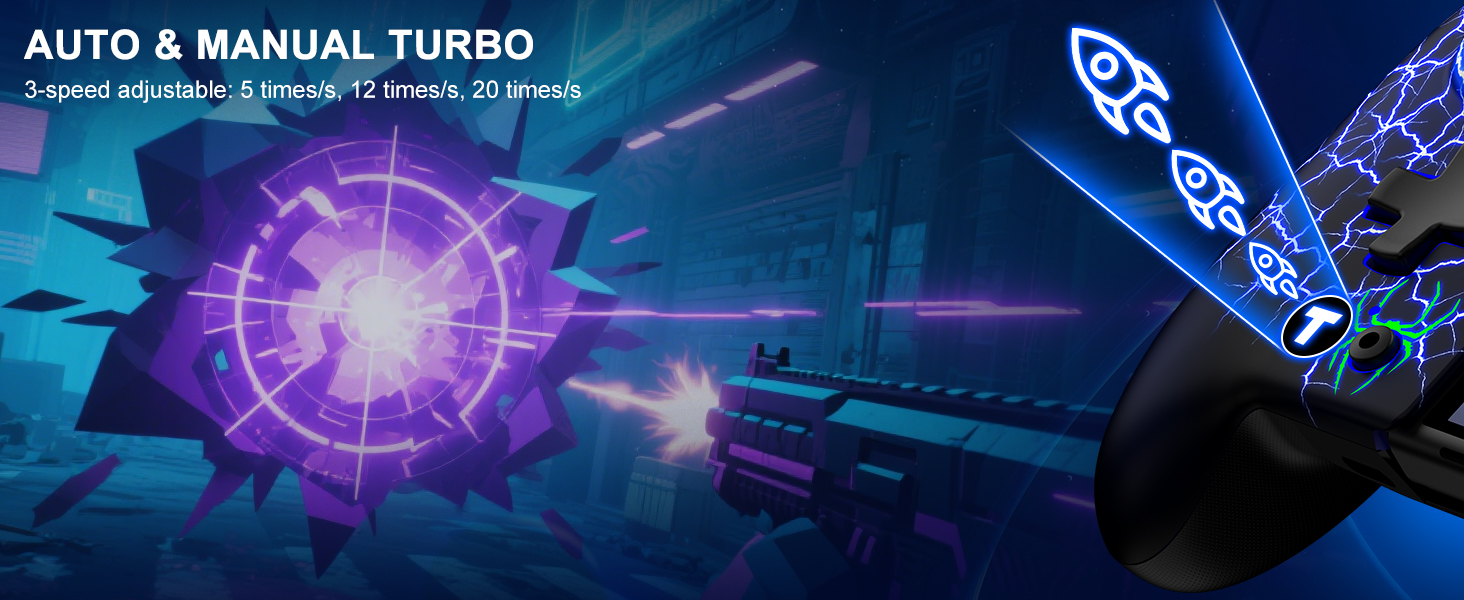
The Gammeefy Hall Effect Joystick Switch Pro Controller combines ergonomic full-size grips with advanced Hall Effect technology to eliminate joystick drift. Featuring a powerful 1000mAh battery for up to 10 hours of wireless play, customizable RGB lighting with 17 effects, and turbo modes for rapid-fire action, it’s designed for serious handheld gamers seeking comfort, precision, and style.


L**L
Great product - we bought 2!
We love this controller. It feels good in your hands and works well. We have had issues with connectivity of other controllers that connect to the ends of the Switch. This controller holds the Switch in it, but the connection is remote, so the level of connection on the sides is irrelevant. Because it's not electronically connected to the Switch, you do have to charge it separately. However, they send a dual USB cord that allows you to charge both the Switch and controller at the same time.
K**Y
Great product
I love the strudyness, the colors, and how quick the Bluetooth connects to it. It doesn't take long to charge either.
T**E
Excellent Product – Highly Recommended!
I couldn’t be happier with this purchase! The quality of the product exceeded my expectations right out of the box. It’s well-made, performs exactly as described, and has been incredibly reliable. You can tell a lot of thought went into its design and functionality.What impressed me most was how easy it was to use and how it instantly added value to my daily routine. It truly feels like money well spent—worth every penny.I’ve already recommended it to friends and family, and I wouldn’t hesitate to purchase it again. If you’re on the fence, go for it—you won’t regret it!
A**A
Nintendo switch controller
This is an excellent option for your kids. Good quality come in easy to use
R**E
This makes playing in handheld mode actually comfortable
I gave my dock to my little brother for since his was broken in a move, and have had to play my Switch in handheld mode exclusively (because, honestly, who plays in tabletop mode?). I'd forgotten how bad and uncomfortable it was to play on the Switch in handheld mode with the Joy-Cons. Especially if you have large hands as I do. I'd tried other decks to play my Switch and found that I didn't like any of them very much, primarily due to the fact that many of them place the right thumb stick directly beneath B-button, and in intense gaming session, I find myself nudging/bumping the right stick whenever I needed to press B and I'd completely screw myself over by accidentally moving the camera around. Plus, they're expensive and I didn't want to spend good money on something that may or may not work for me. So, I took a chance on this, and I've never looked back.This deck feels so comfortable in the hands! The button placement and especially the thumbstick placement are exactly where they feel they should be. The buttons themselves and the D-pad, all feel so good to use, and have a satisfying click without being too resistive or squishy. The thumbsticks are quit accurate and cradle the thumbs nicely as you use them as well.If I had any complaint, it would be that there's no USB charge pass-thru so that you can charge the controller and Switch at the same time. There's a concession made in the form of a double-headed USB-C charging cable included with the deck, so there's that. Other than that, I have no complaints about this device at all, and highly recommend it to anyone looking for an affordable solution for playing their Switch in handheld mode comfortably.
D**X
It stopped lighting up already *edited*
I love the feel of it, it works great, 0 drift, but last night i noticed that it isnt lighting up anymore. I also noticed that when it did light up i couldnt change the colors when i pressed the button, it was like the button was for decoration. Also the vibration was EXTREMELY strong, i couldnt hear my game over it so i had to turn it off, which nbd for me since im not that big a fan of vibration anyways, but someone might not like it idkThe controller still works, even though it isnt lighting up, im just confused. Edit: i am dumb and turned it off. I figured it out though i have 0 clue how i managed to turn it off.
J**S
Definitely Worth the Buy
Very comfortable for myself and the 10 year old gamer. No drag so far and we've had it for over 6 months. Grest product and LEDs are amazing!
D**2
Turbo feature won't deactivate, can't use device!
Bought this controller, used it for a few days - no issues. Played a game that would benefit from using the turbo feature. Activated it, worked beautifully, until it came time to turn the turbo feature off. Manual says you can deactivate it a few ways, however, my unit seems to be defective in the fact that the turbo button itself (initally used to activate the feature) doesn't work. Manual says press the button that has the assigned turbo function to start turbo mode, then press the turbo button to deactivate it. Tried it, no effect. Other option is to hold the turbo button for 5 seconds until the unit vibrates, indicating all assigned turbo functions have been turned off. I can hold that button for several minutes - no effect. I tried the reset button on the back of the device. I even tried holding that for several minutes, no change. I downloaded the keylinker app and reset the unit to factory through that - issue still remains. The issue is now I can turn the unit on, and press any of the buttons (X,Y,A,B, etc). As soon as I do, the little green light next to the turbo button (on the left side of the unit) lights up. Press the same button again, and the green light blinks indicating turbo mode is activated. Pressing the same button a 3rd time shuts turbo mode off - until you press that button again. Trying to use the A or B buttons to navigate the interface on the switch isn't possible. Shame, as this unit was great up until I turned that function on!
Trustpilot
5 days ago
2 weeks ago