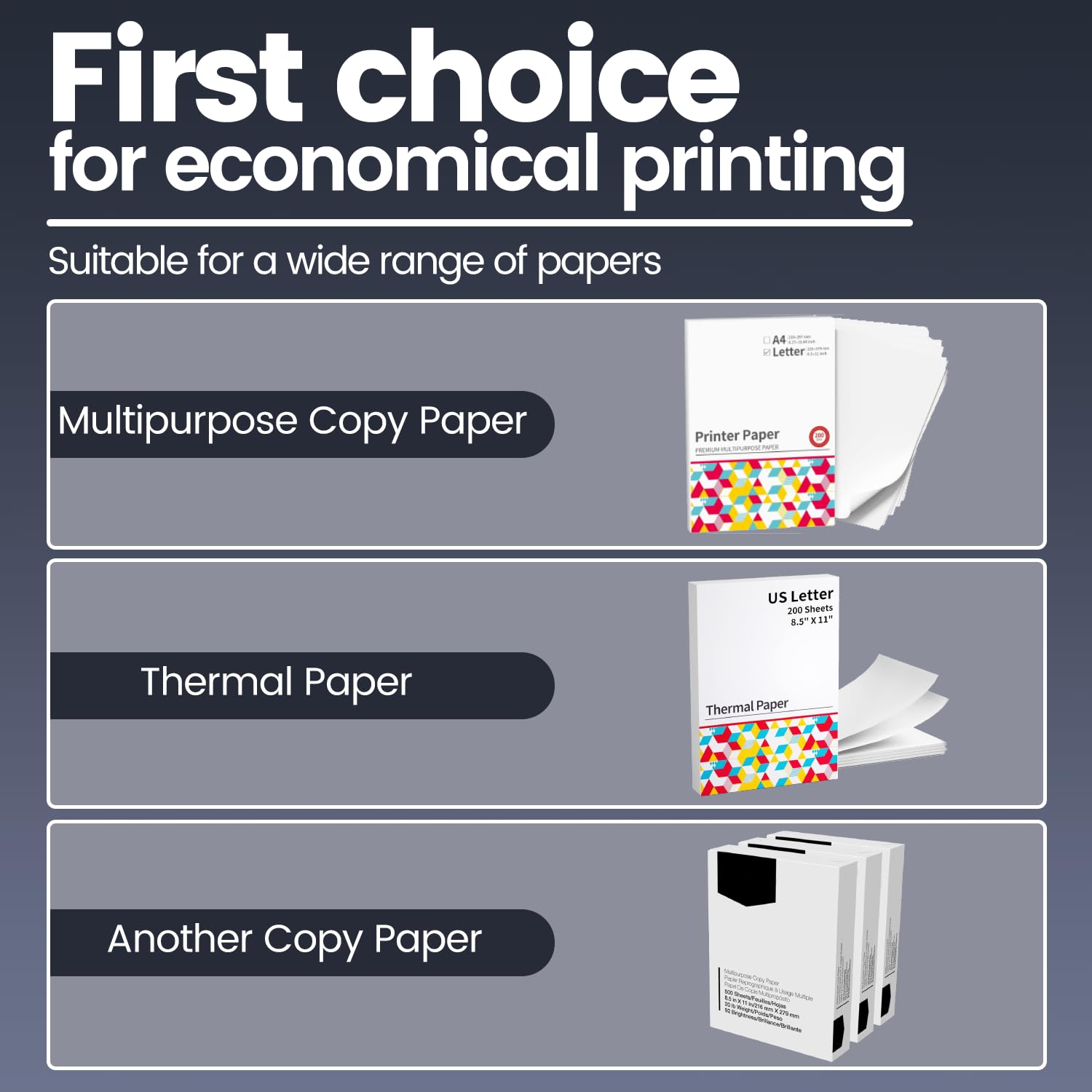


🖨️ Print Anywhere, Impress Everywhere — Your Portable Powerhouse
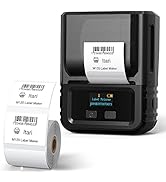
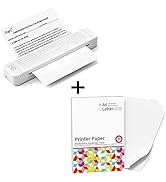
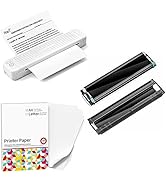
The Itari Portable Printer P831 is a lightweight, travel-optimized wireless printer supporting US Letter and A4 paper sizes. Featuring 300 DPI carbon ribbon printing technology, it delivers sharp, fade-resistant black & white prints at speeds up to 35 pages per minute. Compatible with iPhone, Android, Mac, Windows, and more, it offers versatile connectivity via Bluetooth and USB. Its adjustable paper slot supports multiple media sizes, making it ideal for business travel, home, or office use.





| ASIN | B0C5DQPXSR |
| Additional Printer functions | Print Only |
| Batteries | 2 Lithium Polymer batteries required. (included) |
| Best Sellers Rank | #79,092 in Electronics ( See Top 100 in Electronics ) #125 in Portable Photo Printers |
| Compatible Devices | Laptops, PC, Pad, Smartphones, Tablets |
| Control Method | App |
| Controller Type | IOS, Android, Pad, MacOS, Chrome, Windows, Linux |
| Customer Reviews | 3.6 3.6 out of 5 stars (446) |
| Date First Available | July 24, 2023 |
| Dual-sided printing | Yes |
| Duplex | Manual |
| Hardware Interface | USB |
| Included Components | Printer |
| Initial page print time | approximately 1.69 seconds |
| Ink Color | black |
| Item Weight | 1.75 pounds |
| Item model number | P831-WH |
| Manufacturer | Itari |
| Max Copy Speed (Black & White) | 35 ppm |
| Max Input Sheet Capacity | 120 |
| Max copy resolution black-white | 300 dpi |
| Maximum Black and White Print Resolution | 300 dpi |
| Maximum Media Size | US Letter 8.5" x 11" |
| Memory Storage Capacity | 64 KB |
| Model Series | 831 |
| Number of Trays | 1 |
| Number of USB 2 Ports | 1 |
| Output sheet capacity | 120 |
| Print media | Paper (plain) |
| Printer Ink Type | carbon ribbon |
| Processor Count | 1 |
| Product Dimensions | 13.7 x 4.17 x 3.11 inches |
| Scanner Type | Portable |
| Series Number | 831 |
| Sheet Size | US Letter 8.5" X 11"/A4 8.27" X 11.6"7"/B5/A5 Inches |
| Specific Uses For Product | Office |
| Supported Media Sizes | A4, A5, B5 |
| Total USB Ports | 1 |
| Warranty Type | limited warranty |
| Wattage | 2000 milliamp_hours |
C**L
Printer
Only one I could get to work
K**A
False Advertising of an otherwise bad printer
First, the product description lies that it supports Linux and it doesn't. They don't publish PPDs / driver for linux. So I give the product one star for knowingly publishing a false description. They probably assume few enough people will be affected by it that they can just get away with it. Unfortunately, I was one of the few. I was able to get it working with the mobile app over bluetooth. But the print quality was terrible and barcodes were completely blended together and no longer scannable. I tried with the "light" setting and then when that was terrible, I tried the "dedicated" setting and this picture is what that did to the printer ribbon, which is now ruined.
Y**I
Good function
Very good function
D**.
Easy to use
Needed a simple printer and I got what I wanted. The size is what I was looking for. Initially had a ribbon issue but customer service was prompt and said they would deliver one after I explained the issue. My messages were responded according to the time zones so just be patient 🤍
A**R
Good overall device
Pros: 1. Easy setup: The machine is user-friendly with a straightforward app installation process (tested on an iPad) and a quick setup time of about 5 minutes. 2. Instant printing: Once the paper is inserted, the printing starts immediately upon activation from the device, with a unique “Tron-like” sound. 3. Quality for everyday use: Prints text clearly on copy paper, making it suitable for personal use like checklists and recipes. 4. Aesthetics and portability: The machine has a sleek design and is conveniently lightweight. Mine is white and looks very nice. Cons: 1. Single sheet limitation: Can only process one sheet of paper at a time, requiring manual feeding for each print. 2. Print quality: Text edges are not crisp, making it unsuitable for professional documents like resumes. 3. Limited photo printing: Struggles with gradient shades, resulting in a charcoal rubbing effect, and potentially excessive ribbon usage. 4. App design: The app features Asian characters, which may not appeal to all users. Overall, this machine is great for simple, personal printing tasks, but it may fall short for more professional or complex printing needs.
A**R
Good product
Good product
P**L
good in theory - but if the carbon roll is messed up - its a disaster
So this was my first time ever using a portable printer and I was a little excited about it. Unfortunately....it did not go well. I felt like it was my childhood again dealing with a horrible printer problem...so the technology...did not help matters at all in this case. Basically, it says "check to make sure the carbon is placed properly in the printer" or something like that, and I checked it and it felt a little wrinkled and scrunched up....but it wasn't clear what you should do if its a little wrinkled or scrunched up, or what you even do to "make sure" it is in properly. No other directions. Just "make sure". OK. So I see that its in there and its giving me a green light, even though it looked a little wierd and scrunched up....so then I get the green light and start trying to print..and then the page won't feed into it either. Its giving me a green light...and it doesn't suck up the paper. Nothing. While its making a noise as if its doing something internally. I try 4-5 times, trying to feed the paper in....and finally with a little steady push it starts to go in....but then....it it slightly off-track...and gets stuck. (yay...same problem I have had with almost every printer ever....) and this time there is no easy fix like to unroll it. You have to open it up and try to wriggle it around yourself. and from then there seemed to be no way to "re-set" anything, to get the half-sucked out paper out, or to re-rest the carbon. I tried "reversing it"...and just started getting a huge mess of black carbon paper every where....and from that point once the "genie is out of the bottle"....there is no going back. Total frustrating disaster. I am moderately adept at using technology. The connecting part was easy. I liked the app and had no problem downloading or installing the app, it had 500k downloads and strong reviews. So the app was good, connecting was not too bad, took a few tries maybe 5-10 minutes. But once it was messed up...there was almost no way to fix it. and it just got worse and worse so I had to pull out the carbon roll and its probably ruined now. You have to buy carbon rolls at about 12 bucks per 45 pages so whenever I can get another carbon roll I will give it another try. But I imagine you might have to burn through a few rolls just to get the learning curve down. Unless I just got a dud that was scrunched up, and probably normally that doesn't happen..perhaps it just works easily and flawlessly for most. But for me...horrible first experience. I would not advise this for anyone not good with technology of printers as I even know technology decently...and it was a disaster. And if you get a bad carbon roll...its a mess. But it seems like it would otherwise be a decent item, perhaps, if things actually go how they are supposed to. Disappointed but will give it a 2nd try at some point.
O**A
Muy buena inversión fácil de usar y sobre todo un tamaño perfecto para cualquier espacio o viaje
C**S
Edit: after trying to contact support via the website I eventually tried the WhatsApp number & had awesome success. The Phomemo team was diligent to figure the issue out and to offer solutions- in the end they pushed a software update on my app which I hadn’t seen available anywhere else and tada! Printer is printing again! I adore this printer, but after aprox. 1 year of use it’s randomly started saying Ribbon error message and will not print. I’ve tried resetting it, cleaning the print head, readjusting the used ribbon, connecting it to a computer and nothing is working. After trying to install the driver on the computer the computer still will not recognize it as a USB device, only a Bluetooth device, and I can’t locate the settings to make it thermal only. I’m unsure what to do, I use this printer constantly it’s the best. Light, portable, convenient, fantastic in a pinch and great battery life. Has anyone experienced this issue? I bought this printer in April of 2024 for my small business to print invoices. I print 4 or 5 pages a week in invoices, plus freight labels etc. The thermal transfer roll lasted me until June 2024, and worked great. I’ll absolutely be ordering more thermal transfer rolls eventually. Since June 2024 I’ve been using thermal paper by the roll, I bought phomemo brand and it works excellent. Battery life is exceptional, it’s lightweight, and it connects via Bluetooth in the phomemo app seamlessly.
E**L
L'imprimante portable A4 est un véritable bijou pour ceux qui ont besoin d'imprimer en déplacement ! Sa compatibilité avec Android et iOS la rend super pratique pour imprimer directement depuis mon smartphone ou ma tablette, ce qui est idéal pour mes voyages d'affaires. J'adore le fait qu'elle utilise une impression thermique, ce qui signifie qu'il n'y a pas d'encre salissante à gérer, et cela garantit des documents propres et permanents. La qualité d'impression est impressionnante, même pour des documents importants. Son design compact facilite son transport, ce qui en fait un excellent choix pour la maison, le bureau ou même les déplacements fréquents. Cette imprimante allie praticité et performance, rendant l'impression simple et efficace où que je sois ! J'espère que cela vous sera utile.
E**S
Fantastic just does the job
2**9
Embracing the world of portable printing, the Itari P831 Inkless Thermal Transfer Printer swiftly became my travel companion. Here's my journey with this compact marvel. 🚗✈️ Pros: Travel-Friendly Convenience: The Itari Portable Printer is a travel essential. Its compact size and lightweight design make it effortlessly fit into my travel gear. 🛄🌐 Inkless Thermal Transfer Technology: Bid farewell to messy ink cartridges! The inkless thermal transfer technology delivered crisp prints without the need for ink replacements. It simplified the printing process, ensuring that I didn't have to worry about running out of ink at the most inconvenient times. 🖋️🚫 Wireless Bluetooth Connectivity: The wireless Bluetooth connectivity is a key feature. It allowed me to print directly from my smartphone or tablet, eliminating the need for additional cables. The seamless connection simplified the printing process and added to the overall convenience. 📱🔄 Cons: Print Speed Consideration: While the printer is efficient for on-the-go needs, the print speed might not match that of larger, stationary printers. Patience is required for longer documents or high-volume printing, but it's a reasonable compromise for portability. ⏳📃 Limited Print Size: The printer's limitation to US Letter and A4 sizes might be a drawback for those seeking larger print options. While suitable for most travel and personal needs, it might not fulfill requirements for larger business or creative projects. 📏🚫 🔄🤓 The Itari Portable Printer 's compact design, inkless technology, and wireless connectivity make it a practical choice for those who need on-the-go printing without the hassle of traditional ink-based solutions. 🌟🛣️
D**.
Der Drucker eignet sich perfekt für unterwegs. Ich nutze diesen Im Aussendienst und bin absolut zufrieden. Gut ist das ich normales Papier bedrucken kann und nicht extra Thermopapier benötige.
Trustpilot
3 weeks ago
1 week ago



