Desert Online General Trading LLC
Dubai, United Arab Emirates
Desert Online General Trading LLC
Dubai, United Arab Emirates
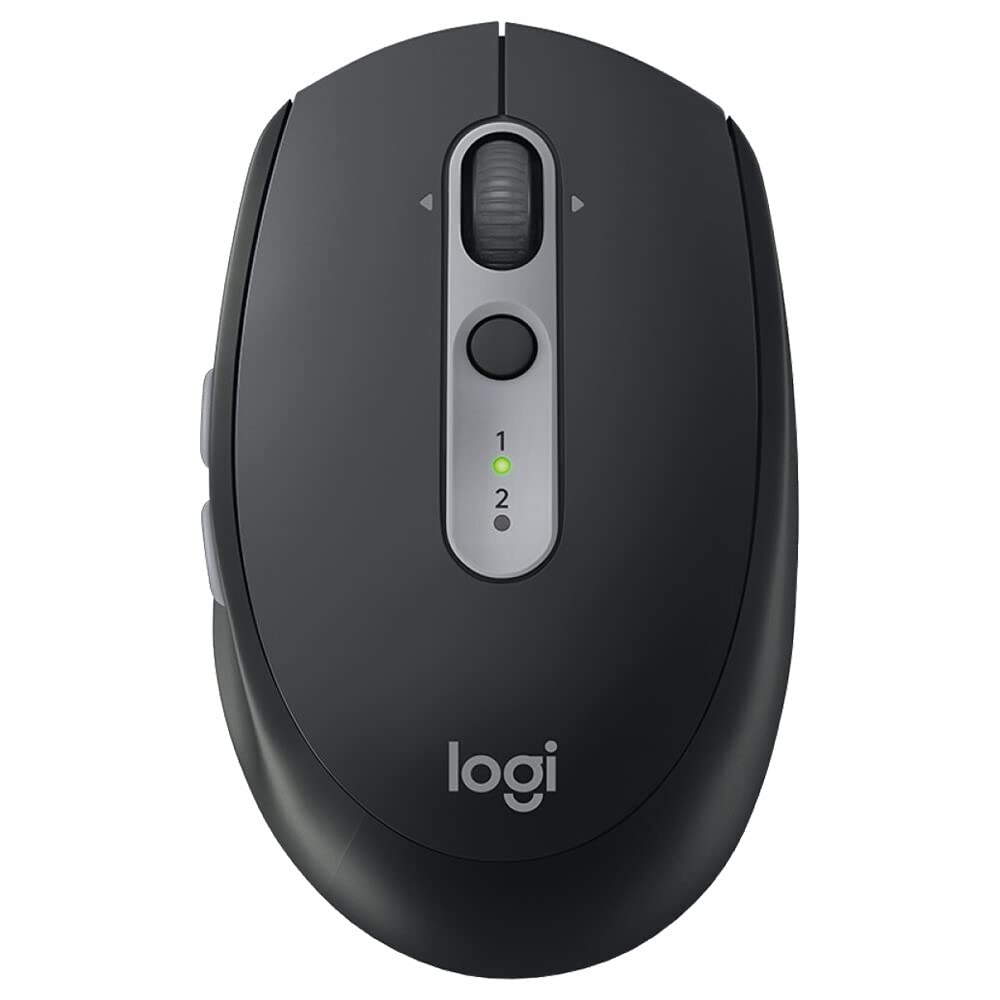

🔄 Silent, seamless, and built to keep you ahead of the curve.
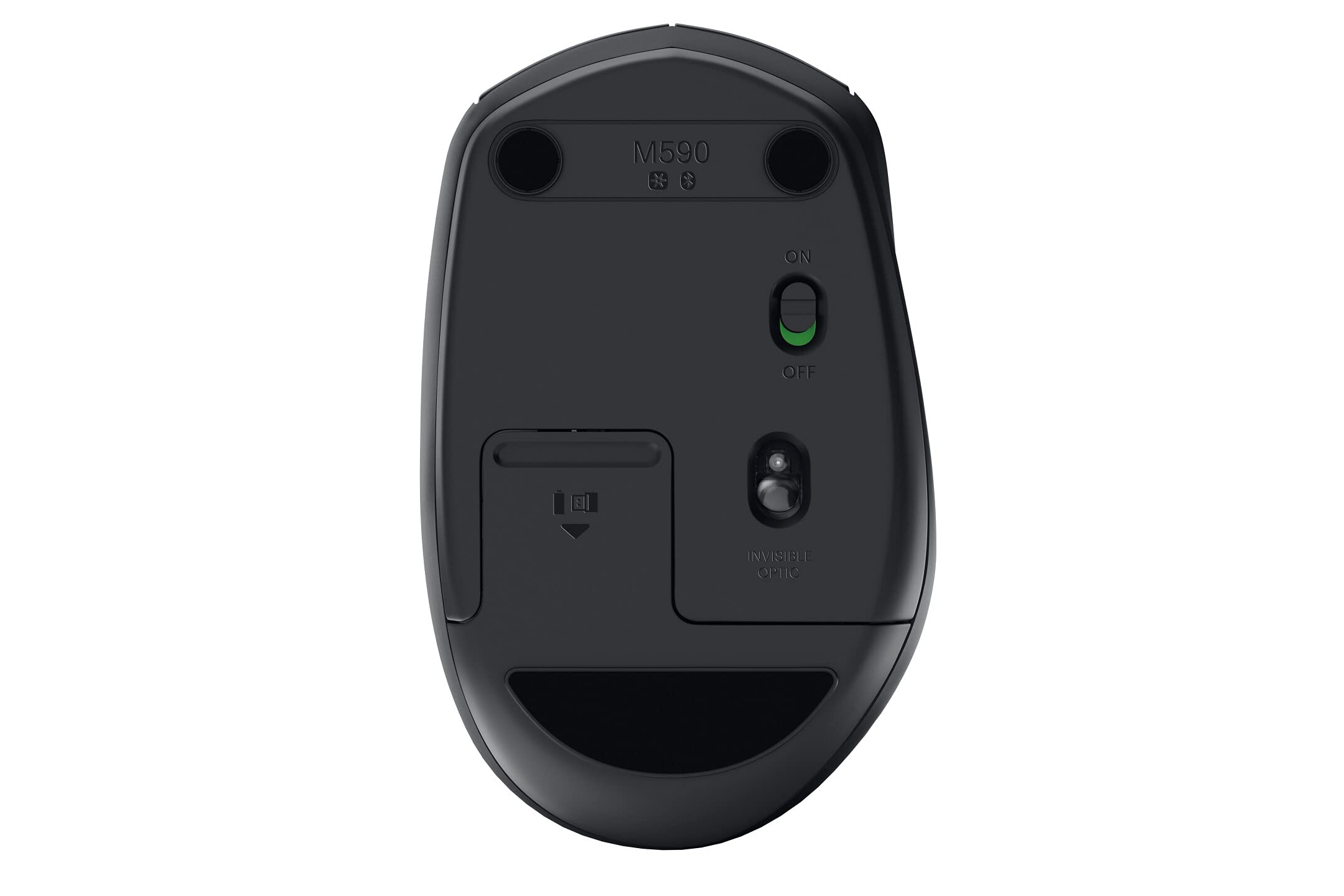
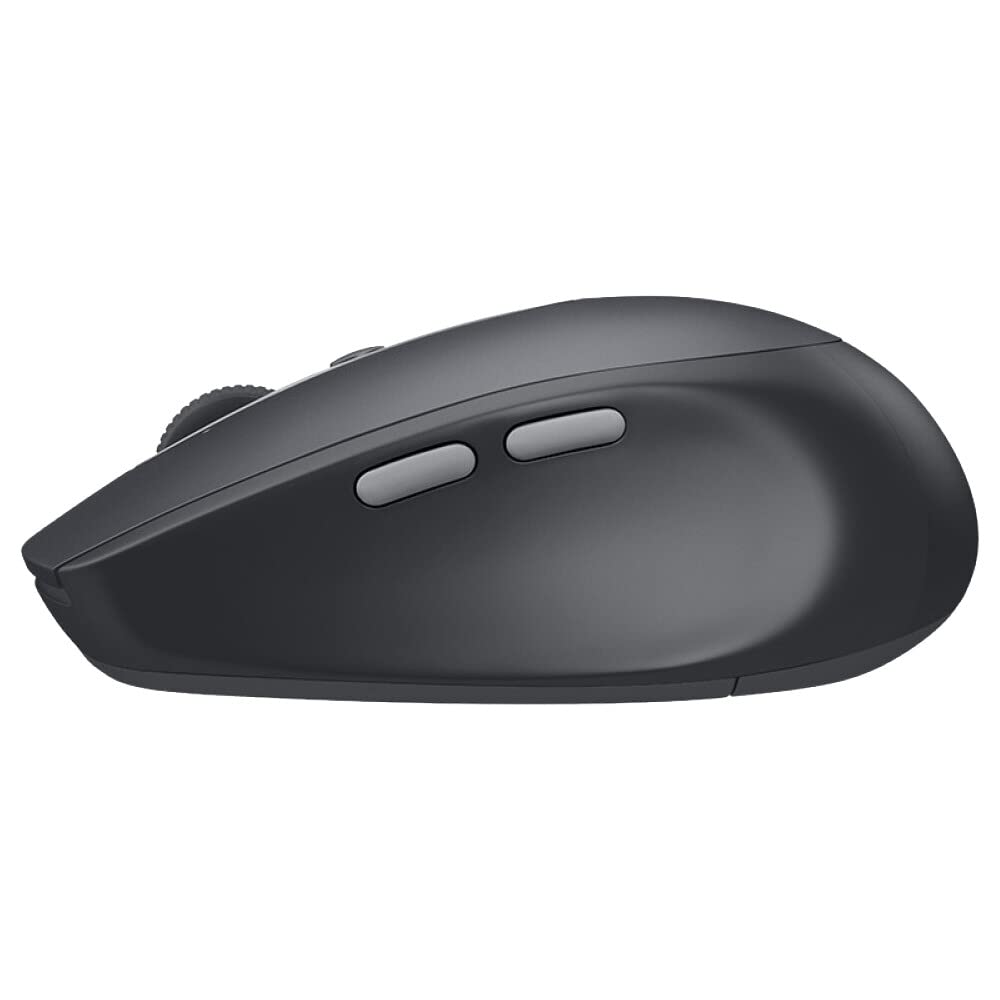
The Logitech M590 is a sleek, silent wireless mouse designed for professionals who demand quiet efficiency and multi-device versatility. Featuring 90% noise reduction, dual Bluetooth and USB connectivity, and up to 24 months of battery life, it offers ergonomic comfort and customizable controls to enhance productivity across PC and Mac platforms.


| Brand | Logitech |
| Product Dimensions | 10.3 x 6.4 x 4 cm; 100 g |
| Batteries | 1 AAA batteries required. (included) |
| Item model number | 910-005197 |
| Manufacturer | Logitech |
| Series | M590 910-005197 |
| Colour | Black |
| Computer Memory Type | DDR3L-1600 SDRAM |
| Wireless Type | 802.11a |
| Wattage | 3600 |
| Power Source | Battery Powered |
| Hardware Platform | Linux, Mac, PC |
| Operating System | Mac |
| Average Battery Life (in hours) | 2 years |
| Are Batteries Included | Yes |
| Lithium Battery Energy Content | 2 Watt Hours |
| Lithium Battery Packaging | Batteries packed with equipment |
| Lithium Battery Weight | 101 Grams |
| Item Weight | 100 g |
| Guaranteed software updates until | unknown |
J**S
Better than rechargeable one as you change the batteries every 2 years.
I had other couples of Logitech mouse, they are always amazing. So, If they claim it is 2 years, it is 2 years. And it uses only one AA battery.I was thinking of buying the Logitech MX Anywhere 3 instead of this one, but that one costs 3 times more than this for a few benefits, and one of the features is not even a benefit for me, that is the rechargeable battery. This mouse's AA battery lasts 2 years, and there are people in the reviews here that attested that it actually lasted 2 years on 1 single AA battery. So, why bother recharging every 2 months? (in case of the MX anywhere)The wheel in this one is smooth, with a click sensation after each line scrolled. I have disabled the "smooth scrolling" in the mouse app, as that does not help, it creates like scroll inertia and it was scrolling more lines that I wanted. Easy to disable tho.The buttons are all customizable in the Logitech App, except for the one that changes the computer between 1 and 2, on top of the mouse. BTW, for those who use it in multiple computers, this the one! The only mouse I saw that leaves the switch in an easy to access button. The other put that button on the bottom or hidden. I work with 2 computers, and the easy switch between the two is excellent.The silent in the name... It is really silent, a big difference from mt M280, you can barely hear the click noise or the wheel noise and you know what is the best? It is still clicky! It is not mushy at all. This is definitively a big feature. No one can hear me clicking in my calls, and also less noise when I'm on the computer until late.Gaming, well, I'm a "casual gamer" and I play mostly offline games. Anyway, I have done quick research that 1000DPI that this mouse has is perfect for FPS games as help with accuracy. Too much DPIs, such as 4000DPI is even worse for aiming. I cannot notice any input lag due to it being wireless, using the USB adapter or Bluetooth. But again, I'm not a online competitive gamer or nothing like that. I just like to have fun from time to time.The Logitech app. It is good and well designed. You can easily customise the buttons, change the configurations and configure the Flow that switches between computer seamlessly, every time the pointer touches the side of the screen. Well, it is a great idea and I used for a couple of days and switched off as there is a dedicated button to do this on the mouse. I mean, it works but it is not instantly, there is a lag between touching and it moving on the other computer. Also, I was hitting it by accident during meetings and presentations, which was annoying. I prefer the button.On summary, this is the best mouse I had so far, I'm happy with it, it really does what it claims, regarding silence and battery.
I**R
A Compact and Versatile Mouse with Great Customization Options - Logi M590
I purchased the Logi M590 mouse and have been thoroughly impressed with its performance and design. It's clearly designed for right-handed use, and the ergonomics are spot-on, with no discomfort even after prolonged use.One of the standout features of this mouse is the integration with Logi Options+. This software is a game-changer, allowing me to customize one-click functions for each app I use. As a Mac user, I've found this customization to significantly enhance my productivity, making it easier and faster to navigate and perform tasks.Another great aspect of the M590 is its support for dual devices. This functionality is incredibly convenient for those of us juggling multiple devices. It allows for effortless switching between them, which is a huge plus in a multi-device setup.The mouse is also very quiet during operation, which is great for working in shared spaces. Its compact size makes it easy to carry around, fitting seamlessly into my mobile working life.However, there's one area where the M590 falls a bit short - battery life. While it's advertised to last up to two years, my experience was different. My mouse lasted about 8 months before needing a battery change. While this isn't a deal-breaker, it's something to keep in mind.Overall, the Logi M590 is an excellent choice for anyone seeking a compact, ergonomic, and feature-rich mouse. Its software customization and dual-device support are particularly impressive, making it a valuable tool for enhancing productivity. Just be prepared for more frequent battery changes than you might expect.
M**W
Silent bluetooth mouse...
After purchasing a new laptop with limited USB ports I was after (yet another!) wireless mouse that worked via bluetooth. I opted for the Logitech M590. Having used this consistently for over a week now overall I am happy with it.Adding it to the list of my bluetooth devices in Windows 10 was easy with the device being discovered and connecting straight away. Windows 10 correctly recognised the mouse as being a Logitech M590 and then gave me the option to install the dedicated Logitech software for it, which I declined. However even without installing the Logitech software the mouse buttons, horizontal/vertical scroll wheel and auxiliary back/forward buttons worked perfectly without needing to reconfigure or reprogram anything.The plastic texture and feel of the mouse is okay though it does not give me the feeling this is a premium quality mouse, rather a general purpose daily mouse which is the very application it seems best suited for. The build quality is good, no complaints here. The layout of the mouse and button placement is suited to fit perfectly in my hand so I am happy with this. The mouse buttons are very quiet, probably one of the quietest if not the quietest mouse I have used. This is my only complaint with the mouse as my brain must be attuned for mouse clicks, sometimes it seems like there is no feedback during a mouse click.Having used the mouse for over a week I can't comment too much on battery performance and longevity. The battery indicator in Windows 10 still shows the battery at 100%. This seems to be excellent considering the number of hours I have used this mouse in the short time of owning it.I have not had any issues with the bluetooth connection dropping out so performance here seems to be fine. I have not noticed any problems with the mouse waking up after having not used it for a while. I have not used the 2.4GHz wireless USB dongle so I am unable to comment and compare the performance and experience to bluetooth.The pointer precision is okay in comparison to other wireless mice and accurate enough for general purpose work - I have not used it for gaming so I can't comment about this. It is perfectly adequate for browsing and office work.I have my mouse settings with, "enhance pointer precision", disabled in Windows 10 and I find the mouse seems to perform better and works more naturally like this.
Trustpilot
3 weeks ago
2 days ago