
DOWNLOAD THE APP


Customer Services
Copyright © 2025 Desertcart Holdings Limited
DOWNLOAD THE APP



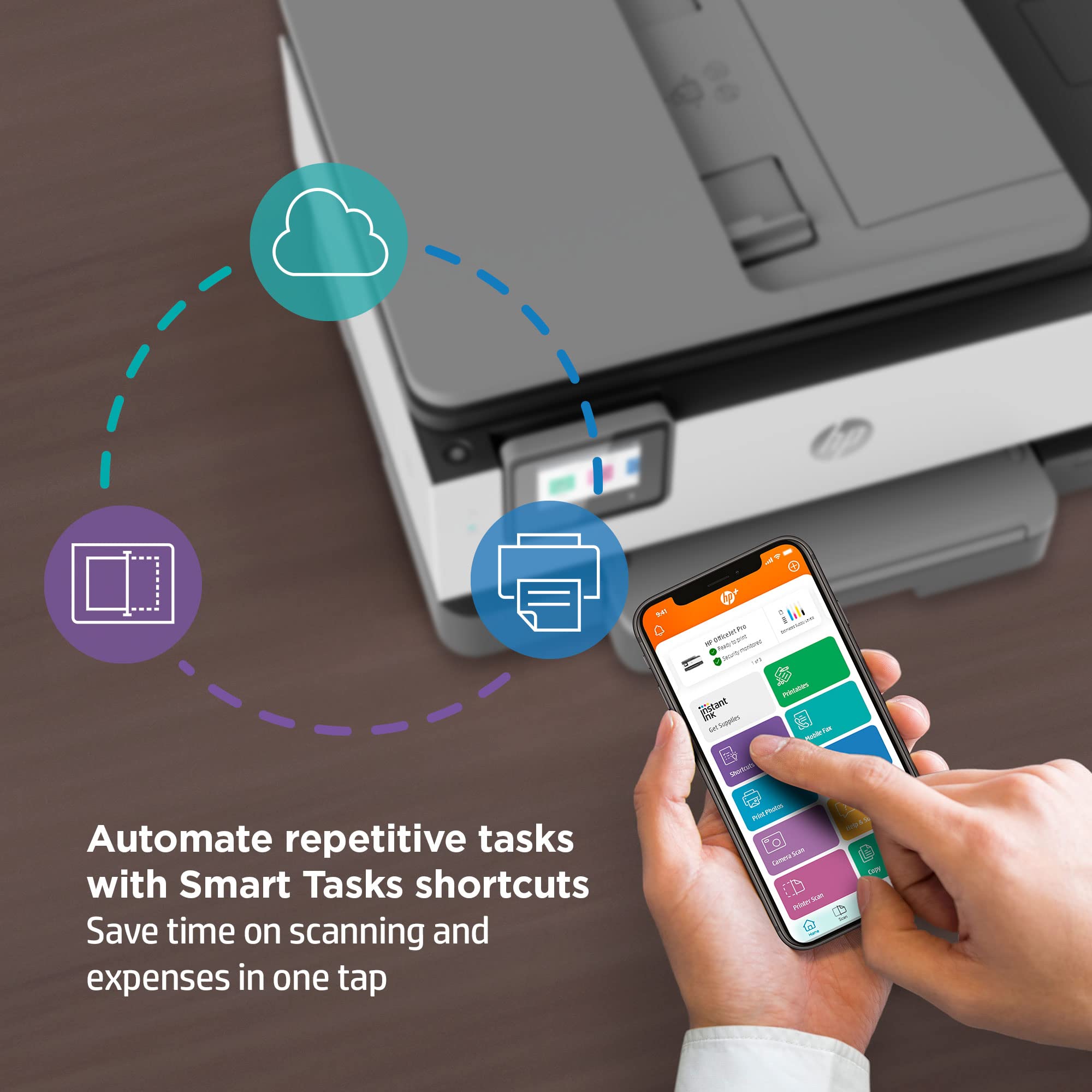

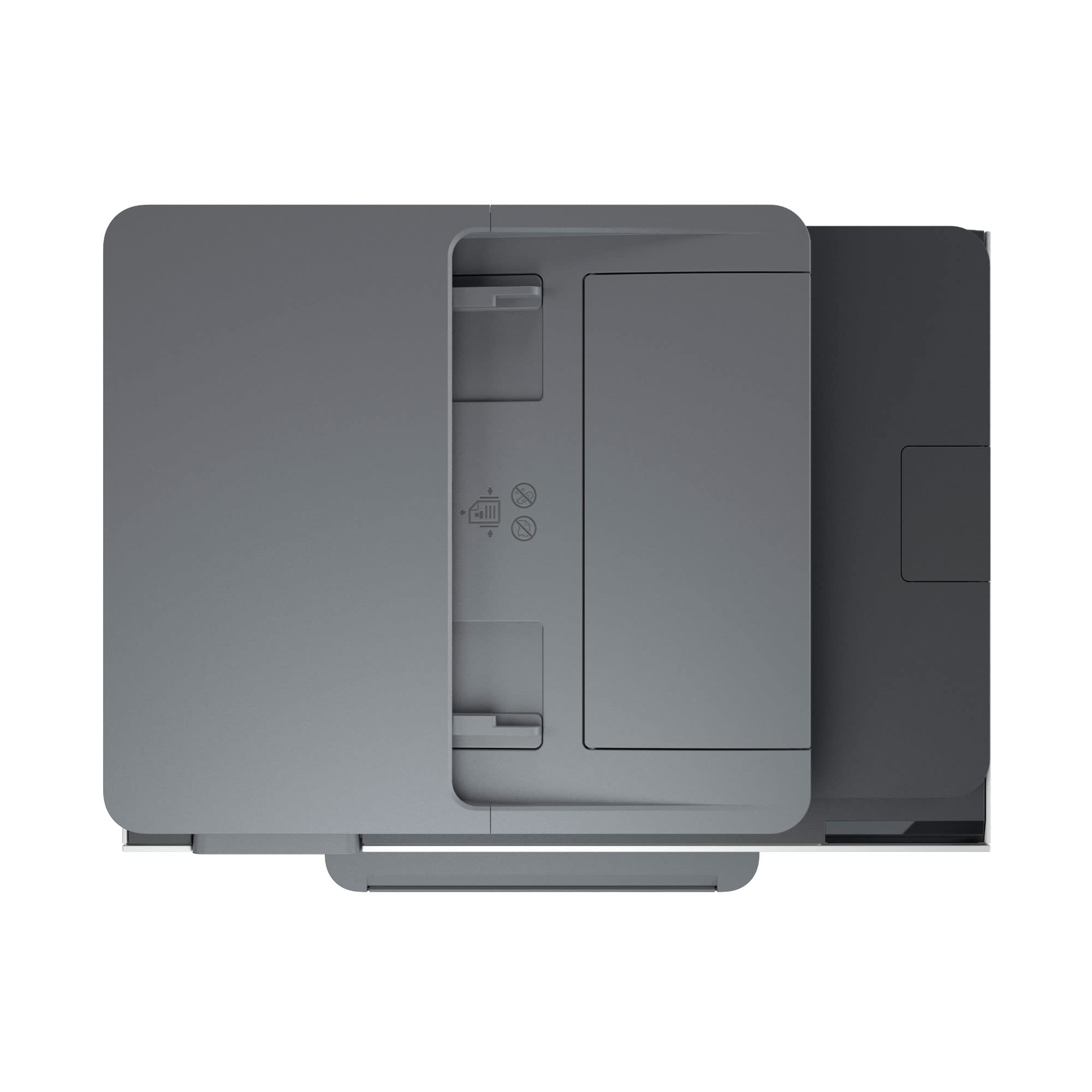
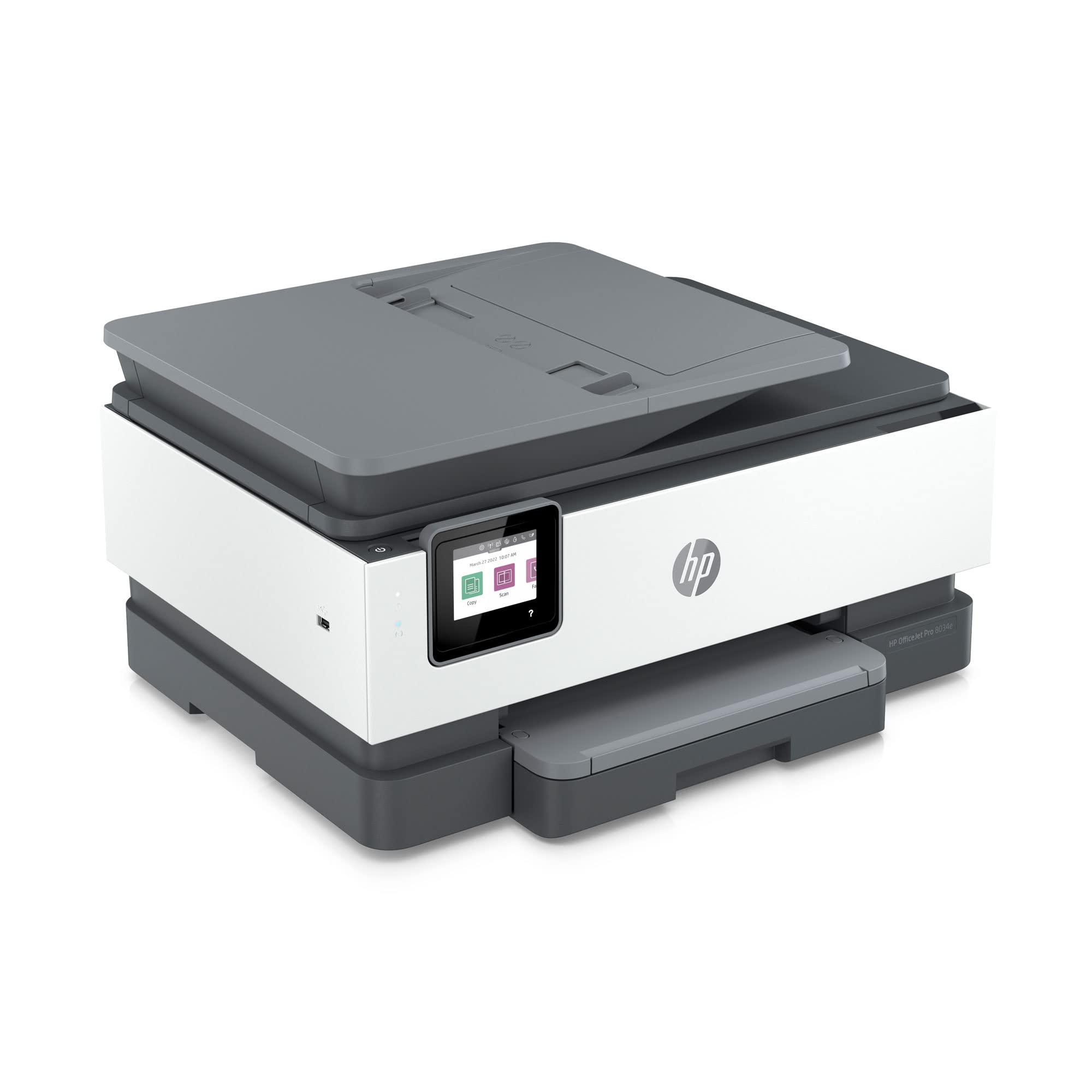
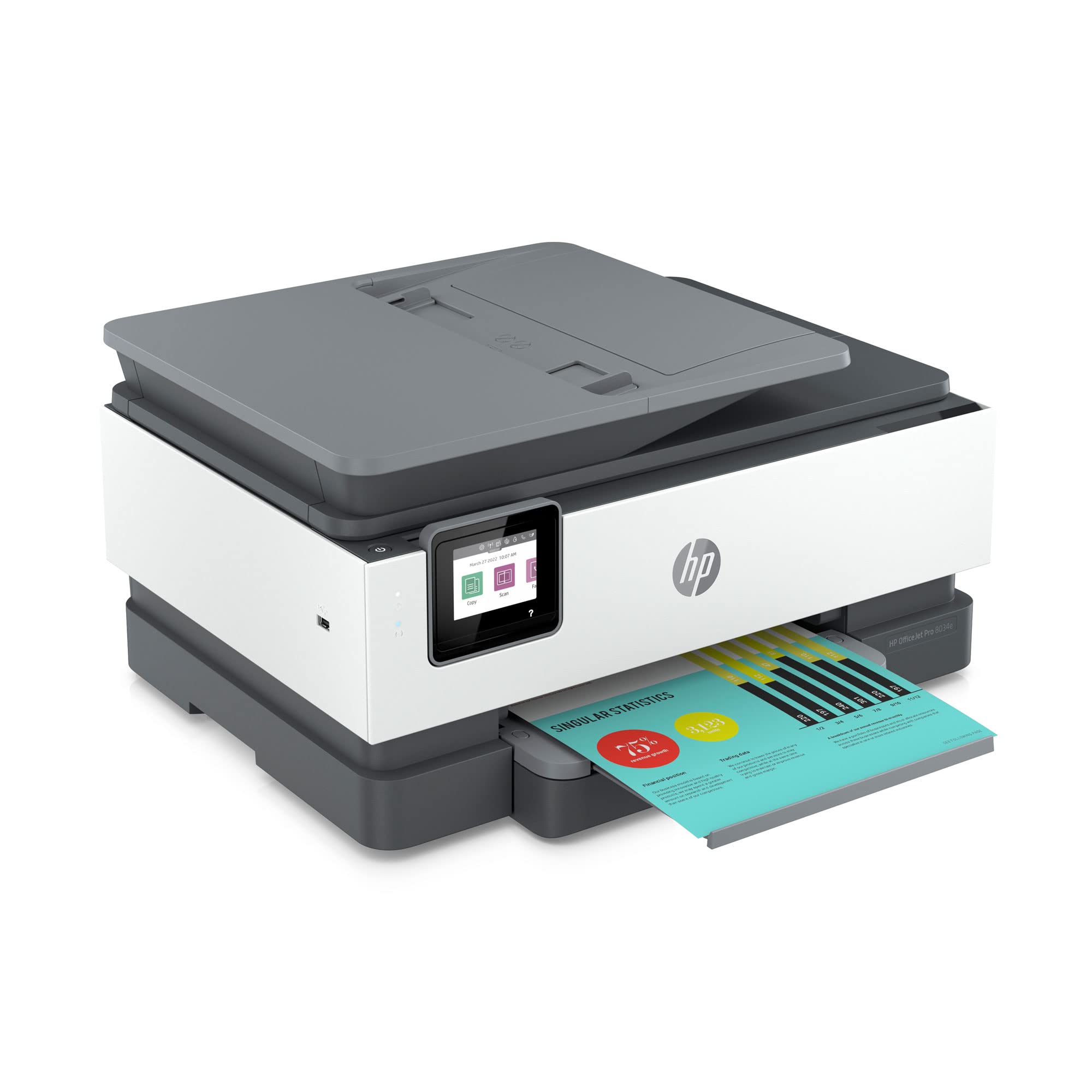
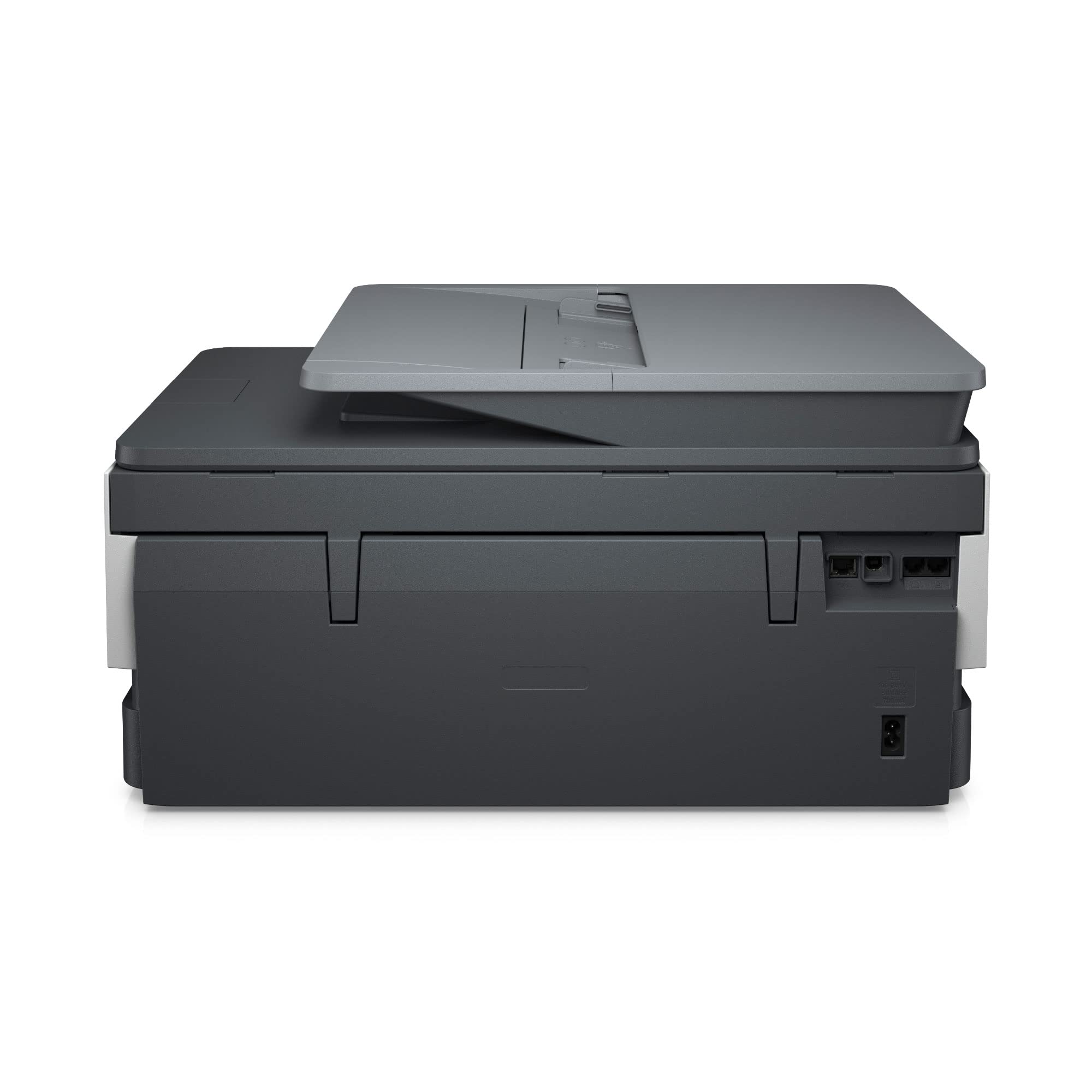
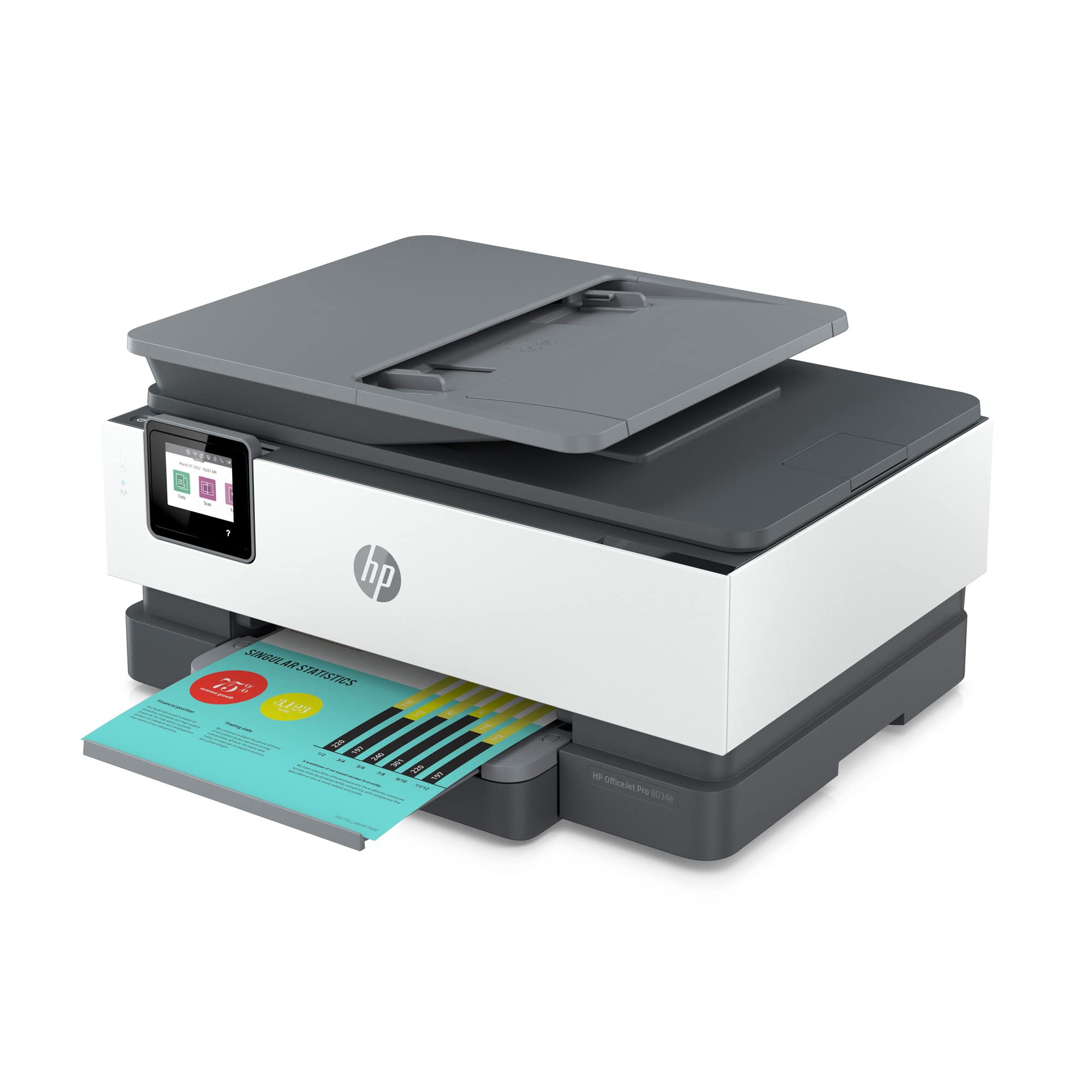
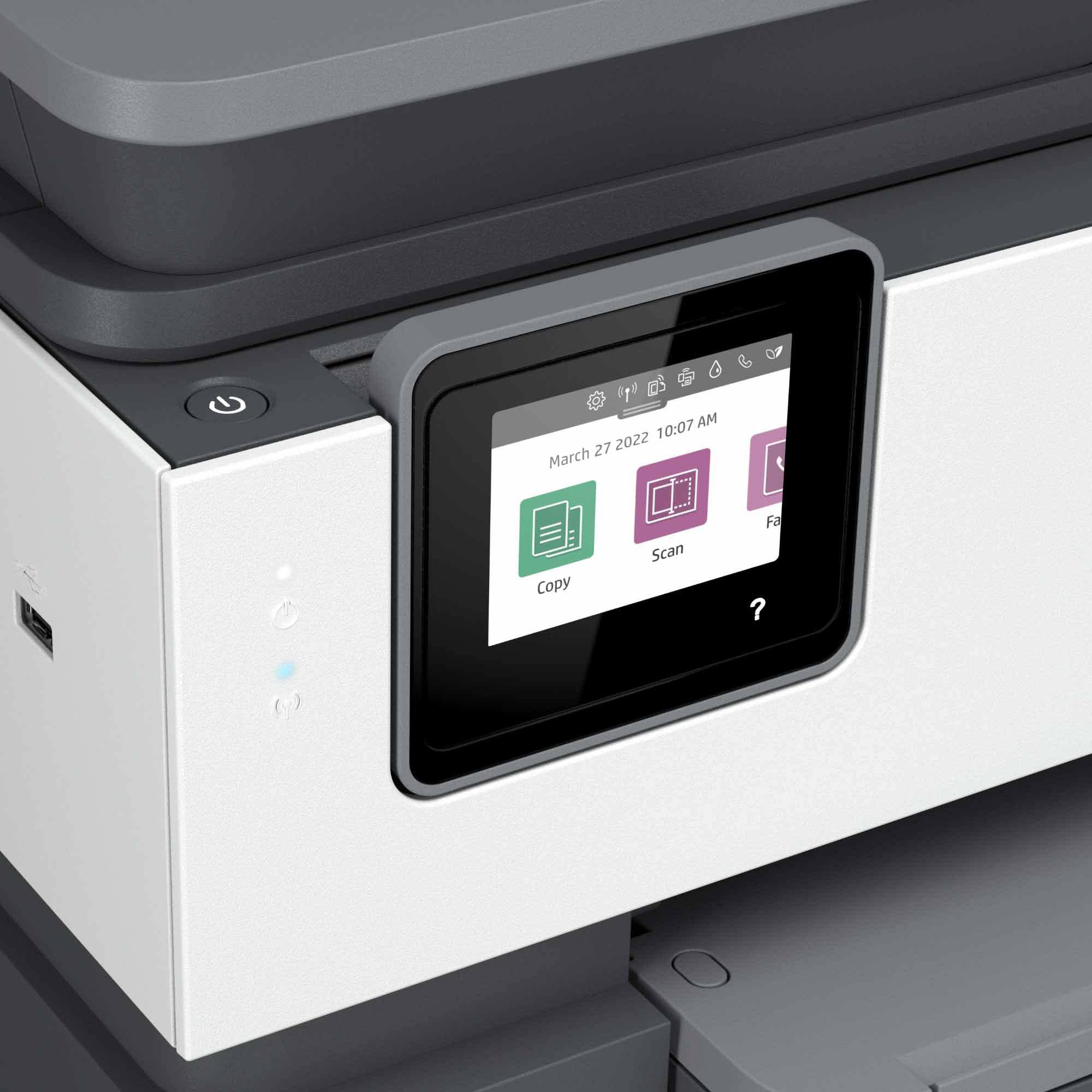
🖨️ Print smarter, faster, and greener—because your work deserves the best.
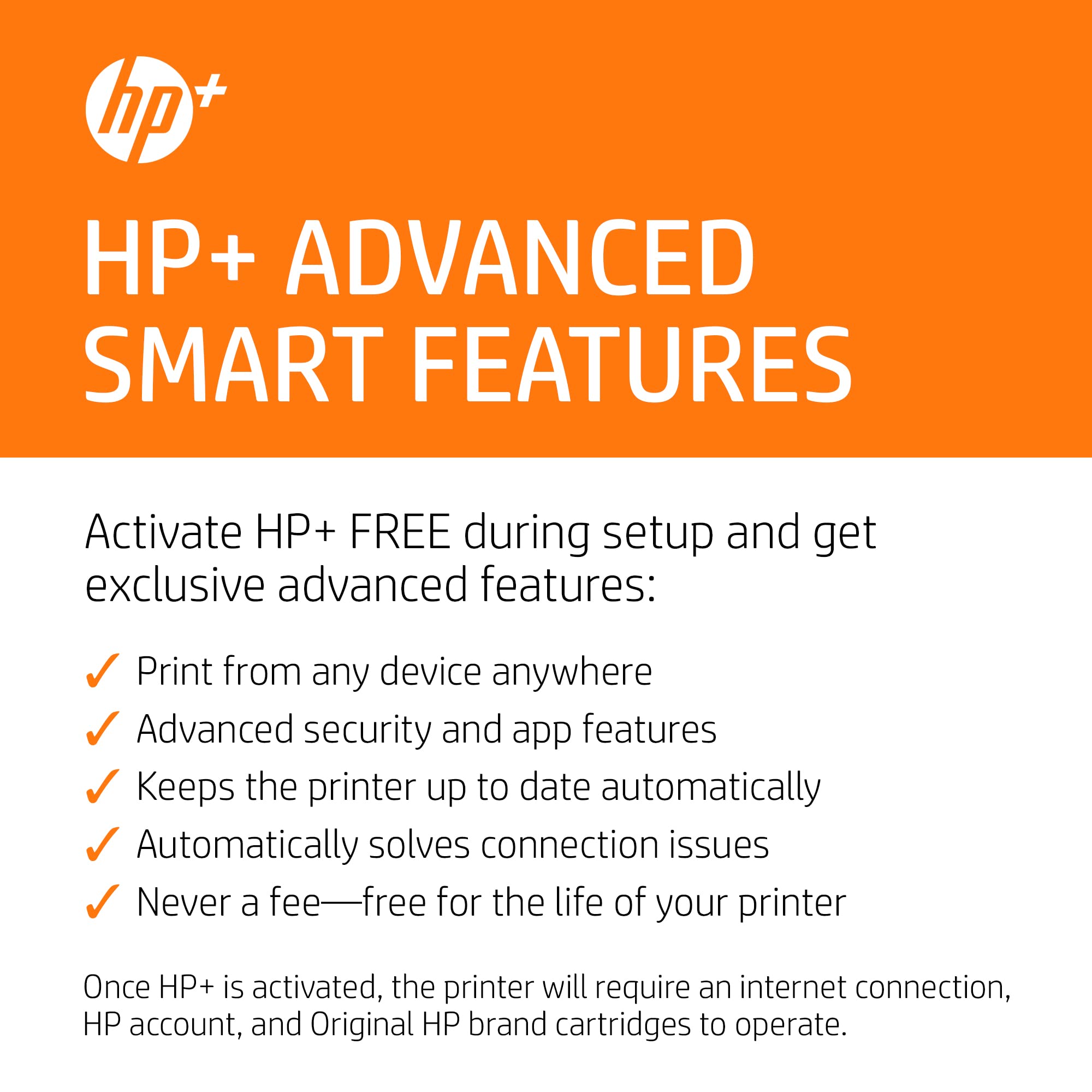
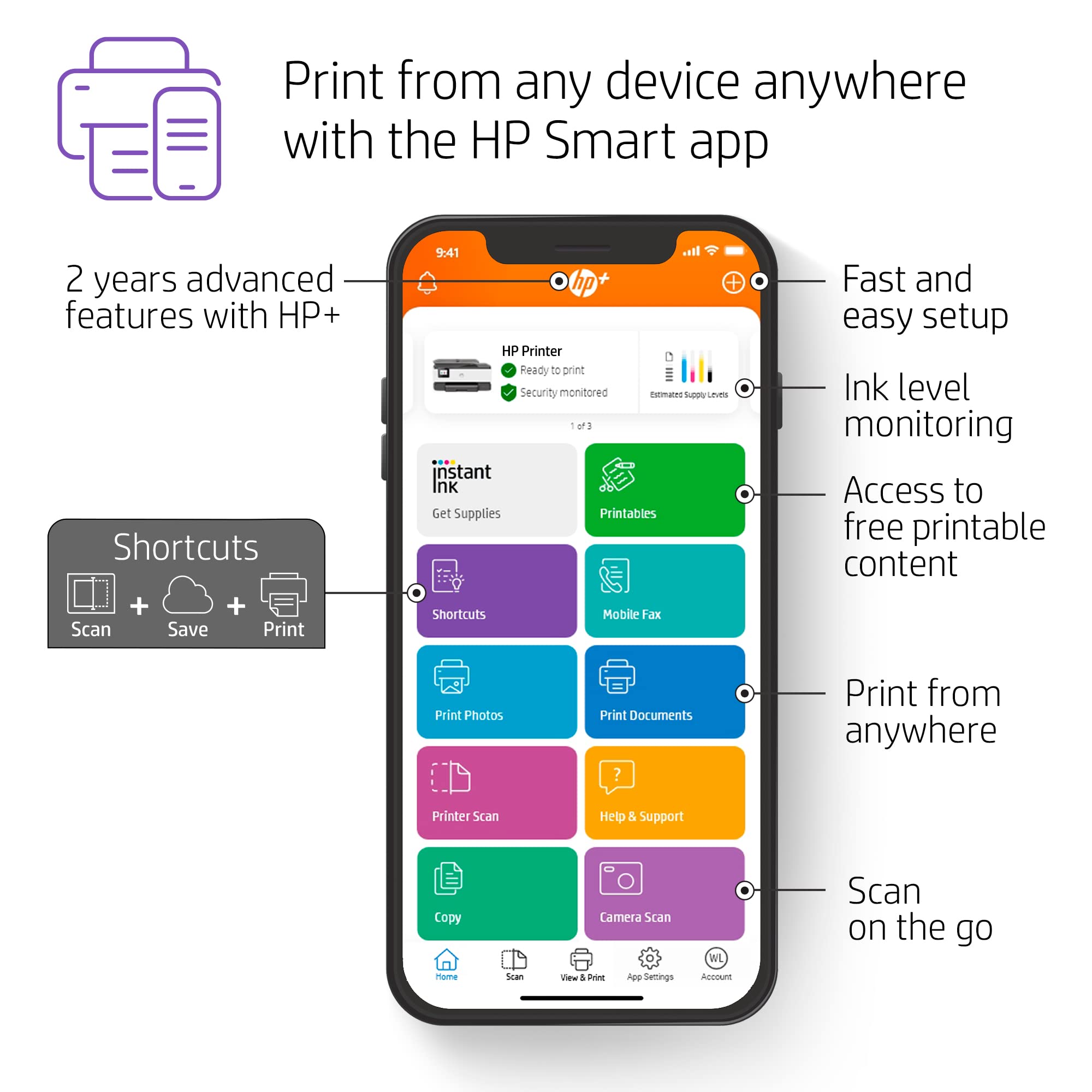
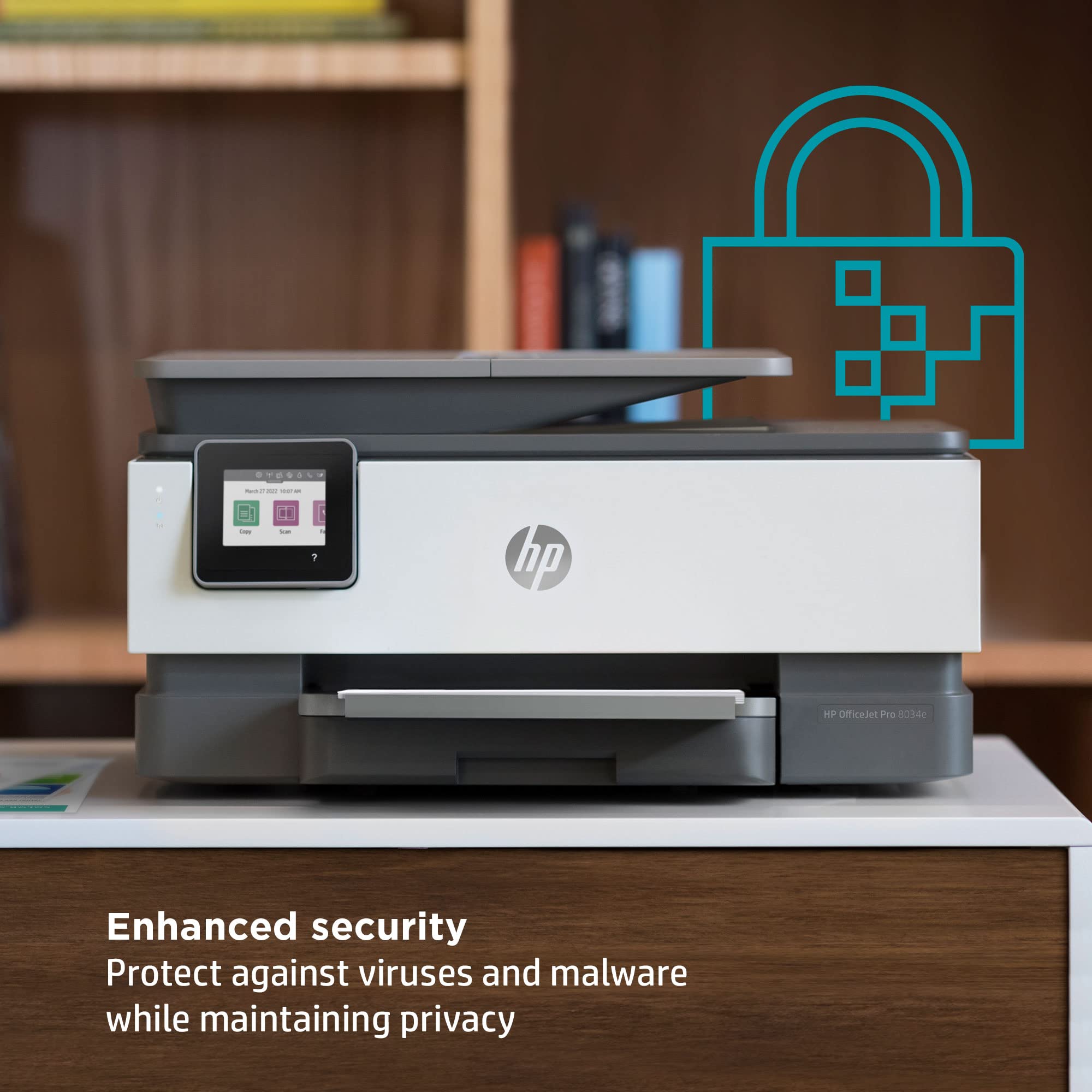
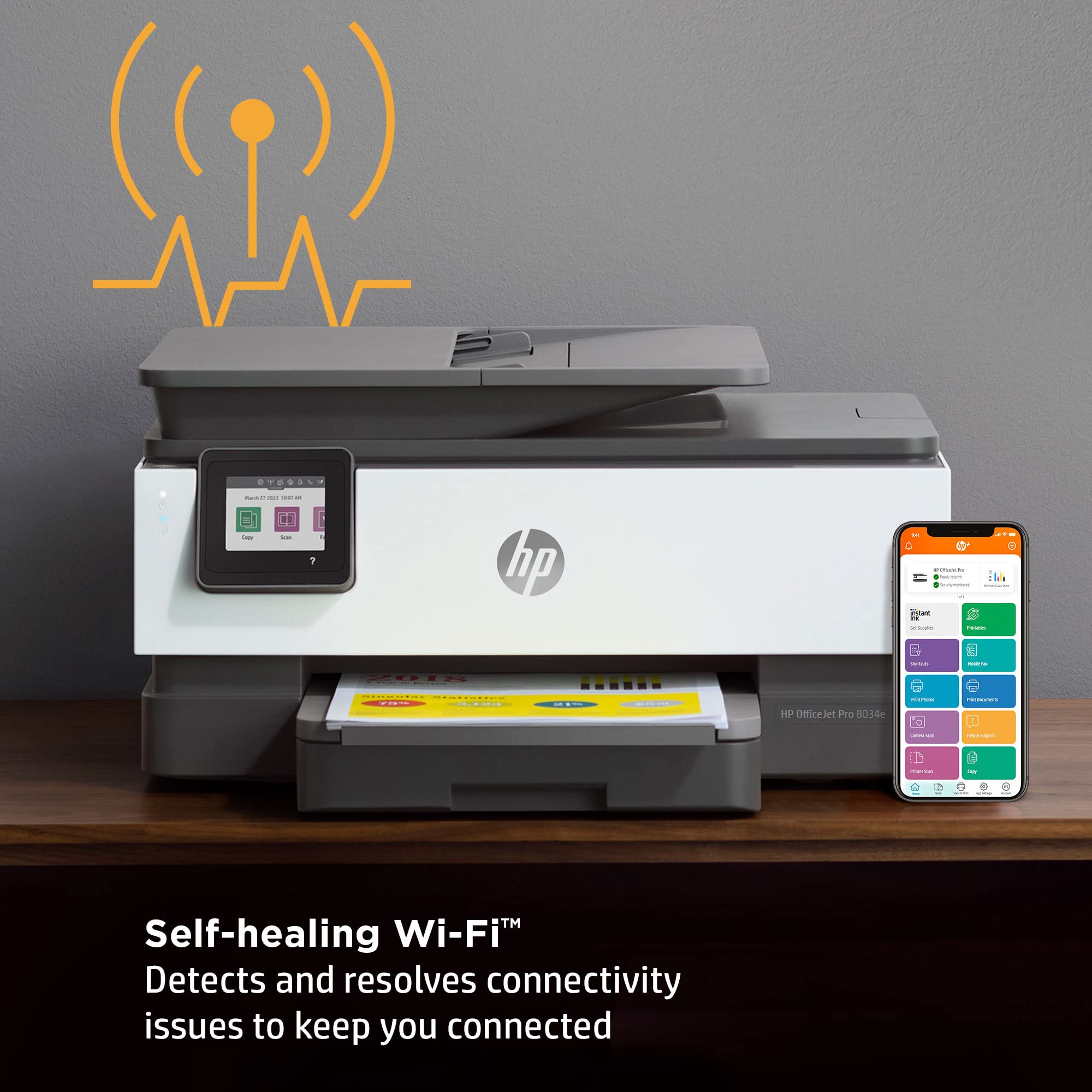
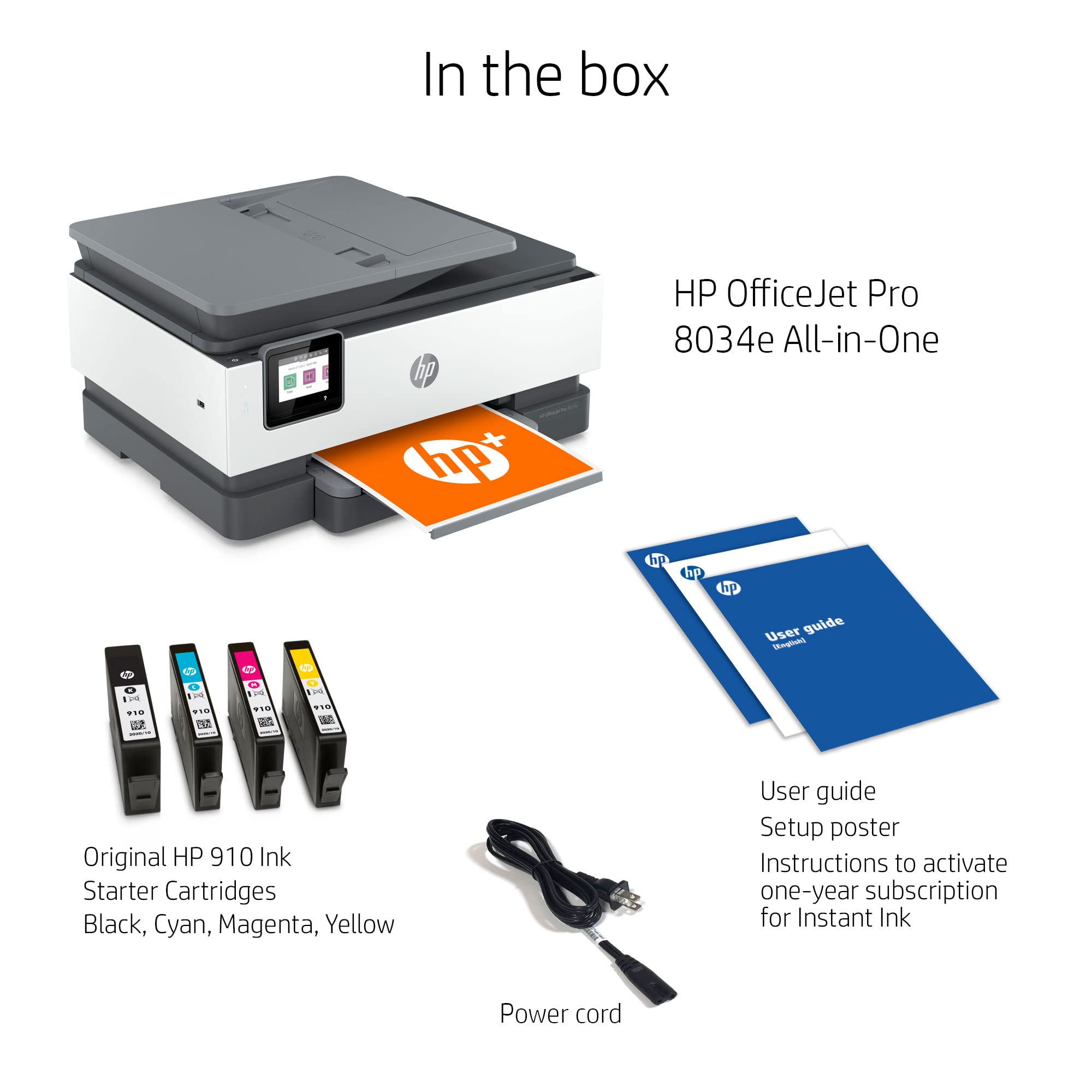
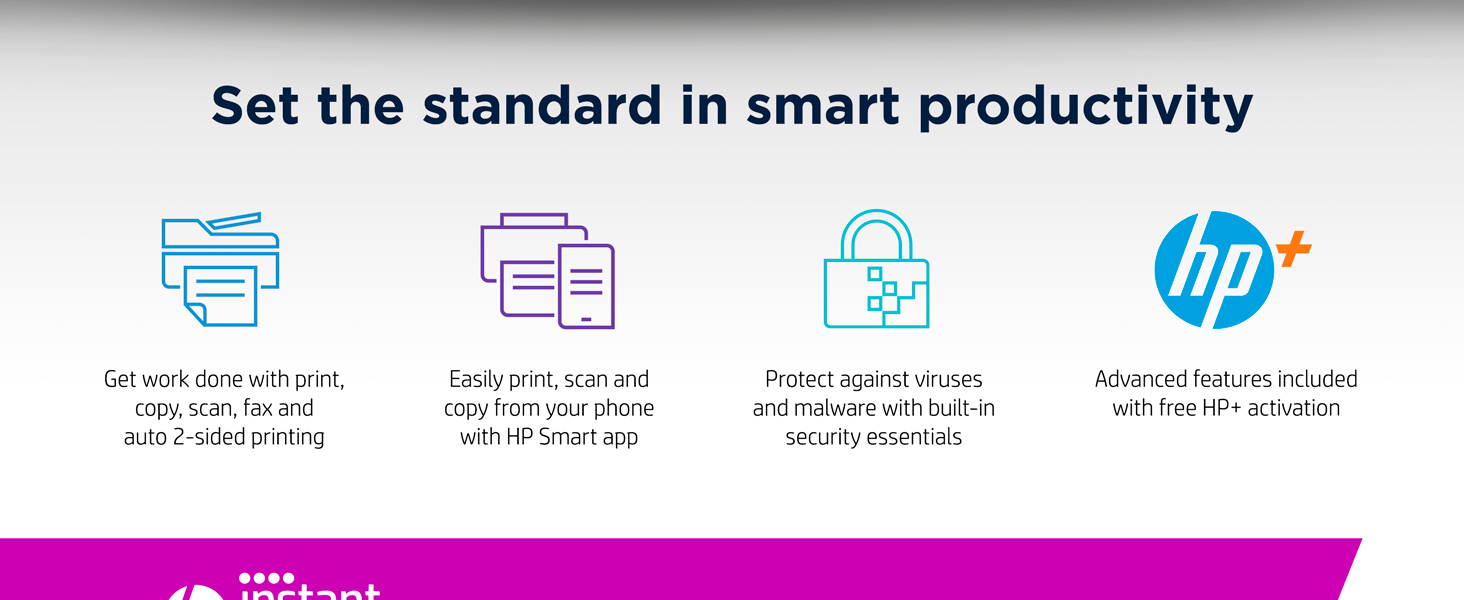
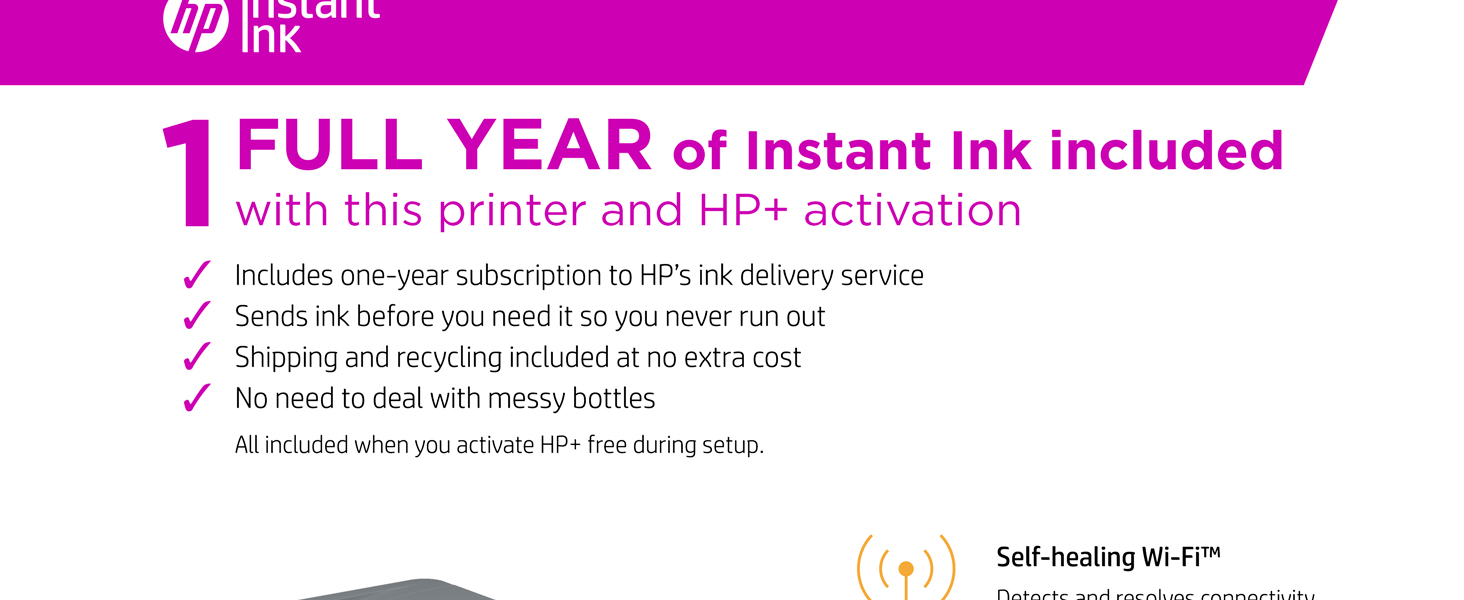
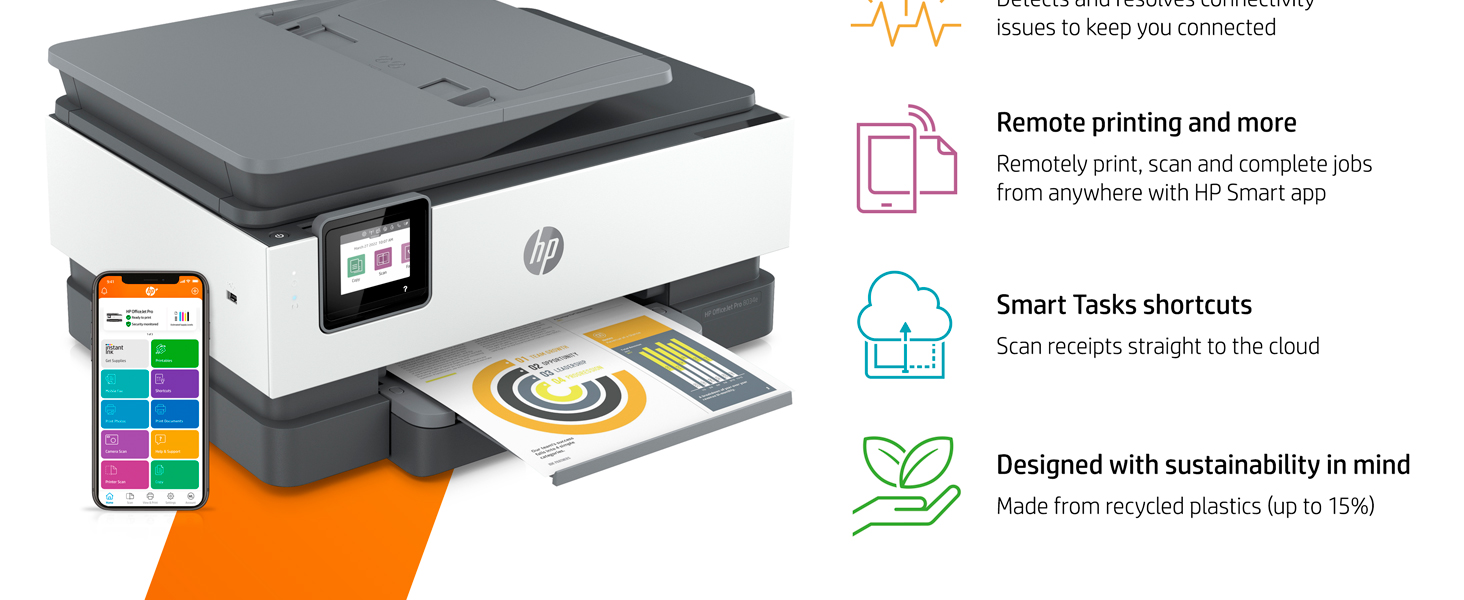
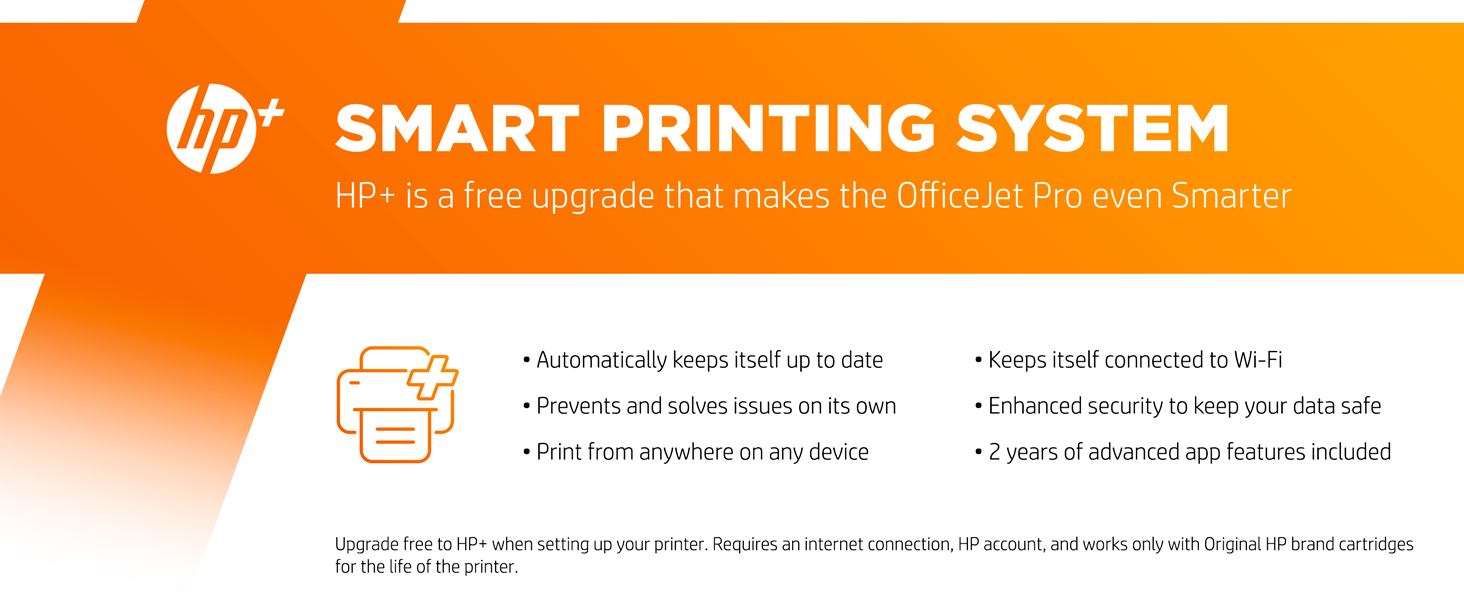
The HP OfficeJet Pro 8034e is a wireless all-in-one inkjet printer designed for busy professionals who demand speed, quality, and convenience. With up to 20 ppm black and white and 10 ppm color printing, automatic duplexing, and seamless mobile connectivity, it streamlines your office tasks. Included is a 1-year HP Instant Ink subscription with HP+ activation, ensuring you never run out of ink. Its high-resolution color output and multi-function capabilities (print, copy, scan, fax) make it a versatile powerhouse for any modern workspace.
| Maximum Print Resolution Black and White | 1200 x 1200 dpi Dots Per Inch |
| Maximum print Resolution Color | 4800 x 1200 dpi |
| Wattage | 21 watts |
| Is Electric | Yes |
| Power Consumption | 21 Watts |
| Duplex | Automatic |
| Dual-sided printing | Yes |
| Color Depth | 24 |
| Color | White |
| Paper Size | 3 x 5 to 8.5 x 14 |
| Output sheet capacity | 60 hojas |
| Maximum Sheet Capacity | 225 |
| Media Size Maximum | 8.5 x 14 inch |
| B&W Pages per Minute | 20 ppm |
| Color Pages per Minute | 10 ppm |
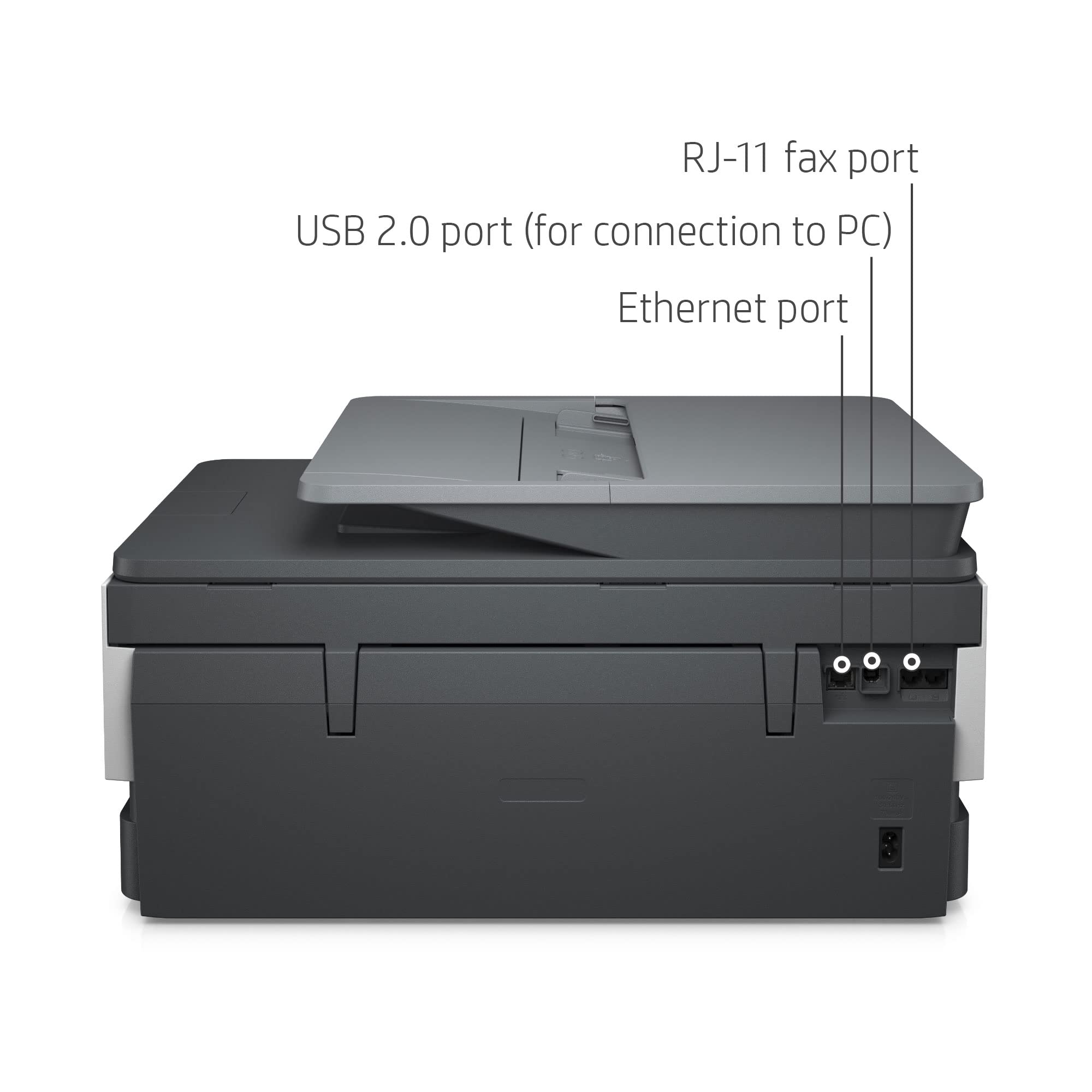
| Total USB 2.0 Ports | 1 |
| Total Usb Ports | 1 |
| Hardware Connectivity | Ethernet, USB 2.0 |
| Connectivity Technology | wired, wireless |
| Ink Color | Black, cyan, magenta, yellow |
| Resolution | 4800 x 1200 |
| Additional Printer Functions | Copy, Scan, Fax |
| Warranty Type | Limited |
| Maximum Copies Per Run | 99 |
| Processor Count | 1 |
| Control Method | App |
| Controller Type | Android |
| Print media | Envelopes, Paper (plain), Card stock, Glossy photo paper |
| Scanner Type | Flatbed, Sheetfed |
| Maximum Copy Speed Black and White | 13 ppm |
| Display Type | CGD |
| Compatible Devices | Smartphones, PC, Tablets, Laptops |
| Printer Type | Inkjet |
| Additional Features | Auto-Duplex, Display Screen |
| Printer Output Type | Color |
| Item Weight | 18.04 Pounds |
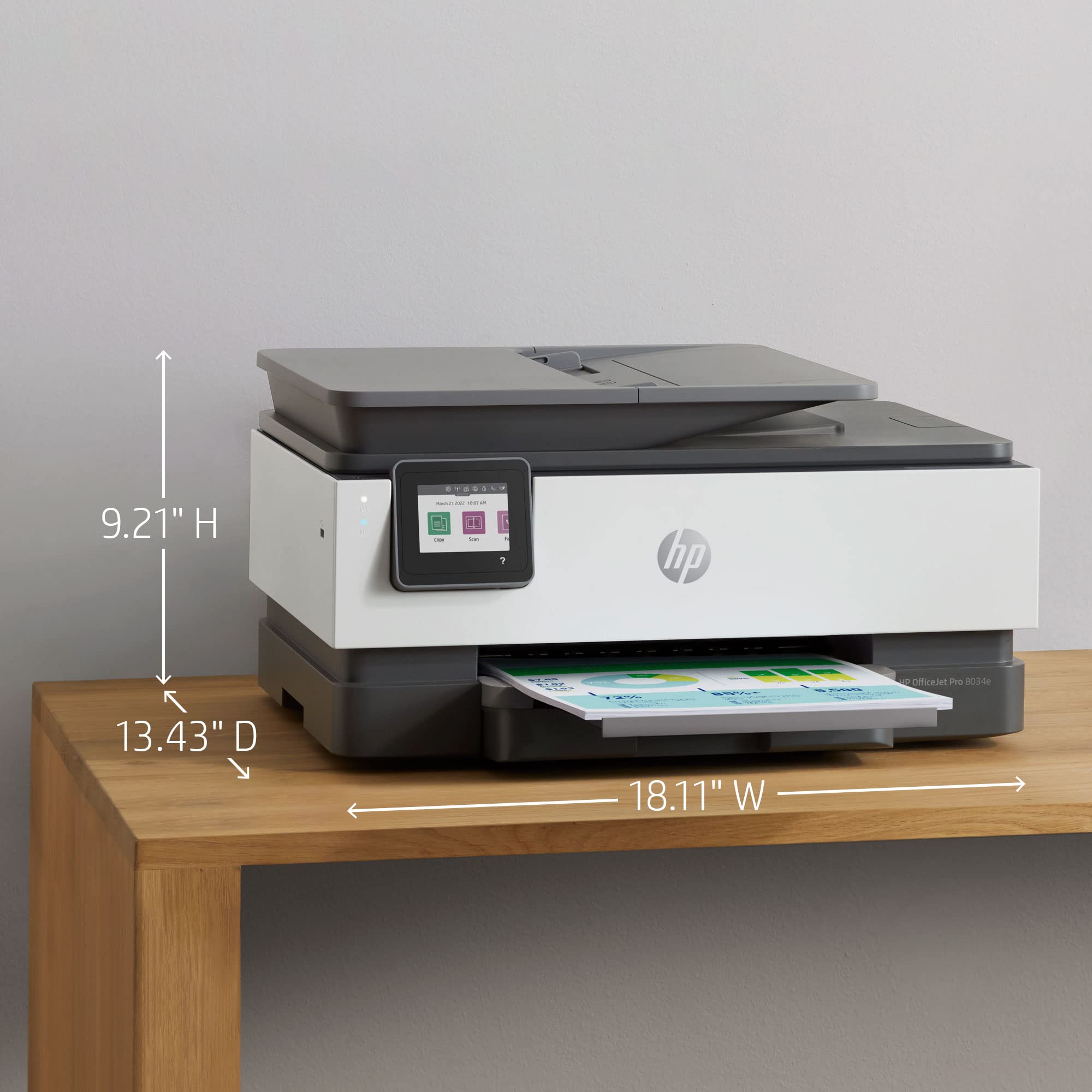
| Item Dimensions D x W x H | 13.43"D x 18.11"W x 9.21"H |
A**E
FAST, Quiet, Attractive, Easy-to-use/ set-up
This printer is a win from HP. I have been an Instant Ink subscriber for well over 7 years now (with the same medium-use HP printer!) Because of a lightning strike/power outtage I kept getting a bad printhead warning on the screen and decided it was time for an upgrade. Found this one with the free year (and $100 off!) up to 700 pages/mo and thought that had to be for new subscribers only but it's not! After 7+ years I get a free year of ink! I subscribe to their paper as well so I synced that up for the year and I'm good to go. Before Instant Ink half the time I couldn't afford Ink in my printer, or would only buy black. I killed one printer I bought once with off-label ink- I still remember the awful noises it made. Then I discovered HP and Instant Ink. Now I print freely - all I want and they send me supplies as needed. Anyways- the printer. It took less than 3 minutes to set up with the on-screen guide the walks you through. You need your WiFi name and password and maybe a couple other simple pieces of information. The app on your phone (recommended) makes it easy to print from your Drive, etc. It has its own email address so you can send docs while you're away from home and they'll be waiting for you when you arrive (you can change the beginning to something simple to remember.) I struggle to set up printers on computers, etc but this one literally did it for itself. I almost expect it to have my coffee waiting for me one morning it's so intuitive, lol. You won't be disappointed with this printer! Give the Instant Ink a try while you're at it- you'll wonder how you ever lived without it.
A**S
Workhorse of a printer...
I research about everything I buy these days. When looking for a new printer to replace my old Canon 5300 series(rest in peace old girl) I sat and read hundreds of reviews on all the major brands. Yes I have no life. More to the point I don't like to waste my money. I'm of the mindset to buy things right the first time. Before reviewing a product I put it through its paces and I'm bluntly honest in my reviews.I am a quilter and do a lot of paper pieced quilts. On average I print out 300ish pattern pages per quilt. The first month I had this printer I printed nearly 600 pages and that was just on the ink that came with the printer. My included pic is just the last months worth of printouts. I use full color and always the highest quality for my pages. I got the years worth of free instant ink with my purchase. My new cartridges were sent to me long before I ran out of the ink that came with the machine. A lot of the negative reviews I've read had to do with folks not caring for the instant ink subscription. They don't like the program yet they bought the HP anyhow. Frankly that says to me that they trust the printer. Otherwise they'd buy something else. Honestly I like the ink program. When I do have to start paying I definitely won't mind forking over the cash. It's better than going to the store or ordering online to buy cartridges that have less ink and higher costs than the instant ink carts. I also like that HP includes a recycling bag for your used carts and they pay the postage for it. It's nice that a company cares about our environment. This printer has never once jammed or spit out clumps of papers in the months I've had it. It's an excellent machine and a very quality product. Congrats HP. You got this one right.
H**0
Software Installation Advice
I dislike the horrible software installation. The scanner cover is flimsy. The hinges came off too easy.I haven't looked if similar advice was already posted. I hope to save you hours of useless direction with their installation. Your installation might be smooth. Mine definitely was not.1. Don't uninstall previous HP software. I uninstalled HP Smart and HP 8600 printer software. Now, error message comes up with PC boot up that 8600 printer software file is missing.2. Ink cartridge Orange Guard needed pliers to pull the thin side up to remove it. My hand/finger strength was insufficient.3. Software installation.Do not select HP Smart at all. The 123.hp.com goes to Microsoft store. HP Smart failed multiple times. Tried many PC shutdowns, clearing cache, etc. Instead, Google HP printer software. The downloaded file will be HP EasyStart_16_2_4. Execute the file and type in printer window Officejet 8030e. Then, choosing HP Smart option as recommended will lead to failure. Instead, choose the second choice which is Full Installation. I don't recall if another downloaded file needs to be executed or software automatically starts with instructions for fax setup.
P**E
Don't waste your time and money in an HP printer
The printer is fine when it works, but if you don't purchase HP Instant Ink and purchase regular HP Ink (it needs to be HP Ink or the printer won't work) the ink works for about 2 months and then the printer shows an error that the cartridges are used or counterfeit and stops printing. This happened multiple times. HP just sends out new ink. While you wait foe the new ink, you can't print. It's too late for me to return it, so I wanted to save you the hassle. DO NOT PURCHASE HP PRINTERS!
B**L
Works well as an all-in-one
We do very sporadic printing, sometimes just a few pages a month, but sometime hundreds of pages at once. The printer does a great job of printing and also copying and scanning. Installation and setup were relatively easy. We subscribe to the HP ink service which automatically monitors the printer status online and sends us new cartridges as needed. This is perfect for us since we never have to worry about ink drying out from disuse or running out under heavy use. We had an earlier model of this printer for a number of years that served us well until it started showing its age.
Trustpilot
2 weeks ago
2 weeks ago