Buy anything from 5,000+ international stores. One checkout price. No surprise fees. Join 2M+ shoppers on Desertcart.
Desertcart purchases this item on your behalf and handles shipping, customs, and support to Netherlands.
๐ Elevate your Pi projects with pro-level autofocus clarity!
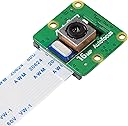
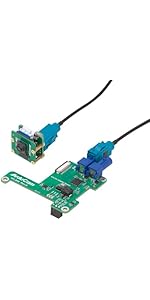
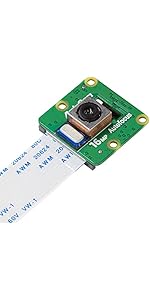
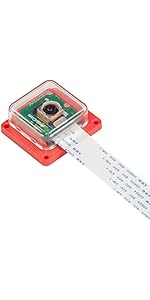
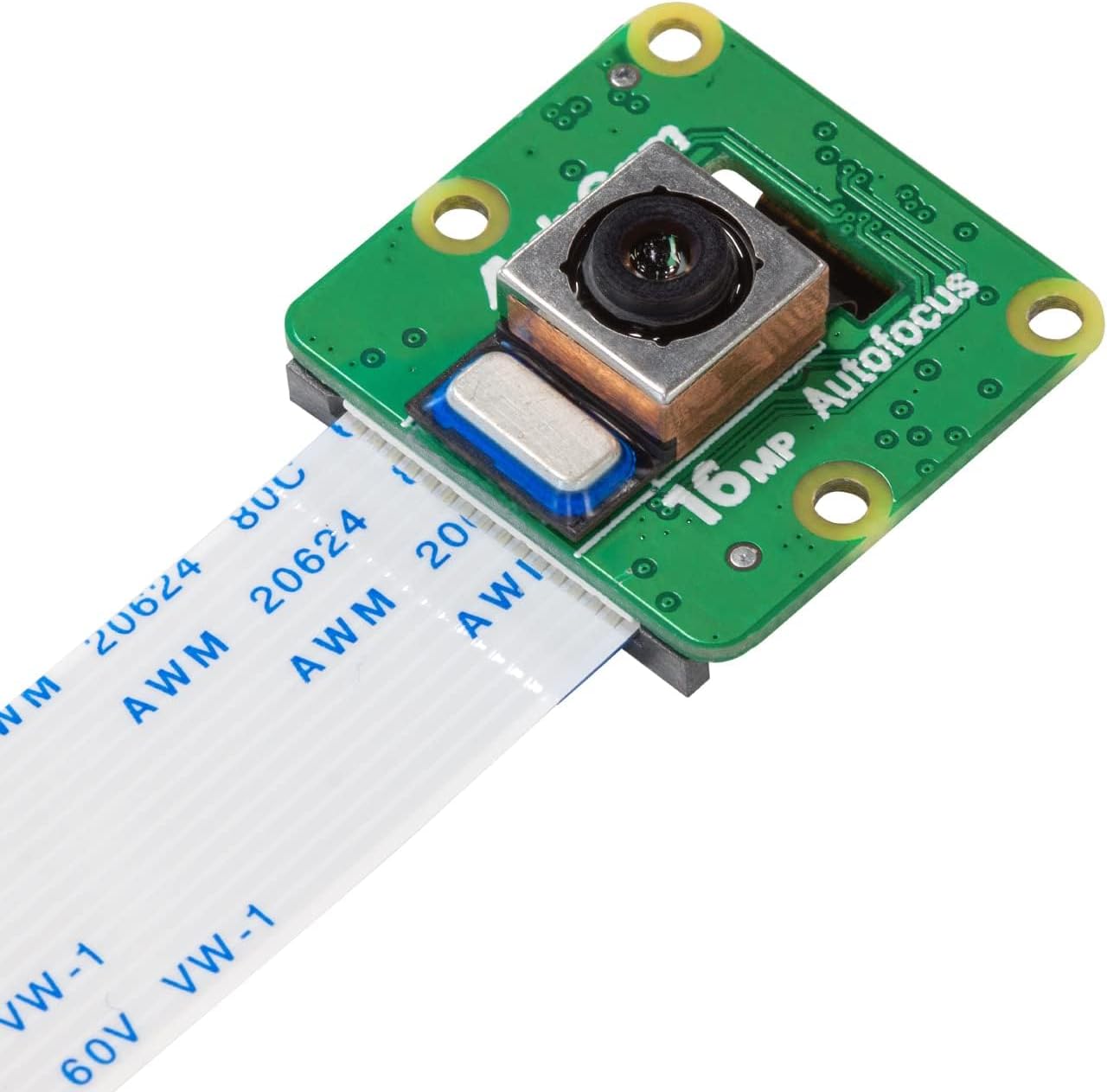
The Arducam IMX519 is a compact 16MP autofocus camera module designed for Raspberry Pi models 5, 4B, 3B+, and Zero 2 W. Offering twice the resolution of the Pi Camera V2 and versatile autofocus modes, it delivers sharper images and 1080p video capture. Compatible with the latest Debian-based OS releases (Bullseye, Bookworm, Trixie), it requires simple configuration and supports extended setups via optional accessories. Ideal for professional-grade imaging and creative Pi projects.


| ASIN | B0B3XBQM9Z |
| Antenna Location | Recreational and professional video recording, including family events, travel experiences, filmmaking, and journalism. |
| Are Batteries Included | No |
| Best Sellers Rank | #659 in Single Board Computers (Computers & Accessories) |
| Brand | Arducam |
| Built-In Media | Camera Body, Manual |
| Camcorder Type | Video Camera |
| Color | Black |
| Compatible Devices | Raspberry Pi, Jetson Developer Kit |
| Connectivity Technology | USB |
| Customer Reviews | 4.0 4.0 out of 5 stars (99) |
| Display Resolution Maximum | 1080p (FHD) |
| Effective Still Resolution | 16 MP |
| Exposure Control Type | Automatic |
| Features | Lightweight, Low Light |
| File Format | JPEG |
| Flash Memory Type | SD |
| Flash Memory Video Speed Class | V30 |
| Focus Type | Auto Focus |
| Form Factor | Compact |
| Has Image Stabilization | No |
| Image Aspect Ratio | 16:9 |
| Item Weight | 0.01 Kilograms |
| Lens Type | Zoom |
| Manufacturer | Arducam |
| Maximum Aperture | 2 f |
| Minimum Aperture | 2 Millimeters |
| Model Name | 16MP Camera Module for Raspberry Pi โ Standard Autofocus |
| Model Number | IMX519 |
| Operating System | Debian |
| Screen Size | 2 Inches |
| Sensor Type | CMOS |
| Shooting Modes | 1080p30, 720p60, 640 x 480p60/90 |
| Style Name | Compact |
| Supported Audio Format | AAC, MP3, PCM |
| Supported Image Format | JPEG |
| Video Capture Format | MP4 |
| Video Resolution | 1080p |
| Viewing Angle | 82.6 Degrees |
| Warranty Description | 6 Months |
| Water Resistance Level | Not Water Resistant |
| White Balance Settings | Auto |
| Wireless Compability | Bluetooth |
R**.
Good Camera!
This is my second experience with Arducam's cameras. I previously aqcuired the HawkEye 64MP Camera during their crownfunding campaign, but at the time the camera came out, Rapsberry Pi was transitioning to using libcamera and Picamera2, so a combination of the constant updates and changes to the settings coupled with Arducam being a little behind in updating their drivers made it a bit of a headache to use. I was pleased to see that the process is now pretty straight forward and the custom libcamera-apps required to use this camera is right in line with RPi OS now, so the camera can function as a drop-in replacement in terms of code once you have this set up, which only takes a few minutes (same for the 64MP, FWIW). Very pleased with this! UPDATE - 12/1/25 - The current custom libcamera/rpicam dev and apps files needed to install the camera are current up to the latest Trixie if anyone is wondering. The process is pretty straightforward. You go to Arducam's website and find the page for your camera. Look for the 'wiki' link on the page. head down to the guide there and follow the steps to download and install the drivers, as well as to update config.txt with the overlay settings needed for your pi to see the camera. On reboot, the system should see it and you should be able to use the camera as usual, but be warned; unless you use (sudo) apt-mark hold on libcamera-dev and libcamera-app, when you update your system the drivers will be replaced with the ones from the repository and you will need to reinstall them to resume camera functionality. All that being said I'm extremely pleased with this camera. If you don't need the manual focus the official HQ offers, I would highly recommend this camera, which takes nice, clear photos and video. I'm intending to use mine with a customer Photogrammetry setup, which is very common as this camera is one of the popular choices for openscan (please forgive my literal inaugral test photogrammetry video of a sweet potato that look like it has a face on it)
M**P
Good quality.
I bought it for a open scanner project and it is very clear. I will get one more for my friend who ask me to build him one it's a good buy.
R**L
May be good but won't work beyond about 10" in sharp focus.
Bought two of these for testing. They worked out of the box with video to my stream but fuzzy. I altered the code to include the autofocus mode: gst_pipeline = ( "qtiqmmfsrc camera=0 af-mode=3 ! " "video/x-raw(memory:GBM),format=NV12,width=1920,height=1080,framerate=30/1 ! " "qtivtransform ! " "video/x-raw,format=BGR ! " "appsink drop=1 sync=0" ) # --- THE QUALCOMM PIPELINE WITH AUTOFOCUS --- # 1. qtiqmmfsrc: # - camera=0: Primary camera. # - af-mode=(0=Off, 1=Auto, 2=Macro, 3=Continuous Video, 4=Continuous Picture) The autofocus worked but these may be Macro modules as I can focus very good from 4" to about 10" then they won't focus on anything beyond 10" (Yes you can see focus working as you move near or far) Maybe I'm not doing something right. Anyway. Not happy.
J**E
Ribbon cable issue
Plugged camera in with provided cable and one edge of cable burned all the way from camera to device. I'll try another ribbon cable but no idea what happened. Was using Orin Jetson nano which also uses 22-position (22-pin) 0.5mm pitch MIPI CSI-2 connector. Double checked everything so I suspect cable was bad as it looks super cheap.
K**T
Excelent product
getting it to work was a bit tricky. Could use improvment on the documentation, especially setting boot config.txt
D**S
SAD FACE :/
Sad face: Broke the case before I got this mounted and the ribbon cable is damaged at this point.
L**R
Very good camera
Great camera. Have to use the right Python library.
A**I
Hardware is great. Software and docs are terrible
I bought this camera because I wanted a high MP solution for a raspberry pi 4B CV project I'm working on. The first few weeks of tinkering with this, I was able to get the unit running by following the instructions on their website, but it was not a clear process. There was seemingly an order to the install instructions but then I'd find a note in a completely separate place regarding required steps to get it working. Eventually, I had it working with libcamera, but couldn't get it working with picamera2. I reached out to support and support just pointed me to a picamera2 example from the picamera2 official repo (not their own). It didn't help. I took a few months off the project and then returned to it in the last couple days. I still couldn't get it working so I decided to torch it and start fresh. Now I can't get it running even with libcamera, and judging by their forums, i'm not the only one. I think the main issue here is that they have written their own version of libcamera to add some additional support (mainly autofocus it seems). The problem with this is that because they're using a forked version, someone on their side needs to actively maintain and update the repo in order for the hardware to continue working with the latest features. I have a feeling this is why picamera2 wasn't playing nicely with it. I hadn't thought this through when I bought the product. And now that the install scripts seem to be broken, I can't do anything. Now I'm at the whim of their support staff for getting it to work. In retrospect, I would have gone with a more common and widely tested rPi camera module. I'm glad I tried this one instead of the 64MP camera. now i know better.
A**D
Good quality camera
N**R
Good
C**N
Sehr gut, funktioniert, Preis passt!
่ค**ๅ
ใฉใบใใคใซไฝฟใใใจๆใฃใใใ่ชฌๆใใชใใ่ชๅใงใใฃใฆใฟใใใ่ช่ญใใใชใ
M**D
I purchased two Arducam autofocus cameras, and the autofocus function does not work on either of them. I carefully followed the official installation instructions from the Arducam website and spent an entire day trying different solutions, but nothing worked. I even tested two separate units, and both failed in the same way. This has been extremely frustrating and disappointing. My advice: never waste your money on this product.
Trustpilot
1 month ago
1 month ago