Some deliveries may take a little longer than usual due to regional shipping conditions.

DOWNLOAD THE APP


Customer Services
Copyright © 2025 Desertcart Holdings Limited
DOWNLOAD THE APP

🎧 Level up your podcast game with pro sound, zero hassle.
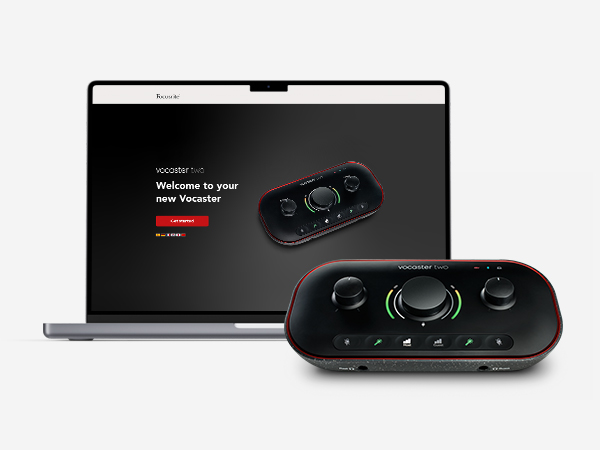
The Focusrite Vocaster Two is a compact, professional podcasting interface featuring two premium XLR mic inputs with over 70dB gain, dual headphone outputs, and smart Auto Gain for instant level setting. It supports Bluetooth phone connectivity and direct camera audio output, making it perfect for podcasters seeking broadcast-quality sound on the go. Powered via USB-C and compatible with Mac, Windows, and iOS, it delivers studio-grade audio with effortless setup and portability.









| ASIN | B09ZGT64RV |
| Audio Input | Microphone |
| Best Sellers Rank | #2,651 in Musical Instruments ( See Top 100 in Musical Instruments ) #23 in Computer Recording Audio Interfaces |
| Brand | Focusrite |
| Brand Name | Focusrite |
| Compatible Devices | Microphone, Personal Computer, Tablet, Headphones, Smartphone, Studio Monitors, Camera, Bluetooth |
| Connectivity Technology | USB |
| Customer Reviews | 4.4 out of 5 stars 781 Reviews |
| Frequency Response | 20 KHz |
| Global Trade Identification Number | 00815301001379 |
| Included Components | Vocaster Two, USB A-C Cable |
| Item Dimensions D x W x H | 4.45"D x 8.84"W x 1.99"H |
| Item Type Name | Audio Interface |
| Item Weight | 1.83 Pounds |
| Manufacturer | Focusrite |
| Maximum Sample Rate | 48 KHz |
| Number of Channels | 2 |
| Operating System | Mac OS, Windows OS, iOS |
| Supported Software | All audio recording software |
| UPC | 815301001379 |
| Unit Count | 1.0 Count |
| Warranty Description | 3 year manufacturer. |
J**B
Great Sound, Easy Setup, and Packed With Useful Features
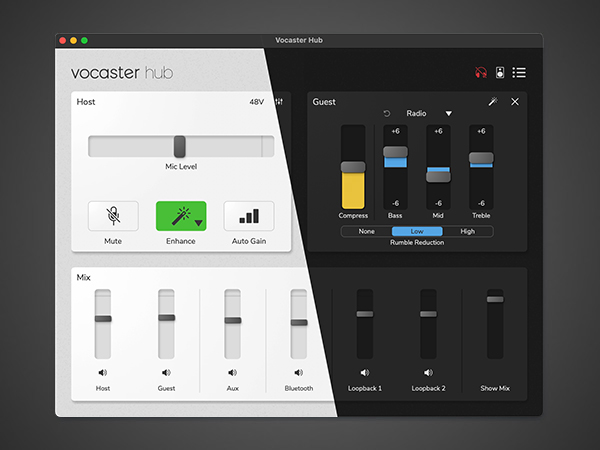
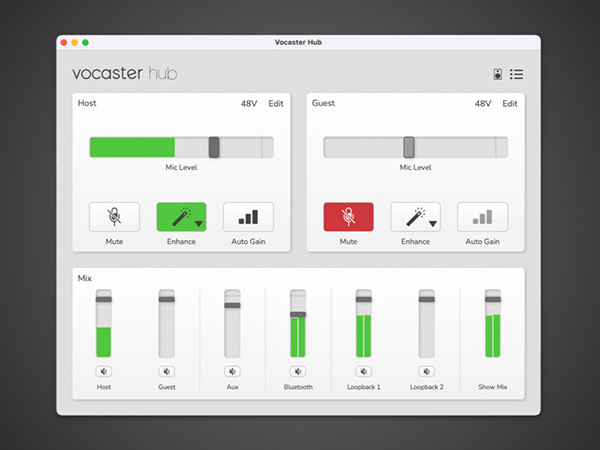
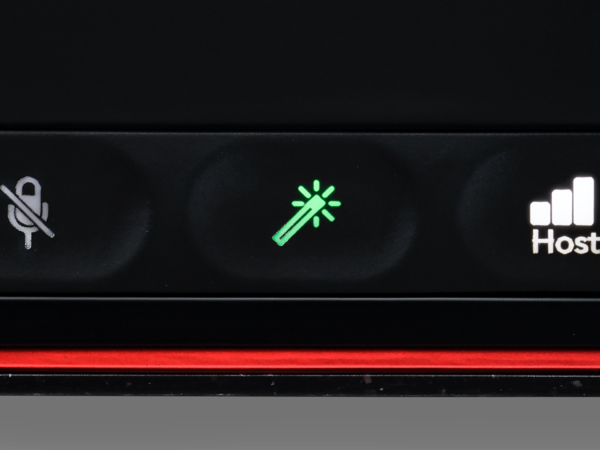
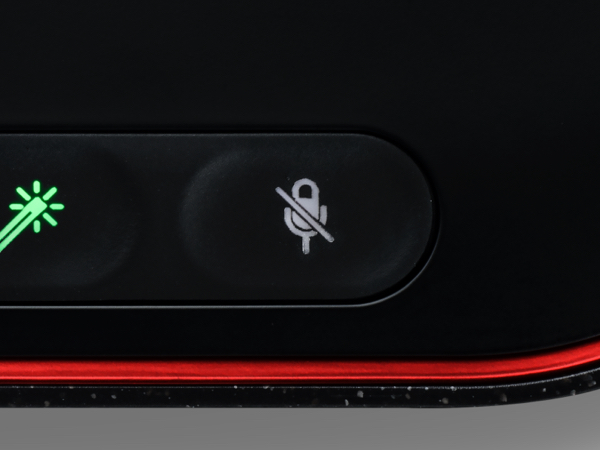
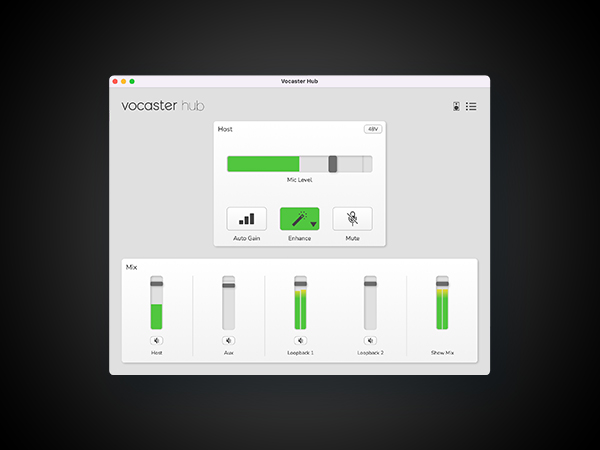
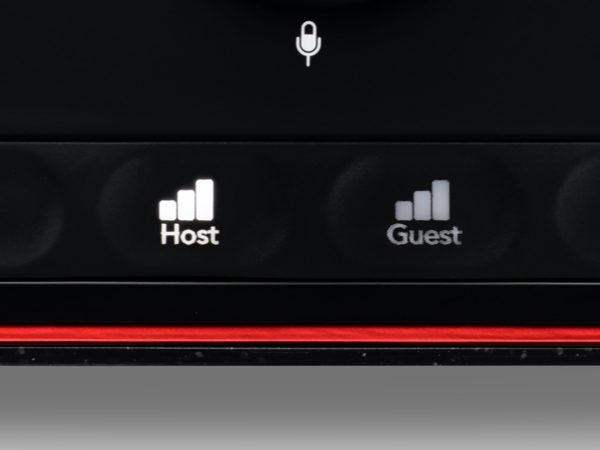
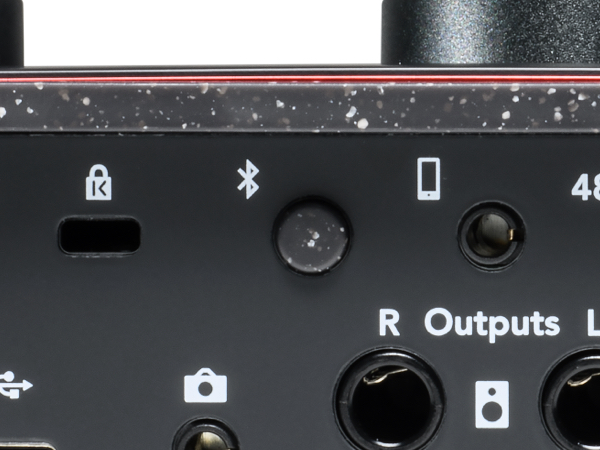
I recently picked up the Vocaster Two, and I’m genuinely impressed. The sound is smooth and clear, noticeably better than I expected, especially since I had been using the Podcaster Duo before this. This little box surprised me in the best way. Setup & Layout Everything on the Vocaster Two is easy to find and well-labeled. The XLR jacks are clearly marked “Host” and “Guest,” which keeps setup simple. The left and right outputs for speakers or monitors are straightforward and clean. There’s also a 48V phantom power button for mics that need it, a TRRS input so you can plug your phone directly in, and even a line-out for your camera, which gives you clean audio straight into your footage with no syncing needed later. That alone saves a ton of time. The Bluetooth pairing is effortless—hold the button, connect, and the clarity on phone calls is surprisingly good. The USB-C port handles both power and computer connection, and the companion software is easy to use. It also has a physical power button, which seems small but matters when you’re managing multiple devices. Smart Features The controls are simple to navigate. There are separate mic mute buttons for host and guest, and the Auto Gain button is a standout feature. You talk for about 10 seconds, and it sets the level perfectly. This makes it extremely beginner-friendly, even for someone not familiar with audio equipment. Build Quality The body is plastic but feels rugged and solid. The top surface looks nice but is definitely a fingerprint magnet. The only design choice I’m not thrilled about is the headphone jacks in the front. Because of the angle, the plug sticks out slightly. Not a deal breaker, just something to note. Portability One of my favorite features is that it can be powered from an iPhone or iPad with USB-C. That makes it very portable and handy for recording away from the studio. Price I purchased mine for $59, but I’ve noticed the price on Amazon fluctuates a lot. Sometimes it climbs to around $99, and I’ve seen notes that the original retail was around $200. My suggestion: Check back often. The price drops come and go, and catching it on sale is worth it. Even at $99, I’d still say it’s worth the money. Bottom Line This isn’t meant to replace something like the Rodecaster, but it doesn’t have to. The Vocaster Two is excellent at what it is: a clean, easy, reliable audio interface with smart features and great sound quality. I would definitely recommend it.
A**M
So simple yet so powerful
It has been a delightful piece of gear. It’s my first audio interface so I can’t compare it to others, but the ease of use, size and functionality is great. Great value for money at today’s price.
A**K
Honestly, great value and amazing audio interface.
Great audio interface! I recently decided to upgrade my mic setup, and I needed a cheap audio interface that was also good quality. Ended up finding this one for 39.99, so pretty much an absolute steal. I absolutely love the quality of this interface. First of all, it was bigger than I was expecting it to be, but that wasn't a big deal. It was really simple to just plug it into my computer and plug my XLR from my mic to the interface. Controlling the gain this is super much easier, as it has color indicators that allow you to see if it's the perfect level or if it's too loud and needs adjusting. The only downside I would say about this is that if you are using a condenser microphone, the 48V phantom power setting turns off every time you power the audio interface off. Honestly, not a big deal. With the click of a button it can be activated again. One other that's amazing about this interface is that it uses a 6.3 mm headphone jack rather than a standard 3.5 mm jack. For a lot of people this might be a downside, but tbh for me it was not. I have the beyardynamic dt990 pros, and those headphones have the option of either using the 3.5 mm jack or it comes with a 6.3 mm jack accessory. Id prefer to use the 6.3 mm jack because it's more durable and overall I believe provides a more stable connection. I also have a mixer that I use with a set of dj turntables, and those also use a 6.3 mm headphone jack. It's really nice to be able to easily switch between using my headset for the audio interface and connecting to the mixer for my dj system rather than having to constantly screw on and off the 6.3 mm jack accessory that came with my headset. Overall I love this audio interface, I would recommend buying RIGHT NOW if you are tight on a budget.
T**Y
My new favorite interface
I got this for $49.99, and I’m pretty satisfied with what I paid for it. It works out of the box. The Usb to C cable it comes with is short, but I had a cable from my Fifine SC1 interface I bought for a similar price. The reason I got this interface was for the speaker monitor LR-balanced ports because my SC1 gives off humming noises. The Vocaster one LR balanced ports sound great with no humming and I have full control of my speakers with this interface. The camera and mute are also a plus. I also love how this interface has a dedicated power button on it so I can turn it off whenever. The software is the only reason I’m not giving this product 5stars. It works, but it’s super laggy and slow. I changed one thing and had to wait 3–5 minutes for the buffer on Windows 11 with the most recent drivers installed. I also had to set up my mic to mic + aux input, so I didn’t have to constantly listen to myself because the mic monitoring is on out of the box. The only way I could figure out how to change it was on the reddit threads.
I**N
If you want to connect mic to tablet or phone or…
This thing is awesome for streaming setups with phone or tablets! I needed a means to connect a condenser mic (which takes phantom power) to my iPad for recording and streaming purposes. This was the answer and a good value for the cost. I’m not saying that it’s full featured but it gets the job done! Perfect for podcasts or music creation.
R**D
Alright and easy to use
It boosts the sm57 fine however it needs to be nearly maxed out to get sufficient volume. And that will make the mic sensitive to background noise.
S**N
Affordable, powerful mixer
Integrates easily with its downloaded software for a variety of uses, like with Riverside. Has enough power and gain to operate with professional mics like RE 20s.
M**T
Absolute Nightmare
This interface works great...when it actually works. When it's not, it's an absolute nightmare. I have had nothing but problems with this interface, when it comes to the drivers. Unacceptable latency (1-2 seconds ≠ 18.2 ms), crackling if it's run for about an hour or more (seriously?), general bugs and glitches, random audio cutouts when I run my headphones through it that have never happened with my motherboard, all of this even though I run it through a USB 3.0 cable. I've downgraded and upgraded drivers, uninstalled and reinstalled Vocaster Hub, even deleted the drivers that come with the interface and ran it straight through Windows. I've even removed every single driver, every single device relating to Focusrite, and THEN reinstalled everything afterwards. NOTHING. WORKS. And worse, I can't even use the Windows drivers, they don't function with a lot of software I use. You HAVE to use Focusrite's drivers, and no matter which driver version you have, you WILL run into crackles, or delays. How is it possible that Focusrite, a company that's been a staple of the audio industry since '85, makes something so comically terrible? Don't buy it. Save your money.
Trustpilot
4 days ago
1 month ago