

Desert Online General Trading LLC
Dubai, United Arab Emirates
Desert Online General Trading LLC
Dubai, United Arab Emirates




🚀 Elevate Your Connectivity Game!
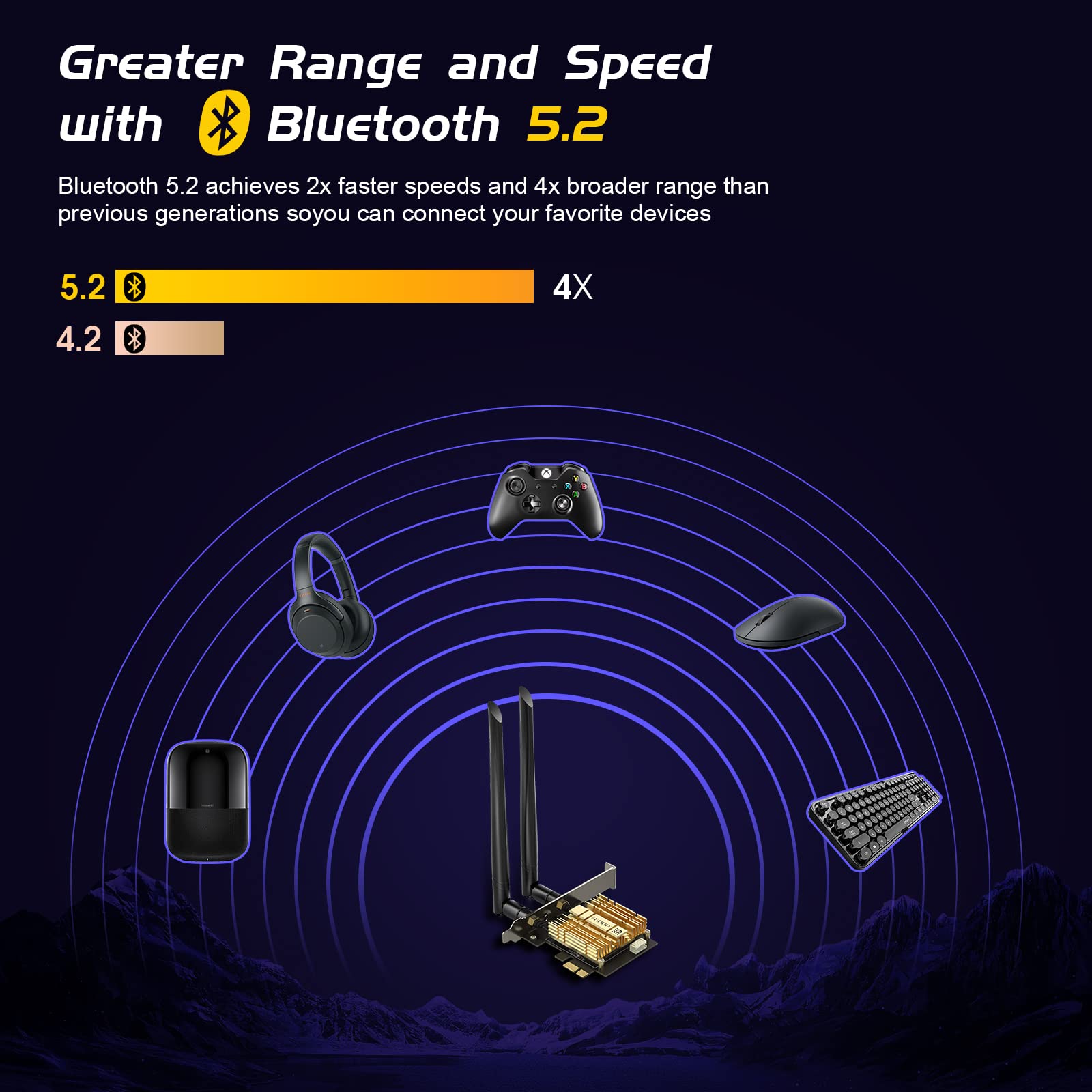
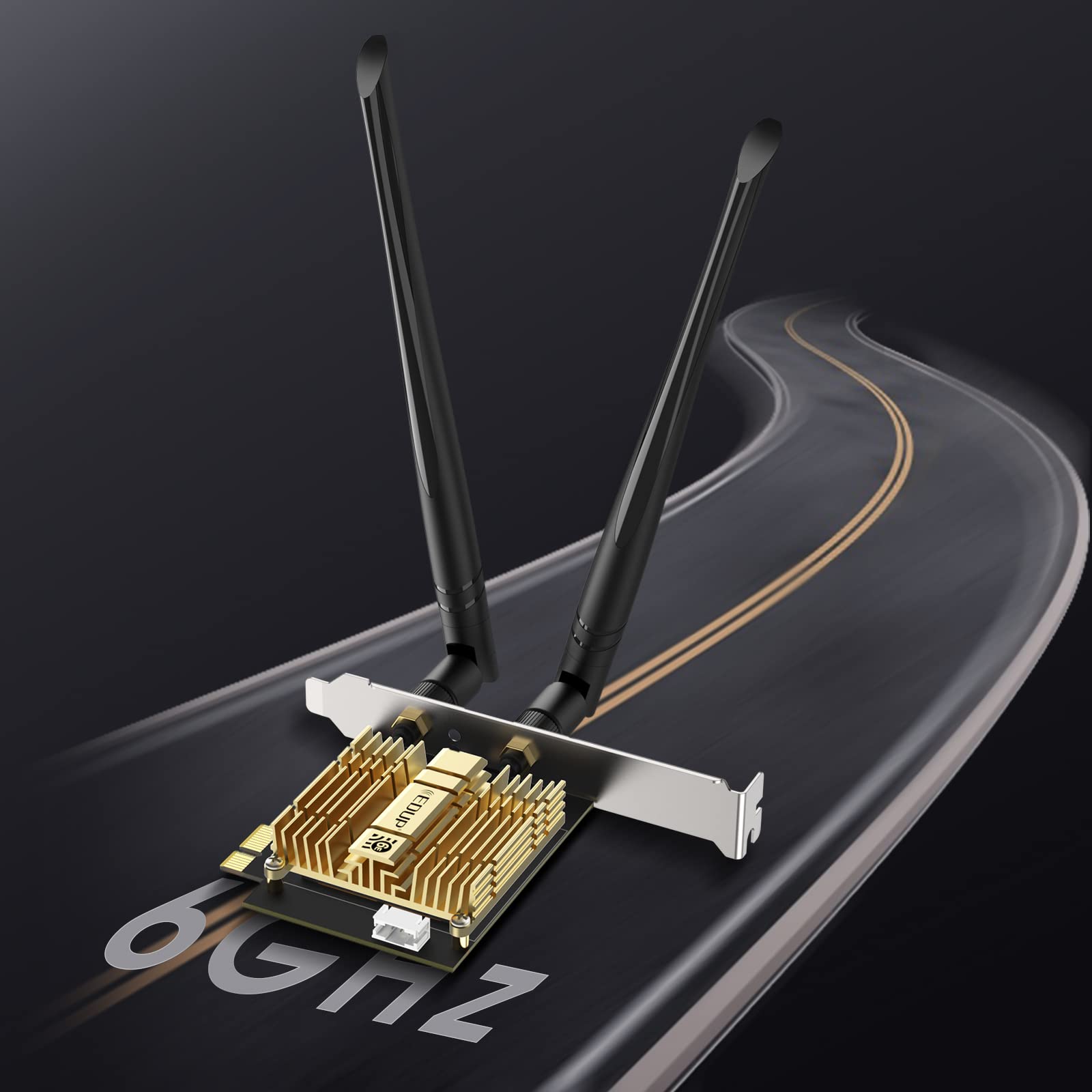
The EDUP LOVE WiFi 6E AX210 PCIe WiFi Card is a cutting-edge network solution designed for desktop PCs, offering lightning-fast speeds of up to 5400Mbps across tri-band frequencies. With advanced Bluetooth 5.2 technology, dual high-gain antennas, and a high-quality heat sink, this card ensures optimal performance and connectivity for all your devices, making it perfect for gamers and streamers alike.




| Color | Gold |
| Data Link Protocol | WI-FI 6E, BLUETOOTH 5.2 |
| Data Transfer Rate | 600 Megabits Per Second |
| Compatible Devices | Desktop |
| Hardware Connectivity | Bluetooth, PCI |
D**T
Lenovo owners beware...extra cable may be needed.
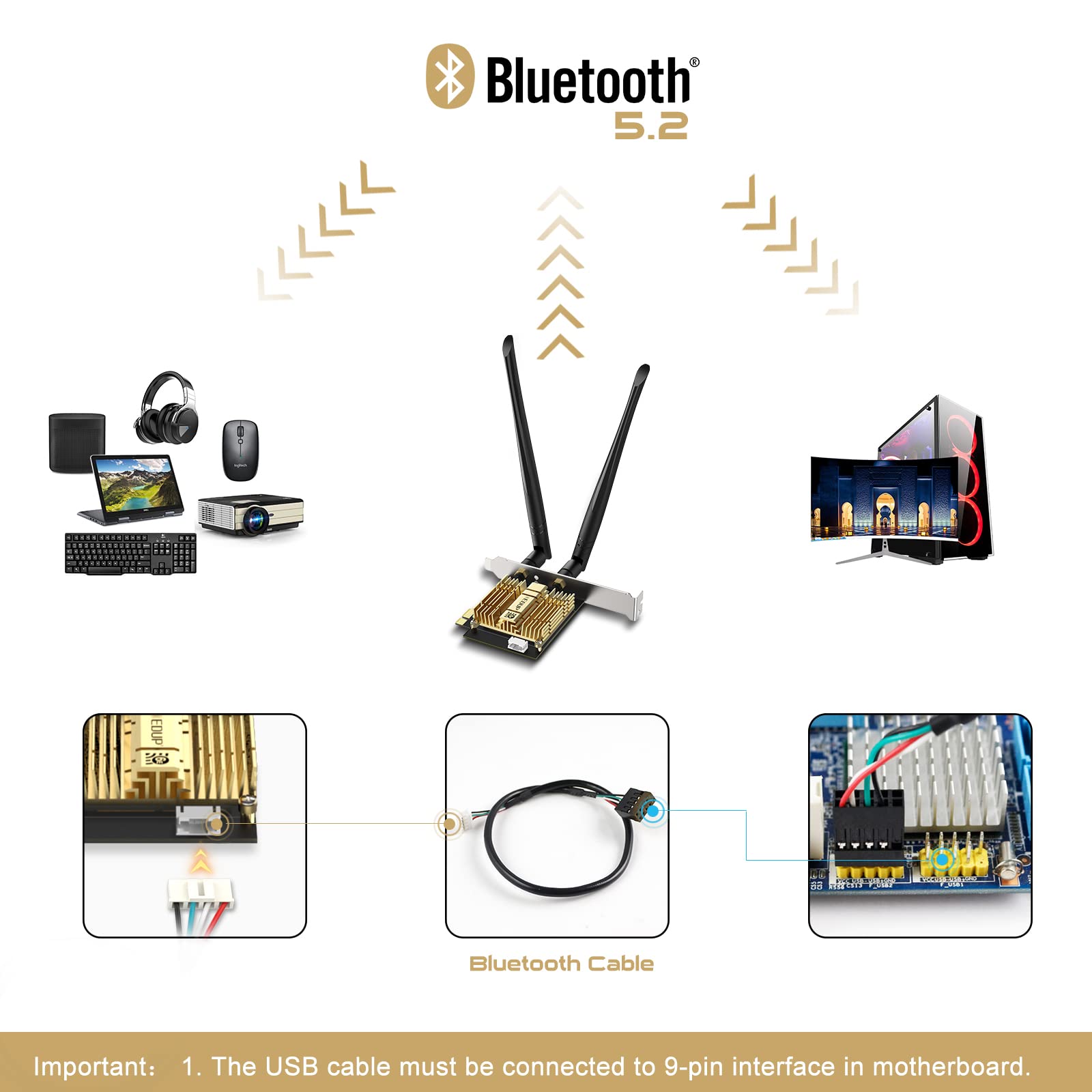
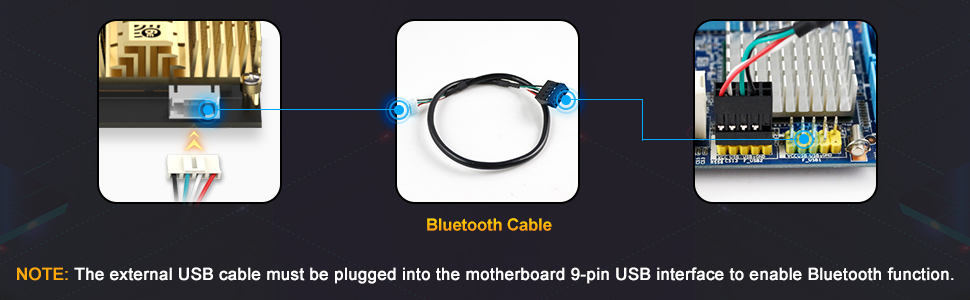
Install was straight-forward enough. The package does come with an internal USB (4-pin female) to USB header (9-pin female) for a vacant USB 2.0 header. Package also came with a half-height card bracket, which I had to install for use in my Lenovo ThinkCenter M700.Bluetooth is not working yet, because the F_USB headers on my motherboard are 11-pin (specific to Lenovo?) and the provided standard USB header cable is 9-pin. I had to order an 11-pin female to 9-pin male USB converter cable from a different vendor. Pending its arrival.Otherwise, I am happy with the card and performance - it replaced a little Wifi dongle that was somewhat spotty. The install may be a challenge for some people, with the drivers (standard Intel Wifi drivers) coming on a CD.
Y**1
Very Fast and Reliable wifi card
I've previously used AC USB wifi cards and the max MBPS I've gotten was around 200 but i pay for 400. With this card, I am getting consistent download speeds of 350+. It is stable and has no issue. THe only problem was the install. On Windows 10, this device is not plug and play. I had to save down from the disk drive the files. Once done, it worked right away. Other than troubleshooting the drivers, this is a very good buy.
H**S
Pretty great, especially for the price. Connections do occasionally studder.
Got this for my PC. I recently moved somewhere that has no ethernet ports in the walls for whatever dumb rason and needed to get a WiFi card. I didn't have bluetooth either so I spurng for this one.It was pretty darn easy to install. I have some knowledge of computers but not extensive and this only took me like 10 minutes in total.My only gripe is that sometimes the Bluetooth or WiFi will studder but only on rare occasions. Makes a difference in online gaming though.
O**F
Very Good
Second impression:Aug-19-22Works very well with my windows 10Better than any usb Wi-Fi I had prior to this card.First impression: 2 hours post installation on Winodws 10 Desktop. I will update again later.Pros:-Fast Wifi 6 5ghz (I didn't test BT) - 600 Mbps-Stabe-Easy physical installtion of card to Desktop PCCons:-Installation arrived with CD (I don't have drive for it)-Had to download driver from edup site, update windows 10 in windows update and reboot several times. Instllation takes some effort
Z**C
Works alright
Connects but does not perform as great for me, can't keep a sustained connection to the router. Other devices run fine, just not the desktop this is hooked up to.
L**S
AX5400M+Gold Heat Sink - It works.
Works well. I live in a nycha apartment so the walls are tough on wireless signals. I can get about 20-30 steps away before the signal gives out, that's standard for all my devices. I recommend downloading the drivers for wifi and bluetooth straight from the intel official website, latest version. The delivery was quick and clean, nothing broken or missing.
S**
Not any Windows 10 version will do!
The media could not be loaded. UPDATE: CARD IS VERY POWERFUL! SO THAT'S A LIKE,.. description says you need to have Windows 10 and that's the only thing that it will run on well I bought Windows 10 installed it and the card still didn't work and it said that I need a higher version of Windows 10 which wasn't in the listing! Windows version 10.0.177 or above to be exact. So I had to set up and run a cord to get enough updates to where the version is high enough for the card to work. but once it got going, boy did it . you can see the speed.
B**C
Read the instructions. You must connect the cable to internal USB for Bluetooth
It’s a great product. I have read reviews talking about no Bluetooth. The Wi-Fi and Bluetooth are 2 components. The Wi-Fi uses the express port you plug it into, the Bluetooth uses the internal USB port you plug it into. The box comes with a cable for a reason.Afterwards, just go to Intels sight and have it detect your equipment and install the latest drivers. Is that easy .
Trustpilot
2 weeks ago
3 weeks ago