
DOWNLOAD THE APP


Customer Services
Copyright © 2025 Desertcart Holdings Limited
DOWNLOAD THE APP


⌨️ Elevate your workspace, embrace the split revolution!
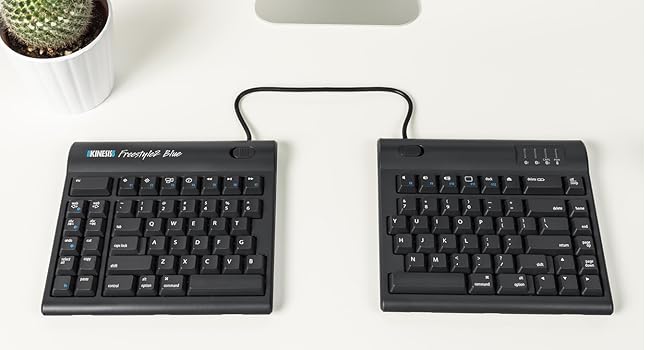
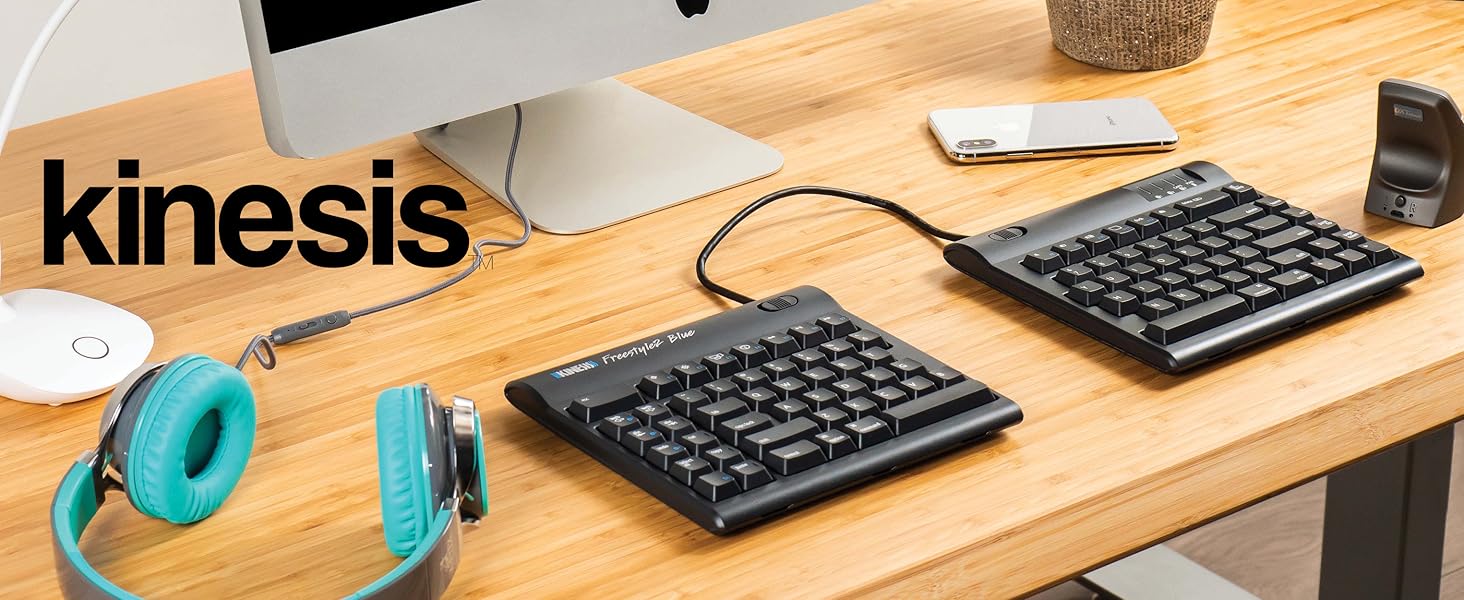
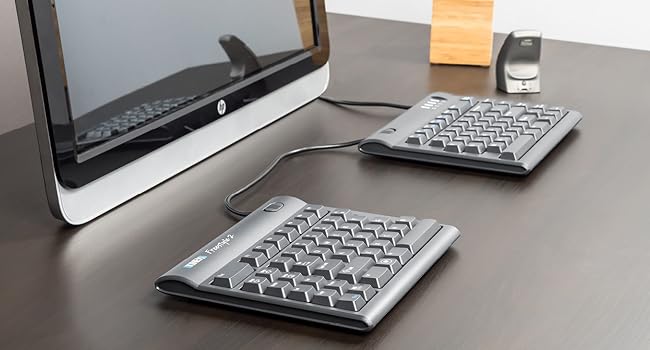
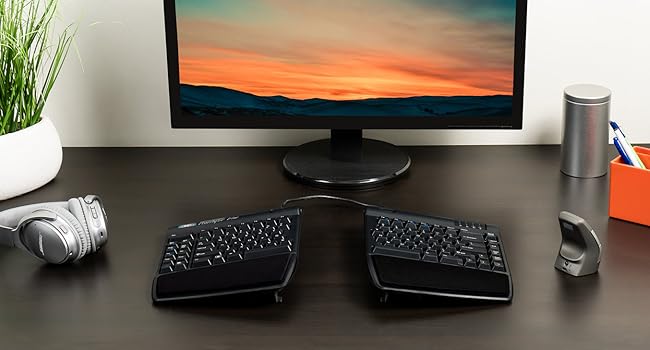
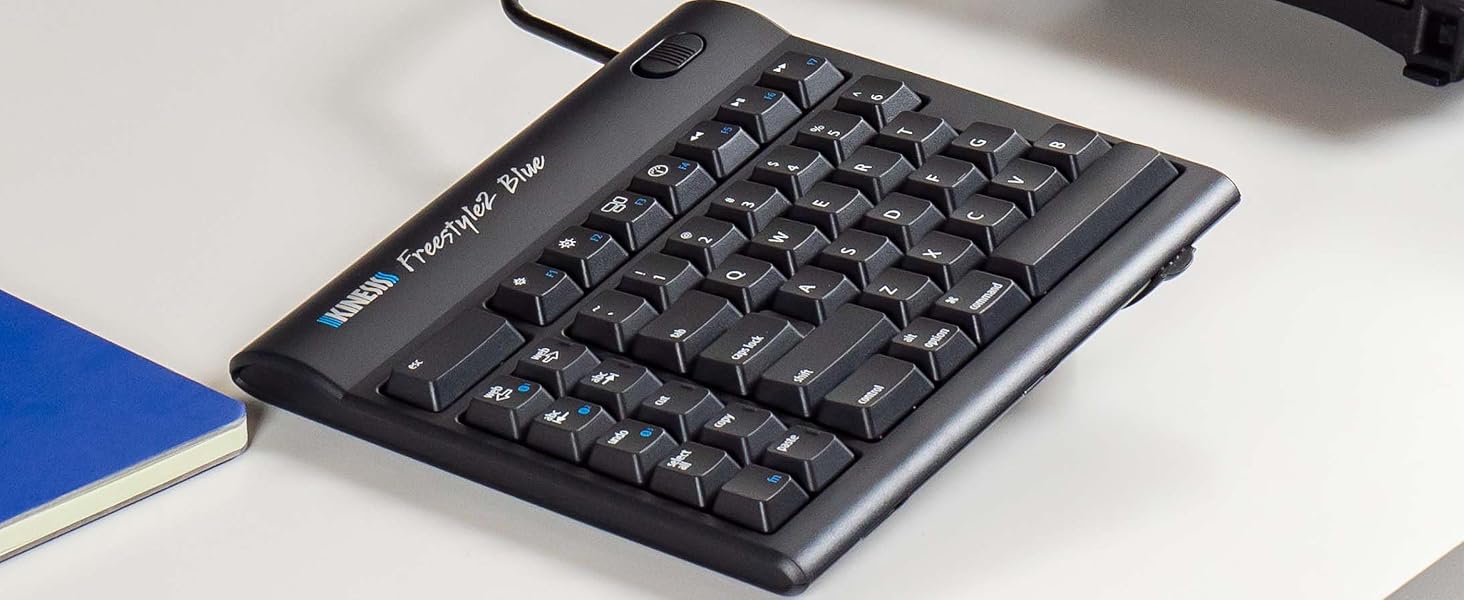
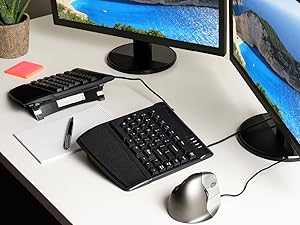
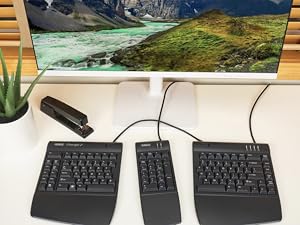
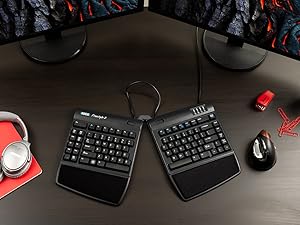
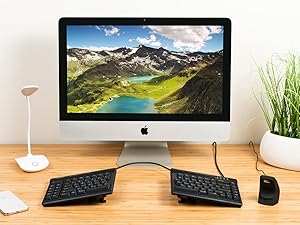
The KINESIS Freestyle2 USB-A Ergonomic Keyboard features an award-winning split design with up to 9" adjustable separation and VIP3 lifters offering 5°, 10°, or 15° tenting angles. Its low-force membrane keys reduce finger fatigue, while the standard Windows layout includes dedicated hotkeys for enhanced productivity. Pre-assembled with cushioned palm supports and adjustable accessories, it delivers a customizable, plug-and-play ergonomic typing experience tailored for professionals seeking comfort and efficiency.











| ASIN | B0089ZLENA |
| Best Sellers Rank | #190 in Computer Keyboards |
| Customer Reviews | 4.2 4.2 out of 5 stars (874) |
| Date First Available | June 8, 2012 |
| Is Discontinued By Manufacturer | No |
| Item Weight | 2 pounds |
| Item model number | KB820PB-US |
| Manufacturer | Kinesis Corporation |
| Product Dimensions | 19 x 12.5 x 3.5 inches |
A**N
A great ergonomic keyboard
It took a little bit of time to get used to this layout, but this is a very good keyboard for those looking for ergonomic equipment. It takes a bit of time to get used to the design, but practice and regular use will make it easy to adjust. The keys feel great and my fingers have never ached after prolonged use. Changing width and tenting angles are both great for adjusting the keyboard for optimizing comfort. I also really like that this keyboard has separate keys for Cut, Copy, Paste, and Undo. They make those actions much easier. I haven't used the web home, back, or forward keys very much since my mouse already has back and forward buttons. My main disagreement about the design is that the B key is on the left section. I strongly think it should be on the right. The Fn key can be confusing because it stays active after pressing it. I'm used to Fn only being active while the key is held down. The Delete key can also take some getting used to because it's the same size as the Backspace key and the keys are very close to each other. I've had a few experiences where I've tried to use Backspace but ended up hitting the Delete key instead. These issues haven't been enough to hinder my experience, and overall I'm very satisfied with this keyboard.
A**A
OMG, the best keyboard EVE!
It seems I type all day, and have gone through keyboards, have broken keys, and have particular criteria I need in a keyboard, and specific things I don't want. Important to me: ergonomic is #1. And part of that includes NOT having a numeric keypad attached. It means I have to over-reach and take my hands off the keyboard to use my mouse which slows me down. I've used the Microsoft Sculpt and loved it -- that is, until the doggle (?, the USB thing you plug into your computer) stopped communicating to the keyboard. So I bought another one. Except the new one had the same problem the old one developed after several years of great use. So I returned it. And the search was one. I got another one which had the same problem (the lag time between hitting the keys and it typing was either terribly slow, or the keys I typed never showed up. And then I started reviewing the reviews much more thoroughly, and it seemed NONE of the reviews of the ergonomic keyboards without numeric keypads had unanimously positive reviews. Except 2: one of them was about $200 + an additional $150 or $200 for the lifters. Well, if this thing works best with the lifters (which all reviews say it does), why would that not be included? Plus, it had features I didn't like and didn't really want, including bright red, blue and green lights on the keys, and keys you could program (largely for programmers, which I am not). Another feature I want is for the caps lock key to be backlit so I can tell at a glance if it's on or not. And then a friend sent me the link to this keyboard. It had all the features I wanted, none of the features I didn't want . . . at a fraction of the price. And the reviews were ALL positive. It's still costs more than the average run-of-the mill keyboard. But, when my friend compared it to when he buys a guitar.... he doesn't mind spending the money on a Les Paul. Well, my keyboard is how I make music!, and so I decided to go for it. It's my Les Paul! It was instant plug-and-play, I have the lifters in the halfway position, and am totally in love with it. It took zero time to get used to. So what that it has a cord. This keyboard is a dream. I'm so grateful to have found it!!!!!! You won't be disappointed. Oh, one more little thing. I use the little bumps that remind my fingers when they're on the home keys (or not!). These little bumps were rather little, and hard to sense. So I just added a little thing (a textured tape) to make the bumps bigger, and now my fingers find the home keys without my having to look!
J**A
Great feel and ergonomics; special keys don't work for my purposes
In the brief time I used this keyboard, it seemed like a very good quality, comfortable keyboard with good build quality. Unfortunately, it didn't serve my needs. I previously used a Kinesis Ergonomic Maxim keyboard, and I depended on being able to remap the right Windows key and Menu key for special functions, while leaving the left Windows key as a modifier key. The Freestyle2 only has one Windows key, so I can't do that. I knew that, but I assumed I'd be able to remap the other special keys on the left as needed. But they can't actually be remapped as independent keys; they're only shortcuts for other existing keys or key combinations (at least as far as Linux can tell; perhaps it's different under Windows). For instance, pressing the Cut key sends a left Control key keypress, an X keypress, an X key release, and a left Control key release, so it's absolutely identical as far as the computer can tell to pressing Control-X. I'd just live with it if the keyboard had a distinct right Windows key so I wasn't *losing* functionality over the older Maxim keyboard. I'm very disappointed, because I love the ability to have the two halves of the keyboard separated and I really love the feel of the keyboard. If all the keys were distinguishable I would be very very happy. I'd recommend it for anyone who just wants a good ergonomic keyboard and doesn't want to do funny things with key layouts. This is, of course, a fairly specific use case, and there aren't going to be very many people it matters for. But I wanted to share this as a little caveat for anybody who was hoping to use this with Linux (or, perhaps, anybody who was hoping to remap the additional special-function keys in software for Windows or Mac, although I can't be 100% certain Windows and OS X can't tell them apart from the corresponding key sequences on the main part of the keyboard).
A**R
Instant relief for wrist and shoulder pain!
I switched to the Kinesis Freestyle2 after experiencing constant forearm strain, and the difference is night and day. The split design is a lifesaver—being able to position the modules at shoulder width immediately fixed my posture and stopped me from "hunching" over my desk. The keys are quiet and have a low-force feel that reduces finger fatigue, while the flat profile keeps my wrists in a neutral position. I also love the dedicated hotkeys for Copy/Paste on the left side. If you spend all day typing, do your body a favor and get this keyboard. It’s easily the best ergonomic investment I’ve made!
V**P
I've been using this keyboard at work (software testing) since 2014. It pretty much cured severe forearm and wrist pains. During the pandemic lock-down brought it home and used it since for work and personal computers. Now that I'm spending more and more time at the office again, started noticing discomfort while using a conventional keyboard there. So, bought a second one to keep there. In 11 years that I'm using the first one, gave it a couple of complete clean-ups, removing all keys, and putting them back. No noticeable wear on key labels. Easy to change keyboard inclination and rotation, if someone else needs to use it. Very pleased with this product.
N**N
I've had a Kinesis Freestyle Pro split keyboard for years but managed to spill half a cup of tea over it and it completely failed, which was disappointing. To save a bit of money I went for the Freestyle2, it's great, I actually prefer it to the Pro, it has a really great feel, is quieter though still has good feedback and the build in raisers are great.
M**C
Fantastic! have high sensitivity in my tendons from past carpal tunnel and bilateral tendonitis injuries.
H**R
No tiene límites para usarlo a la medida de nuestras manos
N**O
The product is really good. Took some some days to get fully adapted to the new configuration, but now i can see how uncomfortable was the previous setup. The positioning lemme adjust my shoulders position, I’m no longer feeling them tired in the end of the day.
Trustpilot
3 weeks ago
2 months ago