⚡ Work smarter, print faster, connect easier — the HP LaserJet Pro MFP M227fdw is your office MVP!
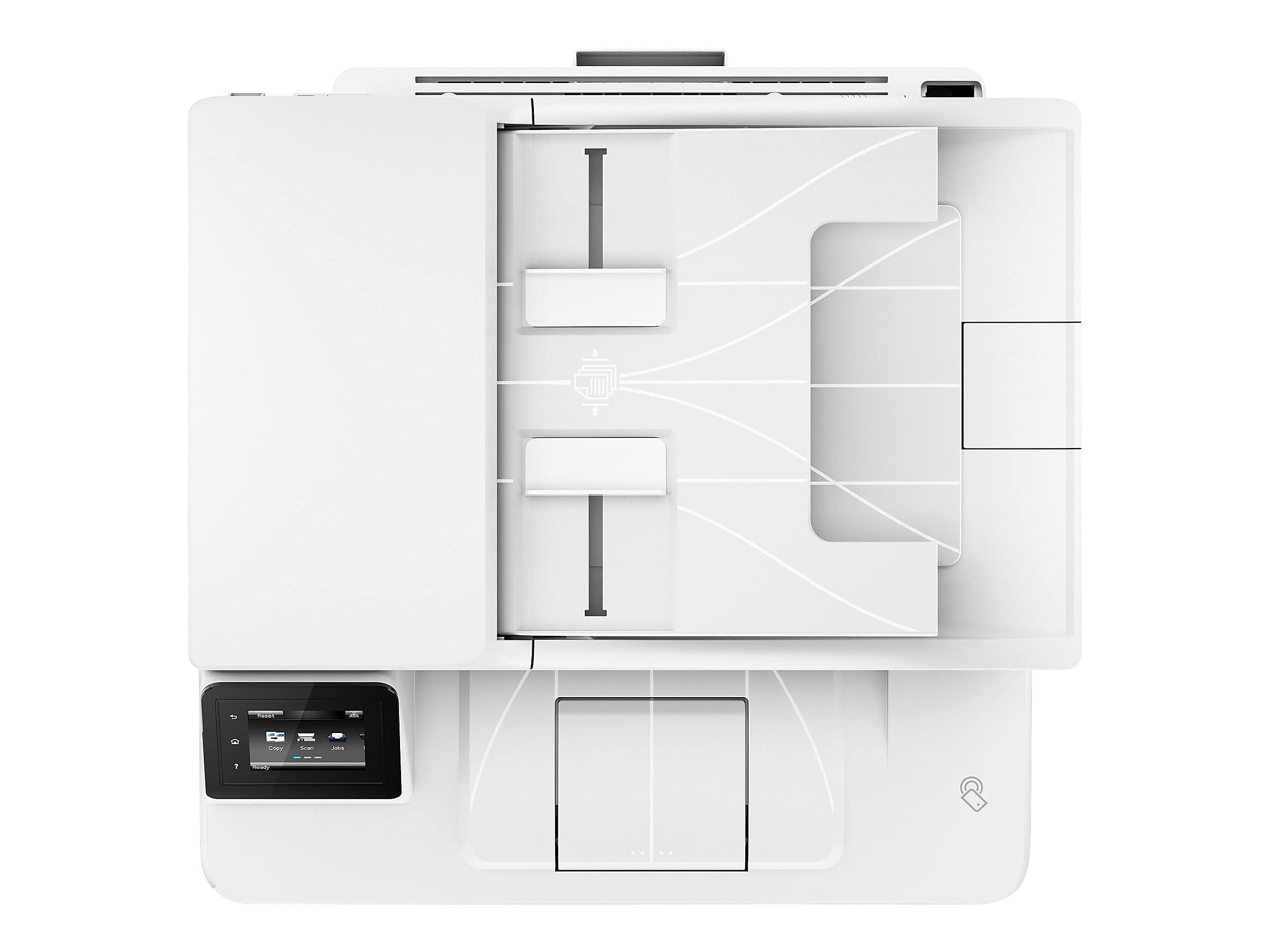
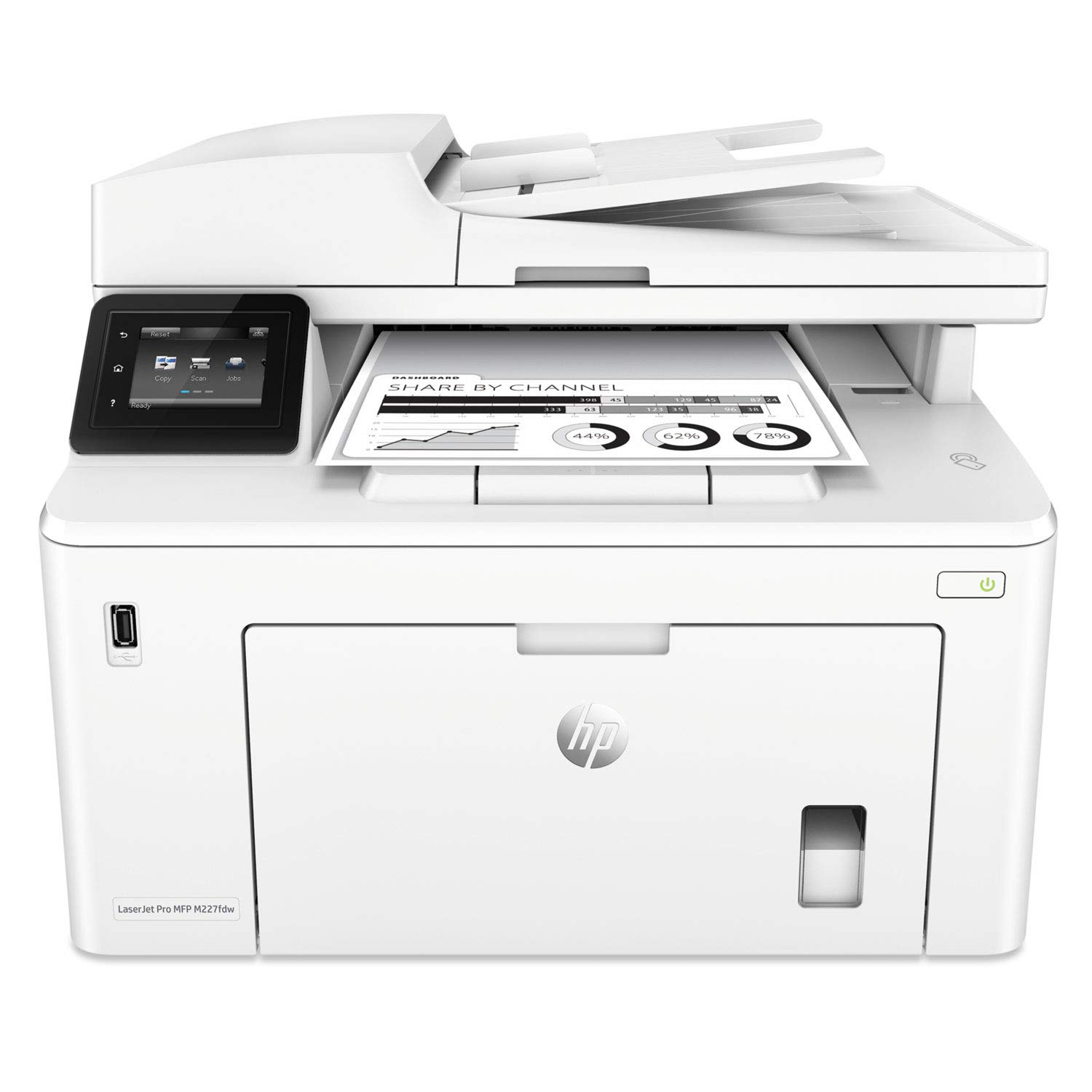
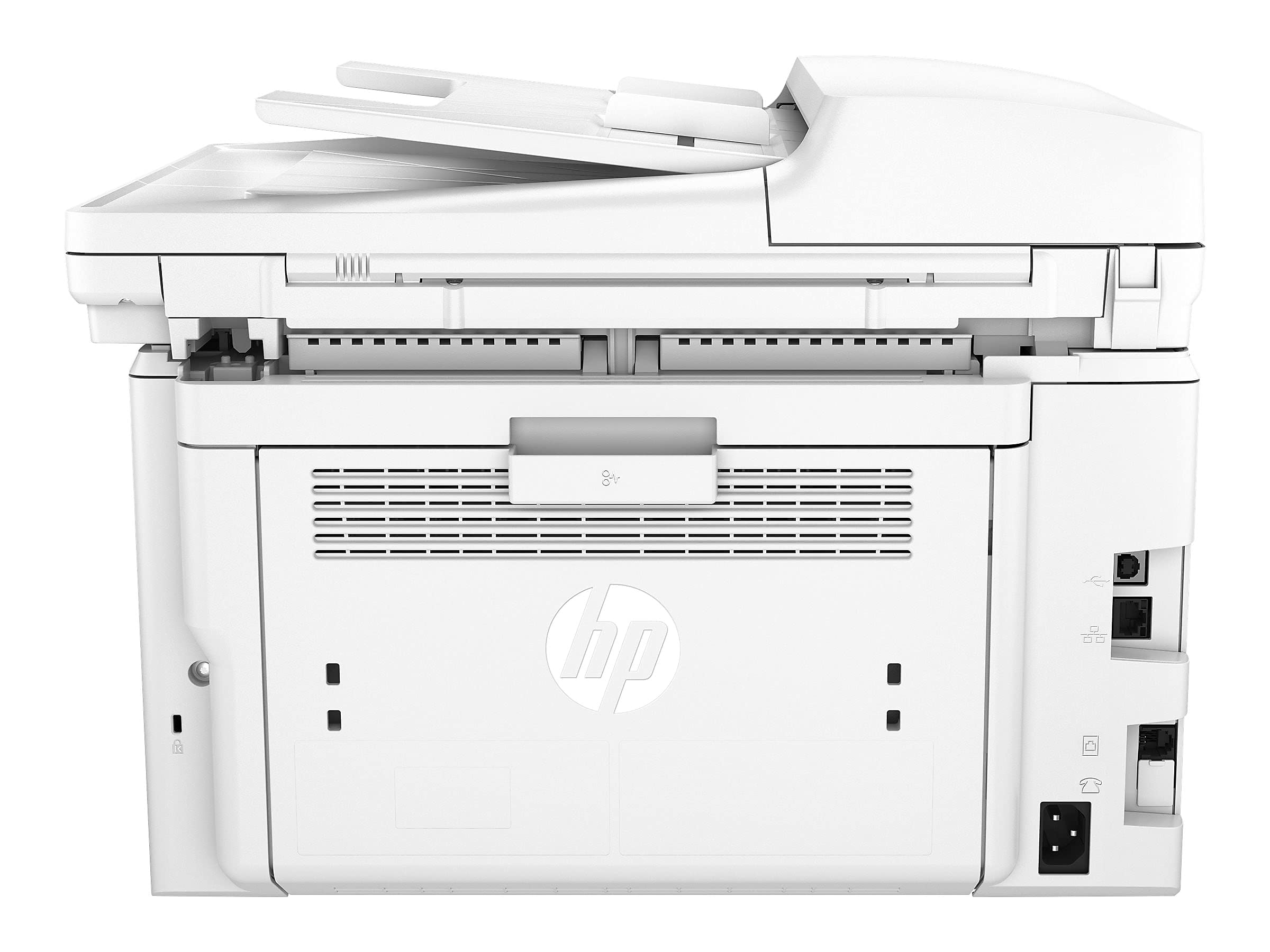
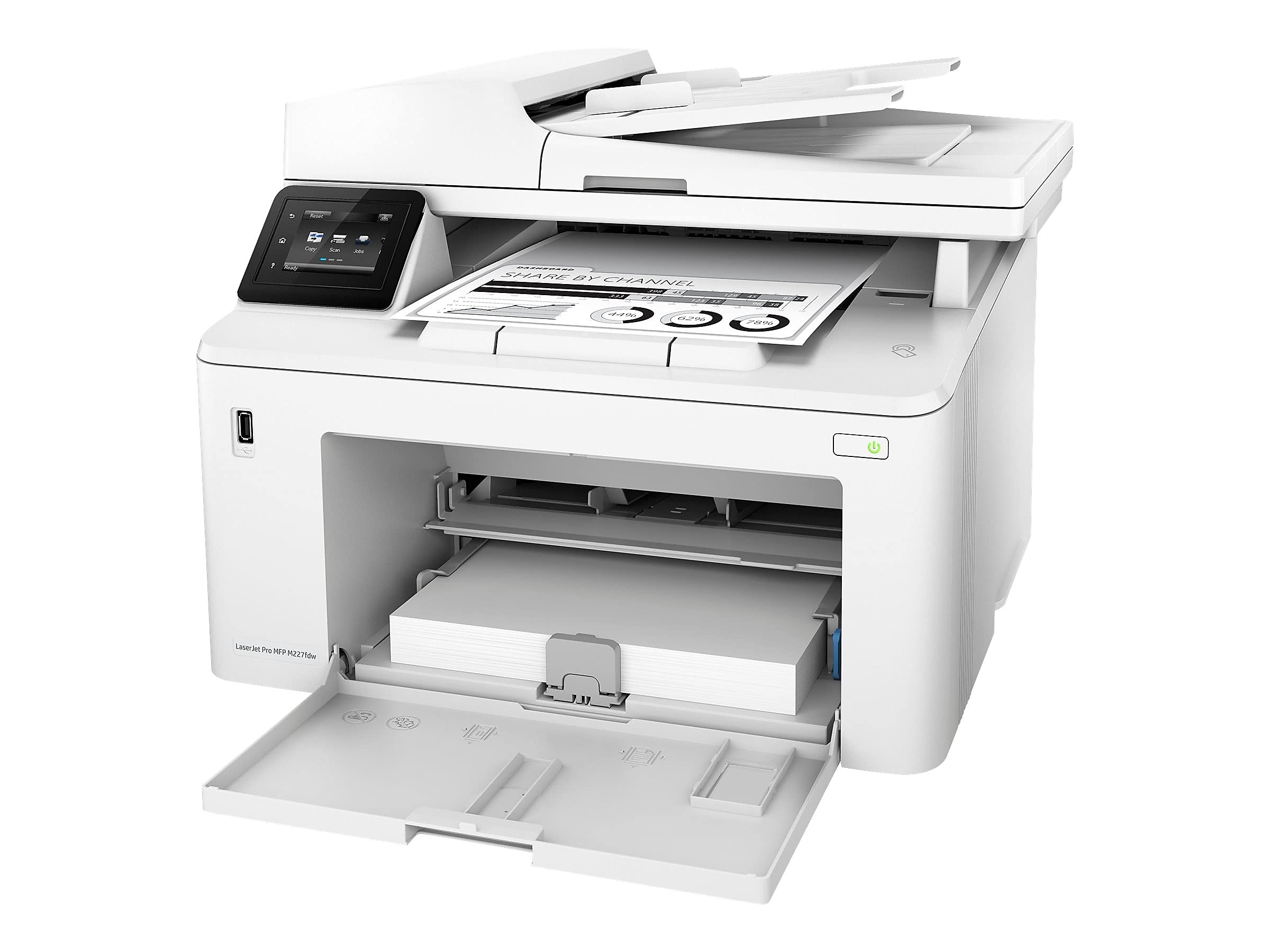
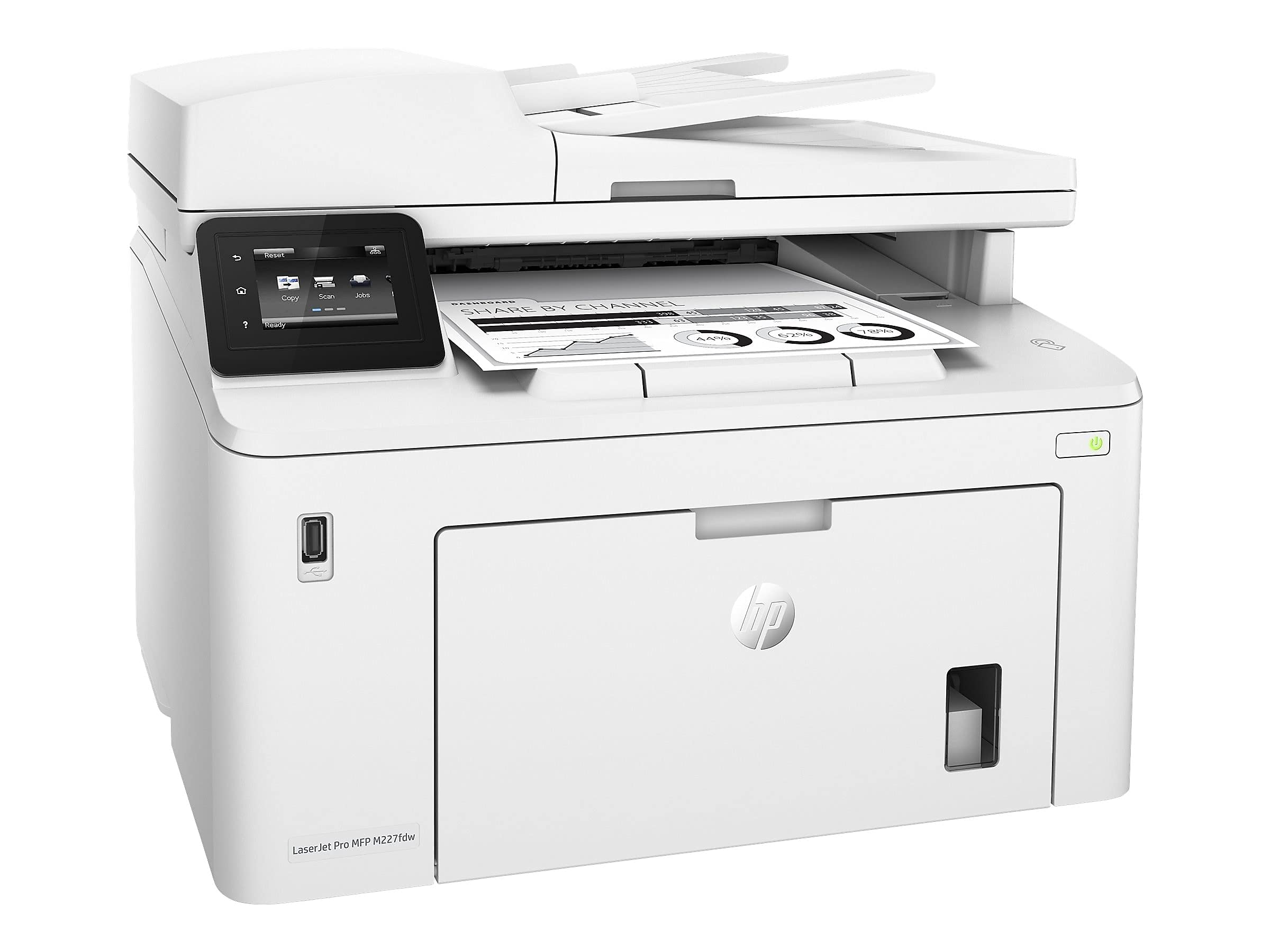
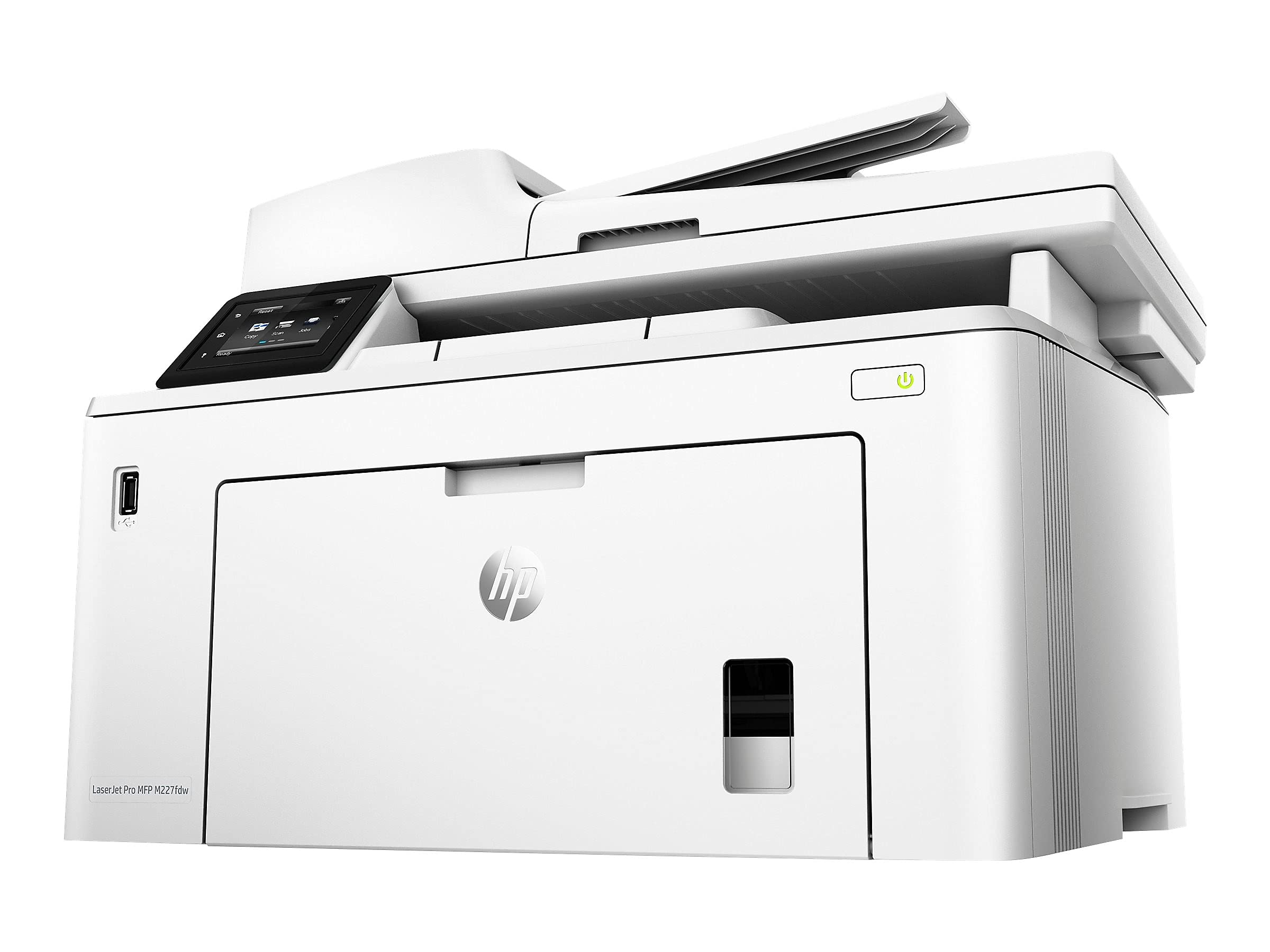
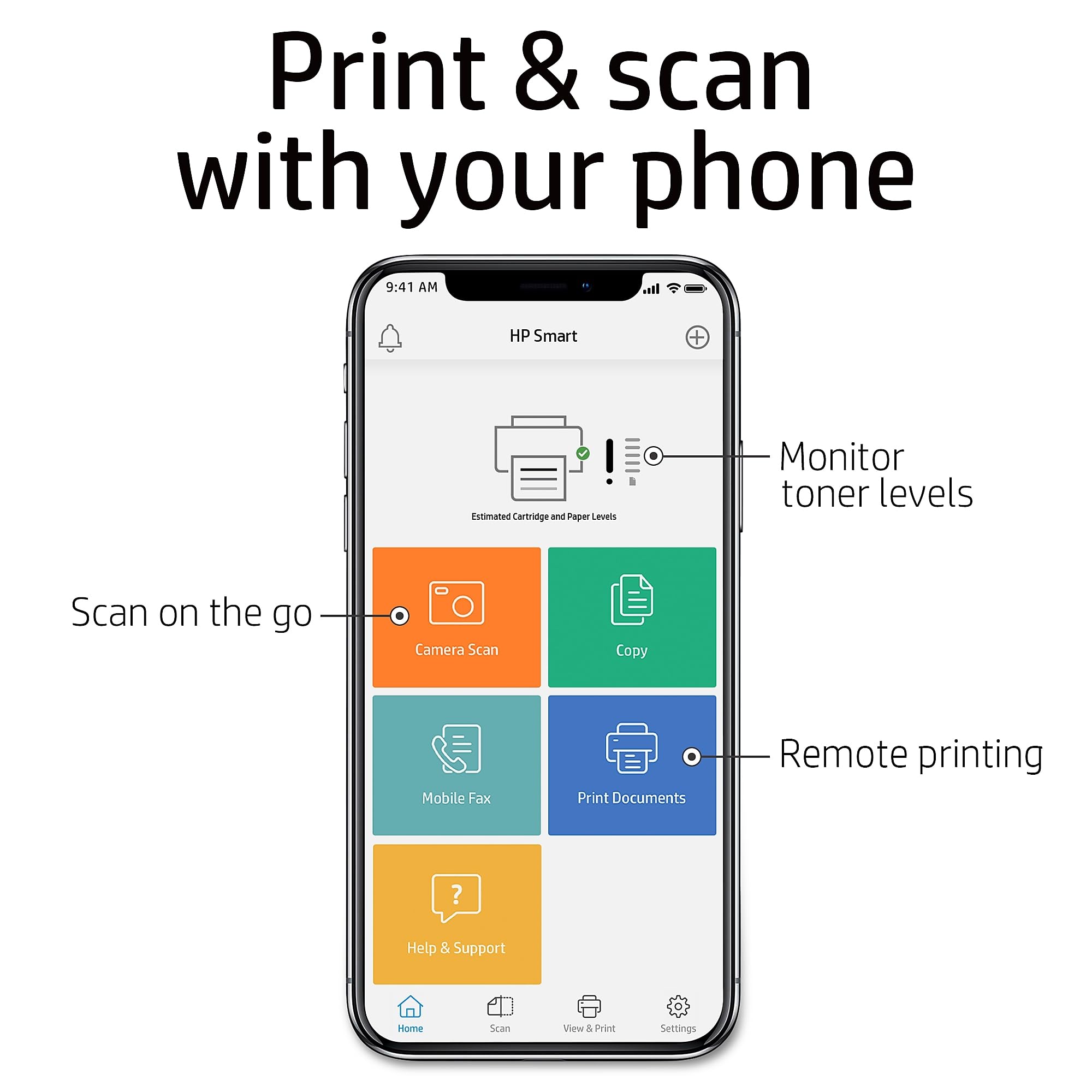
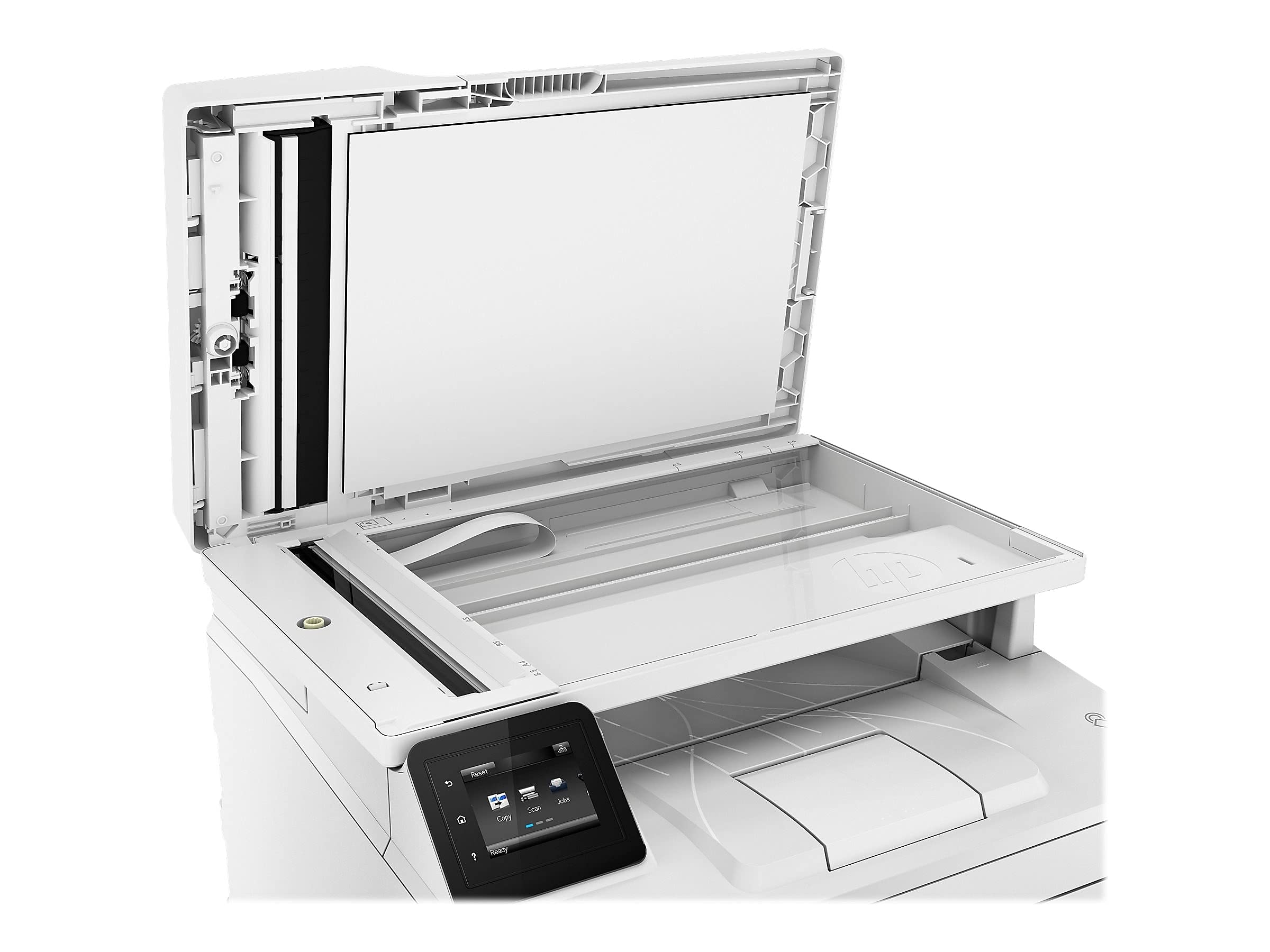
The HP LaserJet Pro MFP M227fdw is a wireless monochrome all-in-one laser printer designed for small to medium businesses and home offices. It delivers sharp 1200x1200 dpi prints at up to 30 pages per minute, features a 2.7-inch color touchscreen, supports duplex printing, and offers versatile connectivity options including Ethernet, Wi-Fi, NFC, and mobile printing via AirPrint and HP Smart app. With a 260-sheet input capacity, 35-sheet auto document feeder, and energy-saving Auto-On/Auto-Off technology, it streamlines your workflow while maintaining professional quality and reliability.


| ASIN | B01LZW2L1P |
| Additional Printer Functions | All In One |
| B&W Pages per Minute | 49 ppm |
| Best Sellers Rank | #76,641 in Office Products ( See Top 100 in Office Products ) #90 in Laser Computer Printers |
| Brand | HP |
| Built-In Media | G3Q75A HP LaserJet Pro MFP M227fdw, Getting started guide, HP Black LaserJet Toner Cartridge ~1600 pages, HP LaserJetImaging Drum ~23,000 pages, Power cord, Printer documentation and software on CD-ROM, Set up poster, Support flyer |
| Color | White |
| Compatible Cartridge | HP 30A, HP 30X, HP 32A |
| Compatible Devices | Laptops, PC, Smartphones |
| Connectivity Technology | Ethernet, NFC , USB, Wireless |
| Control Method | Voice |
| Controller Type | Amazon Alexa |
| Customer Reviews | 4.4 out of 5 stars 1,339 Reviews |
| Display Type | LCD |
| Dual-sided printing | Yes |
| Duplex | Automatic |
| Global Trade Identification Number | 00725184115059 |
| Hardware Interface | Ethernet |
| Initial Page Print Time | 6.7 seconds |
| Ink Color | Black |
| Item Dimensions D x W x H | 15.9"D x 16"W x 12.3"H |
| Item Height | 12.3 inches |
| Item Type Name | HP LaserJet Pro M227fdw All-in-One Wireless Laser Printer (G3Q75A) |
| Item Weight | 20.7 Pounds |
| Manufacturer | HP |
| Maximum Copies Per Run | 99 |
| Maximum Copy Resolution Black and White | 1200 dpi |
| Maximum Copy Speed Black and White | 30 ppm |
| Maximum Print Resolution Black and White | 1200 x 1200 dpi |
| Maximum Sheet Capacity | 250 |
| Media Size Maximum | 8.5 x 14 inch |
| Model Name | G3Q75A#BGJ |
| Model Number | M227fdw |
| Model Series | M227 |
| Number of Drivers | 1 |
| Number of Ethernet Ports | 1 |
| Number of Trays | 2 |
| Other Special Features of the Product | Auto Document Feeder, Auto-Duplex, Cloud Print Enabled, Energy Star, HP Auto-On/Auto-Off Technology, NFC Touch-to-Print, Network-Ready, Printer Management Features, Scan To E-Mail, Touch Screen |
| Output sheet capacity | 250 |
| Paper Size | 3 x 5 to 8.5 x 14, Letter, Legal, Envelope |
| Power Consumption | 4.5 Watts |
| Print media | Card stock, Envelopes, Glossy photo paper, Labels, Paper (plain) |
| Printer Connectivity Type | Ethernet, NFC, USB, Wireless |
| Printer Output Type | Monochrome |
| Printer Type | Laser |
| Printing Technology | Laser |
| Processor Count | 1 |
| Resolution | 1200 x 1200 |
| Scanner Type | Flatbed |
| Series Number | 227 |
| Special Feature | Auto Document Feeder, Auto-Duplex, Cloud Print Enabled, Energy Star, HP Auto-On/Auto-Off Technology, NFC Touch-to-Print, Network-Ready, Printer Management Features, Scan To E-Mail, Touch Screen Special Feature Auto Document Feeder, Auto-Duplex, Cloud Print Enabled, Energy Star, HP Auto-On/Auto-Off Technology, NFC Touch-to-Print, Network-Ready, Printer Management Features, Scan To E-Mail, Touch Screen See more |
| Specific Uses For Product | Home, small to medium business |
| Total USB 2.0 Ports | 2 |
| Total Usb Ports | 2 |
| UPC | 725184115059 |
| Unit Count | 41.6 Ounce |
| Warranty Description | One-year limited hardware warranty |
| Warranty Type | limited warranty |
W**S
Amazingly ease to setup on Debian10/Cinnamon
Box arrived a day early and is in excellent condition. $249.00 makes this printer a good value. The size and weight is perfect. It fits comfortably under my computer table. Easy to setup. It took around 30 seconds to initialize and be ready to use. From the time I plugged it in to my first CUPS test page was less than 5 minutes. The 600x600 print quality is not grainy, clear, and easily legible. No skew lines or odd page doodles like my last HP printer (HP-ColorJet5). A single page from LibreOffice takes less 5 seconds. A copy also takes less that 5 seconds. Scanning directly to your HD In linux is possible with VueScan. I'm going to purchase a license for the Basic Edition. Faxing . . . eh! Its nice to know faxing is possible. "Currently" I'm a happy camper. (I full expect this printer to last many years.) UPDATE: I just updated my system to Debian 12 with the Cinnamon desktop (Sept. 2023). All I had to is click the 'Add' button on the System Settings > Printers section and the system literally setup the printer for me. ANOTHER UPDATE: I just bought the VueScan software, mentioned above, during the company's Black Friday sale. The install went flawlessly. You have to reboot the system before VueScan works properly. Absolutely fantastic color and resolution quality.
A**R
Huge BANG for the office buck investing in this muti task, compact, desk top office system.
went to shop for just a scanner & found this HP Laser Jet Pro M227, for the same price as a good scanner. Had help with son-in-law to hook up and connect to the web, so scanning, faxing could be accomplished without strain or pain. Unit makes 2 copies a minute, top feeds for copying, quick prints in a heartbeat, has a USB port to copy documents or full files from other sources, can work remotely or direct line to desktop, even has a phone app. The unit is compact, (16" x 16" square & 12' high), lightweight, quiet and easy on the eyes. I should have invested in one of these long ago. HP systems are incredibly well engineered, manufactured and reliable assets that fit any home or professional environment & need.
J**Y
Great Product
I was looking for a small laser jet printer for my small business. I used HP before so I want to continue using it without HP+. I googled all its laser jet printers and watch the relative youtube videos. I chose MFP M227fdw because of its all-in-one feature and the unbeatable price at amazon. When it came to my home, I liked it right away. It's wow. Quickly set up without reading the manual. The top features are all-in-one and double side printing. I will keep using it to develop more features. Love this printer!
F**K
Great hardware - software not so much.
Well built and at a great price. Software - not so much. Typical. for up.
E**.
The problem is HP Smart, not the printer
Asked our I-T guy to recommend a good printer, and this was one of the three choices he gave me. (He really likes this one, by the way.) Upon its arrival, I decided to look up some reviews. Went through the one-star reviews to see whether I suffered the same issues. I did not. Spoke to our I-T guy about the possible reason for this, and he said, "The problem is HP Smart, not the printer. That's why I used a cable to connect it to your PC." Loved this printer/scanner/copier/fax machine so much, I bought one for my home office. I took the advice of using a cable, and the printer works great. Thing is, when you download the drives and whatnot, do NOT choose the HP Smart option -- the site is configured to make you think it's your only choice. It isn't. To the one-star reviewers: The architect of your woes is HP Smart, not the printer.
N**N
Print density..how past 5....too light
Very happy with this purchase so far, read reviews everywhere for probably 10 hours. Color not needed; don't want a printer that won't work without it, I only need black and white, and this services everything. So far, the faxing, copying, printing I've tried are excellent, will later try scanning. Customer support outstanding; worth thousands. They even called me back the next morning out of concern about my fax with no prompting from myself. Now I'm in business! I used the Amazon credit card deal towards this purchase. Update: How can I get Print Density to go beyond 5? Nothing works when I press numbers beyond that up to 10. This scans way too light to be useable.
D**Y
Software a major headache - only used now as an overpriced copy machine
I set this up and it worked with my laptop. Then something happened and I have to use their HPSmart software to print or do anything via WiFi from my laptop. Why do I have to login to their app to use a printer 2 feet away? It used to work with the two other computers in the room. Then apparently something changed. Now, it they can't use it or see it at all or think it's busy or offline. I tried downloading and just installing the printer software and drivers after uninstalling everything related to it - several times - several ways - several machines. I get a persistent "Driver is unavailable" in settings for that printer even though I downloaded and "successfully installed" their software and drivers for it using each option from their utility - onto three different HP computers, ironically. The irony is I occasionally help over 100 other people with their computer, network (and printer) problems with a 100% success rate - so far. Some even using HP computers and printers - but not this HP LaserJet Pro M227fdw printer for myself - pretty frustrating for the ego. So far, I've spent several dozen hours on this printer and can't get it to work via WiFi with three computers in the same room without very annoying nuisance issues. It's past my return date or I'd ship it back in a heartbeat and buy a Canon color laser printer. I'll likely buy the Canon anyway and just use this as an over-price B&W copy machine as the print quality is quite good. The three Canon printers of various ages and capabilities all work effortlessly with 6 computers even with various levels of Windows OS levels and even Linux. I can't even get this printer to work with two new HP laptops. If you can, congratulations. You're smarter than me, or are luckier... just wait... it may not last. All of my computers are up to date on all related updates, patches, etc. as well. Perhaps that's the problem. Regardless.... I also have several Canon printers (currently old and new models in different rooms on different floors) and have never had any issues with them as painful as I've had with HP - and not just this printer. I also bought an i7 HP computer and was disappointed how cheaply made it was. Its internal design couldn't even accommodate an addition drive inside. Unbelievable. My son had already configured it and loaded his data on it or I would've sent it back. You'd think an I7 machine would allow for a little expansion. Though I own mid-range 4 HP laptops and 3 HP i7-level desktops ( w/passmarks over 5K) I think I'm now finished with HP and will go with Canon printers and other higher quality brands of computers and will advise friends and those people I support to do the same. They do listen to me. You do what you want, obviously, but I strongly advise against this printer and even against HP products in general now. I will explain one thing many people do not realize. They think all (or many) computers of different brands are made in the same or just a few Chinese factories. That's likely true enough for this explanation. However, the difference is when chips, drives, boards, etc. are tested, some pass all the tests and with high scores and some pass just a minimum number of tests or pass a test with a lower score. For the sake of explanation let's call those that pass all the test with the best scores the A level, and the others, B or C levels of quality where B & C are "acceptable" but are not optimum quality or do not have the best or expected performance. Of course, these manufacturers can't get away with selling them all at a premium price so they discount them and sell to vendors willing to deal with B-level parts. I'm now convinced HP philosophy and quality has dropped to buying the B quality goods and sells them at a lower price than those companies that spend the extra money and buy, build and market their products at a higher price with A quality parts. I used to buy a lot of high-end HP test and measurement equipment and there seemed to be nothing better at the time, hence my initial and continued loyalty to the brand/name. But that's now changed, probably permanently. This printer and that last computer purchase both this year combined to be the straw that broke that loyalty. See ya, HP. Good luck.
M**.
Great for the price
I got a sale price on this. For what I need, it's perfect. i couldn't be more pleased. First print is very quick. Great quality prints. Easy to load paper. I use this in my personal office. Nothing has broken, but it doesn't seem to be very sturdy. If I was looking for something that would get heavy use by a lot of people, especially children, I might be skeptical about how well it would hold up
Trustpilot
2 weeks ago
2 days ago



