Desertcart purchases this item on your behalf and handles shipping, customs, and support to Netherlands.
🚀 Elevate your desktop WiFi game—fast, sleek, and always connected!
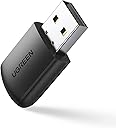
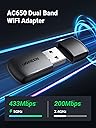
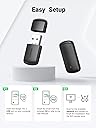
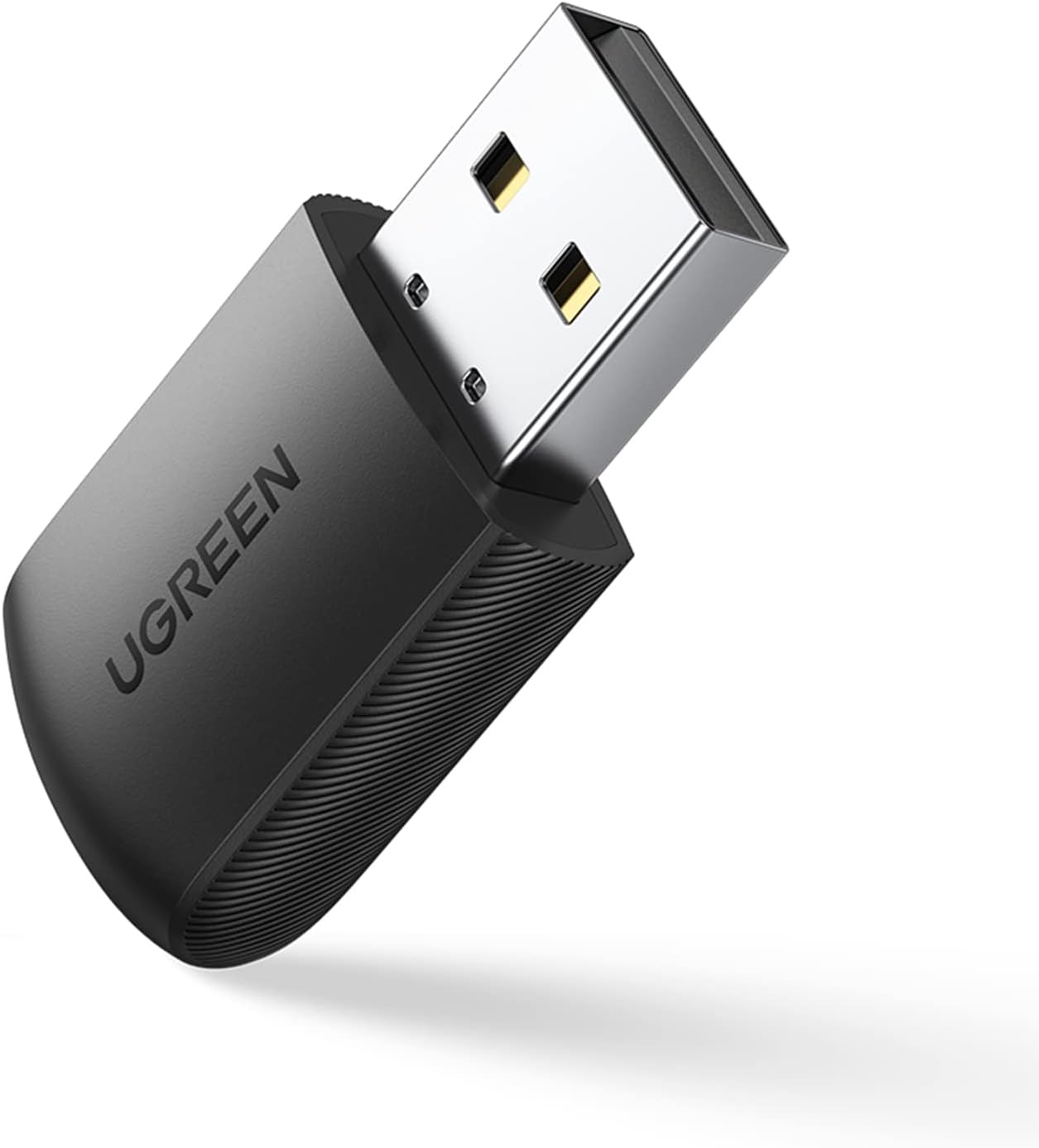
The UGREEN AC650 USB WiFi Adapter is a compact, dual-band wireless adapter delivering up to 433Mbps on 5GHz and 200Mbps on 2.4GHz. Compatible with Windows 7 to 11, it offers easy installation and can convert your desktop into a WiFi hotspot, making it an essential upgrade for seamless, high-speed internet connectivity.


| ASIN | B08M9FX4G3 |
| Best Sellers Rank | #502 in USB Computer Network Adapters |
| Brand | UGREEN |
| Built-In Media | AC650 Dual Banc USB WLAN Adapter |
| Color | Black |
| Compatible Devices | Desktop, Laptop |
| Compatible Operating System Family | Windows |
| Customer Reviews | 4.3 out of 5 stars 3,307 Reviews |
| Data Link Protocol | USB |
| Data Transfer Rate | 650 megabits_per_second |
| External Testing Certification | 177202201739 |
| Hardware Interface | USB |
| Item Highlight | 5G 2.4G Dual Band WiFi Dongle, Wireless USB Computer Network Adapter Compatible with Windows 11 10 8.1 8 7 |
| Item Weight | 0.02 kg |
| Manufacturer | UGREEN GROUP LIMITED |
| Mfr Part Number | 20204 |
| Model Number | 20204 |
C**A
Recomendado!
Excelente!
K**F
Great item.
I liked the size and the easy install of the product. Picked up my wifi router so I can use my desktop without cables. Great buy.
A**R
Works well on a laptop with a slower built in adaptor.
Works well for the price. I would recommend this adapter. I bought two of them...just in case.
N**L
Sturdy and easy to use.
I bought one to try on my laptop and it worked so well I bought another for my husband's laptop. The drivers were easy to install but the directions to access the wifi once the drivers were installed were a bit vague. However, when I realized it created a new wifi network I was able to access the 5G network right away. The only glitch is that there seems to be a lag in connecting to 5G when first booting up. .small inconvenience when compared to the value for price of this item.
D**R
Saved the day!
I purchased this because my gaming pc was having issues with my normal LAN connection (turns out my Ethernet port on the mobo was completely shot) and this device saved the day. I was afraid I was going to have to manually download and install the drivers due to not having an internet connection but this device automatically installed the drivers from the device which is a really handy feature if you are struggling like I was!
S**A
It works!
I purchased this several years ago and it is still working. Connected to wifi easy, speed is on point. Great buy for the money and stays in designated USB ports.
R**Y
Stops working
Day after the return window closes...haven't even had it a month and suddenly it won't find any wifi to connect to. It hasn't been unplugged or moved. Very disappointing. I see I'm not the only 1 this happened to. You've been warned. I can't even get support for it.
A**S
Fine if it works for you, I have to constantly reset
I have an oldish ASUS desktop that used to be on ethernet, but now stuck using wifi and the onboard adapter is slow. I disabled the onboard network and installed this. It's faster, but not as fast as I would have expected from the specs (my home network is plenty fast and I'm in sight of my access point - the similar vintage Macbook pro next to this PC is still twice as fast down, as are my other devices.) Bigger problem is, every time the computer is not in use for a period of time, maybe a couple hours not sure exactly yet, the connection drops. If I use the windows troubleshooter, every time it says it needs to reset this adapter. It will not reconnect on it's own. Then it works until the next time. Going to poke around a bit more for settings and ideas but not looking good for this device. Update: I finally found a setting under this device in Device Manager, Network Adapters, Power Management. "Allow the Computer to turn off this device to save power" which was set to on. Turned this off and it's much better. It is still disconnected when I come back to the computer, but reconnects itself fairly quickly which I can almost live with. I might have given another star but it's still slower than it should be (I'm getting a quarter of what is claimed, I'd expect closer to half.) And there really needs to be better doc than what came with the device, at least an accumulation of tips and tricks. I tried to look up this device AC650 on their website, also the new version AC1300 and can't find either, or even this type of product on their product list. .
E**T
Windows 11'de Bluetooth'la beraber kullanamadığım için iade ettim.
Masaüstü PC'de kulaklık için genel amaçlı bir Bluetooth dongle'ı kullanıyorum. Bu Wi-Fi alıcı takılıyken Windows, kulaklığı ses çıkışı seçenekleri listesinde göstermiyor. Hatta dongle'ı görmüyor. Tamamen Windows kaynaklı bir sorun olduğunu düşünüyorum. Kulaklığı kullanmaya çalışmadan denediğimde ise Wi-Fi alıcı sorun çıkarmadı. 200 megabitlik bağlantının 150'sini alabildim ama muhtemelen PC'nin konumu yüzünden, o yüzden puan kırmıyorum. Her seferinde Windows menüleriyle uğraşmamak ve hız kaybını en aza indirmek için kablo almaya karar verip bu ürünü iade ettim.
R**T
WLAN-Stick
Hat auf Anhieb funktioniert. Keine Installation. PC hat es selber erkannt. Gutes Produkt. Sehr empfehlenswert.
T**1
Absolutely worth buying!!
This WiFi dongle is cheap and totally blew my mind with how simple adding WiFi to my new Dell PC could be. FYI, I didn't think any PC you could buy that cost over $1000 would come with only ethernet internet connection, I learnt the hard way when setting my PC up. My excitement of turning on my new PC lasted 1 minute when it got to connect to WiFi and it only had option for ethernet, contacted Dell and they confirmed the PC I bought is only ethernet. So I look on the internet for WiFi cards and they all seem to have antennas which confused me as no PC I've ever owned had antennas to access WiFi, but the more I looked the more confusing it was UNTIL I stumbled across this amazingly awesome and simple (no crazy antenna!!!) plug and play usb dongle. Although it came with a small CD, I didn't need it, plugged it in and it found my home WiFi is seconds. Getting super fast download speeds and never had any problems, buy this WiFi dongle, you won't be disappointed!!!
T**A
Cumple
Cumple con la calidad que se espera de Ugreen, pero si el ordenador no está preparado para admitir 5G, que es lo que ocurre con el mío, funcionará a 2.4 G y si el ordenador está un poco escondido, es mejor colocar un prolongador para colocar el adaptador wifi en un punto mas despejado, porque de otra manera se desconecta con frecuencia. Yo lo he conectado a un hub también de Ugreen que me permite colocarlo en un lugar apropiado y no tengo problemas
J**N
Works Very Well
Arrived early, always nice :) - easy to install as you just plug it in. drivers are already there. bandwidth speeds are as advertised both on 2.4ghz and 5ghz. For anyone not getting high speeds, I found that the default/factory device 'Wireless Mode' was set to 801.11a/b on 2.4ghz. So you need to go into Control Panel, Device Manager, Network Adapter, then double-click on your USB network device to bring up the General Properties tab, go to Advanced and click on Wireless Mode, click on the Value drop-down menu and set your USB device to 801.11a/n/ac - it should be able to get the highest speed available from your router/ISP. Don't play games online so I don't know if it lags but fast.com gives Latency as 2ms (unloaded) and 15ms (loaded). Upload and download speeds were equal and met 801.11ac standards. Good value. I'd buy it again.
Trustpilot
1 month ago
2 weeks ago