
DOWNLOAD THE APP


Customer Services
Copyright © 2025 Desertcart Holdings Limited
DOWNLOAD THE APP
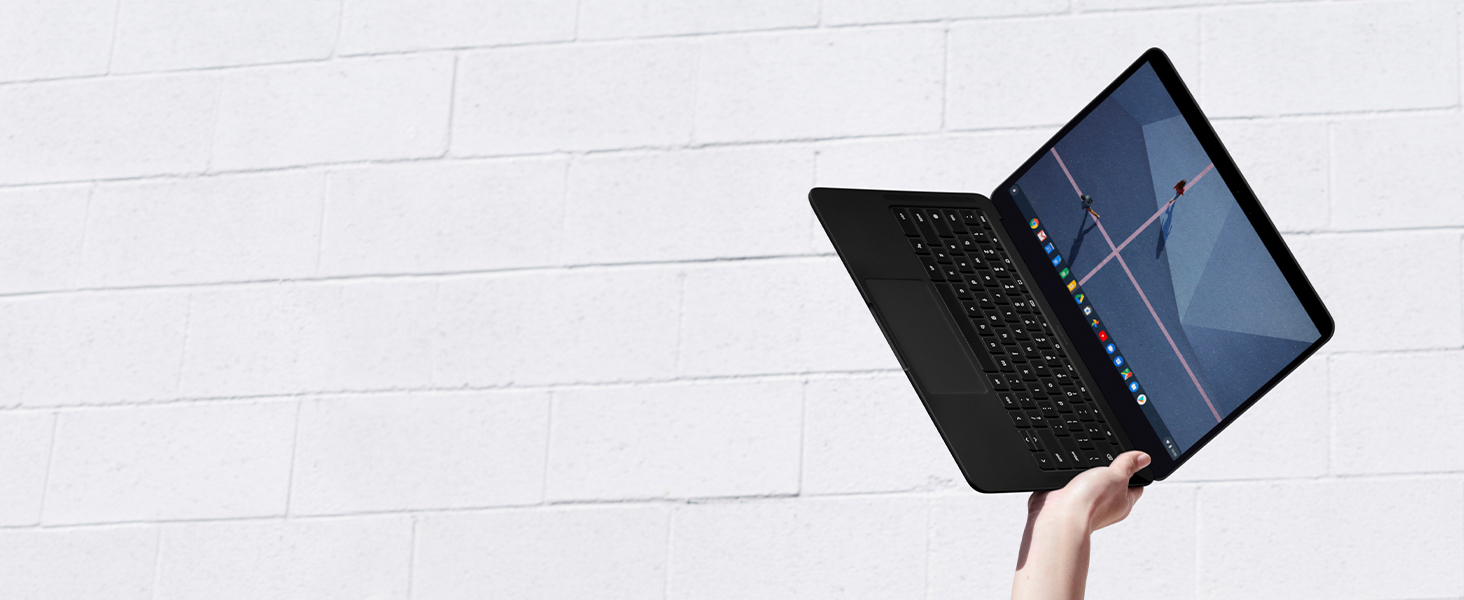
![Pixelbook Go - Lightweight Chromebook Laptop - Up to 12 Hours Battery Life[1] - Touch Screen- Just Black](https://m.media-amazon.com/images/I/51NKuKgHCxL.jpg)
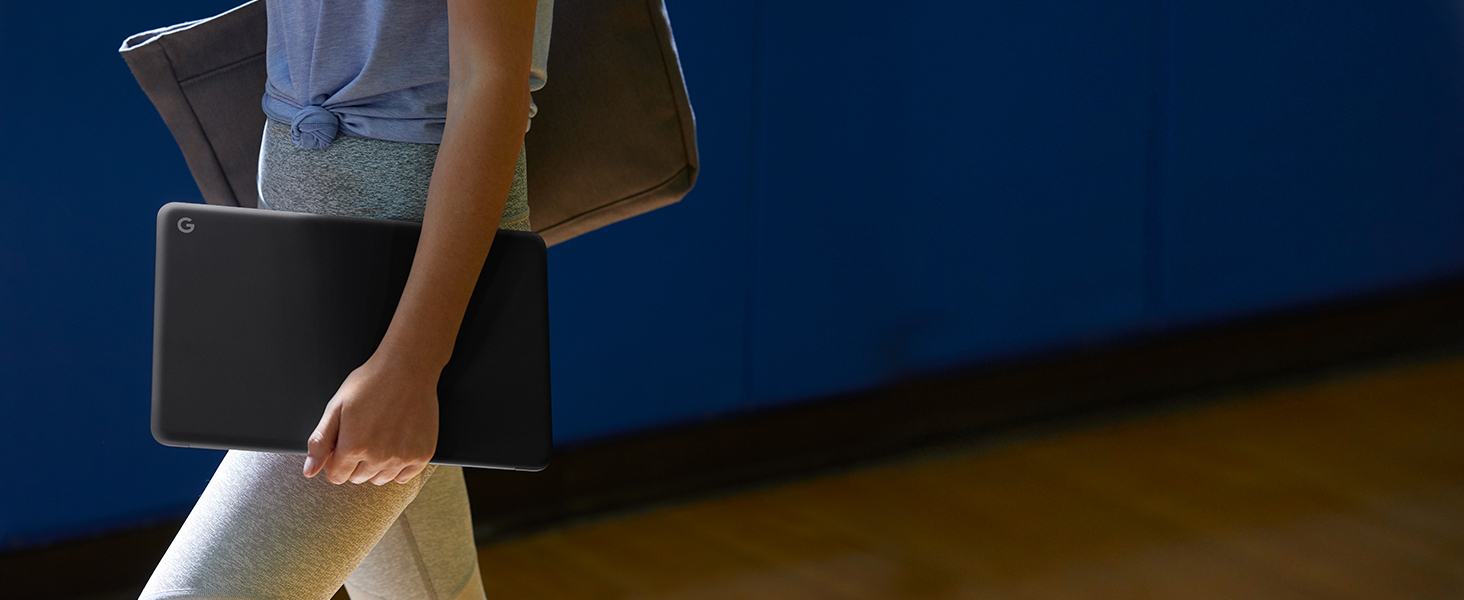
🚀 Pixelbook Go: Power, portability, and precision in your hands.
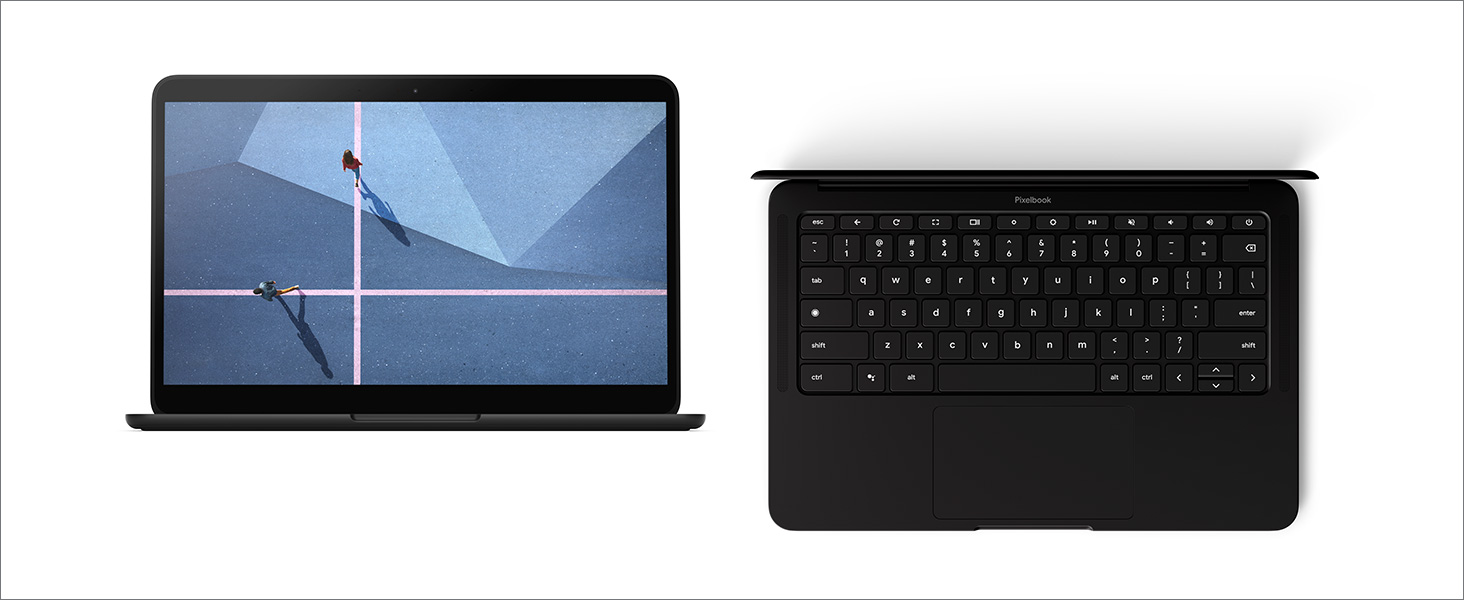
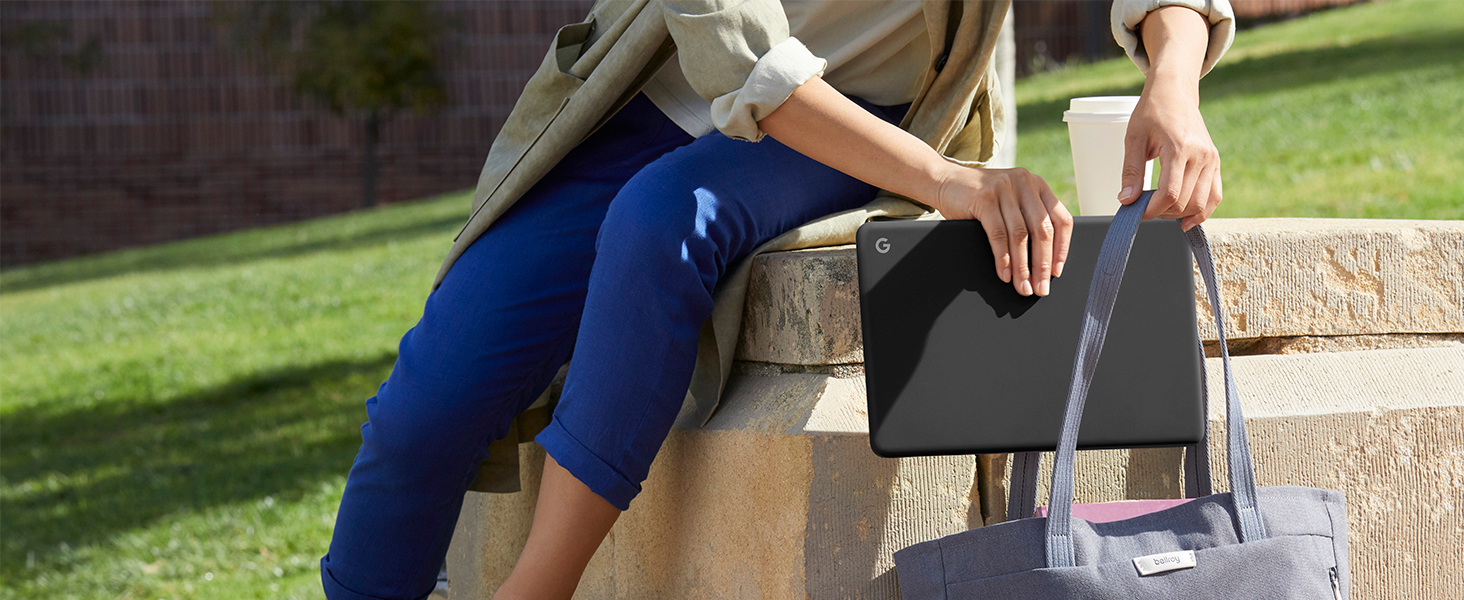
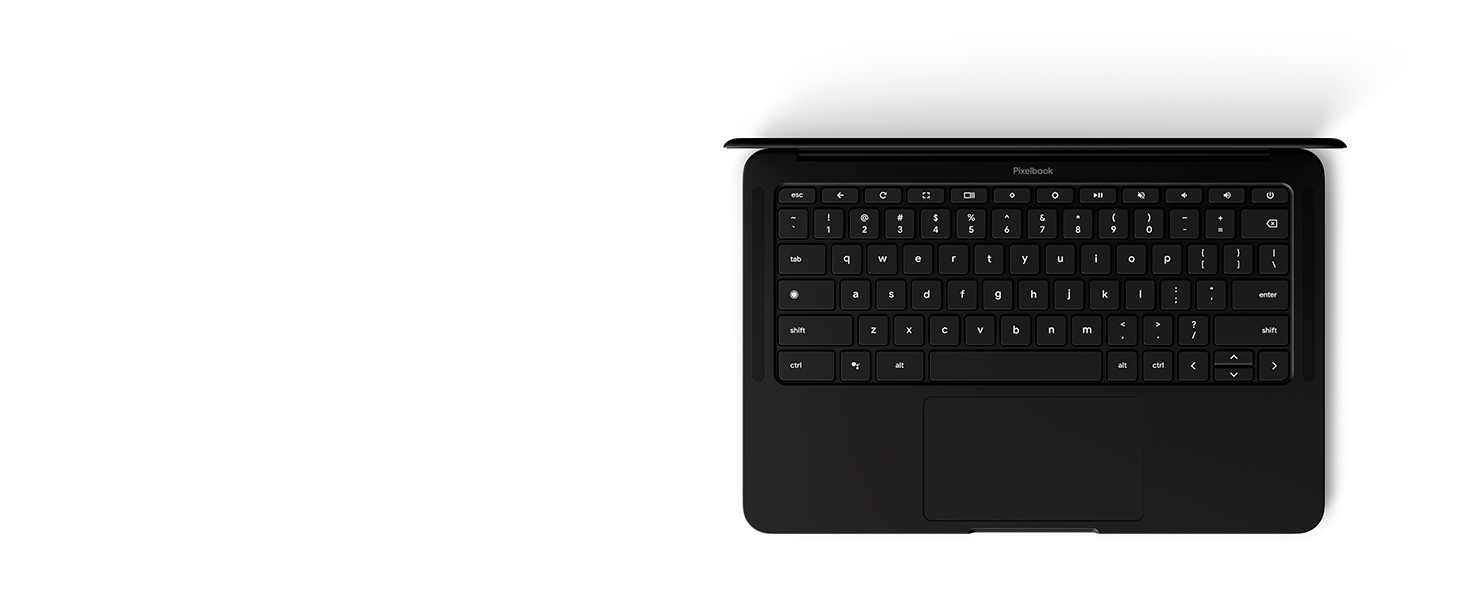
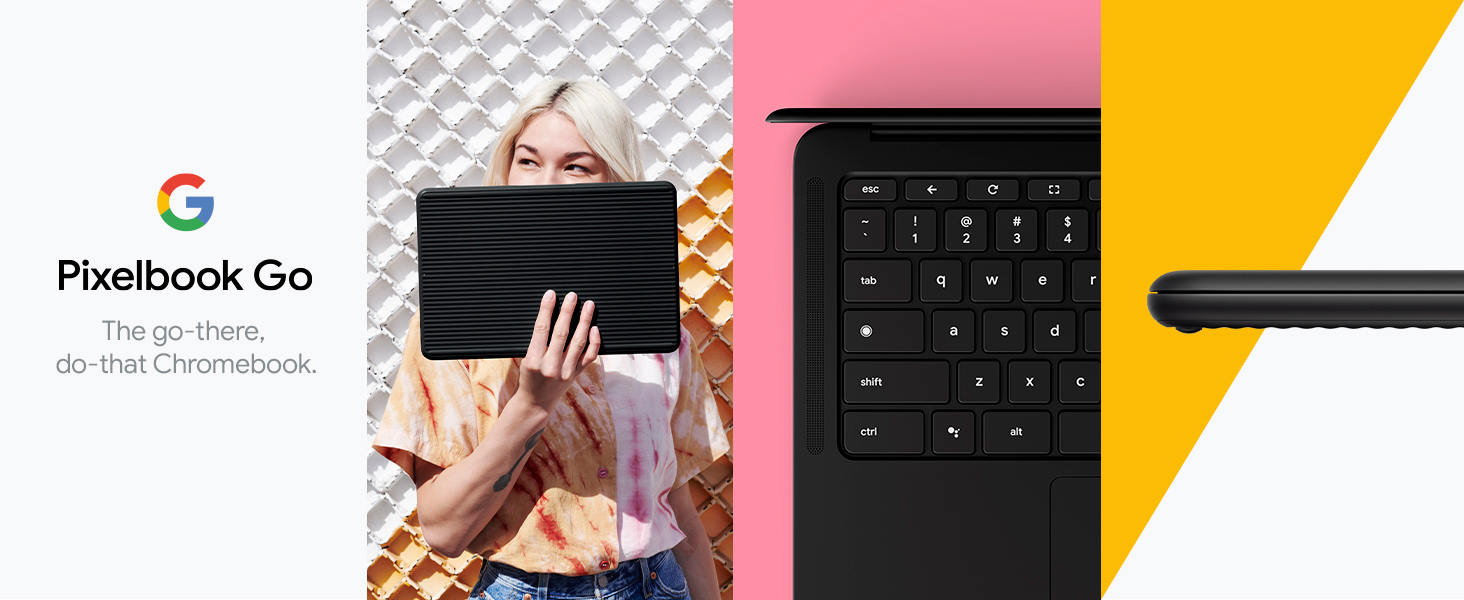
Google Pixelbook Go is a sleek, lightweight Chromebook laptop featuring a 13.3-inch Full HD touchscreen, 8th Gen Intel Core m3 processor, 8GB RAM, and 64GB SSD. It offers up to 12 hours of battery life with fast charging, a quiet backlit keyboard, dual front-firing speakers, and robust security with the Titan C chip and automatic Chrome OS updates—designed for professionals who demand mobility, speed, and reliability.





| ASIN | B07YMGQYP6 |
| Are Batteries Included | Yes |
| Audio Details | Speakers |
| Average Battery Life (in hours) | 12 Hours |
| Average Battery Standby Life (in hours) | 12 Hours |
| Batteries | 1 Lithium Polymer batteries required. (included) |
| Best Sellers Rank | #81,659 in Computers ( See Top 100 in Computers ) #4,574 in Traditional Laptops |
| Brand | |
| Color | Just Black |
| Computer Memory Type | Unknown |
| Connectivity Type | Wi-Fi |
| Customer Reviews | 4.2 4.2 out of 5 stars (1,172) |
| Date First Available | 15 October 2019 |
| Form Factor | Notebook |
| Front Webcam Resolution | 2 MP |
| Graphics Card Description | Integrated |
| Graphics Card Interface | Integrated |
| Graphics Card Ram Size | 8 GB |
| Graphics Chipset Brand | Intel |
| Graphics Coprocessor | Intel HD Graphics 400 |
| Graphics RAM Type | SIMM |
| Hard Disk Description | 64 GB SSD |
| Hard Drive Interface | Solid State |
| Hard Drive Size | 64 GB |
| Hardware Platform | PC |
| Item Weight | 1.06 Kilograms |
| Item model number | GA00519-US |
| Lithium Battery Energy Content | 47 Watt Hours |
| Lithium Battery Packaging | Batteries contained in equipment |
| Lithium Battery Weight | 48 Grams |
| Manufacturer | |
| Maximum Memory Supported | 8 GB |
| Memory Clock Speed | 2400 MHz |
| Memory Technology | RAM |
| Number Of Lithium Ion Cells | 4 |
| Number of Lithium Metal Cells | 4 |
| Operating System | Chrome OS |
| Optical Drive Type | No Optical Drive |
| Power Source | Battery Powered |
| Processor Brand | Intel |
| Processor Count | 1 |
| Processor Type | Core m3-8100Y |
| Product Dimensions | 30.99 x 20.57 x 1.27 cm; 1.06 kg |
| RAM Size | 8 GB |
| Resolution | 1920x1080 Pixels |
| Screen Resolution | 1920 x 1080 pixels |
| Series | Pixelbook Go |
| Speaker Description | Dual front-firing speakers |
| Standing screen display size | 13.3 Inches |
| Voltage | 3.6 Volts |
| Wireless Type | 802.11a/b/g/n/ac |
A**R
i wanted: a lightweight, portable, capable machine for work, travel, and personal computing needs my uses: google sheets/docs (extreme), hoarding chrome tabs like they're toilet paper during a virus outbreak, youtube constantly running, messaging/emails, meetings and light mobile games all my work is done remotely, all through web applications and google suite. this is the perfect fit for me- no one winced when i used the built in mic in a meeting, i heard no echo back from my speakers which is amazing, because honestly heck putting on and taking off headphones every half hour. i can pick this up and take it with me to any room- it's lighter than my ipad. it charges fast- but with my eXtremE youtube usage, it also drains fast. who cares, it gets 7 hours more battery life than my gaming laptop (which gets 1). the bad: some apps really suck on this os. my understanding is that things have been steadily improving in chrome, so i look forward to further improvements. my biggest gripe at the moment is that slack doesn't allow me to ctrl+c text, or hover over emotes to see whether my boss contributed to the "LuL" faces collected under the joke i made at his expense (seriously this is important). both shortcomings are pretty frustrating on a surprisingly regular basis. i have to use the website which is dumb, because as i mentioned, i collect tabs basically for a living. my second gripe also has to do with the os: why does google drive suck in chrome? am i the only one copying and pasting things between sheets? am i the only one moving data from websites into docs and presentations? i feel like the only real time i'd use the app is if i'm creating a written doc with no supporting material. (or maybe google keep.) but, since my job almost never requires personal diary entries, that makes the apps useless, and the constant berating i get from the browser to use the app instead is equally annoying. big ups: keyboard, as mentioned by every reviewer with a youtube checkmark, is pretty darn sick. i type a lot and its solid as all get out. the build in general is very sturdy and quality. the whole thing reeks of "i spent my stimulus check on this chromebook", which i'm sure will win me cool points. i bought the base model, and even with my extreme tabby lifestyle i've yet to run into any processing issues, but i wish this model came in not pink. sad. very sad. very very very very very sad. two stars! just kidding, i love it anyway. ....but i wish it was pink. UPDATE: been using this as my daily driver for a month, it's on 24/7. It's doing great. copypasta on large spreadsheet data does make it have a big think, but i got the M3 not the i5 so maybe that's my own fault. Gave slack direct app feedback, they told me not to use the app. GGs. Still really wishing it were pink.
R**O
El teclado es el mejor que he probado (más que Thinkpad, MacBook, Mate book...), el sistema operativo tiene una experiencia de usuario muy bien pensada para la agilidad y productividad. La pantalla para hoy en día es pequeña y no es la mejor resolución (aunque hay una versión oled en 3k creo), la respuesta táctil es muy buena, el peso es ligero... Muy buena opción todavía.
高**畠
perfect pc
S**O
Chrome OS: A Cloud-Based Powerhouse for Work, Study, and Entertainment Chrome OS is a lightweight, cloud-based operating system designed for seamless access across all your Chromebooks. Simply log into your Google account, and your settings, apps, and files are ready to go. With a minimalist design tailored for a niche audience, Chrome OS offers unparalleled portability. Pair it with your phone's hotspot for internet access virtually anywhere. Plus, Google guarantees nearly 9–10 years of Automatic Updates (AUE), outlasting most Windows and Apple devices. You can charge Chromebooks in your vehicle, with USB-C to USB-C and not get a low power charger notification. Why Choose Chrome OS? For Work: Microsoft 365 Cloud, Gmail, Google Calendar, Google Drive, and Google Meet, Google Photos for easy storage and sharing. For Studying: Cloud-based learning platforms like CompTIA, Google Books for research and reading, YouTube for tutorials and educational content. For Entertainment: Social media, streaming, and online shopping. Designed for students and professionals on the move, the Google Pixelbook Go combines sleek design with powerful performance: -13.3” Touchscreen (Full HD or 4K) -Intel Core m3/i5/i7 for smooth multitasking -8-16GB RAM, 64-256GB Storage -Ultra-thin (13mm / 0.5 inches), just 2.3 lbs -12-hour battery life – a full workday on a single charge -Magnesium body with a premium feel -Backlit keyboard for comfortable typing in any lighting -Titan C security chip for enhanced protection -Fanless design for silent operation -Chrome OS – fast, secure, and always up to date Perfect for students, professionals, and anyone who needs a reliable, lightweight laptop with long-term support.
V**S
Excelentes acabados. Audio de alta calidad. Muy ligera. Adquirí la versión básica de esta Chromebook pero corre muy bien. El teclado está en Inglés, así que algunos caracteres que habitualmente ocupamos en Latinoamérica se deben de obtener a partir de combinaciones y ajustes muy sencillos. El vendedor tristemente envió el producto en una caja de cartón de cerveza de reuso.
Trustpilot
4 days ago
2 weeks ago