


🚀 Elevate your desktop with wireless freedom that keeps you ahead of the curve!
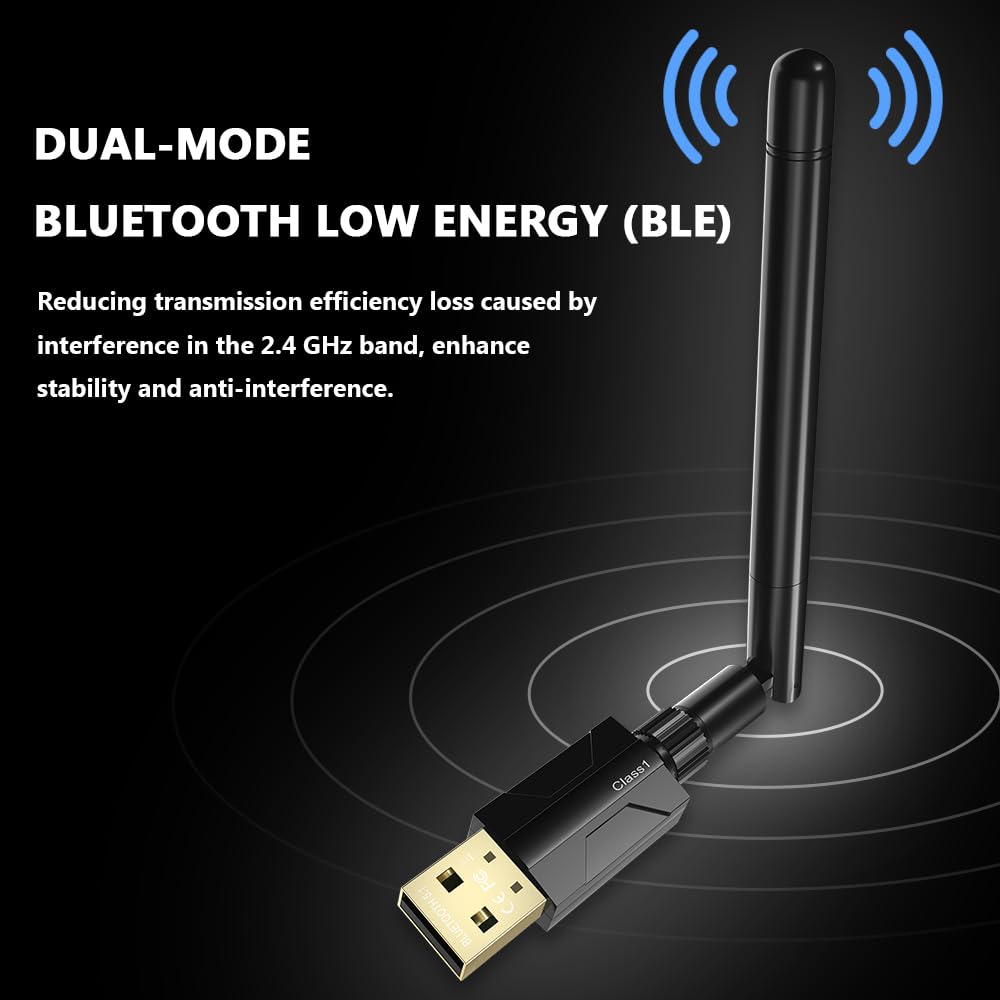
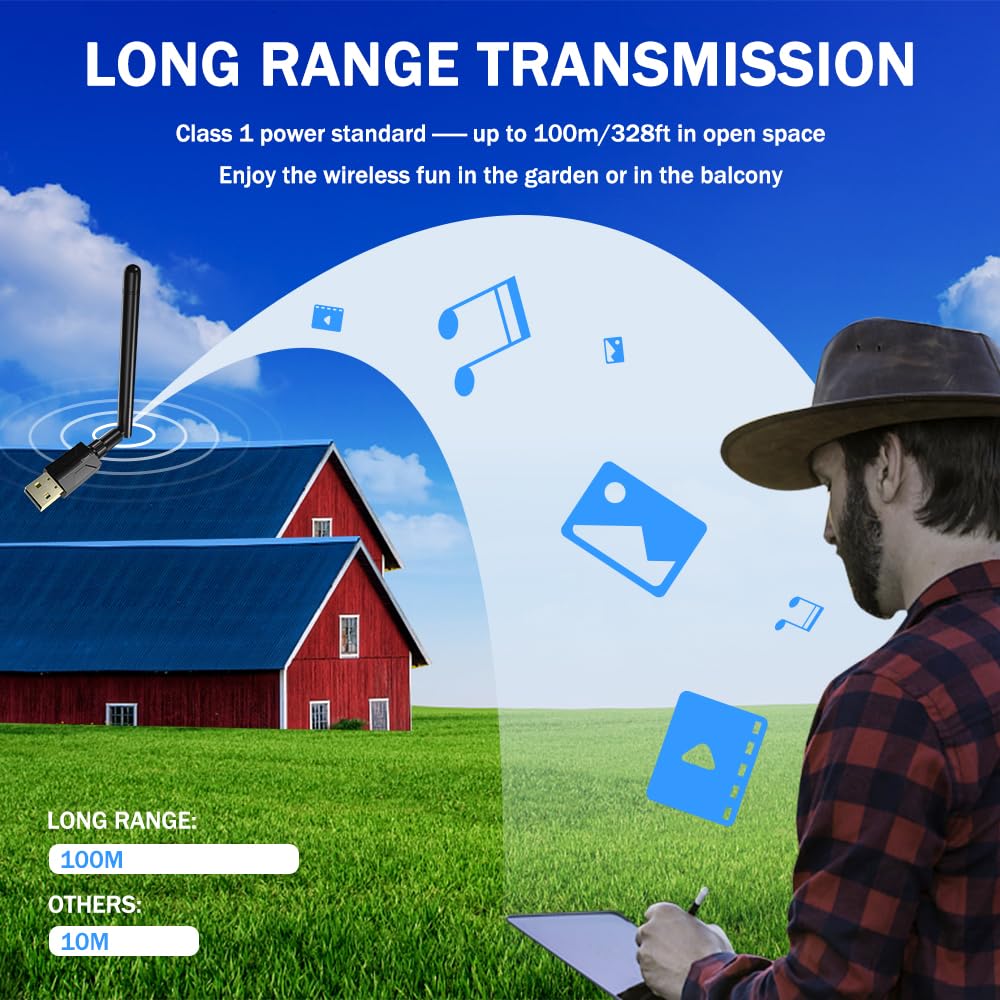
The Techkey USB Bluetooth 5.1 Adapter delivers a powerful 300FT wireless range with a 5dBi antenna, supporting fast 3Mbps data transfer via Bluetooth 5.1+EDR technology. Compatible with Windows 11/10/8.1, it offers plug-and-play convenience and can connect up to 7 devices simultaneously, making it the ultimate upgrade for desktop PCs seeking reliable, high-speed Bluetooth connectivity.
| ASIN | B0FX4B8NG7 |
| Best Sellers Rank | #4 in Bluetooth Network Adapters |
| Customer Reviews | 4.3 4.3 out of 5 stars (14,170) |
| Date First Available | October 21, 2025 |
| Item Weight | 1.13 ounces |
| Manufacturer | Techkey/Shenzhen Denos Trade Co., Ltd. |
| Product Dimensions | 4.29 x 3.74 x 0.67 inches |
L**E
Easy bluetooth upgrade for desktop pcs
This Bluetooth adapter worked immediately after plugging it in. Setup was simple, and it connected quickly to my keyboard and headphones. Signal strength has been solid with no noticeable dropouts. It’s a convenient way to add Bluetooth functionality to a desktop without opening the case. Very happy with the performance so far.
J**6
Good product
Works well. Plug and play. No set up. Great range
D**E
USB Bluetooth 5.4 Adapter for Desktop PC - Works great. No driver to install on Windows 11.
Works great, right out of the box on Windows 11. No driver install needed, the native onboard worked fine. I can't speak for the other Operating Systems though. I have excellent range on a pair of headphones that I thought were weak in range, so signal strength is great. The fit was nice, just plug into a USB-A slot. The antenna is adjustable. I'm getting excellent sound quality from my headphones and works all over my house without cutting out. It's a great value for the money! Works great!
F**N
A Lifesaver for Wireless Connectivity
Let me start by saying that the Techkey Mini Bluetooth 5.0 EDR Dongle is a lifesaver for anyone who needs to connect their PC to Bluetooth devices. As someone who has struggled with outdated technology for years, this little gadget has opened up a whole new world of possibilities for me. The setup process was easy enough - I simply plugged the dongle into a USB port on my PC and waited for it to be recognized. Once that was done, I was able to connect all sorts of Bluetooth devices to my computer, including my headset, speakers, keyboard, mouse, and even my printer. The dongle works flawlessly most of the time, providing a stable and reliable Bluetooth connection. However, there have been a few occasions where it hasn't quite lived up to my expectations. One time, I was trying to connect my Bluetooth speaker to my computer for a party, but the dongle just wouldn't cooperate. I tried unplugging it and plugging it back in, resetting my computer, and even dancing around the room with the dongle in my hand (hey, you never know). But no matter what I did, I couldn't get it to connect. Eventually, I had to give up and resort to playing music through my phone. Despite that one frustrating experience, I still give the Techkey Mini Bluetooth 5.0 EDR Dongle four out of five stars. It has made my life so much easier in so many ways. I no longer have to deal with tangled cords or outdated hardware. I can connect all my Bluetooth devices with ease and enjoy the freedom of a wireless setup. And let's be honest, there's something satisfying about having a tiny dongle plugged into your computer that can do so much. It's like having a secret weapon that no one else knows about. I also have to mention how much I appreciate the compact size of the Techkey Mini Bluetooth 5.0 EDR Dongle. It's so small and unobtrusive that I hardly even notice it's there. I can leave it plugged into my computer all the time without it getting in the way or taking up valuable space on my desk. And let's talk about the price. The Techkey Mini Bluetooth 5.0 EDR Dongle is incredibly affordable, especially when you consider how much it can do. I was worried that I would have to shell out a lot of money for a high-quality Bluetooth adapter, but this one is budget-friendly without sacrificing performance. Now, for the funny part of this review. One time, I was using the dongle to connect my Bluetooth mouse to my computer. I was in the middle of an important project and everything was going smoothly...until my cat decided to make an appearance. He jumped onto my desk and immediately went for the dongle, batting it around with his paws like it was a toy. I tried to grab it before he could do any damage, but he was too quick for me. Before I knew it, he had knocked the dongle onto the floor and was gleefully pouncing on it. Thankfully, the dongle was still intact (although it did have a few teeth marks on it). I picked it up, plugged it back into my computer, and continued working. It just goes to show that even when faced with a curious cat, the Techkey Mini Bluetooth 5.0 EDR Dongle can still deliver the goods. Another thing I appreciate about the Techkey Mini Bluetooth 5.0 EDR Dongle is its compatibility with a wide range of devices and operating systems. It works with Windows 11/10/8.1/8/7, which covers pretty much any PC you might have. And it's not just limited to computers - I've also used it to connect my Bluetooth headset to my TV, which is a game-changer for watching movies or playing games without disturbing anyone else in the house. There is one minor downside to the Techkey Mini Bluetooth 5.0 EDR Dongle, however. It does have a tendency to get a little bit warm after extended use. It's not hot enough to be dangerous or cause any damage, but it can be a little bit uncomfortable if you accidentally touch it. I've found that this is more of an issue when I'm using it for gaming or other activities that require a lot of Bluetooth bandwidth. For everyday use, it's not really a problem. In conclusion, if you're looking for a Bluetooth adapter for your PC, the Techkey Mini Bluetooth 5.0 EDR Dongle is definitely worth considering. It's easy to set up, works great most of the time, and can connect all sorts of Bluetooth devices. Just be prepared for the occasional hiccup, and you'll be good to go.
G**Q
Really Impressive Range & Speed!
Plugged this Bluetooth adapter into my desktop and it worked right out of the box—no weird setup needed. Connection is rock solid, and I love how fast devices sync thanks to Bluetooth 5.3. Didn’t expect the range to actually hit 328 feet, but I get great coverage all over my house, even through a couple walls. I use it primarily for work. Paired my headphones, keyboard, and mouse with zero lag. Haven’t had a single drop or hiccup with file transfers or streaming audio. For the price, it’s an absolute steal and a total upgrade for any PC that needs Bluetooth. Highly recommend for anyone needing extra reach or quick pairing with lots of devices
J**H
Exceptional performance — a must-have for any PC setup!
As a computer enthusiast, I’m always on the lookout for gear that delivers real value — and this USB Bluetooth 5.4 Adapter absolutely nails it. The Bluetooth built into my motherboard just wasn’t cutting it, so I did my homework, sifted through countless reviews, and landed on this gem. I’m so glad I did. The range is phenomenal — I can stay connected from across the house without a single hiccup. The quality of the connection is rock-solid, and pairing devices is seamless. Whether it’s headphones, controllers, or transferring files, this adapter handles it all effortlessly. For the price, the performance is outstanding. It’s compact, reliable, and truly plug-and-play. If you’re tired of weak onboard Bluetooth or just want a serious upgrade, this adapter is the one to get. You won’t be disappointed — it’s easily one of the best tech purchases I’ve made this year!
J**H
Easy to set up and has a great range
Was extremely easy to set up and it runs a lot better then the BT junk I had before and I experience no lag
B**E
Fair price for a quality product.
The adapter came with everything you need, and the computer recognizes it immediately. However, be sure to use the Realtek driver which comes with it (or download the more current version), as it is far more efficient than the Microsoft driver. Once installed, I found the adapter was capable of identifying every bluetooth connection on the premises, and connected immediately with no issues. This was a vast improvement over what I had before. I don't think the 300 feet in the description is an overstatement. In a nutshell, fair price for a quality product.
M**O
Il prodotto è arrivato in anticipo rispetto alla data fissata. Inizialmente, l'unità dvd del mio pc non riusciva a leggere il mini cd fornito dal produttore e purtroppo i driver forniti da windows 10, come dichiarato nelle descrizioni, non funzionano. Ho provato a cercare i driver sul web ma senza successo; comunque prima di attivare il "reso" ho scritto alla TechKey per richiedere un link da cui scaricare i driver necessari all'installazione. Con mia sorpresa, l' Azienda ha risposto alle 5,16 di questa mattina fornendomi quanto richiesto. A questo punto l'installazione è stata facilissima ed il prodotto ha immediatamente riconosciuto le mie cuffiette bluetooth e funziona perfettamente. Sono convinto che le 5 stelle del giudizio siano state ampiamente meritate.
J**A
Cumple su función
J**S
Good product. Does exactly what it says. I can now connect Bose headphones, keyboard, mouse and phone without problems
K**E
Ich habe mir den Adapter gekauft, um meine neue Tastatur über Bluetooth zu benutzen. Die Installationsschritte sind gut beschrieben und die Installation funktionierte (auch auf meinem älteren PC mit Windows 8) tadellos. Mittlerweile ist nicht nur eine kleine CD mit dem Treiber, sondern auch ein hochwertiger kleiner USB-Stick, auf dem die Installationsdateien sind, dabei. Somit stellt die Installation auch ohne CD-Laufwerk kein Problem dar. Die Bluetooth Verbindung ist stabil und ich konnte keinerlei Verzögerungen oder Ähnliches feststellen. Da ich das Produkt erst seit kurzer Zeit verwende, kann ich keine Aussagen zur Haltbarkeit/Langlebigkeit treffen.
A**Z
Très bon rapport qualité / prix. Produit simple à installer : on banche sur le port USB, on installe le pilote (cd fourni sinon téléchargement sur le site), reboot et c'est OK il a détecté de suite tous mes périphériques (téléphone, enceintes, etc..). Installé sur mon PC de bureau qui maintenant à le Bluetooth !
Trustpilot
1 month ago
1 month ago



