

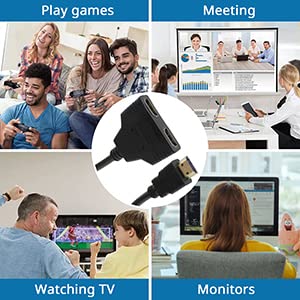
📡 Split Your Screen, Not Your Fun!
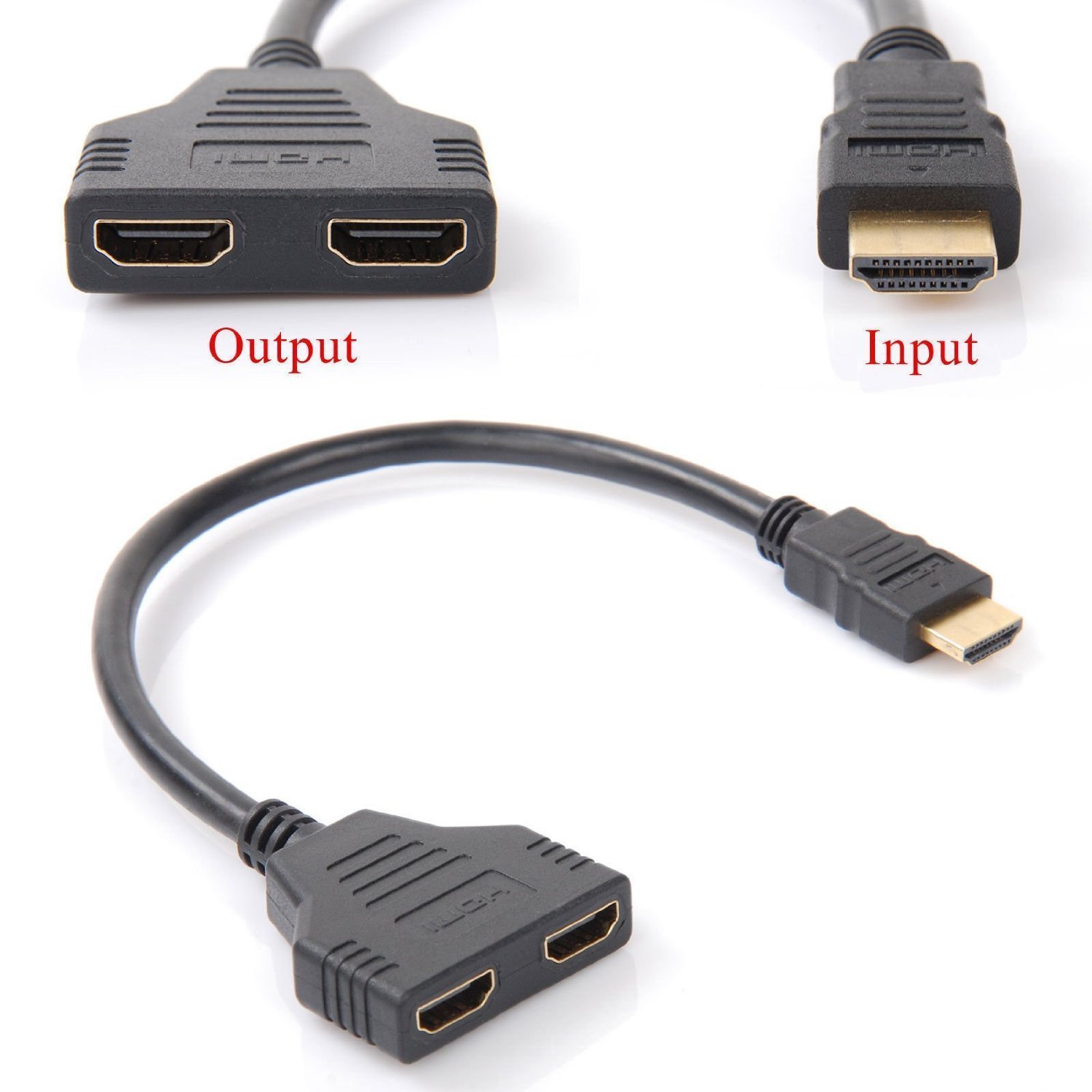
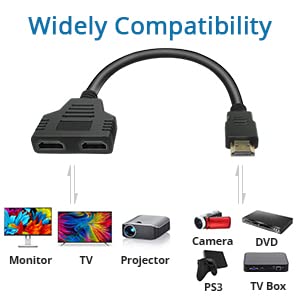
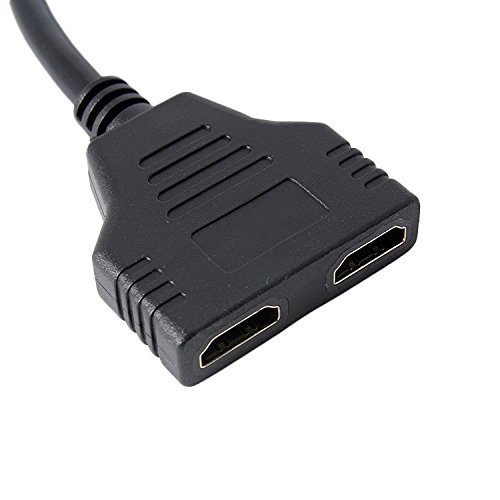
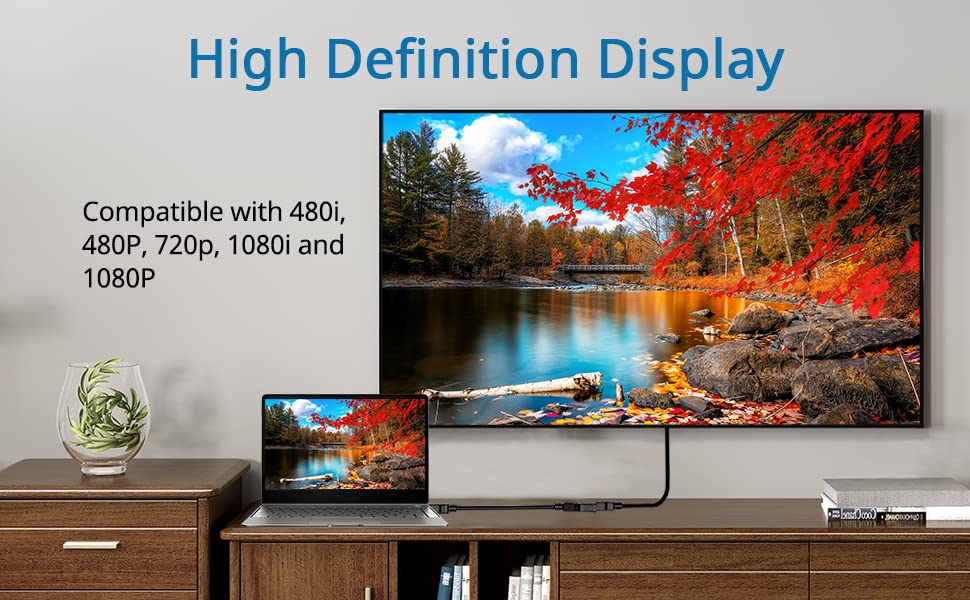
The HDMI Splitter Adapter Cable allows you to connect one HDMI source to two HDMI displays, making it perfect for multi-room setups. With support for high-definition resolutions up to 1080p, this compact 11.8-inch cable ensures you can enjoy your favorite content seamlessly across different rooms. Ideal for use with TVs, projectors, and monitors, it’s the perfect solution for any HDMI-compatible device.


A**R
Splits perfectly
Splits to 2 screens. Amazing invention.
M**C
Useless product total waste of money
Product did not work signal to set broke up every few seconds. HDMI socket on TV set not working after taking out the connector. A useless damaging product a total waste of money and time. How do I return the product without incurring more cost? Not worth the one star I had to give it to submit the review.
M**T
Blurred Screen
I have a blurred screen on both my monitors when i use the adapter, i am using Thinkvision - Lenovo T27i-10 screens.I am running the source off HP 255 G7 model RTL8821CE.My question - Is There Something In Settings That I Can Select On The Monitor Or Laptop That Can Resolve This Issue.
B**P
Great
Great to add two extra screens to be able to work from home
S**.
Product review
Great item, works well at splitting the image on two screens
D**R
Great, just as expected!
Great, just as expected!
D**L
Did not work as I thought it would
Only one output worked at a time, I wanted duel output
G**C
Not a great tool for what I need
First up I might have not ordered the correct tool, as I was looking to extend my screens so that I had screen 1,2 and 3 to work large excel sheets and other work. All this tool does is duplicate what you have on your extended 2nd screen. So its not what I need.I thought okay, make do with it, but no the purpose of it gets even worse.1. I have to remove the splitter from my laptop when I log on, I then need to plug it back in and wait for the PC Screens to start. If that doesn't work I need to take out both HDMI cables from the splitter and then plug them back in, before my display works. I am quicker just leaving in the HDMI cable and working just with my laptop screen and 1 PC monitor.2. If I leave my workstation and my system goes in to sleep mode as most works computers do after about 10 mins. I need to go through the whole start process again as above when I enter my password. Again I am quicker just leaving my HDMI cable in and working with 1 PC Monitor.I would say its a little bit of a pig in a poke that I have bought and definitely I would advise purchasing this to use, unless you are only looking to put 1 display on more than 1 screen as all it does is duplicate what you have on PC Monitor 1.And before you say have you checked your settings? yes I have hence why I mentioned EXTENDED display layout.
Trustpilot
3 weeks ago
3 weeks ago



