We remain fully operational. Our teams are working around the clock to ensure your deliveries continue safely.

DOWNLOAD THE APP


Customer Services
Copyright © 2025 Desertcart Holdings Limited
DOWNLOAD THE APP
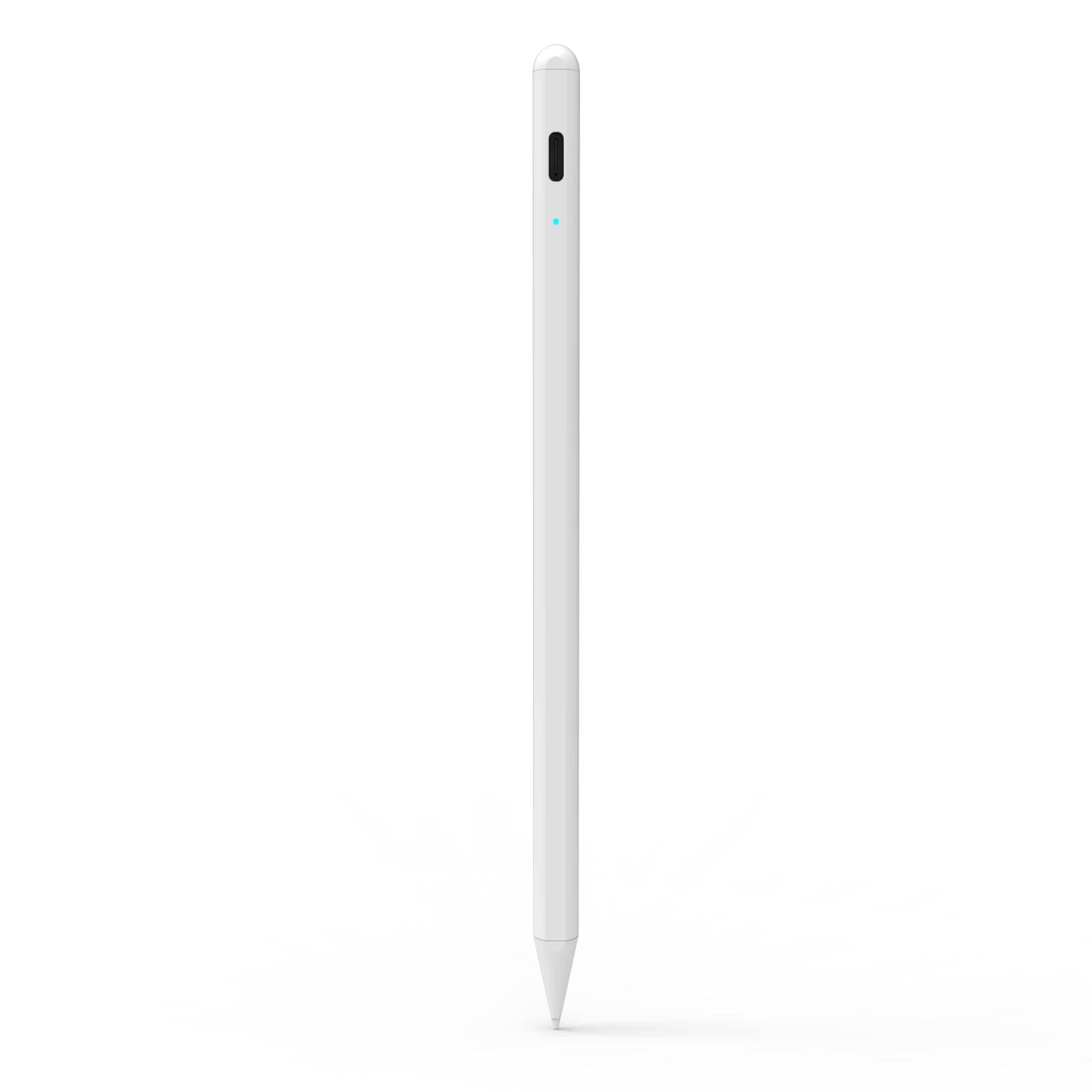
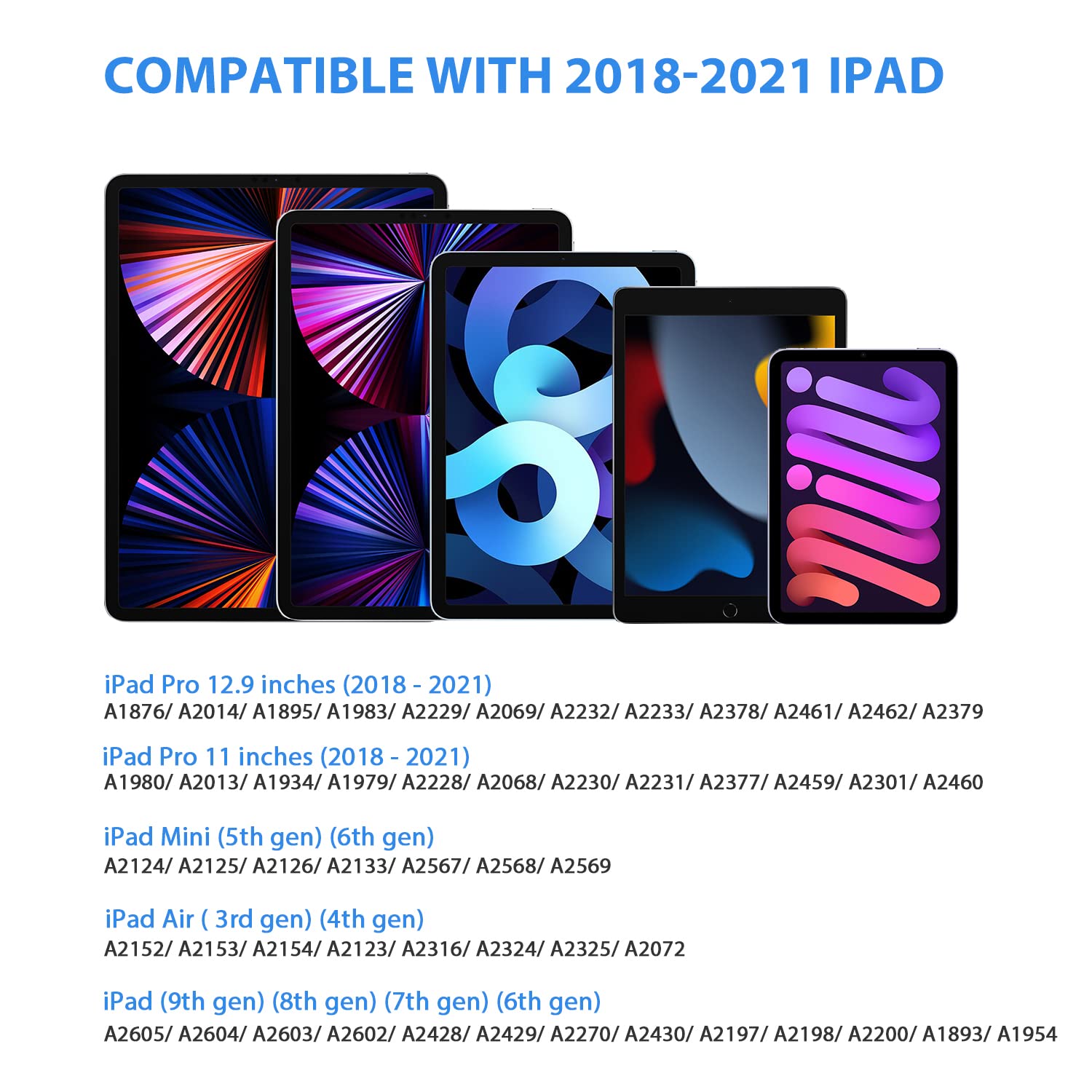
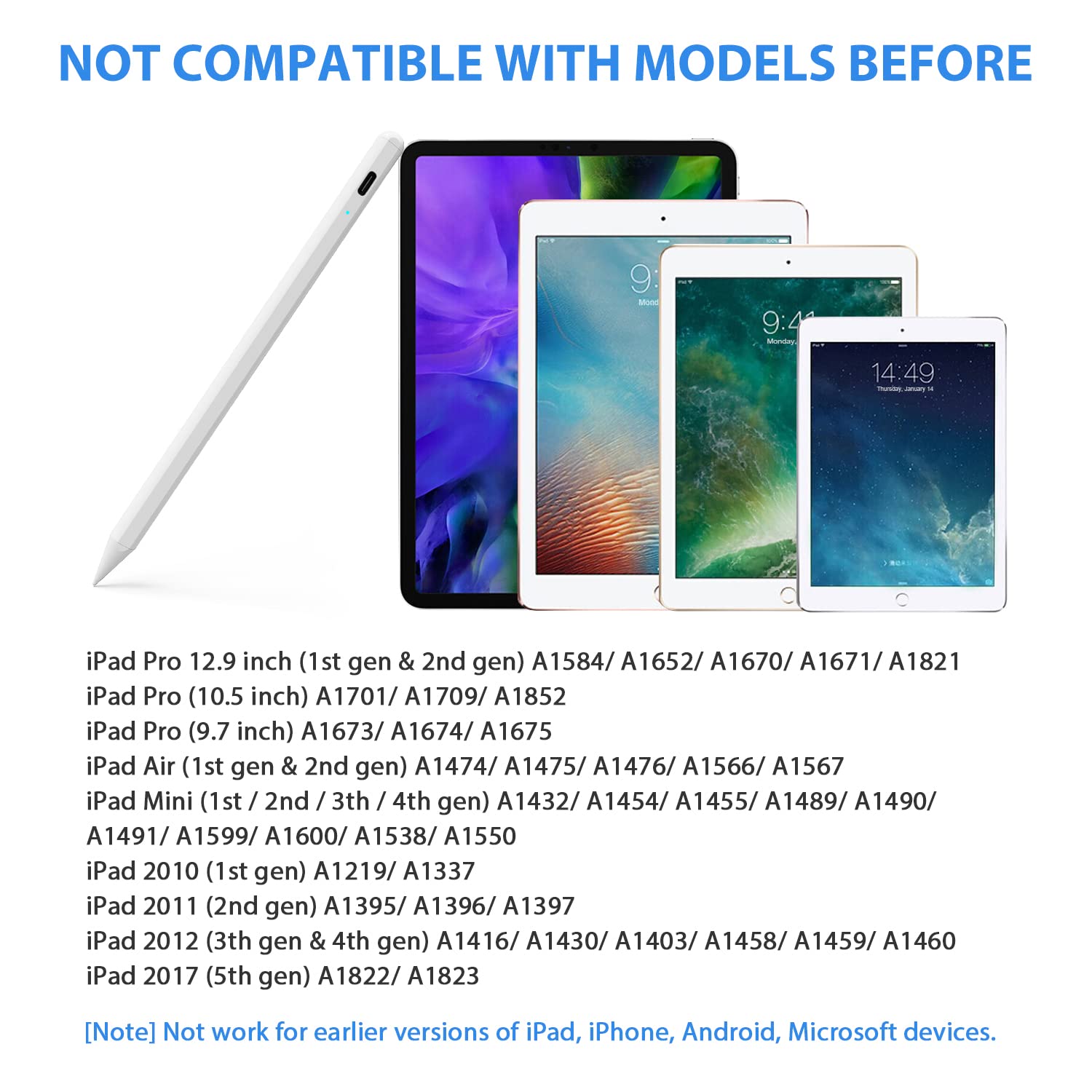
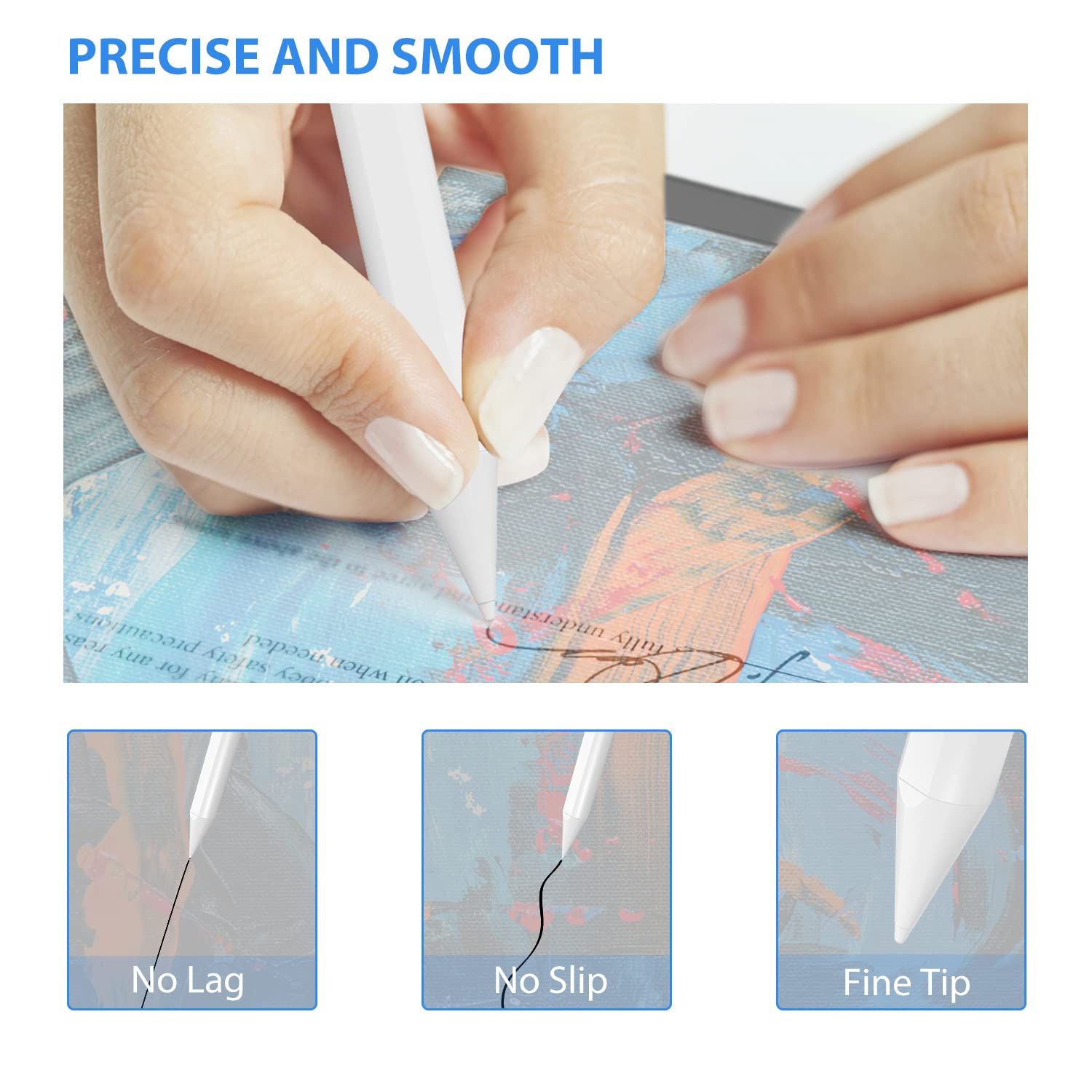
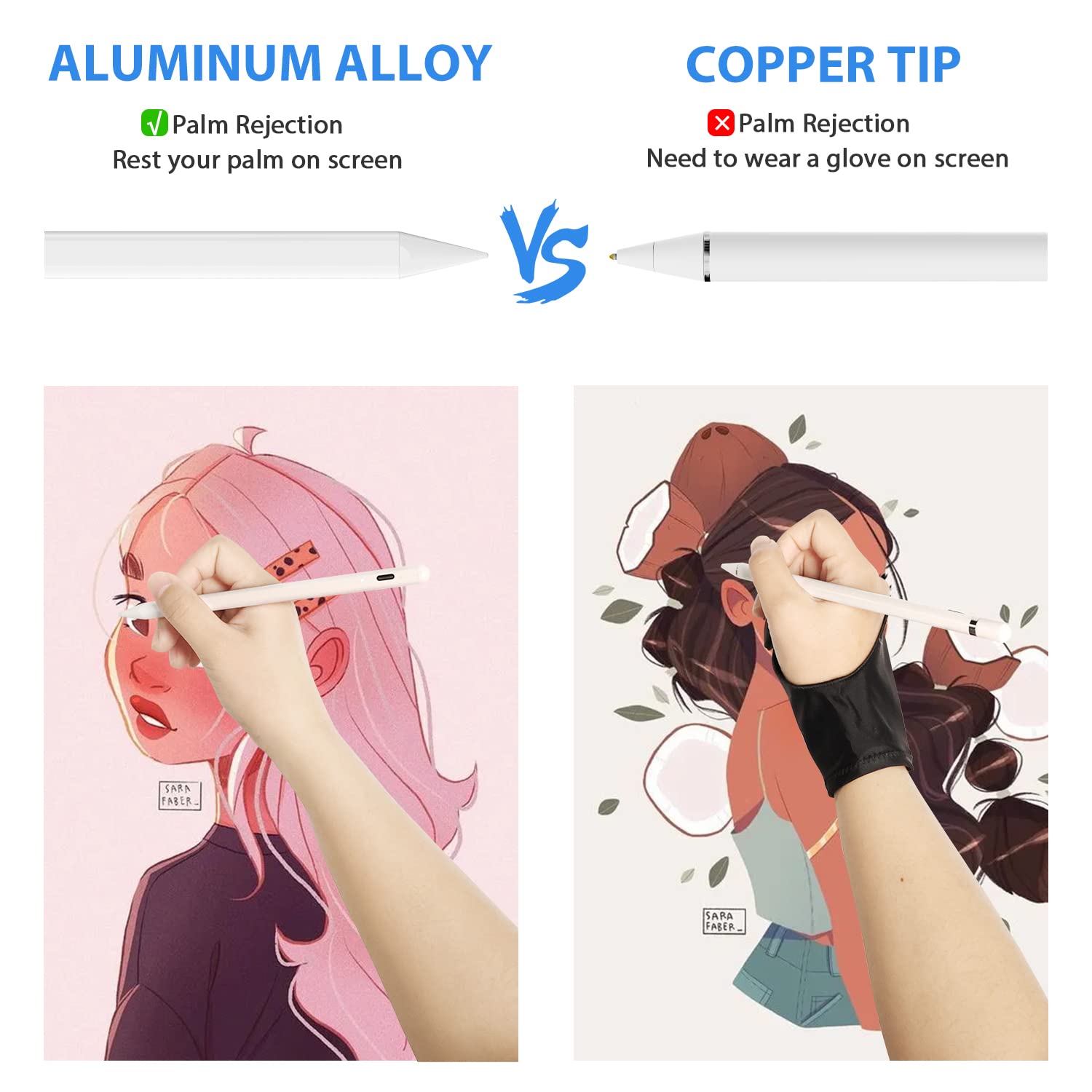
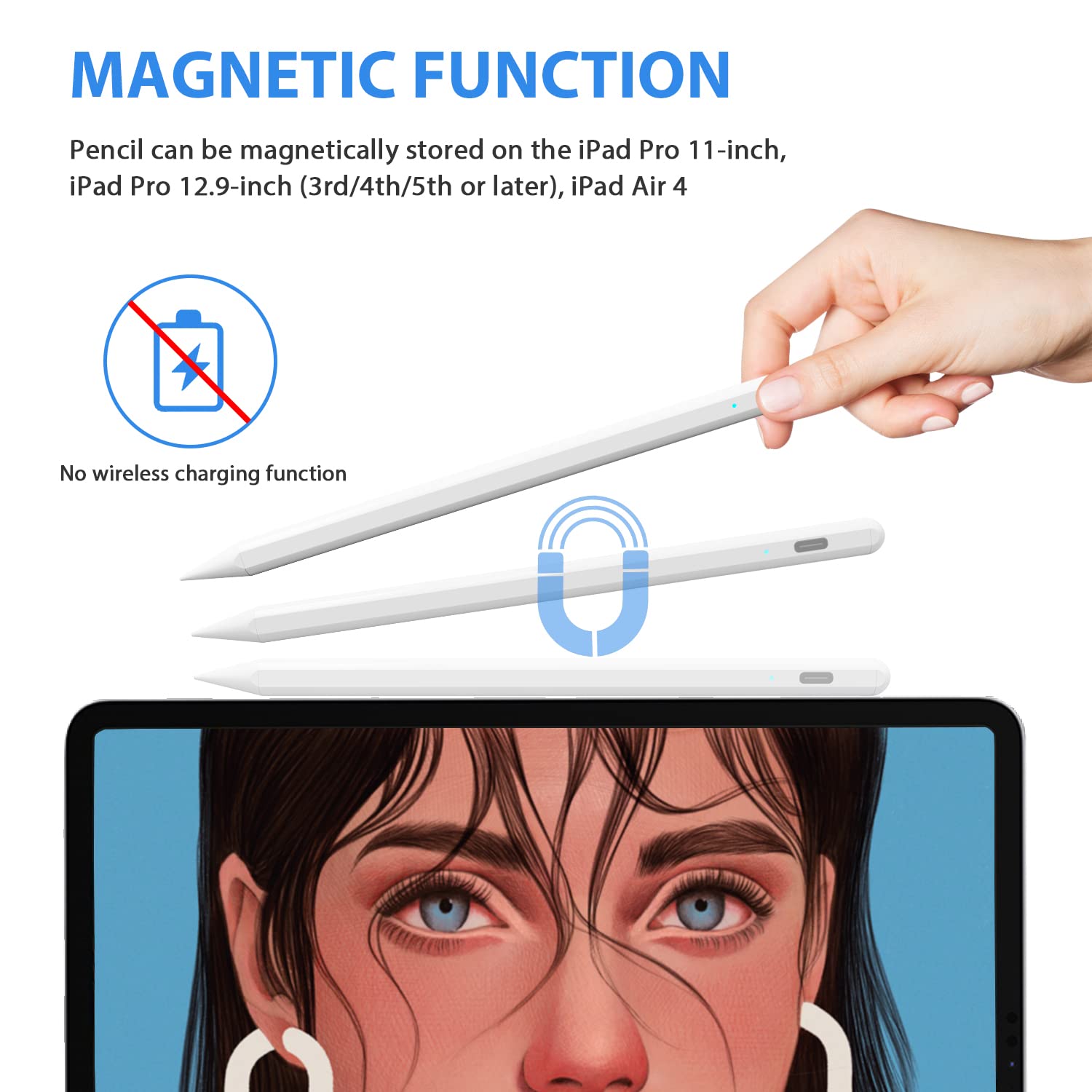
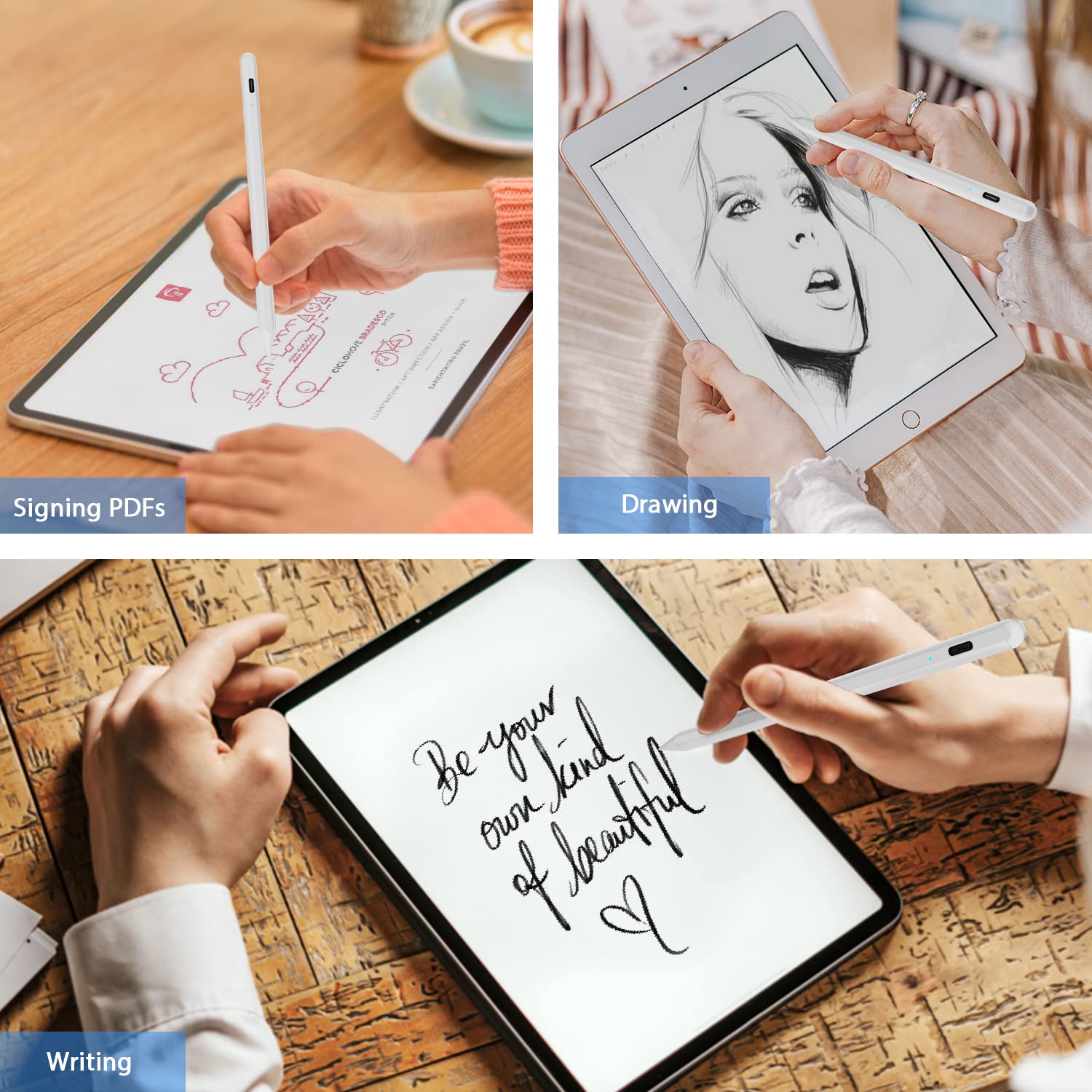
✍️ Elevate your iPad creativity—precision meets effortless style!
This sleek, rechargeable stylus pen features a 1.5mm fine tip and advanced palm rejection, designed exclusively for iPad models from 2018 to 2022. It offers instant use with no Bluetooth pairing, universal compatibility across multiple iPad generations, and comes with artist-friendly accessories like a two-finger glove and dual caps, making it the ultimate tool for professionals and creatives seeking precision and comfort.


| ASIN | B07WNNJK1B |
| Batteries | 1 Lithium Ion batteries required. (included) |
| Battery Type | Lithium-Ion |
| Best Sellers Rank | #392,138 in Cell Phones & Accessories ( See Top 100 in Cell Phones & Accessories ) #6,325 in Styluses |
| Brand | Buteny |
| Color | White |
| Customer Reviews | 4.2 4.2 out of 5 stars (6,149) |
| Date First Available | August 20, 2019 |
| Item Dimensions LxWxH | 13.78 x 13.78 x 7.87 inches |
| Item Weight | 12.3 ounces |
| Item model number | BUTENY-STYLUS-WHITE |
| Manufacturer | Shenzhen Bigmouth E-commerce Co.,Ltd. |
| Product Dimensions | 13.78 x 13.78 x 7.87 inches |
| Series | BUTENY-STYLUS-WHITE |
S**A
A must-have for all touch sensitive devices
This stylus is amazing!!! Definitely a must-have item for touchscreen electronics. Other styluses can’t compare. They usually don’t work at all or can’t do anything with precision. This one really works, and you can do precision work with it. I’m disabled and often have trouble with my fingers being able to type, edit details on photos and on occasion some drawing (I can’t draw very well but my kids can). This stylus can do it all. I tried it on my iPhone 7+, a Samsung 8 phone, an LG tablet, an Amazon Kindle fire and a Microsoft surface Pro three. On iPhone I used it with Adobe fix, Depthcam, and other apps; I even downloaded a drawing program. On my photo editing apps I was finally able to do some precision detail work that I couldn’t do before because my finger was too big or I can’t see what I was doing because the stylus covered what I was trying to work on. My daughters loved it with their coloring book programs. In the winter, I have trouble even with those gloves that are supposedly touch sensitive. I put on a pair of gloves to test especially since the weather is getting colder. It worked great everything I tried it on. The stylus comes with everything you need: the stylus, a secondary cap (that can be used as a wider stylus or an eraser depending on the program), a charging cord, directions and a customer service contact card. One other thing that surprised me that it came with was a partial two finger lightweight glove that you use for drawing programs, usually on a tablet, so that you can rest the edge of your hand on the screen while drawing and the tablet won’t pick it up. As far as I know the only program that won’t do that without a glove like that is on the Microsoft surface Pro, if you do a lot of drawing that comes in real handy. This stylus is rechargeable and has a convenient power switch, unlike the Microsoft surface Pro’s pin that has a battery and is never turns off. It works with all the touch devices I tried it on and the best part of it don’t use Bluetooth to drain the devices batteries. The only concern I have with it is that the caps are magnetically held on the top (covering the charging port); they can be removed easily so I have to be careful not to lose the From the top. Bottom line: for drawing, editing photos, doing precision work, handwriting, typing or in cold weather, if you have a touch screen device get this stylus!!!
M**C
Great quality pen for the price
I got this for my daughter who needed/wanted it for her drawing app on the iPad for school. I was looking for something with both a point and also the stylus-nub, which this has (point is permanently fixed, and nub is a separate cap to replace the regular cap that covers the plug on the other end of the pen). It is also rechargeable and comes with a USB cord. It is accurate, sleek-looking, and makes it a lot easier for my daughter to do work (also not art-related) on her iPad. It also comes with a two-fingered glove (glove for the last two fingers on your hand, and the rest of your hand is open), which I didn't understand at first, but I think it is basically to allow your hand to slide over the screen easily w/o touching and it also allows your index finger to be free to control the touch screen if needed. My daughter doesn't use it, but I thought that was a nice bonus. The one thing is that I wished it came with some sort of carrying case to protect it. Otherwise, my daughter loves it!
B**E
Works great on my iPhone 8 Plus.
I do a lot of graphics, logos and general drawings on my iPad, laptop and desktop computers. However, when I’m out I only carry my iPhone 8 Plus to put down my ideas and general images for proofing and then retransfer them to one of my other devices to fine tune. I purchased this to replace another pen I gave to my daughter. That pen was much more expensive and had to be paired with my phone and also used bluetooth settings for some graphics programs. However, it was not ideal and worked intermittently in some apps. My other pen was not an Apple pen but a well known brand which cost $97 compared to $30 for this one. This pen uses bluetooth but does not need to be paired with your iPhone. I was amazed because once I turned it on, it just worked in every program I tried it on. It worked just as well as if I was using my finger or a much more expensive pen. I’ve also used the mesh pens but they lack accuracy for drawing or sketching due to their blunt tips. Variable width lines to writing work great and accuracy is very good. My only issue, a personal preference due to the way I use it, is the 7” length. It does clip when in my pocket. An inch shorter would be ideal. Again, not a flaw but a personal preference.
H**R
Great Apple Pen dupe!
The stylus pen is a great product, and it is a great dupe to the Apple Pen. I highly recommend it for anyone who wants a fine point stylus but doesn't want to spend $100 for an Apple Pen. As advertised, it works on all touch-screen surfaces. It is easy to hold, and if you like, you can always buy a silicone grip to make it more comfortable for long-term use. I give it a 4-star rating, because it is not always accurate, and there is a slight lag; this is especially evident when you write the letter "g" or "y". If you use the glove that is provided, it helps to correct this. If it weren't for the lag and slight inaccuracy, I would give it 5 stars. For the price of $30, the product is a steal! You won't regret it.
M**A
Amazing stylist pen, I will be buying several more.
This stylist pen is amazing. Works easily and is a lot better than the old fashion kind with the big tip. No set up, programming, or connecting to your device. Just turn it on and go. It's easily used on different devices since there is no programming or Bluetooth connection required. It fits well in the hand and has a good weight. Feels natural like a normal pen. I have personally used it on iPhone, iPad, Android tablet, and Android phones. I have tested it on devices with tempered glass screen protectors, plastic protectors, phone cases with built-in screen protectors, and the liquid glass screen protectors. I work in cellphone sales and our customers have to sign with their fingers on a tablet, this stylist pen has helped a lot. I will very likely be buying several more for work and as gifts. Micro USB recharging. Shipping was quick.
M**O
Para firmar vía electrónica
A**I
يعتبر جيد سعرا واداء مقارنة بالأقلام الأصلية من أبل يفي بالغرض وزيادة .
L**N
It’s fantastic it works on every thing like; Samsung apple iPad or iPhone I loved it🤩
S**I
سيء جدا
M**N
لا يصلح للكتابه أو الرسم لأنه يقطع وغير دقيق ولا يدعم راحة اليد كما أنه يعمل علي الايباد ولا يعمل علي الكيندل تم ارجاع المنتج
Trustpilot
4 days ago
3 days ago