

Desert Online General Trading LLC
Dubai, United Arab Emirates
Desert Online General Trading LLC
Dubai, United Arab Emirates




🌟 Elevate Your Projects with Stunning Touch Display!
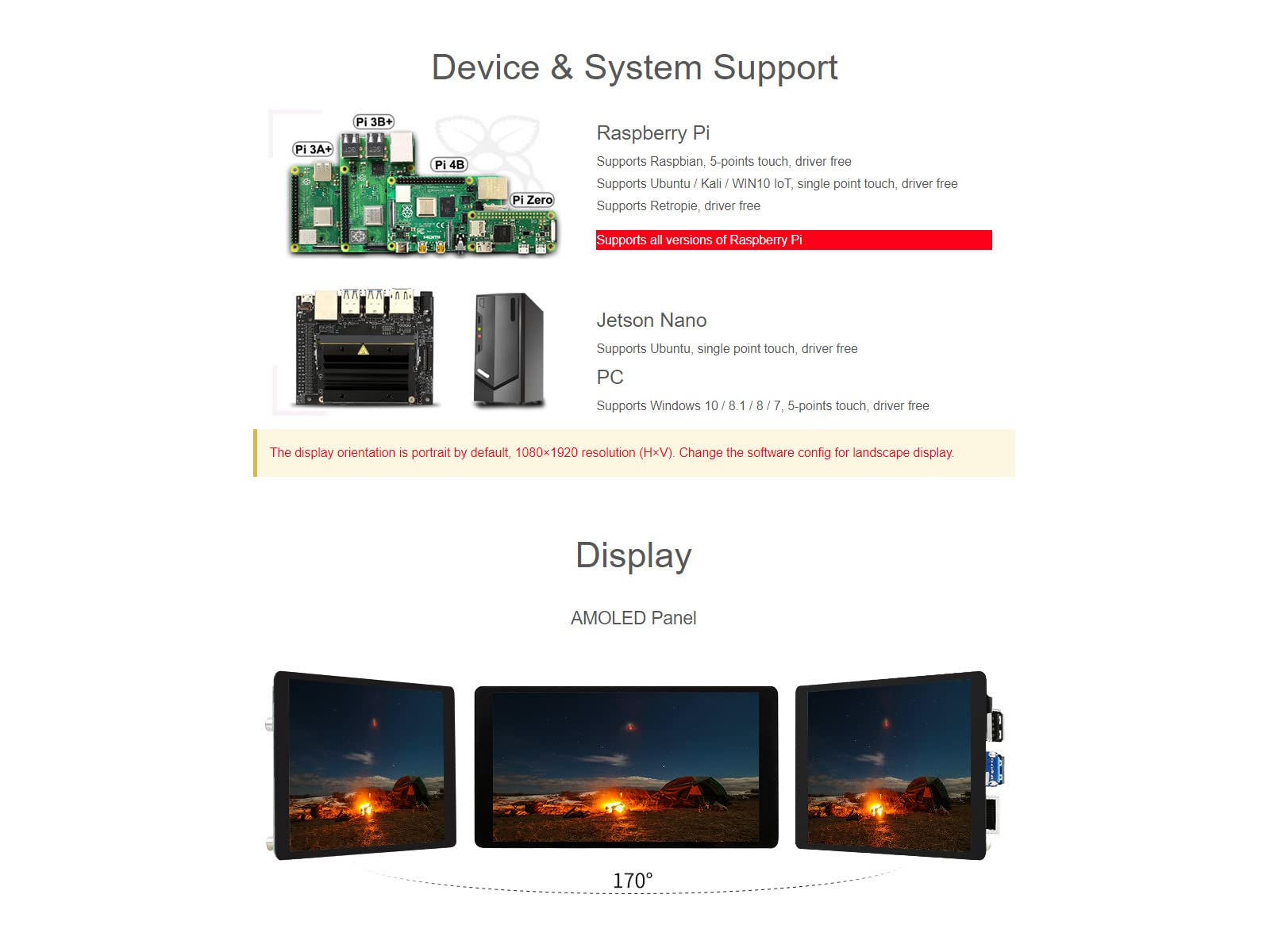
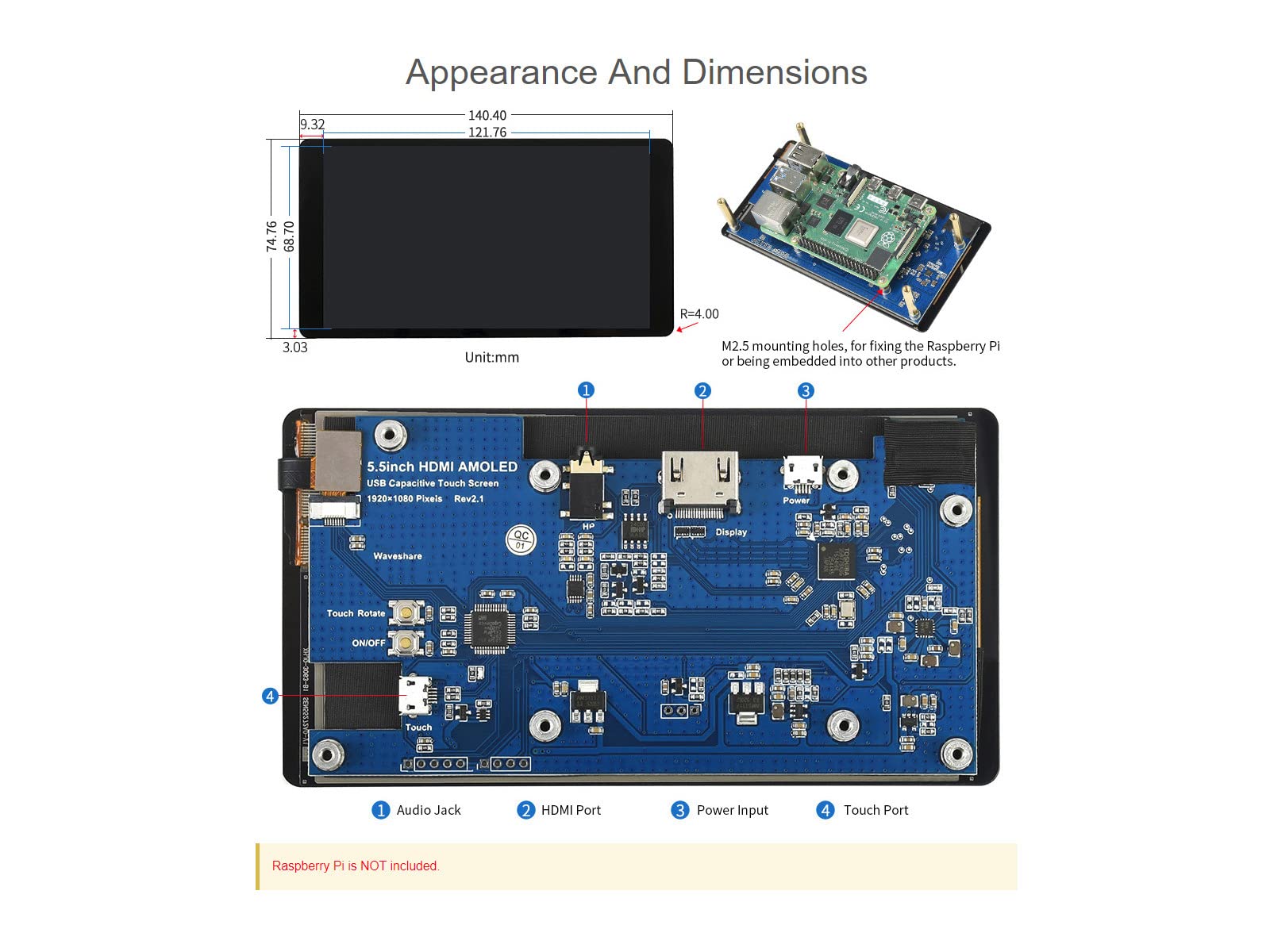
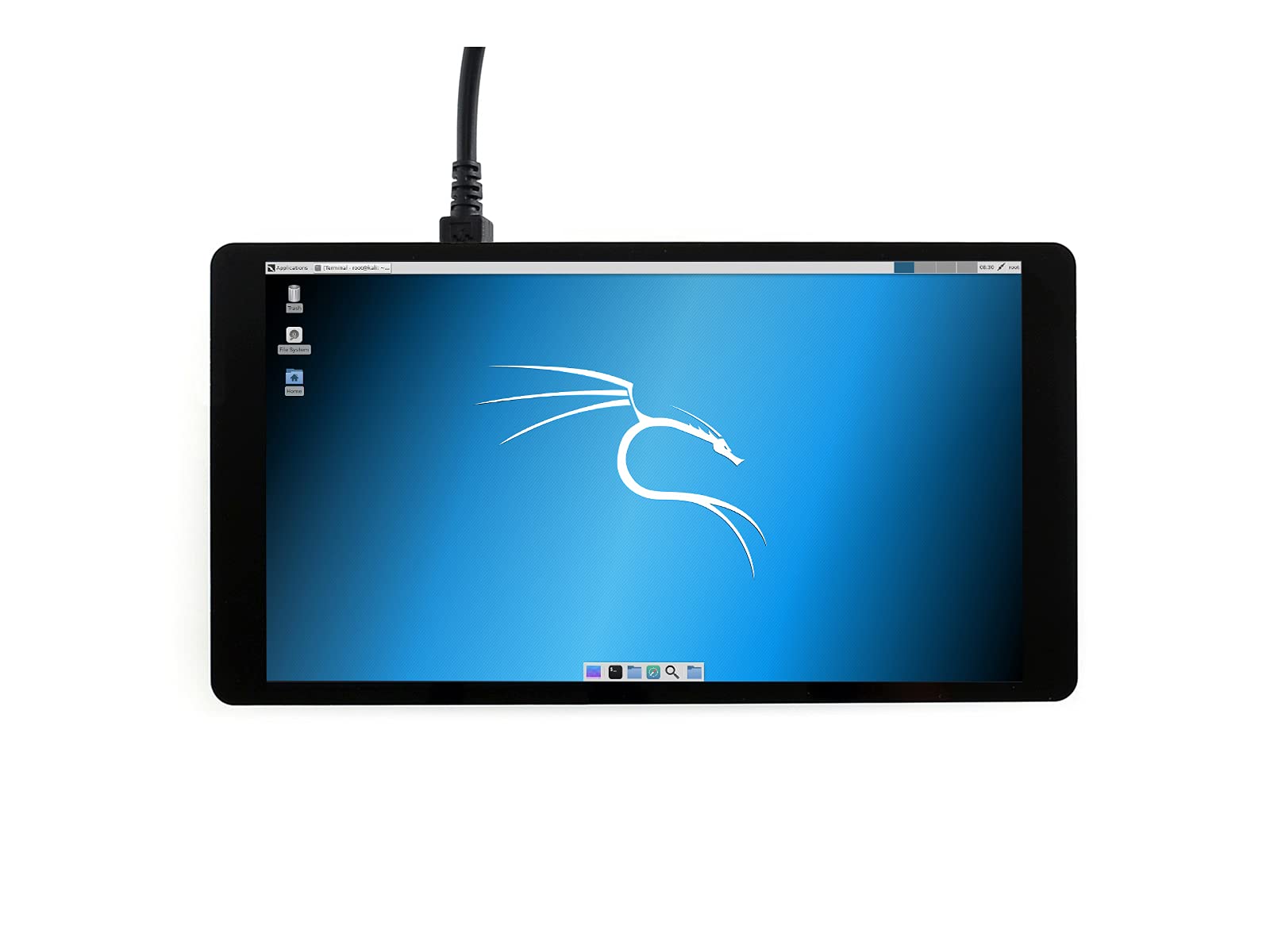
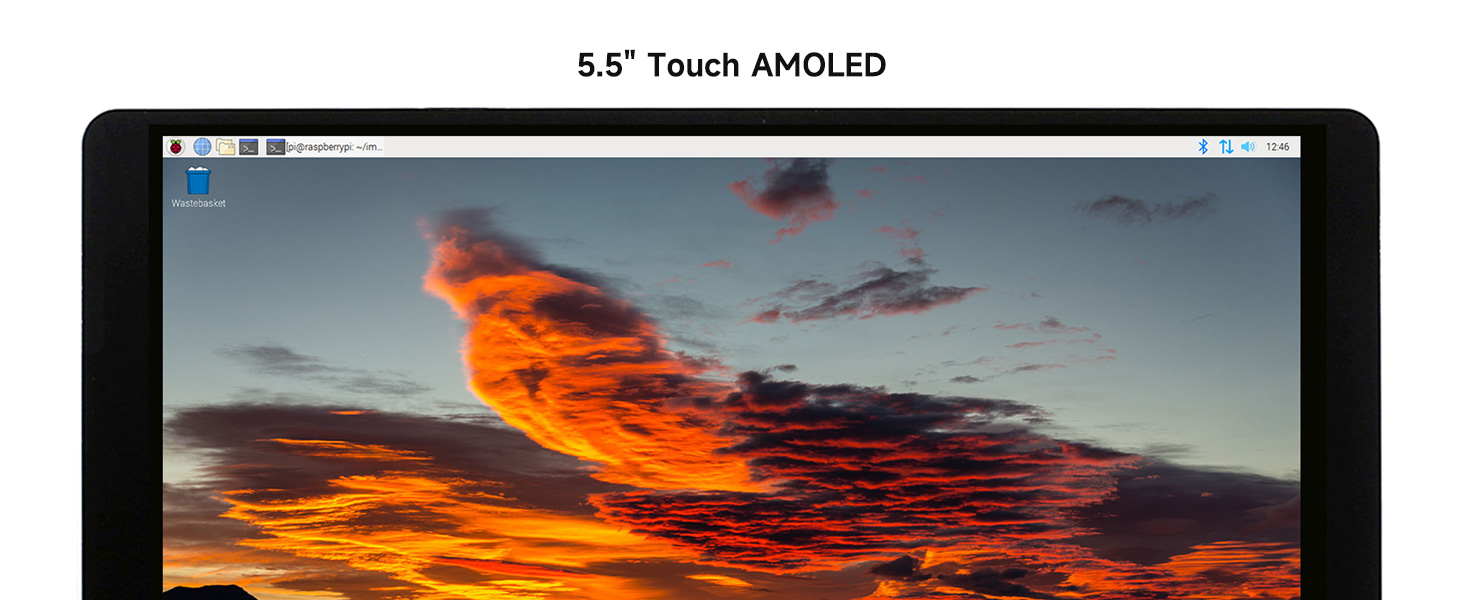
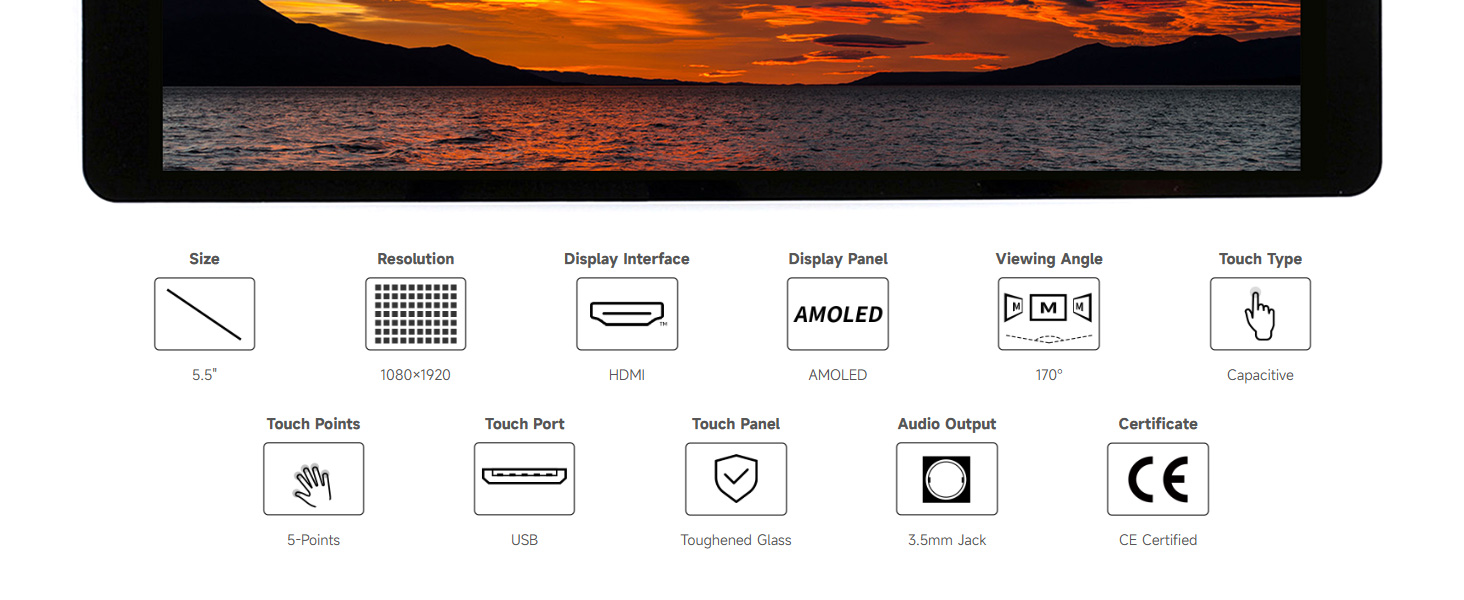
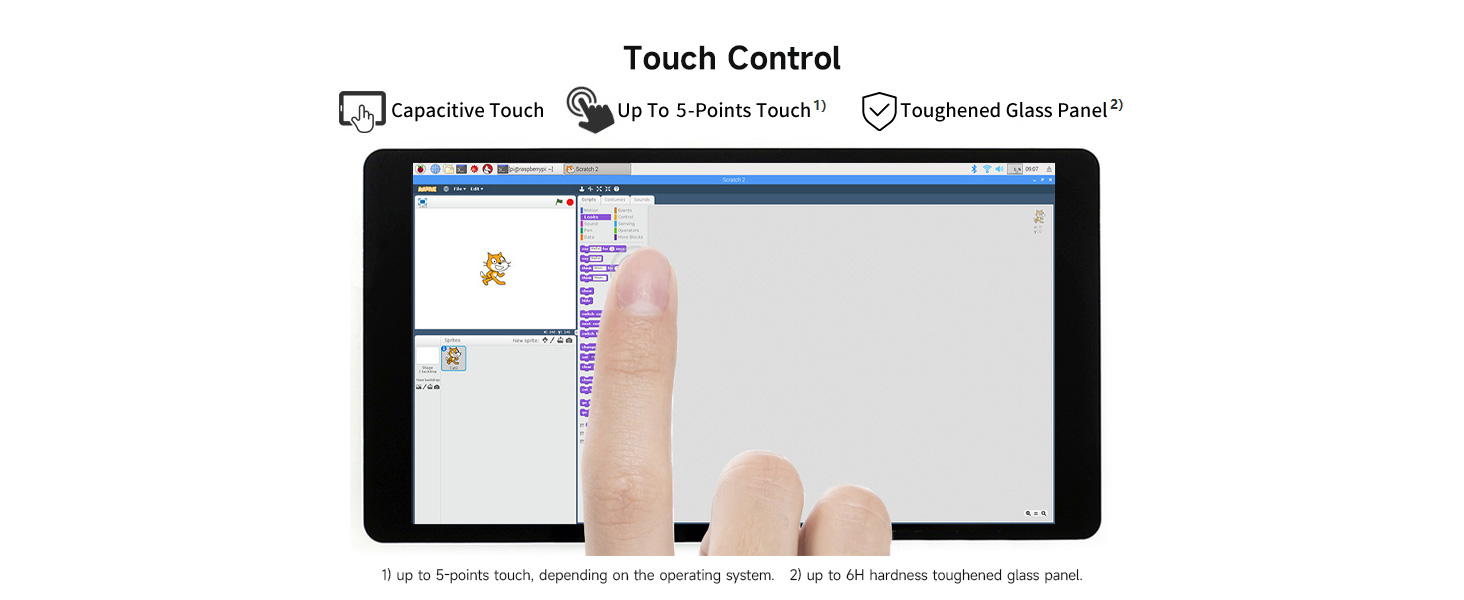
The Waveshare 5.5-inch Capacitive Touch AMOLED Display is a high-resolution (1080x1920) screen designed for compatibility with various Raspberry Pi models and Jetson Nano. It features a durable tempered glass panel, 5-point touch control, and supports multiple operating systems, making it an ideal choice for tech enthusiasts and professionals alike.
T**M
Beautiful screen
Using it for a Rasp Pi project - looks great and works well.
N**K
gorgeous display, great hardware, very fragile
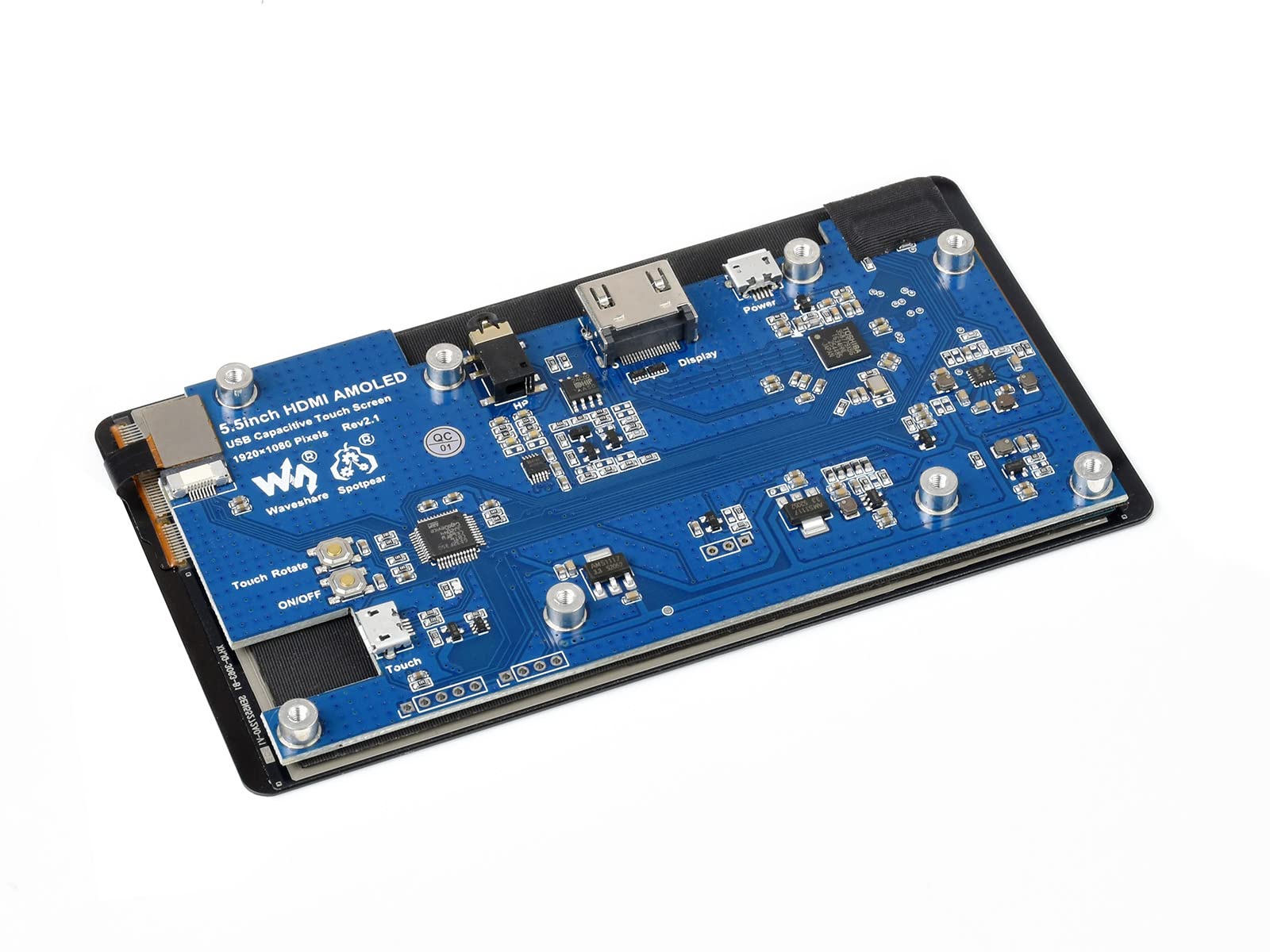
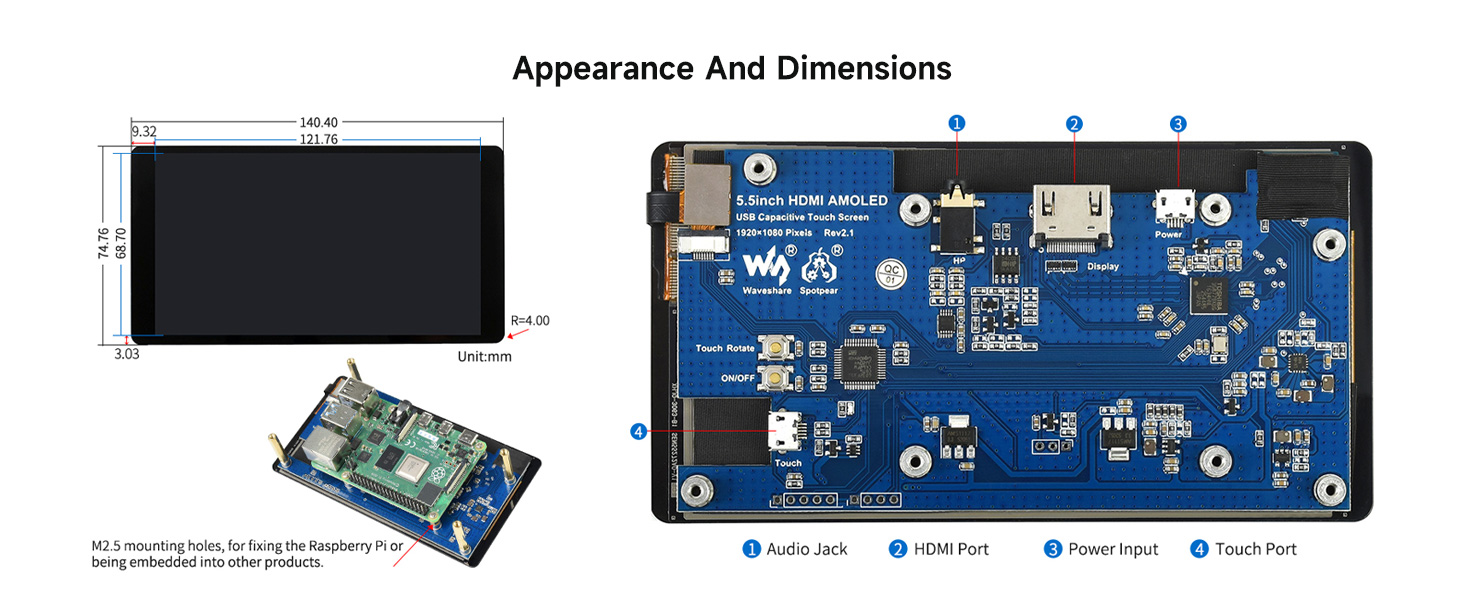
I'm now on my fourth 5.5" 1920x1080 AMOLED Waveshare screen for a single project. I'm hoping to run the AMOLED off a Raspberry Pi 3, putting both in a self-designed and -printed enclosure (see picture), which will occupy 2x 5.25" bays. When the screen is working, the whole system is absolutely beautiful, with color and resolution comparable to a high-end smartphone and working capacitance input. Make sure you've properly configured your Raspberry Pi and/or workstation. Details can be found on the Waveshare wiki.I don't know why some people are saying it doesn't do full 1920x1080 resolution. It absolutely does. I can drive 1920x1080 with 90-degree rotation from both the console and Xorg by following the simple instructions on the wiki.Waveshare includes a great little set of bridges. I use two -- the HDMI-to-HDMI, and the micro-USB to USB-A. These are exactly what you'll need for interfacing with most RPis.That's the good. Now the bad: first off, the micro-USB power jack is inconveniently placed. A plug that goes to the left will interfere with the HDMI bridge. A plug that goes straight up will add to the total height, making the system difficult to enclose. You pretty much need a micro-USB plug which turns to the right, and makes the turn low.Much worse is the fragility of the device. The first arrived with a crack, and I got a replacement. I managed to crack the second pretty thoroughly and quickly. The third I treated very delicately, and the screen remains intact. After a few days of use, however, the screen no longer powered on, and plugging in the microUSB makes the green LED flash. The wiki claims that this means the USB power is insufficient, and a 2A 5V DC supply ought be used. I went ahead and hooked up a 2.5A 5V DC supply from a Raspberry Pi, and I get the same green flashing light with no display.I've gone ahead and ordered a fourth, making three that I've paid for. One I definitely broke myself. I'm not sure what happened to that third one; for now I'm assuming I somehow broke it, and thus not returning it, but we'll see how this fourth one goes.When it works, this is a great device. I'd just like to see it work reliably.
D**Y
Nice, with a detail consideration
This is a great display and I had no issues connecting it to PC or RPi4. My application is Android Auto - replacement of an outdated car interface (not a standard DIN type). As another reviewer noted, the native screen orientation is portrait (vertical, similar to a cell phone screen). The orientation can be shifted to landscape using command line instructions, but if one has a logo or other graphic one wants to paint onscreen while the system is booting, that initial image can only appear in portrait mode. WaveShare support was easy to work with and knowledgeable - there is some time offset in response (maybe located overseas).
A**0
Not including an appropriate casing
The display is sold without a casing that facilitates a practical secured interface to the Raspberry Pi. As such it is not easy to make it an integrated easy-to-use system and yet there is a warning that the display is fragile without a casing. There is a video that shows the package content which clearly indicates there is a casing included. Contacted the seller but it was dismissed as an oversight. Returned.
Q**N
Good OLED
OLED works well, still need to test lowering the brightness and touchscreen. Seems well made
R**R
Beautiful but broke easily
Absolutely the best small display I have seen. Great colors. But the screen is easily broken if you are not absolutely careful. I tried but still broke it. The other issue is when you have a computer running triple monitors with bezel correction, the NVIDIA drivers can't also rotate the screen properly. If you turn off bezel correction, it can work again. Just something to think about for the SIM racers trying to use this screen as a dashboard.
D**D
It's 1080x1920, not 1920x1080
This is a very good display, but be aware: the native resolution is NOT 1920x1080 - that is, 1920 pixels WIDE by 1080 pixels TALL. Rather, it is 1080 pixels TALL by 1920 pixels WIDE - more of a phone display than a computer display. If you are using it as intended, with a flexible device like a computer or a PI this won't matter much, as those devices can adapt. But if you were thinking of using this for something inflexible like a sat receiver, set top box, DVD or BluRay player, or AHD to HDMI adapter (as I was), it won't work, and unfortunately there's no jumpers or strapping to set the rotation in hardware. Again, that is not what this was intended for, so this isn't a criticism, just information.
C**E
Gorgeous display! Gets insanely hot!
This is probably one of the most beautiful AMOLED displays I've seen outside of an iPhone. The construction is nice, well thought out, and clearly designed to have a 3D printed case around it. Ideal for a personal project.One small problem: areas of the display get up to 120 degrees to the touch. Like, burned my finger when I rested it for 5 seconds on a hot spot. It's a combination of two things: lighting up the OLEDs at full power (white area of the display) and proximity to certain areas of the underlying main board. This is a rather tragic flaw to an otherwise gorgeous display.Configuration on a Raspberry Pi is either easy if you're a Pi veteran or frustrating if you're a Pi newbie. You are very much editing your Pi's config.txt to tweak HDMI output to the display's specifications. This means that you can't arbitrarily unplug your Pi from this unit and then connect it to another HDMI display. It's best to SSH into the unit, make config changes, and restart.
Trustpilot
1 month ago
1 month ago