Desertcart purchases this item on your behalf and handles shipping, customs, and support to Netherlands.
🚀 Mesh Your Home, Master Your Network!
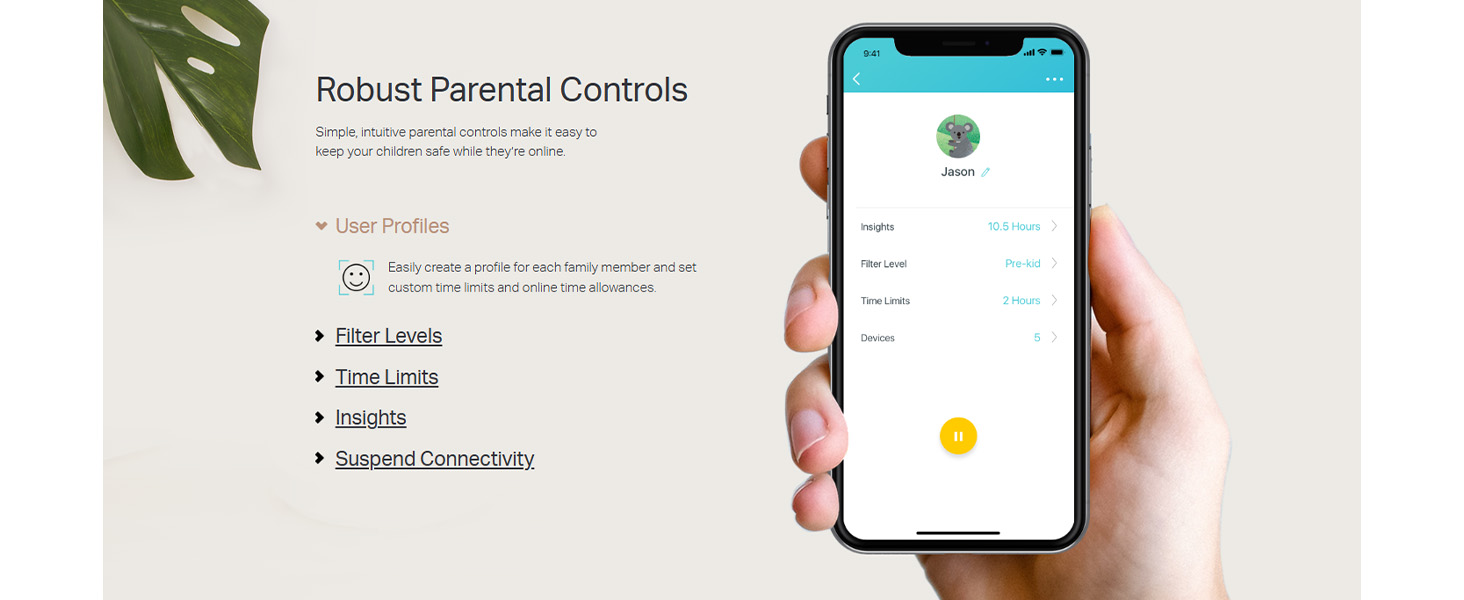
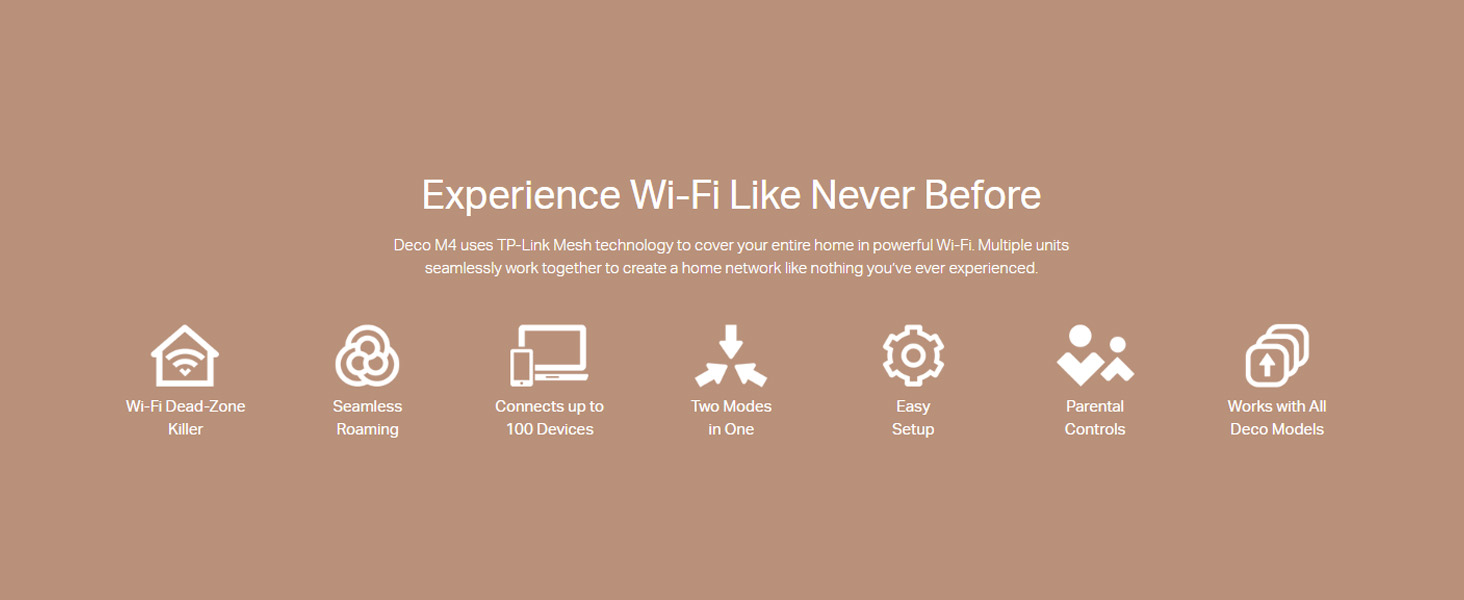
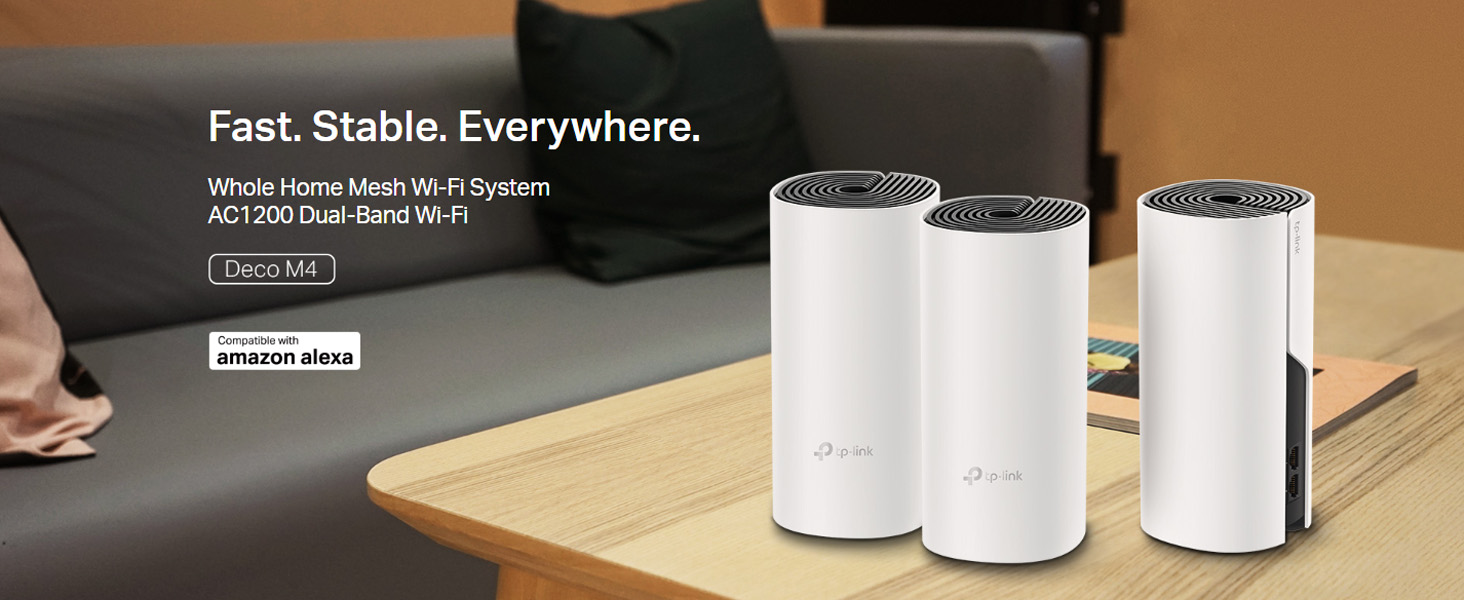
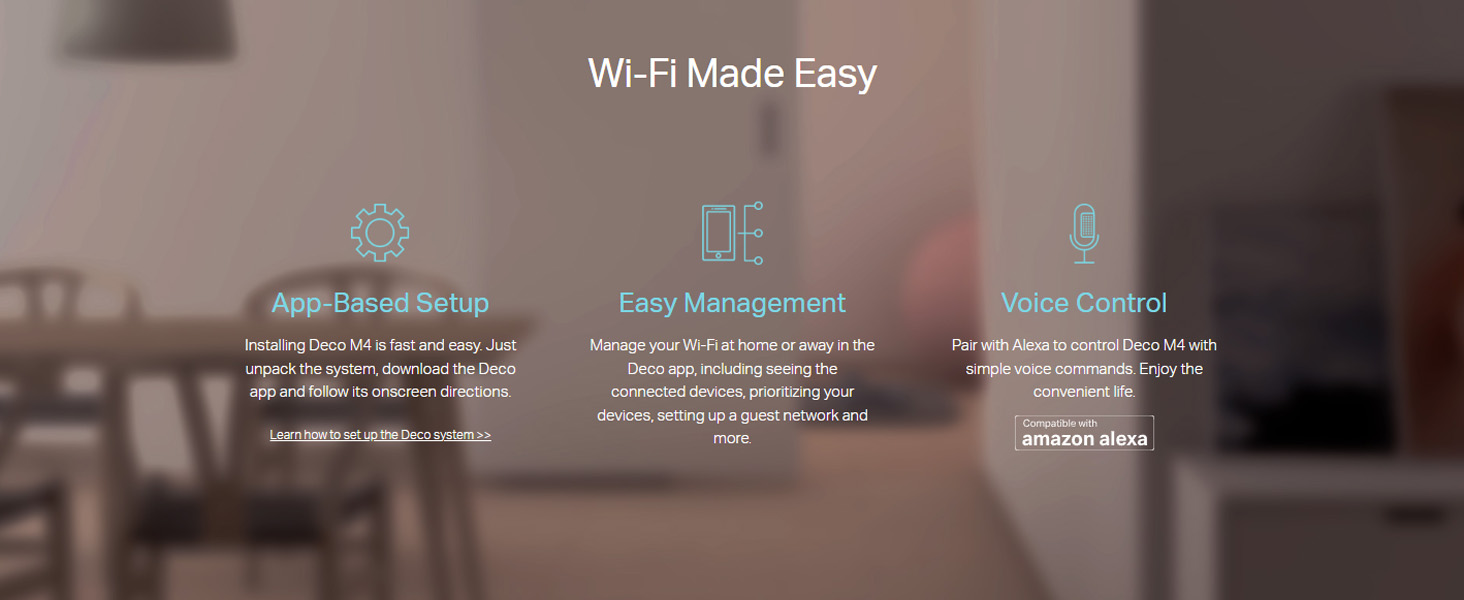
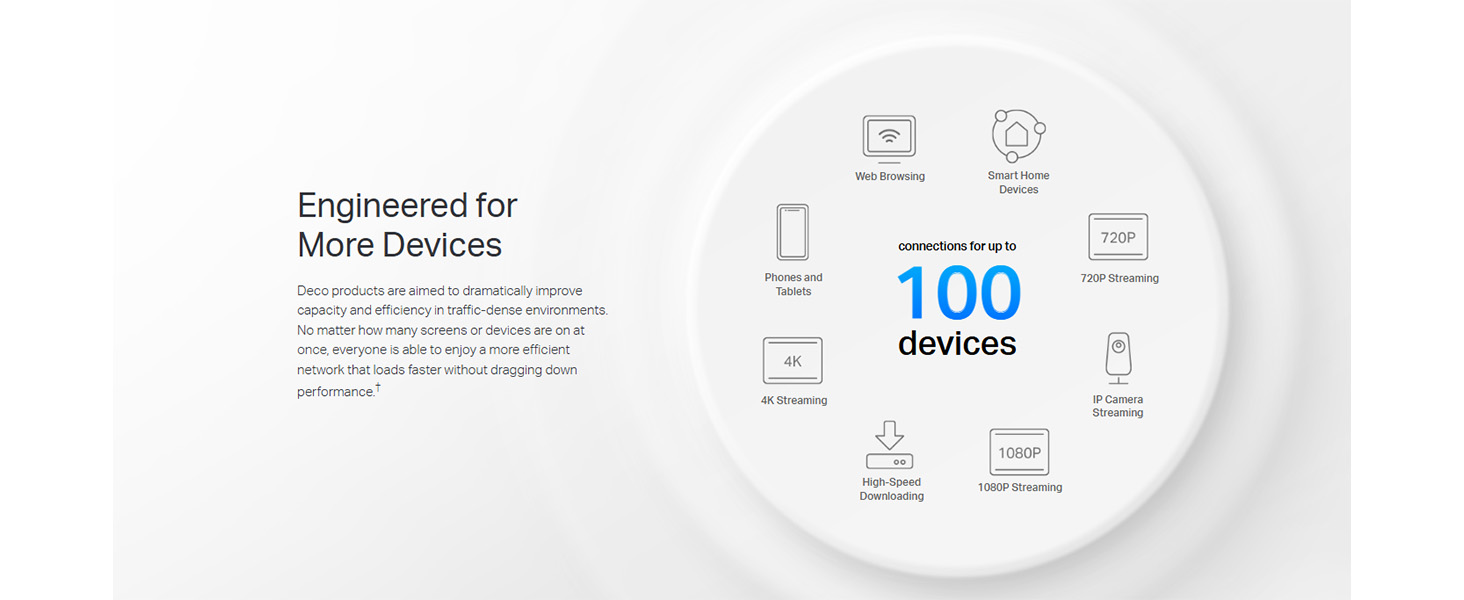
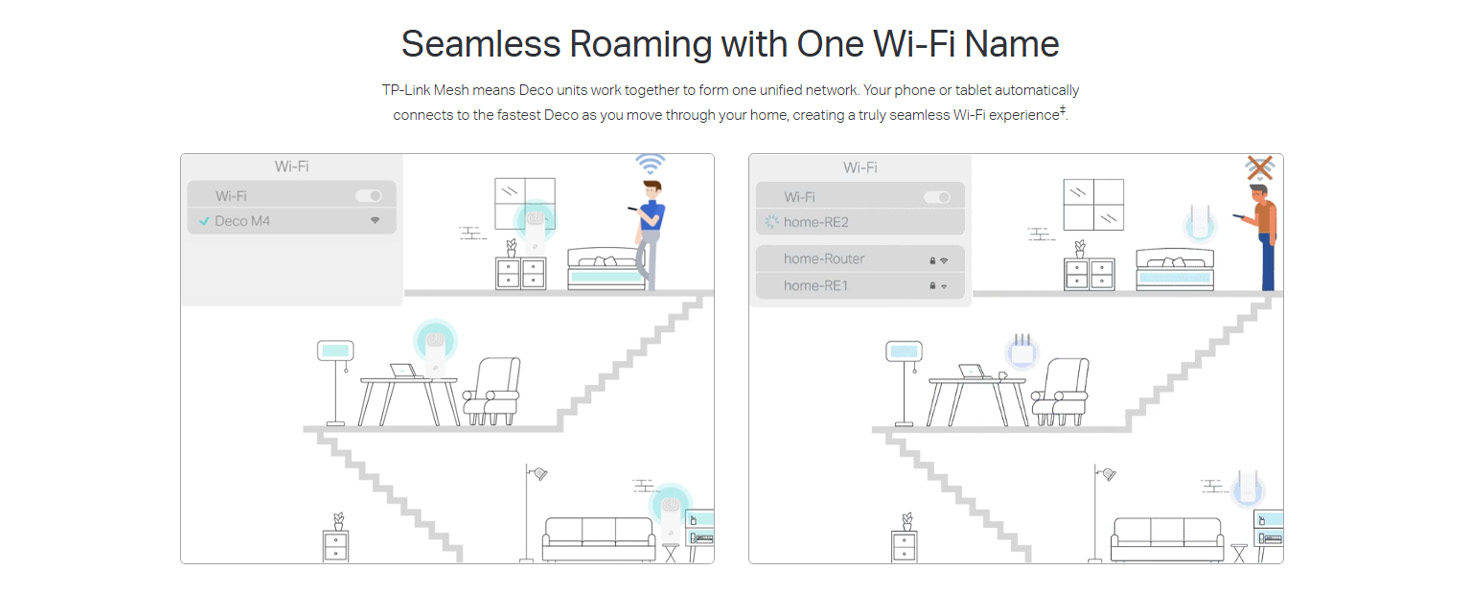
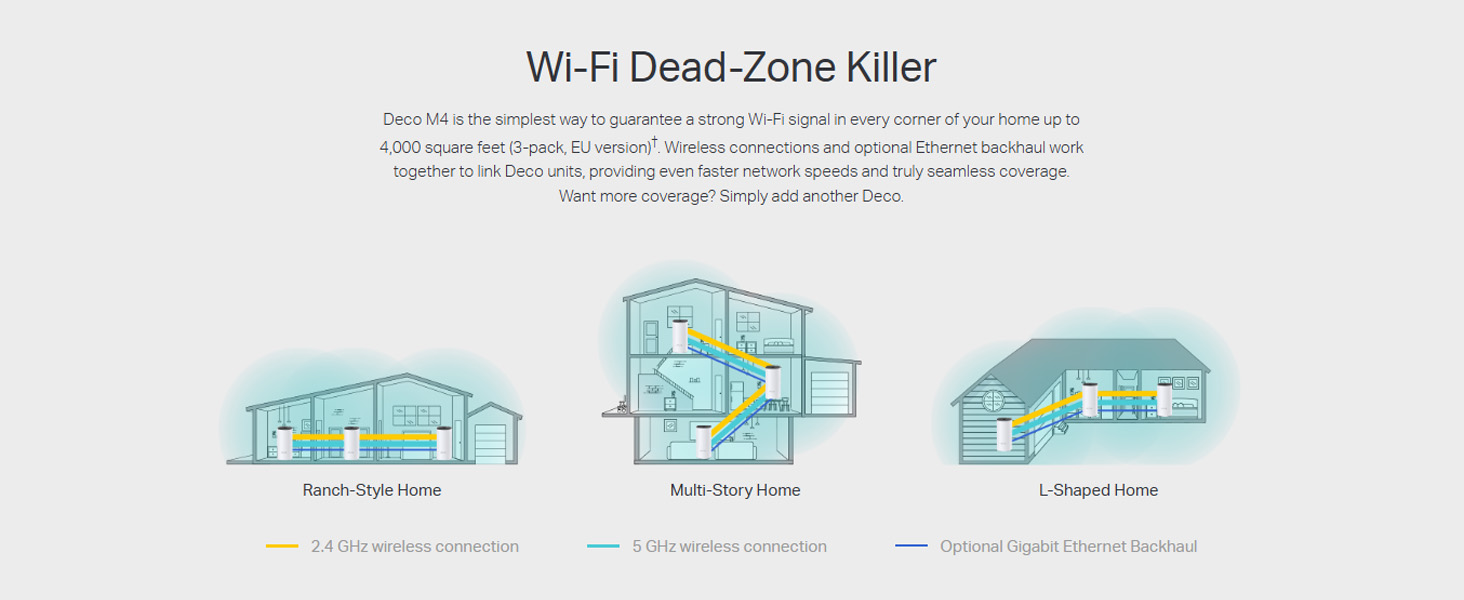
The TP-Link Deco M4 is a powerful AC1200 mesh Wi-Fi system designed to blanket up to 4,000 sq.ft with fast, stable internet at speeds up to 1167 Mbps. Its tri-unit setup ensures seamless roaming and supports over 100 devices simultaneously, making it ideal for modern smart homes. With built-in parental controls and Alexa compatibility, it offers both security and convenience, all managed easily via the Deco app.


| Antenna Location | Home |
| Antenna Type | Internal |
| Asin | B07L45LZP5 |
| Best Sellers Rank | #495 in Computers & Accessories (See Top 100 in Computers & Accessories) #1 in Whole Home & Mesh Wi-Fi Systems |
| Box Contents | 3 Deco units, 3 Power Adapters, 1 RJ45 Ethernet Cable |
| Brand Name | TP-Link |
| Colour | White |
| Compatible Devices | Gaming Console, Personal Computer, Smartphone, Tablet |
| Connectivity Protocol | Wi-Fi, Ethernet |
| Connectivity Range | 4000 Square Feet |
| Connectivity Technology | Ethernet, Wi-Fi |
| Control Method | Voice |
| Controller Type | Amazon Echo, Alexa |
| Country Of Origin | India |
| Coverage | 4,000 square feet |
| Customer Reviews | 4.4 4.4 out of 5 stars (2,354) 4.4 out of 5 stars |
| Data Transfer Rate | 1167 Megabits Per Second |
| Eu Spare Part Availability Duration | 2 Years |
| Frequency | 5 GHz |
| Frequency Band Class | Dual-Band |
| Global Trade Identification Number | 06935364085179 |
| Has Internet Connectivity | Yes |
| Importer Contact Information | TP-Link India Private Limited Office No.1, Tower 2, Level 2, Raiaskaran Tech Park, Andheri Kurla Road, M.V Road, Andheri East-400072 Contact: Toll Free 1800-209-4168, [email protected] |
| Is Electric | Yes |
| Is Modem Compatible | Yes |
| Item Dimensions L X W X H | 10L x 10W x 9.1H Centimeters |
| Item Type Name | Router |
| Item Weight Unit Of Measure | 1.13 Kilograms |
| Lan Port Bandwidth | 1000 Mbps |
| Manufacturer | TP-Link, TP-Link Systems Inc. 10 Mauchly, Irvine, CA 92618, USA or TP-Link India Private Limited Office No.1, Tower 2, Level 2, Raiaskaran Tech Park, Andheri Kurla Road, M.V Road, Andheri East-400072 |
| Manufacturer Contact Information | TP-Link Systems Inc. 10 Mauchly, Irvine, CA 92618, USA or TP-Link India Private Limited Office No.1, Tower 2, Level 2, Raiaskaran Tech Park, Andheri Kurla Road, M.V Road, Andheri East-400072 |
| Manufacturer Part Number | DECO M4(3-PACK) |
| Maximum Upstream Data Transfer Rate | 1167 Megabits Per Second |
| Model Name | Deco |
| Model Number | 6935364085179 |
| Number Of Antennas | 2 |
| Number Of Ports | 2 |
| Operating System | Windows |
| Other Special Features Of The Product | Parental Controls |
| Packer Contact Information | Pacific Technology Private Limited Survey No, 57/3/55, 57/2/56, 57/1/57, Silver Industrial Estate, village Bhimpore, Nani Daman, daman Dadra and Nagar Haveli and Damn and Diu, India 396210 |
| Router Network Type | hybrid |
| Security Protocol | WPA3 |
| Unit Count | 3 Count |
| Voltage | 1 Volts |
| Warranty Description | 3 Years Warranty |
| Wireless Compability | 802.11ac |

User
Reliable Whole-Home Wi-Fi at Its Best!
The TP-Link Deco M4 has completely transformed my home internet experience. Whether it’s streaming high-definition content, attending video calls, or simply browsing social media, the connection remains consistently fast and stable throughout the house—even in areas that were once dead zones.Seamless Coverage: With its mesh technology, the Deco M4 blankets every corner of my home in strong Wi-Fi. No more roaming issues or sudden drops!Speed and Stability: Internet speed is noticeably smoother, even when multiple devices are connected.Low-Lag Gaming & Streaming: Perfect for binge-watchers and gamers alike—latency is almost nonexistent.User-Friendly App: Setup was a breeze, thanks to the intuitive Deco app. Managing connected devices and parental controls is straightforward and smart.Sleek Design: Not only does it perform well, but the minimalist design also fits effortlessly into any home décor.
User
Super
Very easy to install. Works great. Solved my problems with network connection. I was struggling with multiple access points. Very good range & speed. I should have purchased it long before. Very good UI. Only problem I think is the top portion will accumulate dust easily over time and cleaning it will be a task
User
TP Link Deco M4 Mesh Router
The product works as described and one might be considering to buy this product based on its features mentioned.Setup doesn’t take much time and I have been using it as a router itself by connecting the internet cable from service provider (ACT Broadband) and configuring it in PPPoE mode. So, there is no additional router that I am using.The mesh feature works seamlessly and you don’t have to worry about disconnecting and connecting to multiple SSID’s if you have more than 1 router at home.Drawbacks that I have experienced:1) Limited ports (2 giga ports only per Deco unit)for such expensive router. But it does work well with additional network switch where it identifies connected devices on switch and you can control it individually.2) There is no option to hide the SSID.3) No much control over individual Decos. Any change or option enabled or disabled is applied for all Decos.4) Both 2.4GHz & 5GHz are broadcasted as 1 single SSID (But option to disable either 2.4GHz or 5GHz is available). Due to this, my Imou WiFi Camera which supports only 2.4GHz does not connect automatically to WiFi if for some reason it is disconnected from WiFi. So, I figured out and as a work around, I enabled the guest network with 2.4GHz only and paired the WiFi camera with Guest SSID. So now, the camera connects automatically if it is disconnected for some reason.5) Mesh technology is useful for devices like mobiles or laptops where one can use them around the house and with uninterrupted connectivity.6) Challenge what I face is for my IoT devices (Smart switches, sensors & Alexa device) which are fixed in 1 place. It sometimes picks up signal from the farthest Deco with weak WiFi signal and I am unable to connect them back to the nearest Deco with strong WiFi signal.Only option is I have to switch off the farthest Deco so that it picks up the signal from the nearest Deco with strong signal. Also, there is an option to “Enable” or “Disable” Mesh option for each connected device on the app.If any of the above mentioned drawbacks is not a concern, it is a nice product for the feature available.
User
Excellent product. Require more guidelines for users.
Excellent product. Good coverage and signal strength. Couldn’t find way how to use both 2.5GHz & 5GHz band’s simultaneously, which is a simple and common feature for almost all WiFi routers. A guiding help will be highly appreciated.However, there is one non-user friendly feature that the status indicator light system is given at topside. Now, if the unit is installed at a height (which is preferable) then status light can only be viewed by climbing upon a ladder 🪜 or something like that. This is cumbersome.The status light ought to have been at easily visible place.
User
Good investement
Brilliant , does what it says, setup is also easy. Good speeds too , full home coverage. A good product and a good investement
User
Nice Product good range extender and mesh
Nice
User
Does what it says
Got it delivered overnight, its easy to setup via the Deco app that lays out the steps for the setup. The signal strength has improved quite a lot for me and also the speeds (The dead areas which used to get 25 mbps now clock 165 mbps). Adding the Decos is more easier than setting up the first Deco.So far its working perfectly, will wait and see how the product works in the long run as some users have complained that the product stopped working after 3 months for them.
User
Stopped working
I purchased this at the end of last year. After using it for only 4–5 months, the satellite stopped working completely and shows no signs of life.I tried to make a warranty claim, but the website says that no service is available, and there is no option to request a replacement or repair.I would appreciate any assistance in resolving this issue, as the product is still within the warranty period. Thank you.
User
TP-Link Deco M4 WiFi Mesh
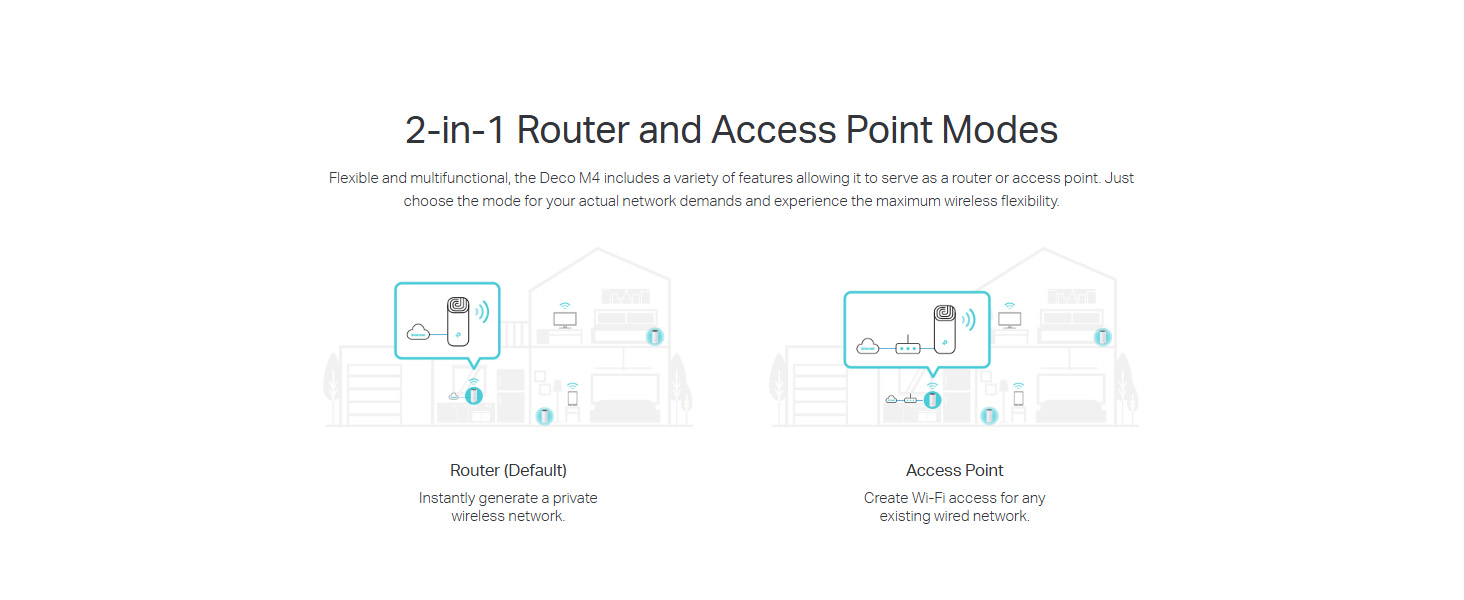
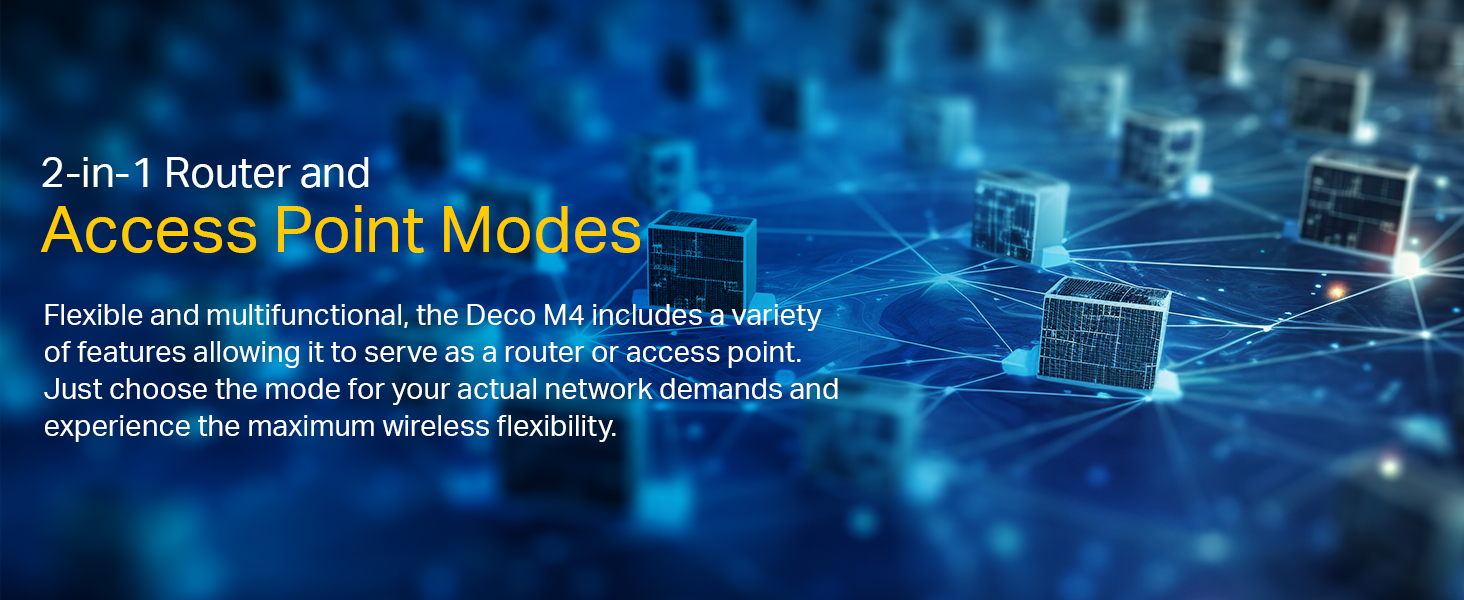
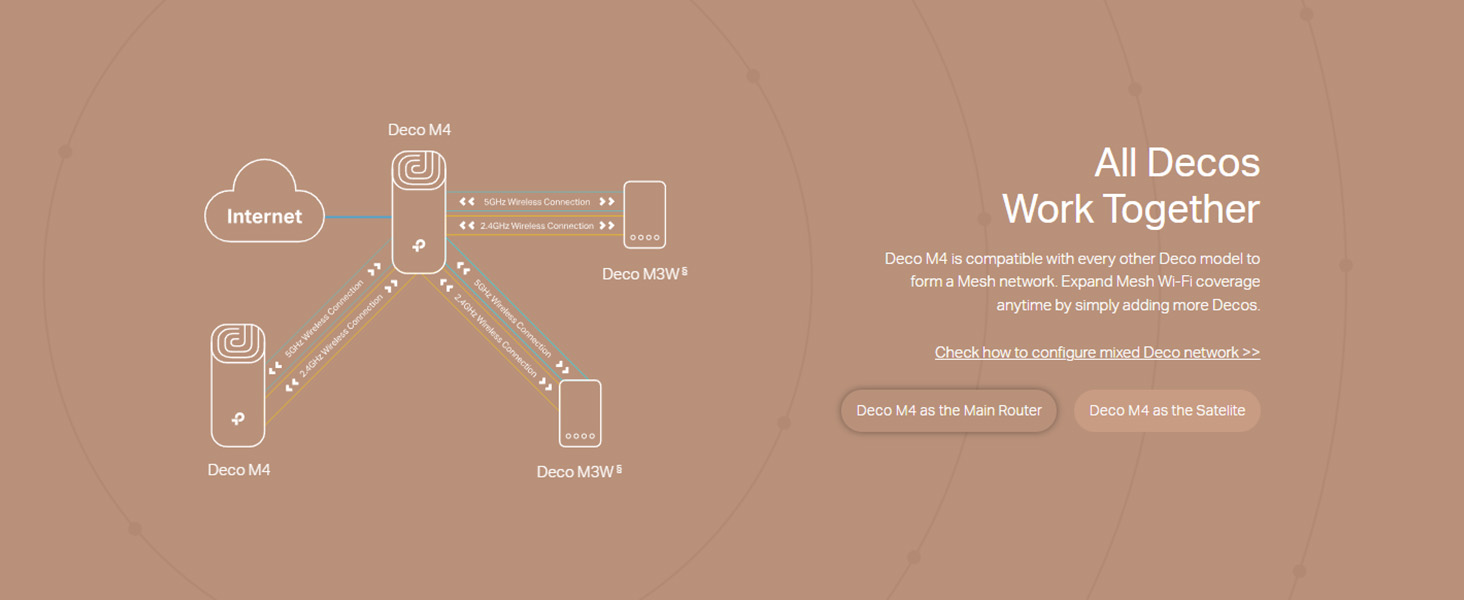
In a nutshell: if you're having trouble with wifi (or internet generally) reaching parts of your house then look no further than the Deco M4.I seem to have spent my life running long cables and messing around with awful wifi power adapters that should extend wifi/internet but end up causing more issues than solving them. So, I was worried about the M4 from TP-Link. I needn't have worried. I purchased the 3 pack and spaced all three devices in equal distance around my house with the final one being in the room that was a dead zone.The whole network was setup in about 10mins and I was running tests shortly afterwards.Unlike power adapters, that extend your wifi through the power sockets, these don't drop out and are error correcting. You don't have to use the wifi either, which is is bonus, so I have devices plugged into the ethernet ports on the back (you get 2x per device).There are 2 operating modes. People on YouTube seem to have been caught out by this as each mode offers different advanced options. The default, out of the box, setting is as a WiFi router. Plug device 1 into the back of your router and that is your primary device and other devices (2 and 3 in my case) talk to device 1. Not much use if device 3 is in an area where wifi doesn't reach.'Access point' operating mode has to be switched on manually, but once it is on the M4s work as YOU want them to. So, I have the device (call it device 2) in the middle of the house set as the Primary Deco feeding the other devices. Now, device 3 in the room that's normally a black hole for wifi has full strong wifi signal and even two reliable ethernet ports to connect to.I have been trying to catch this system out by running speed tests randomly, adding loads of devices to it etc and it never drops out and has a consistent download and upload speed. I am very impressed.If you connect an ethernet splitter to one of the ports you will notice a speed decrease - that's normal.The iOS app that sets it all up is very well made and idiot-proof (in my opinion). You need the app in order to set it all up (it also works on Android, I believe) and you connect to the Deco's built in default wifi network to get started. The app talks you through it.If you can afford to stretch to the M4 (over the cheaper E4) then it's worth your while as the internal network speed is faster. Handy for those of us with servers, printers and all that guff connected to our routers!Highly recommended.
User
Worth for the price
I purchased Deco M4 . Easy to install works great.
User
Excelente velocidad y estabilidad.
Antes en mi escritorio me llegaba una señal de 20Mbs en la red de 5Gb y ahora tengo 90Mbs de subida y de bajada. Fantàstico. Vale la pena!
User
ممتاز
ممتاز ومفيد جدا
User
PERFEITO
Resolveu todos os meus problemas de conexão e wifi em minha casa (grande com 3 andares). O roteador que a provedora fornece é muito fraco, aguenta poucos devices conectados e ainda mal chegava sinal em certos comodos da casa. Isso foi resolvido com esse roteador MESH, e agora tem wifi na casa inteira. O sinal chega com uma força absurda e com muita estabilidade. Não tenho mais problemas de desconexão por perda de pacote de dados no jogo (csgo) nem oscilação. Não há mais travamentos para assistir uma videoaula ou youtube. Esse roteador MESH deixou meu wifi 100% estável. Eu tenho muitos dispositivos integentes como Amazon Alexa (Echo show 8 e echo dot), dispositivos de casa inteligente como tomada, lampada e controlador infravermelho, Wyze Cam, etc, que antes não funcionavam direito devido a péssima qualidade do wifi do roteador da provedora, e agora ficou PERFEITO, tudo funcionando de forma satisfatória como deve ser.Recomendo a todos que possuem uma casa média/grande e uma familia grande. É um produto que eu deveria ter comprado há tempos se eu soubesse que fosse tão bom!
Trustpilot
4 days ago
3 weeks ago