
DOWNLOAD THE APP


Customer Services
Copyright © 2025 Desertcart Holdings Limited
DOWNLOAD THE APP
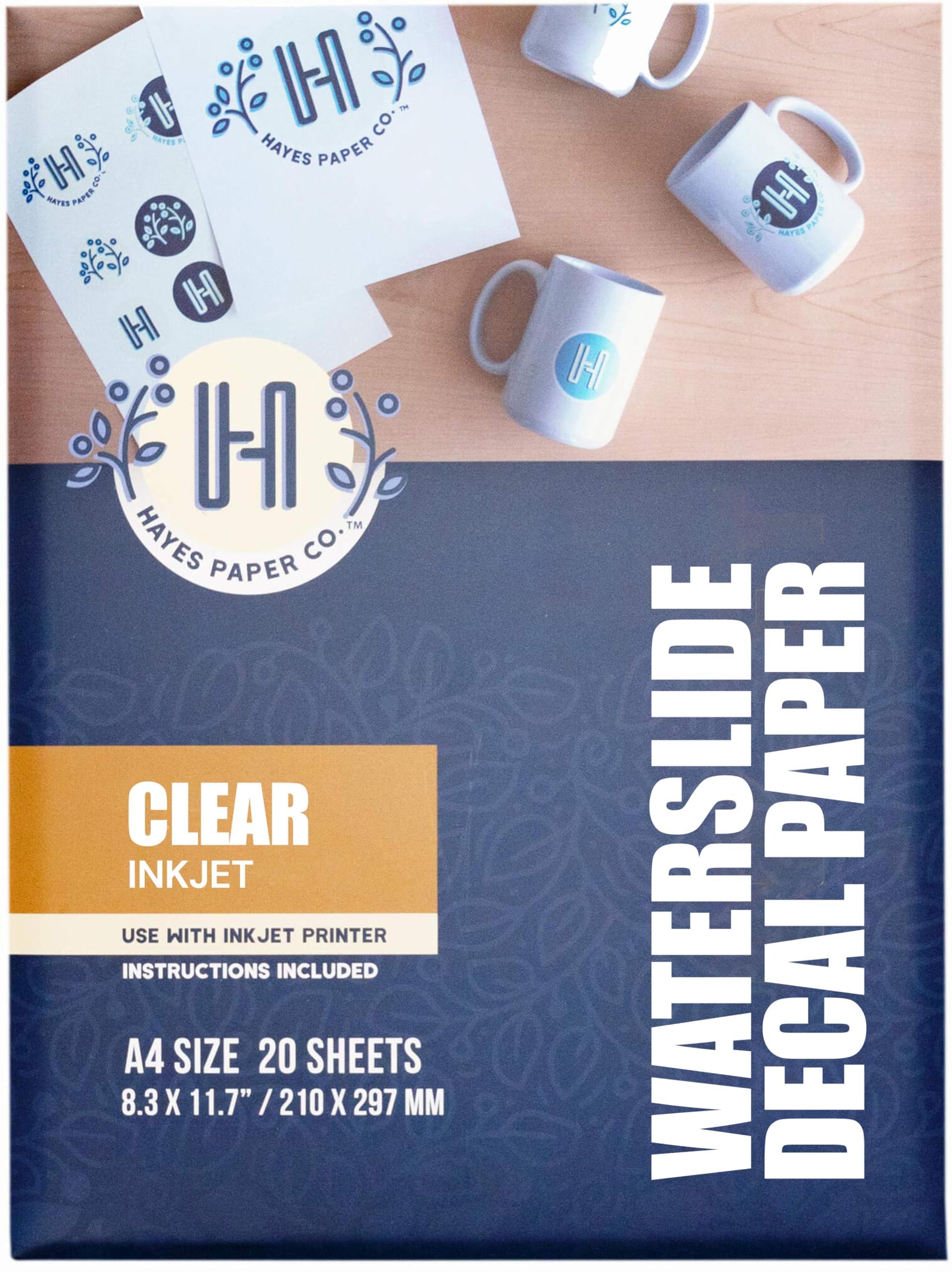
🎨 Transform your ideas into stunning, custom decals that everyone will envy!
INKJET CLEAR is a premium 200gsm clear waterslide decal paper designed exclusively for inkjet printers, delivering ultra-high 5760 dpi print quality with superior ink absorption. Its easy soak-and-slide application produces vibrant, smudge-free transfers on ceramics, glass, metal, and plastics. Available in convenient 20 or 100-sheet packs, it’s the perfect choice for DIY enthusiasts, hobbyists, and small businesses aiming to create professional-grade personalized gifts and projects.







| ASIN | B077TMFVL9 |
| Best Sellers Rank | 11,356 in Stationery & Office Supplies ( See Top 100 in Stationery & Office Supplies ) 2 in Water Slide Decal Paper |
| Brand | Hayes Paper Co. |
| Brightness Rating | 95 |
| Colour | transparent |
| Customer Reviews | 4.5 4.5 out of 5 stars (15,729) |
| Date First Available | 2 Dec. 2017 |
| Item Weight | 280 g |
| Manufacturer | Pup Ted LLC |
| Manufacturer Part Number | SFPC-WHITE-INK-20 |
| Material Type | Decal Paper |
| Model Number | SFPC-WSC-INK-20 |
| Number of Items | 20 |
| Paper Finish | Coated |
| Paper Weight | 15 |
| Product Dimensions | 29.7 x 21 x 0.01 cm; 280 g |
| Sheet Size | A4 |
| Size | A4-20 Sheets |
| Total Recycled Content | 100 |
B**E
Epson EcoTank Usage
Epson EcoTank Printing Help I've seen a few comments from folks having issues printing to these sheets on an Epson EcoTank printer. I use an EcoTank Pro ET-16685. These were my settings for my first test print, which came over very well indeed. Paper Source : Paper Tray (I did not want the paper to curl too much from using a Cassette Tray) Doc Size : A4 Orientation : Portrait Paper Type : Epson Ultra Glossy (Because of the longer drying time and also ink saturation level) Quality : High (Because it's a slower print and more accurate for quality. Minimal smudging, if any at all) I only printed in Mono, as that's all I needed for Wolf Paws for my Space Wolves (Warhammer 40K). I'm making small transfers/decals for shoulder pads. I posted this info here to help others who may be doing the same for their own miniature modelling projects. You might notice a few traction lines on the page. The first print was quite clear of them, but I reused the sheet a few more times to add more prints, so there would have been extra handling of the paper. You might notice the zoomed in paws don't look crisp and sharp. Well, it is an inkjet printer and we are zoomed in very high. That paw is only about 4.4 mm wide. It's not going to be noticeable on in a wargame unless very model is being scruitinsed with a magnifying glass. To be fair, I'm more worried about the Tyranids :-)
C**E
Make some people happy!
easy to use, great to make personal items or items with a group logo etc. I do lots of charity fundraising items for two local groups. Do watch a few You tube videos for how to best use and place. there are some great clear demonstrations. Also fill your sheet with various designs, make the most of each sheet
D**Y
Does what it says on the packet.
Does what it says on the packet. I bought this for printing decals for model aircraft, clear to let what’s underneath show through but forgot that my printer does not print white.
A**N
Good results
Excellent. Very easy to use. Printed clearly.
J**N
Brilliant
I always use this decal paper and it is outstanding. I have no problem with it at all.
A**R
Comprehensive instructions and use the seal spray
On following the 6 instructions on the Hayes packaging and using the sealing spray, I obtained the result I wanted first time, a bit like decals on a plastic model kit. I left each drying stage for 24 hours before progressing. So, not a quick job but very effective.
A**R
Acceptable and cheap but not best quality decal paper
Works OK in making decals for scale models but even if well varnished there is a tendency for ink to run after application, so that lettering and shapes appear smudged despite correct inkjet printer ink being used. A good quality of this paper is that it is resistant to silvering if applied to a gloss surface. Overall, not the best decal paper but adequate for many modelling jobs and much cheaper than the best.
T**L
Make sure you use top quality ink
This product is easy to use
I**N
Detta dekalpapper fungerar precis som det är tänkt, titta på bilden text och varningstrianglar är gjorda med detta dekalpapper. Har även gjort bilder som sitter på kaffemuggar och de sitter fast som f..n. Viktigt att klarlacka det man har skrivit ut innan man överför bilden.
L**E
Werkt goed met mijn normale inkjetprinter. Om het goed werkend te krijgen heb je ook spuitlak (acryl) nodig. Ik ben tevreden met het resultaat. Let op, het is geen permanente oplossing.
C**O
GUIDA ALL'USO PER RISULTATO PERFETTO: - stampare il file immagine che si vuole sulla versione lucida del foglio, le immagini vettoriali avranno una qualità di stampa decisamente superiore. Stampare alla massima qualità indicando il "foglio lucido" nelle impostazioni. - Attendere che l'inchiostro si asciughi bene, io ho atteso 1h circa. - Ho comprato le bombolette acrilico trasparente AMBROSOL (lucido o opaco, dipende dal risultato che si vuol ottenere). Questo marchio ha il beccuccio erogatore con un po di ventaglio perfetto e di facile utilizzo. - Prima mano "veloce" per fissare l'inchiostro. Tenete il pezzo contro luce per poter vedere quanta vernice avete steso e se stesa uniformemente. Attendete 5 minuti e passate la prima mano "grassa", prima nel senso della lunghezza del pezzo e dopo nel senso della larghezza in modo tale da formare un "reticolato", contro luce dovete vedere la vernice lucida omogenea e senza buccia d'arancia. Attendete asciugatura 15 minuti a 20° circa. Per temperature minori, almeno 30min. Controllate che non si sia depositata polvere e procedete con la seconda mano anch'essa grassa ad incrociare. Attendete 12-16h di asciugatura per star tranquilli. SE NON VENGONO EFFETTUATE 3 MANI DI ACRILICO, vi si frantumerá nelle mani quando cercherete di staccarlo! - Ritagliate con forbici la vostra immagine a 3mm dal bordo. - pulite e preparate il supporto dove applicare la vostra decalcomania, non deve esserci polvere o granelli perché faranno spessore dove si accumulerá acqua che non riuscirete a togliere. - immergete in una bacinella per 60 secondi in acqua temperatura ambiente la vostra immagine, tenderà ad arrotolarsi, non abbiate paura è tutto regolare. - uscite dall'acqua la decalcomania e con due dita cercate di "slittare" di qualche millimetro l'immagine ed il supporto bianco di fondo. Appoggiate al supporto la vostra decalcomania dal lato dove la vostra immagine si è staccata e con un dito tenete fermi. TRANQUILLI che il posizionamento/centratura potrà essere effettuata in seguito. Con le unghia iniziate a sfilare il supporto bianco da sotto mentre tenete la vostra decalcomania ferma. - sfilato il supporto bianco, posizionate la decalcomania e con un fazzolettino piegato a metà o in 4 iniziate delicatamente a spingere fuori tutta l'acqua che c'è sotto la decalcomania, è la stessa operazione che effettuate quando pulite i vetri della doccia con lo scopettino. Se non rimuovete l'acqua sotto la decalcomania si asciugherá con delle bollicine visibili e fragili perché non aderenti al supporto. - Tolta l'acqua in eccesso, fate asciugare per 3-4h. Per chi vuole applicare un ulteriore strato protettivo acrilico lucido o opaco, può farlo tranquillamente. Se si vuol passare su tutto il supporto il trasparente acrilico finale, sarebbe meglio applicare un fondo sempre a bomboletta. Fine :)
C**2
These work great in inkjet printers, the print image is sharp, no smudging or streaking. I used rust-oleum clear mat spray paint which worked perfectly. The decals slid off easily and give a good permanent adhesion. I am a model railway modeller and have tried many different brands of decals which purported to be compatible with inkjet printers which failed. These are the best I have used. Highly recommend
C**N
Je viens de recevoir le papier à décalco transparent, c'est juste parfait ! Il permet d'imprimer des détails très fins si vous avez une impriman photo et la pose est vraiment simple si les étapes sont respectées. Les photos montrent un test sur un boîtier de mini ordi (raspberry), j'ai imprimé le logo Super Nintendo sur du transparent car le boîtier est blanc et c'est superbe. Pour info j'ai malmené un logo avant ça pour voir la résistance et l'élasticité, et c'est vraiment résistant, de quoi faciliter le placement du décal sur l'objet sans avoir peur de l'abîmer, on peut vraiment le manipuler avec un coton tige jusqu'à ce qu'il soit placé exactement où l'on veut. Les étapes : 1 - impression get d'ancre photo dans mon cas. Réglage type de papier photo glacé, qualité haute. Bien laisser sécher et imprégner l'ancre. J'ai fait un test 10mn après impression ça fonctionne mais je conseil de laisser 24h selon les ancres. 2 - pose du vernis acrylique pour que l'ancre ne bave pas dans l'eau : vernis Clear Vanish Gloss dans mon cas, 3€ chez Action et fait parfaitement le l'affaire. Trois couches espacées de 10mn à 15cm du papier pour déposer un voil à chaque fois. Laisser sécher plusieurs heures (idéal 24h). Sur mon essai j'ai trempé le papier après 1h et ça a fonctionné mais pour être sûr 24h c'est mieux. 3 - Mouiller le papier : laisser tremper le papier dans une coupelle assez grande avec de l'eau tiède. Éviter les récipient profonds ou les verres car le décal peut tomber au fond et on peut le décoller du support en essayant de le récupérer. Après 30 secondes à 1mn, manipuler délicatement le décal pour voir si il se détache, sans forcer du papier support. Attention à ne pas le décoller, il doit rester dessus pour l'instant mais glisser facilement. Si c'est le ça passez à l'étape suivante. 4 - sortir le décal de l'eau et le placer : une fois trompé, on le sort, on le remu d'éclatement pour que les gouttes retombent dans la coupelle, puis on le pose encore sur son papier support sur l'objet de destination. Quand il est à peu près au bon endroit, on maintient une légère pression avec un coton tige sur une extrémité, puis on vient chercher le papier dessous le décal à l'autre extrémité. On tire ensuite délicatement le papier en dessous pour l'enlever. 5 - ça fait des plis et des billes ? Normal : il fait ensuite placer le décal avec le coton tige, en tirent les extrémités délicatement pour le mettre ou l'on veut, puis faire rouler le coton tige dessus comme un rouleau à pâtisserie pour chasser les bulles et les plus. Ne pas hésiter à changer de coton tige plusieurs fois pendant l'opération si il est trop imbibé d'eau. Aux derniers "roulages" de coton tige, le décalco doit être placé, sans bulles ni plis. Plus qu'à laisser sécher 24h, puis mettre du vernis Acrylique comme utilisé avant, en trois couches fines aussi, pour le fixer définitivement. Si c'est pour un gros objet l'idéal est de passer le vernis sur tout l'objet pour unifier l'aspect. Bien vérifier que l'objet en question accepte le vernis acrylique. Voilà c'est fait ! Attention cette procédure n'est valable que sur des objets qui ne sont pas à destination alimentaire comme des verres ou des assiettes. C'est pour la déco d'objet qui ne sont pas immergés, pas trop souvent manipulés, qui acceptent le vernis acrylique et surtout qui ne sont jamais en contact avec de la nourriture et jamais portés à la bouche. Portez toujours des équipements de protection lors de la manipulation des produits comme les vernis (masques, lunettes etc).
Trustpilot
2 weeks ago
1 month ago