We remain fully operational. Our teams are working around the clock to ensure your deliveries continue safely.

DOWNLOAD DE APP


Klantenservice
Copyright © 2025 Desertcart Holdings Limited
DOWNLOAD DE APP
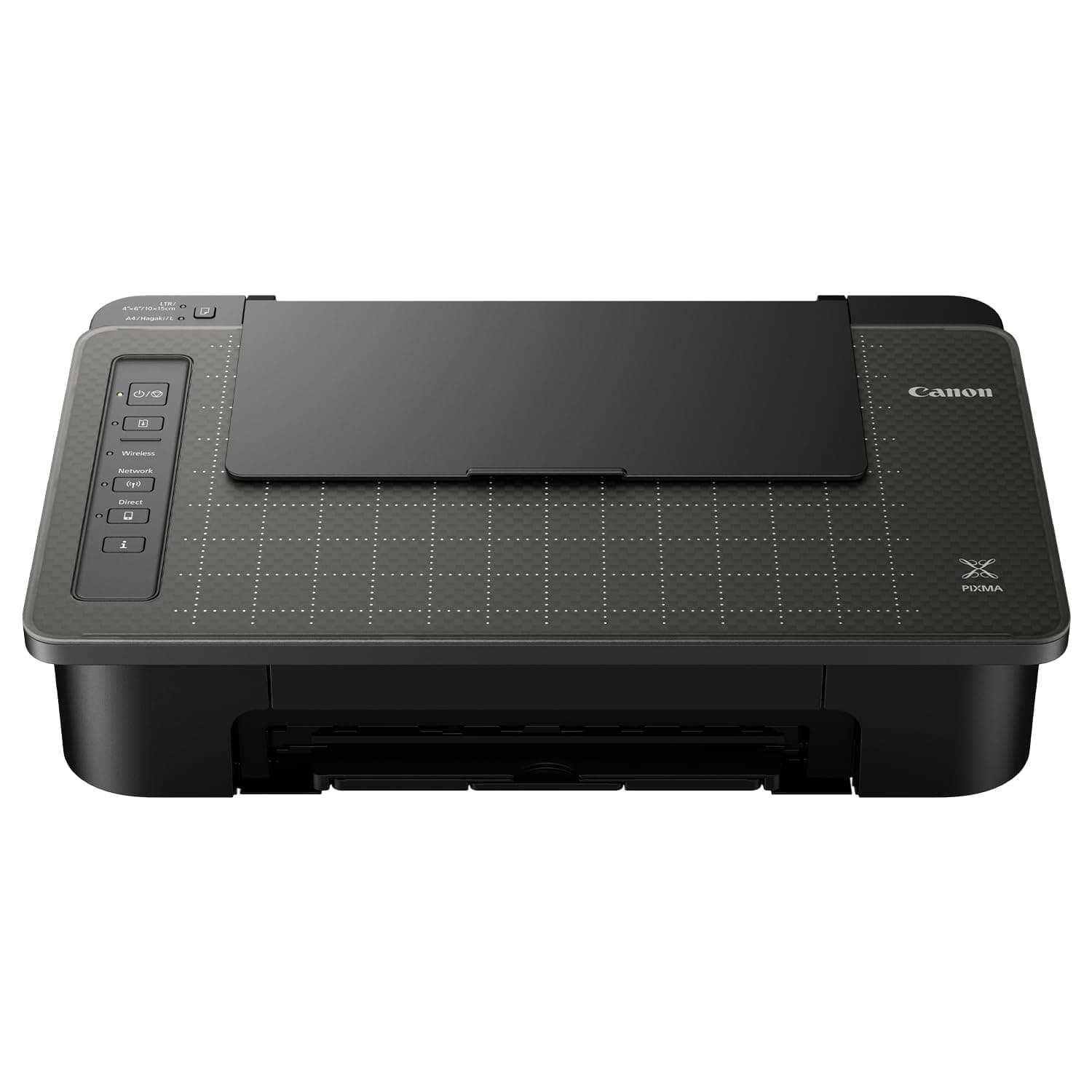
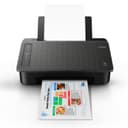
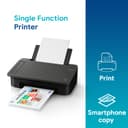
🖨️ Print Smart, Live Bold: Elevate your workspace with Canon’s sleek Pixma TS307a!
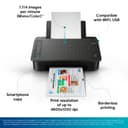
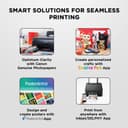
The Canon Pixma TS307a is a single-function wireless inkjet printer designed for home use, offering vibrant color prints at up to 4800 x 1200 dpi. It supports WiFi and USB connectivity, enabling seamless printing from smartphones and computers. With a compact footprint and a 60-sheet input tray, it fits perfectly in modern workspaces. While it lacks duplex and scanning functions, its borderless printing and energy-efficient design make it a stylish, practical choice for everyday printing needs.


| ASIN | B07BZFLWS7 |
| Additional Printer Functions | Print Only |
| B&W Pages per Minute | 7.7 ppm |
| Best Sellers Rank | #2,351 in Computers & Accessories ( See Top 100 in Computers & Accessories ) #13 in Inkjet Printers |
| Box Contents | Printer,,,,,,,,,,,,,, |
| Brand | Canon |
| Brand Name | Canon |
| Color Pages per Minute | 4 ppm |
| Colour | Black |
| Compatible Cartridge | PG-745 (Black), CL-746 (Color) Ink Cartridges |
| Compatible Devices | Smartphones |
| Connectivity Technology | USB, Wi-Fi |
| Control Method | App |
| Controller Type | Android |
| Country of Origin | Vietnam |
| Customer Reviews | 3.4 out of 5 stars 4,316 Reviews |
| Display Type | No |
| Dual-sided printing | No |
| Duplex | Manual |
| Hardware Interface | USB |
| Ink Color | Black, Color |
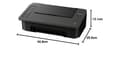
| Item Dimensions D x W x H | 25.5D x 42.6W x 13.1H Centimeters |
| Item Type Name | Inkjet Printer |
| Item Weight | 2.9 Kilograms |
| Manufacturer | Canon Inc., For any product related queries, kindly contact Canon brand customer care on : [1800 180 3366 ][1800 208 3366] Timings: 8:30am-5:30pm |
| Manufacturer Contact Information | For any product related queries, kindly contact Canon brand customer care on : [1800 180 3366 ][1800 208 3366] Timings: 8:30am-5:30pm |
| Max PrintResolution Color | 4800 x 1200 dpi |
| Max PrintSpeed BlackWhite | 4800 x 1200 |
| Maximum Media Size | A4, Letter, 4 x 6", 5 x 7", Custom size (width 89 - 215.9mm, length 127 - 676mm) |
| Maximum Sheet Capacity | 60 |
| Model Name | Pixma |
| Model Number | TS307a |
| Model Series | TS307a |
| Network Connectivity Technology | USB, Wi-Fi |
| Other Special Features of the Product | Borderless Printing |
| Packer Contact Information | Canon Inc., 3-30-2, Shimomaruko, Ohta-ku, Tokyo 146-8501, Japan |
| Paper Size | 11.7 L x 8.3 W inches |
| Power Consumption | 0.2 Watts |
| Printer Output Type | Colour, Monochrome |
| Printer Type | Inkjet |
| Printing Media Type | Glossy photo paper |
| Printing Technology | Inkjet |
| Resolution | 4800 x 1200 |
| Scanner Type | Photo |
| Special Feature | Borderless Printing |
| Total USB Ports | 1 |
| Unit Count | 7 Count |
| Warranty Description | 1 year Carry-in warranty from the date of purchase. |
V**K
Good
Very nice printer for normal use personal. One or two prints continue printing.. then speed goes very slow
S**U
Print yield is extremely poor.
DO NOT BUY THIS PRINTER. Cost of printer is fine. But the ink (black & colour) finishes very quickly. The small size cartridge which comes along with the printer hardly printed ~40 pages & colour ~5. As per canon & amazon the small cartridge prints up to 100 pages. I ordered another colour & black cartridges from amazon and the same result. Though the printer price is good but because of extremely poor print yield the cost of the printer is extremely high. SO, DO NOT BUY this printer just because of the printer price.
G**E
A cheaper option for limited printing
it has its limitations. Paper intake from the top feeder tray is not smooth. Needs several attempts to get is into the printer. Cartridge is exhausted very fast. Maximum print per BW cartridge is around 30 pages. Why did you pick this product vs others?: It wass the cheaper option according to my personal requirement Ease of installation: Not too complicated to install Printer functionality: limted. It has only printer function Print quality: Its a ink jet printer. The quality is ok for that product. Picture quality: Not sharp like the laser jet printer Paper stuckness: No issues yet. but may be later on it may have issues. Keep the printer covered when not in use - to avoid dust
P**A
कुछ काम का नहीं है
चल नहीं रहा है
N**A
Speed is slow for 1st Print after turning on
I've been using this printer i.e., ts207 for 1+ months & some of the good things about this product is - it has paper size indicator, decent printing speed & ink level indicator for desktop app. It's good for you if you're a student or using it for home purposes. It doesn't have any wifi built-in, so you need to use OTG for mobile printing & use free printing apps from playstore to print from mobile. For saving printing cost learn to inject ink in your old cartridges in YouTube as the original cartridge price is very high. Update - Speed of printing is kinda slow. Update - If you don't use Printer for 2 weeks it's Head gets clogged and Software is not working for removing clog. You need to go to Service Centre for that.
M**H
Ok
Good work
M**L
Worst printer ever
Canon PIXMA – A Disappointing Experience with Hidden Costs As a long-time user of various printer brands, I must express my deep disappointment with the Canon PIXMA series. While the initial pricing and compact design may seem appealing, the long-term cost and performance tell a very different story. The biggest issue lies in the ink cartridge system. Canon charges approximately ₹750 per cartridge, and shockingly, the black ink yields only 30–35 pages for standard black-and-white prints. This is not just inefficient—it borders on exploitation. For users who expect moderate to frequent printing, this results in an unsustainable cost-per-page ratio. What’s more concerning is the lack of transparency regarding ink consumption before purchase. The brand fails to communicate realistic page yields, leading to what feels like a post-sale trap. Once the printer is purchased, users find themselves locked into a costly cycle of constant cartridge replacements. Canon’s marketing emphasizes affordability and performance, but in reality, it feels more like a carefully designed model to profit heavily on consumables—arguably misleading, if not unethical. In conclusion, the Canon PIXMA may appear budget-friendly at first glance, but the hidden operational costs make it one of the least economical and most frustrating printers I’ve used. I would strongly advise potential buyers to consider this before making a purchase.
B**O
Not for regular use. Not worth the money and maintenance is too much costly
It gives way less prints and paper gets stuck. Sometimes it pulls 2 papers at a time and prints in different direction each time. Really troublesome to use. I am returning it
Trustpilot
5 dagen geleden
1 maand geleden