We remain fully operational. Our teams are working around the clock to ensure your deliveries continue safely.

DOWNLOAD DE APP


Klantenservice
Copyright © 2025 Desertcart Holdings Limited
DOWNLOAD DE APP


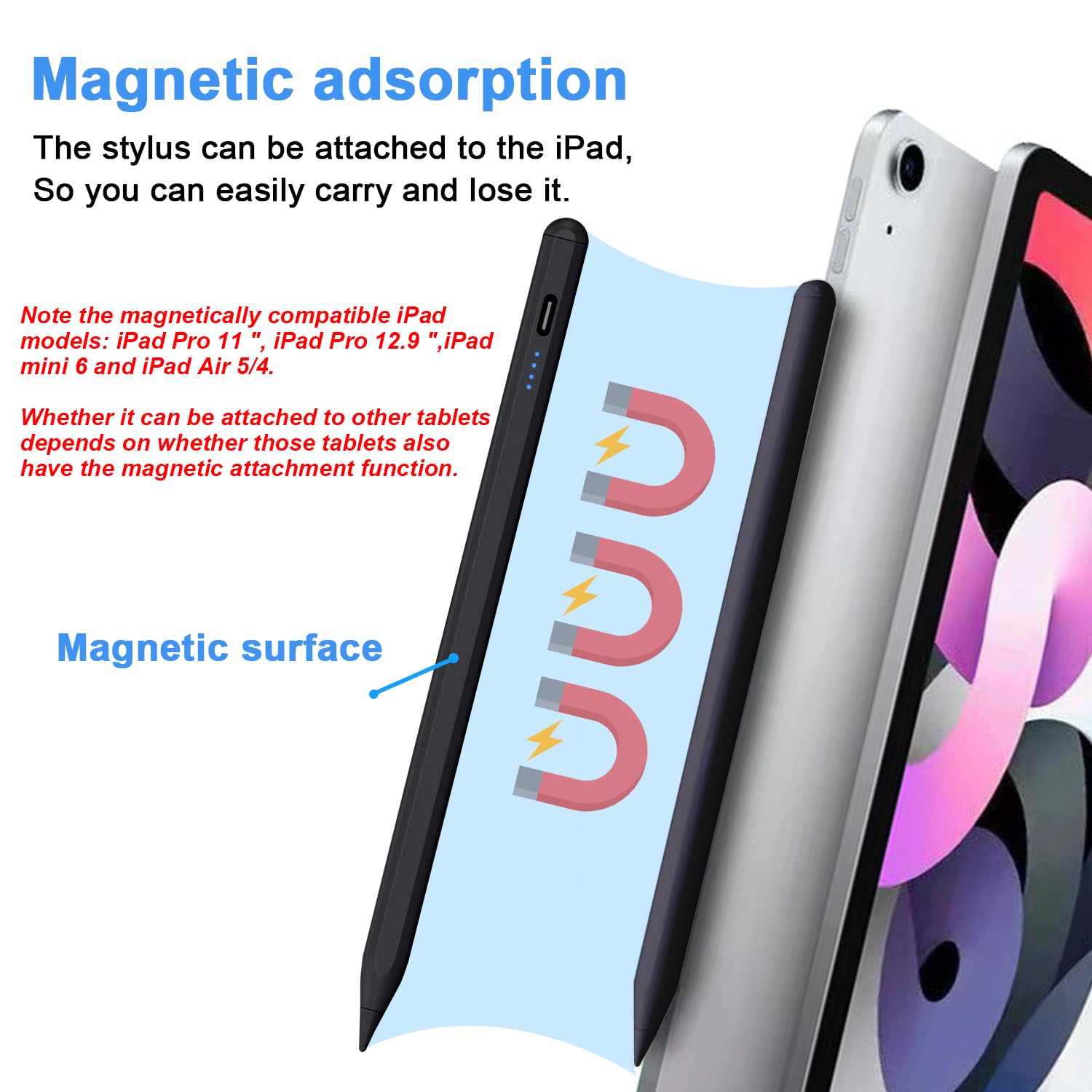
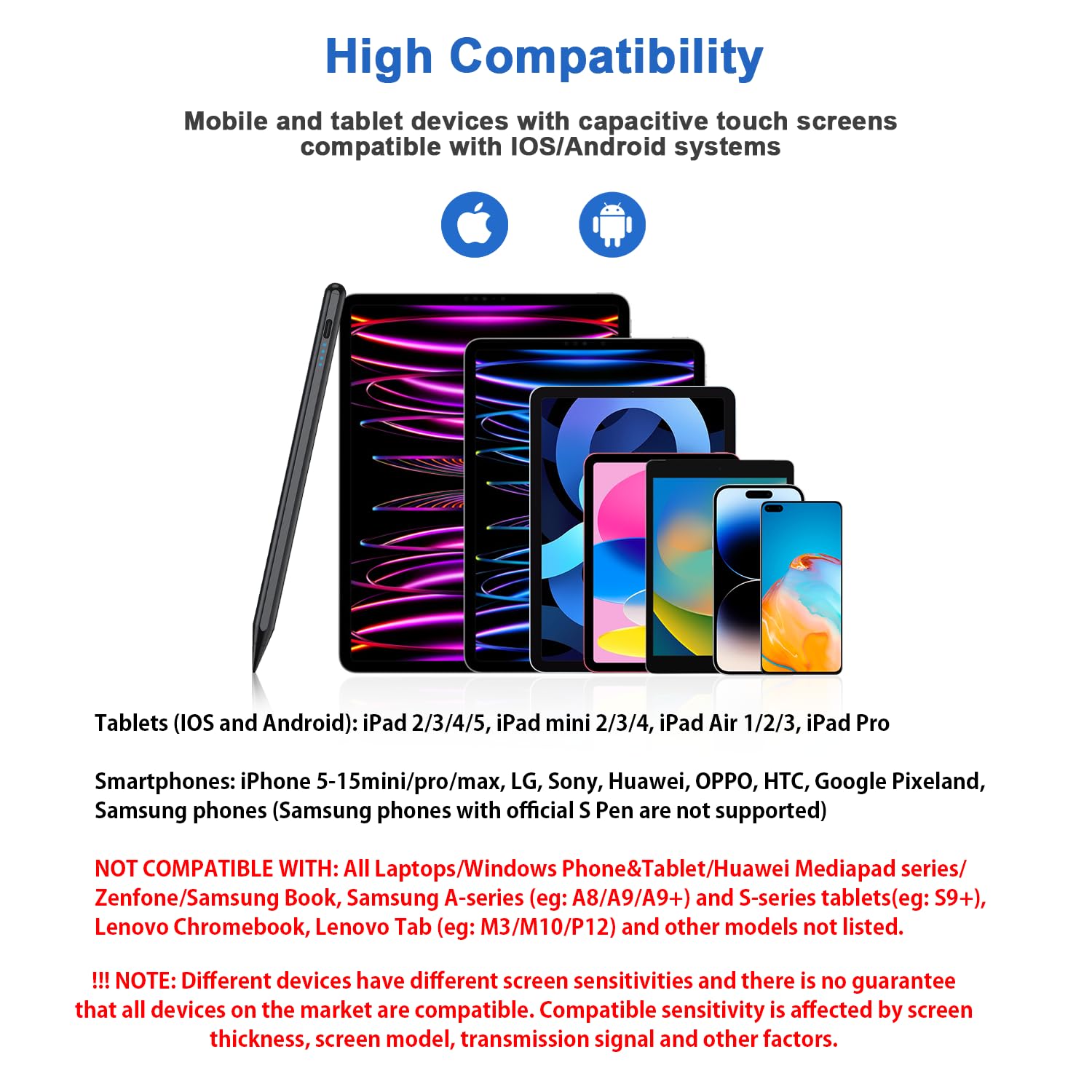

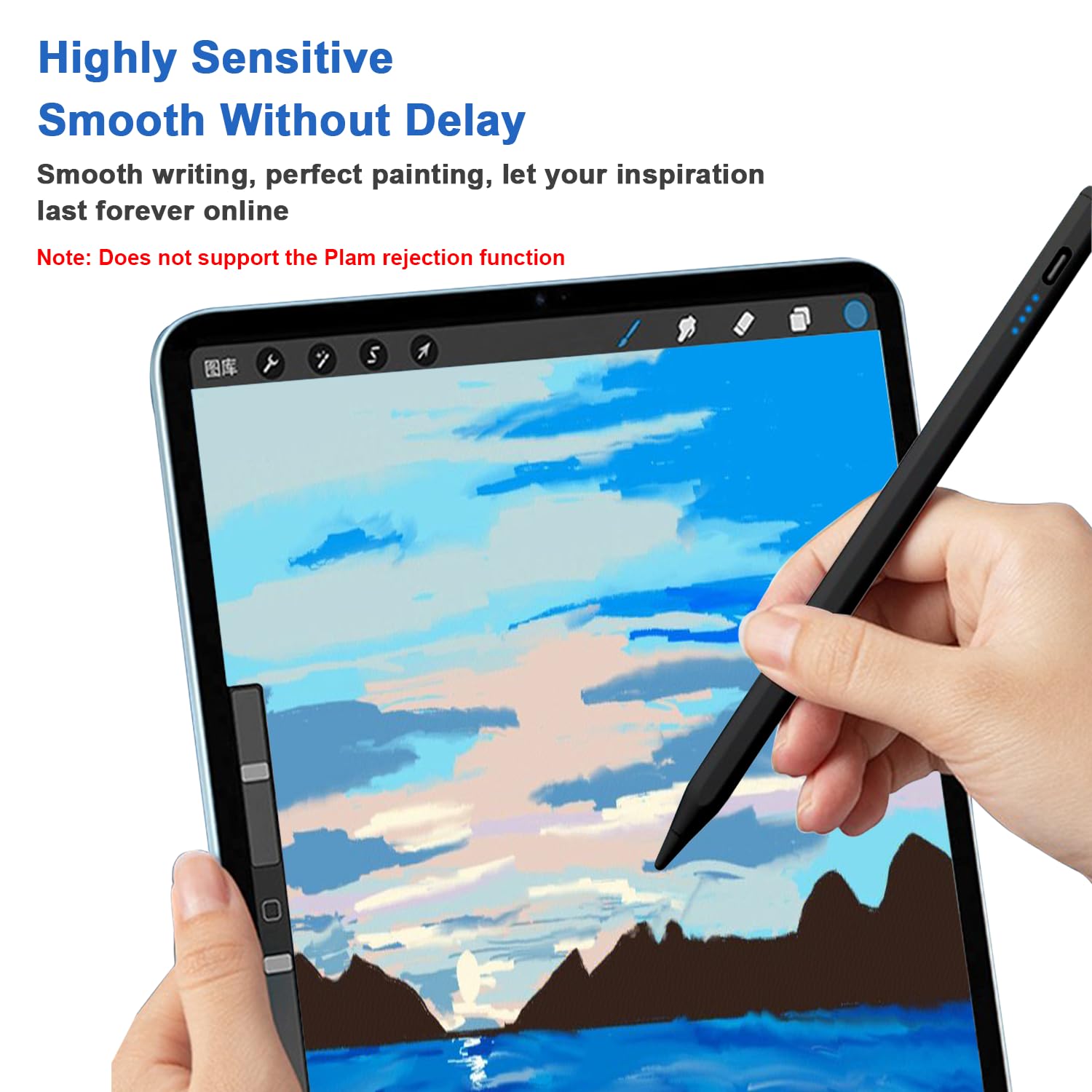

🖊️ Elevate your digital creativity with precision and power at your fingertips!
The DOGAIN Stylus Pen combines advanced features like a live 4-level battery display, magnetic attachment for compatible iPads, and USB-C fast charging with smart auto-off. Crafted with a durable POM tip for precise, smooth writing, it supports a wide range of iOS and Android devices, making it the ultimate tool for professionals seeking seamless digital interaction and portability.


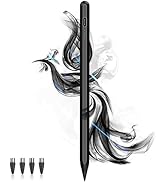
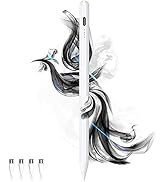

| ASIN | B0C9JCVMFV |
| Manufacturer | DOGAIN |
| Package Dimensions | 20.29 x 5.31 x 1.7 cm; 41 g |
K**K
I bought a pink and a black one. The pink one was scooped up instantly by my teenage daughter so I went ahead and bought a black one. These are so easy to use it also come with 5 extra heads. It doesn't need charged all the time. I charged my pink one 2 times in a month of having it. They last and you can hold it easy too. They are magnetic and it works well with an Apple iPhone. It's definitely worth the money spent. And the color variety is good as well. I got pink and black. They have other options. As well.
J**S
Pen has a nice design and is easy to use. It has excellent writing capabilities and fits well in my hand. Its efficiency and accuracy has proven to be durable amongst other pens we have tried.
D**D
This Stylus Pen is exactly what I needed! It works smoothly with all my devices. Android smartphones. The POM tip glides effortlessly across the screen, making it perfect for note-taking, drawing, or just everyday use. I love the power display feature — it’s so convenient to always know the battery level. The magnetic design is a nice bonus too, keeping it securely attached to my tablet when not in use. It feels sturdy, responsive, and the precision is great. I recommend this stylus for anyone looking for a versatile, reliable digital pen!
A**Y
Bought it for my sister and she loved it.
P**3
Sadly I'm having issues with this item. I got it so I could Start drawing again and wanted to move into the digital media didn't want to break teh bank. Saw this figured I'd give it a go. Drawing lines straight down works fine bit if I try to do any kind of curve like a face it starts waving the line I tried many different ways to see if it would change based on angle or pressure or no pressure changed the tip ( it comes with extras ) nothing I try is working. Tried 7 different programs 3 different devices nothing changes that when I try to draw a curved line or a circle it's Hella wavy can't even write letters with it either. Kuz lines across also turn wavy only lines straight down are straight... not sure why it's doing this soo. I guess I'll use it as a tap to color or a tap the screen to do keyboard or whatever other taps or if I need to draw a down line..... guess I wasted money.. kuz I have to find another one. And spend more.. pretty disappointed kuz this item had 4 stars... I'm not the only person having this issue. Someone posted a video of the issue I'm talking about with her reveiw. Give it a watch.
Trustpilot
2 weken geleden
2 weken geleden