We remain fully operational. Our teams are working around the clock to ensure your deliveries continue safely.

DOWNLOAD DE APP


Klantenservice
Copyright © 2025 Desertcart Holdings Limited
DOWNLOAD DE APP
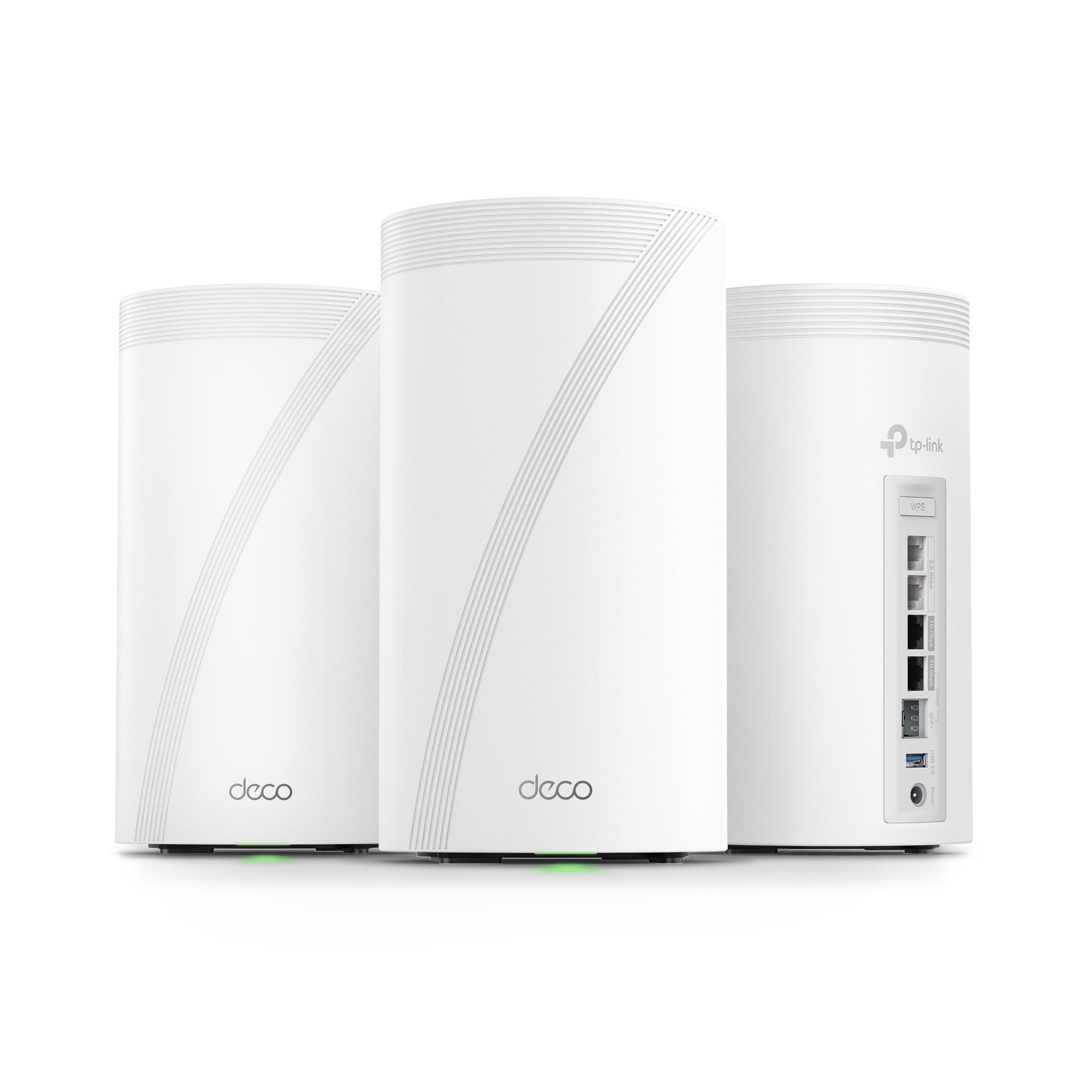
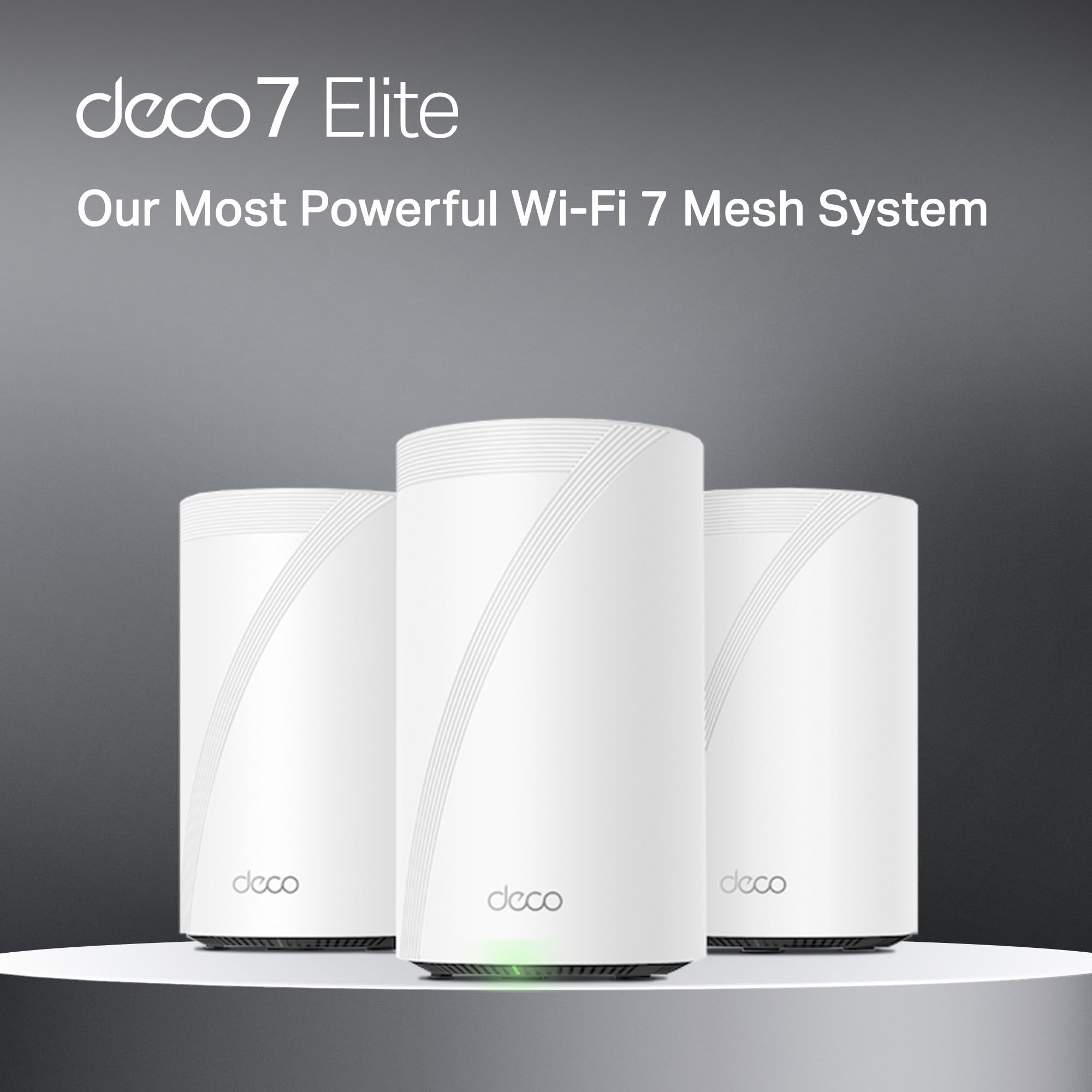


🚀 Elevate your home network to WiFi 7 speed — because buffering is so last decade!
The TP-Link Deco BE95 is a cutting-edge Whole Home Mesh WiFi 7 system delivering up to 33 Gbps quad-band speeds with 16-stream technology. Featuring dual 10G WAN/LAN ports, simultaneous wired and wireless backhaul, and AI-driven seamless roaming, it supports over 200 devices with ultra-low latency. Enhanced by TP-Link HomeShield security and easy app-based setup, this 3-pack mesh system future-proofs your home network with premium performance and robust protection.


| ASIN | B0CN45QCBX |
| Best Sellers Rank | 173,212 in Computers & Accessories ( See Top 100 in Computers & Accessories ) 1,300 in Routers |
| Guaranteed software updates until | unknown |
| Item model number | Deco BE95(3-Pack) |
| Manufacturer | TP-Link |
| Product Dimensions | 12.8 x 12.8 x 23.6 cm; 4.55 kg |
S**L
BE95
Amazing
H**K
I have been waiting for three years to reestablish my WiFi in my home following a fire that destroyed my previous WIFI MESH network. Extremely easy to setup once you login to your account. The only issue I experienced and it was an annoying one that could have been resolved with a preemptive statement in their instructions for logging into the TP app. It requires 2-factor authentication and will only use an email address and not a cell-phone SMS text message. They have difficulty in sending the emails to a regular email provider like Comcast. The 2-factor wait time times out long before you receive the code in an email… if you ever do. It was the only issue that I have encountered thus far. I found the first level support less than sufficient to explain why I could not get logged in, though he did insist that I needed to have a google or yahoo email but did not explain why. We spent over an hour and then he transferred me to his manager who said we would have to wait for the second tier support to call me in the morning. Which to their credit they did… but just after hanging u p with support, I tried to login from my iPad and I had face recognition setup and it bypassed the 2-factor email requirement. YAY that I didn’t need to revert back to the rental modem/router. The interface is intuitive though different approach than Comcast branded solution. Haven’t done much accept setup the bands and named the equipment. I have all network bands configured except you cannot separate 5&6 they are banded together as one for MLO. I have a guest, MLO, and IOT network setup for the SmartHome devices. All seem to have reconnected that were connected previously and 2 more have connected that had failed to connect with a single modem/router on the extreme end of the WiFi network. I have a 4k 4 story home so I really needed this. Two are on the on the 3rd floor on opposite ends of the house connected via Ethernet. The third is connected wirelessly on the first floor directly below the second unit. Coverage is terrific and performance a boost over the Comcast rented - modem/wifi router. I will update this as I explore more options and pursue network security options. Bottom line is simple out of the box setup and configuration with great coverage and speed. Only downside is they are L A R G E units so plan your placements ahead of time.
A**D
The WiFi coverage disappointed
J**H
Easy to setup. Must use a phone app instead of an app and a web page. It has a web page but very minimal settings through it. It was reliable and functioned with a great signal strength and quality. If you want a latest gen wifi for someone that you setup and walk away from - this would be it. It would also be behind a modem / fw. Note - I sent mine back as it did not meet my needs working with the archer router as well as not having a more settings related web interface sadly. But testing - worked great.
M**S
TLDR: Deco BE83 (BE10000) is just as fast as BE95 (BE33000) for most homes but silent/no fans. If you normally opt for the latest & greatest hardware, a word of caution, the Deco BE95 might be overkill. Unless you have faster than 2.5Gbps fiber internet coming into your home + Cat6 Ethernet cables + a fast switch, the Deco BE95 will be no faster the cheaper WiFi 7 Deco BE83. The Deco BE95s are big and can emit noise when the fans kick on. Deco BE83s have no fans and run quiet. And if the satellite nodes use Ethernet wired backhauls, the 2nd WiFi 6 channel on the BE95 will not be used whatsoever. The Deco App and setup is good. Config is App-only. I've used web-based config for older systems but find the app to be a better experience overall. The phone app is MUCH better designed than the desktop app. I wouldn’t bother with the desktop app TBH. Overall the physical design of the Deco BE95s is good and I appreciate that they're plain white cylinders. The LEDs can be turned off (permanently or on a schedule, at night for instance) which is great (on BE63 too). The external transformer bricks with AC power cables can create a cable mess. Aftermarket 90° plugs to replace AC cable allow the power brick to plug into an outlet for a neater setup (SF Cable USA NEMA 5-15P Plug to IEC C5 Receptacle Right Angle Plug Adapter). The BE63 has smaller, more normal, plug-in-wall brick. I like these mount to hang on the wall from Bangcheer: Wall Mount for TP-Link Deco BE63/ BE65/BE67/BE68/BE10000/BE11000/BE14000 Mesh Wi-Fi 7 System, Saving Space Aluminum Alloy Wall Hanging Bracket Holder with Cable Storage Rack (White-2Pack). Some older switches (Cisco SG200 Smart Switch for example) don’t work with the Deco’s IEEE 1905.1 Ethernet Backhaul Protocol. I had to temporarily wire the Deco BE95s in series before they hit the switch to make wired backhaul work. Deco will opt for WiFi backhaul on its own if the Ethernet isn’t up to snuff. A new Ubuquiti Pro Max 16 switch replaced the old Cisco and remedied the issue and now all nodes are plugged directly into the switch rather than in series. TP-Link switches also are said to work with Ethernet backhaul without issue. But I wanted a fan-less 16-port 2.5Gbps switch and TP-Link options weren’t great in that dept. I setup a three node Deco BE95 system. It was zippy and worked well but I didn’t like the fan noise. So I replaced with a three node Deco BE83 system and haven't notice any drop in performance. BE63s run cooler, no fans, and same speed if you're under 2.5Gbps service.
J**D
Super fast, sometimes need reboot.
Trustpilot
5 dagen geleden
3 weken geleden