We remain fully operational. Our teams are working around the clock to ensure your deliveries continue safely.

DOWNLOAD DE APP


Klantenservice
Copyright © 2025 Desertcart Holdings Limited
DOWNLOAD DE APP
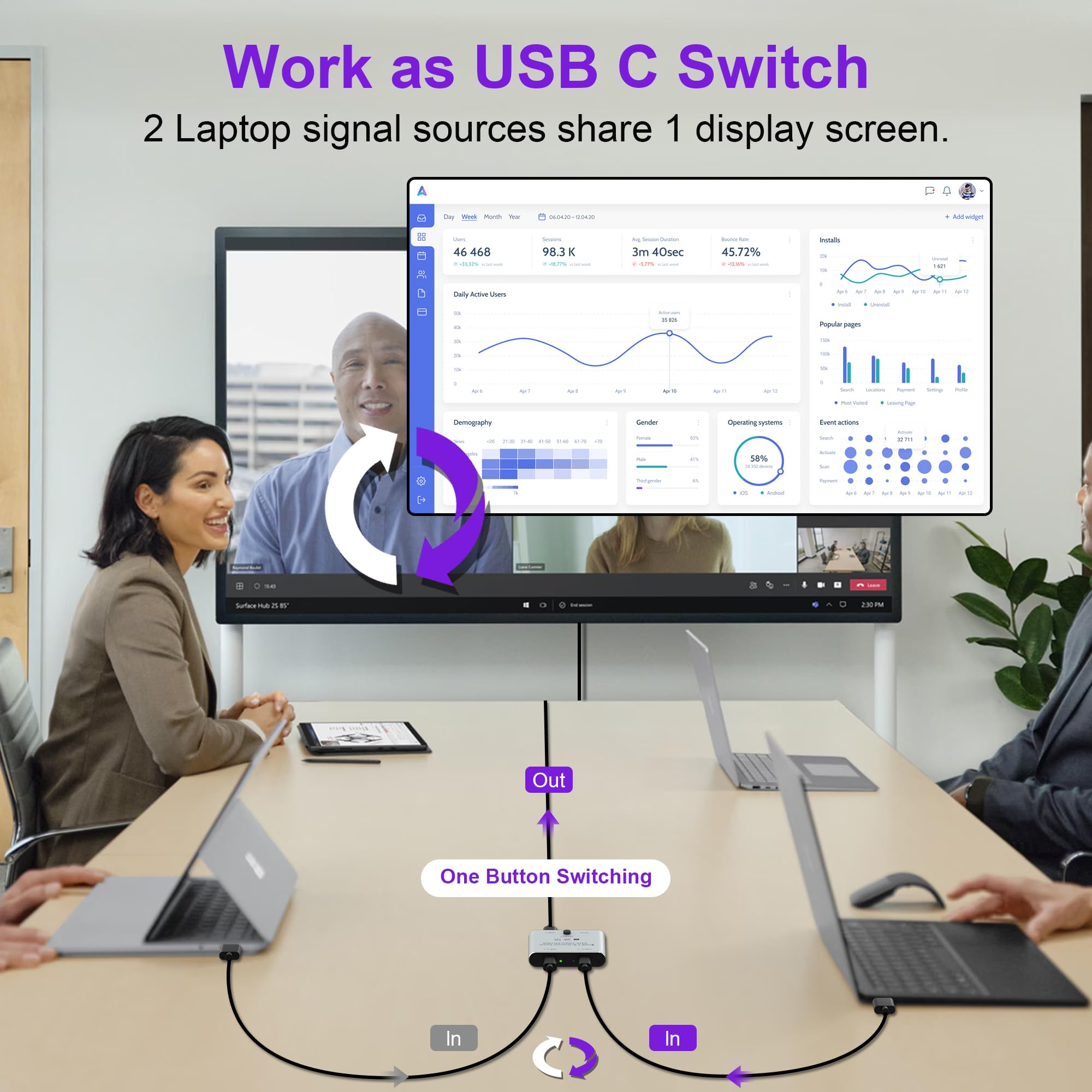

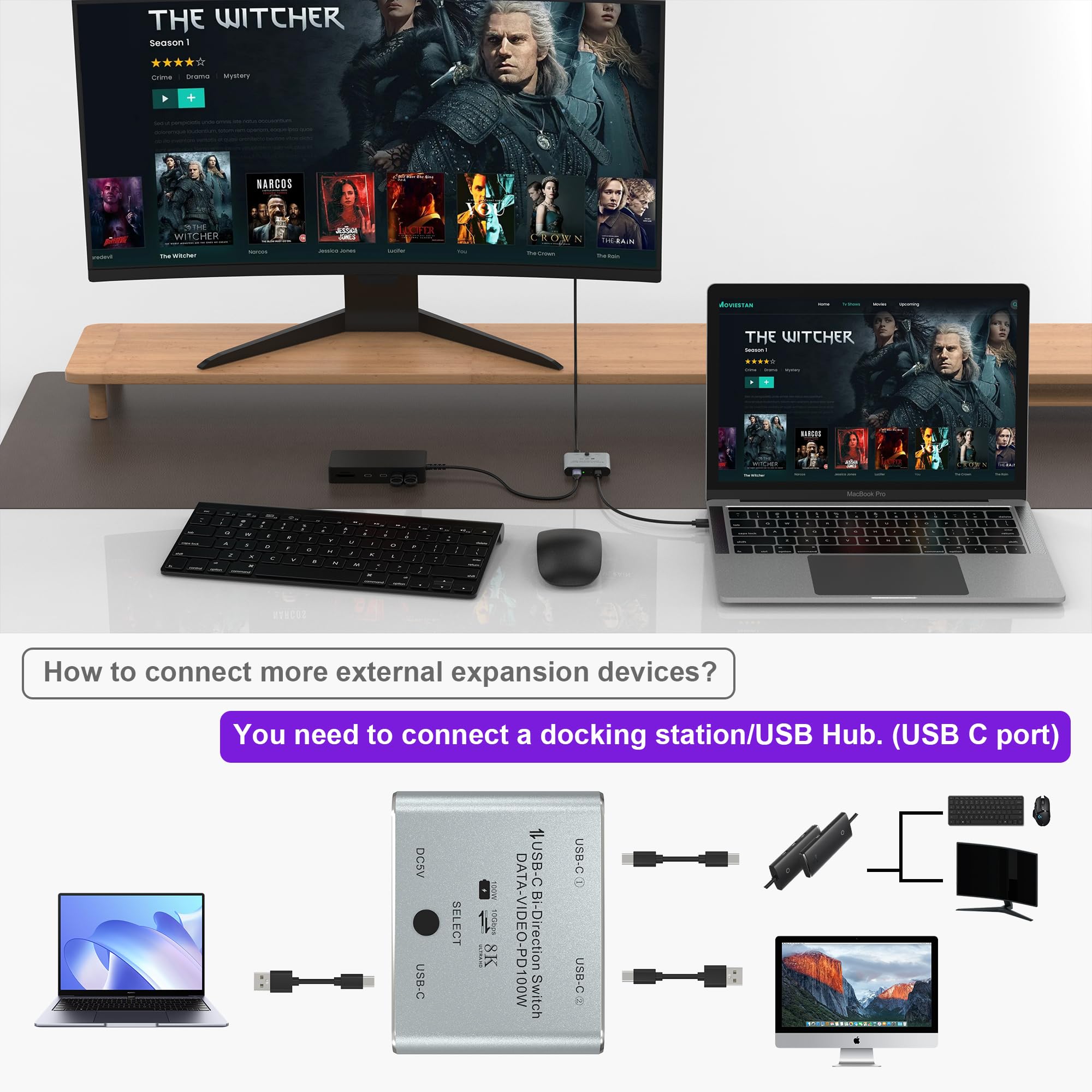


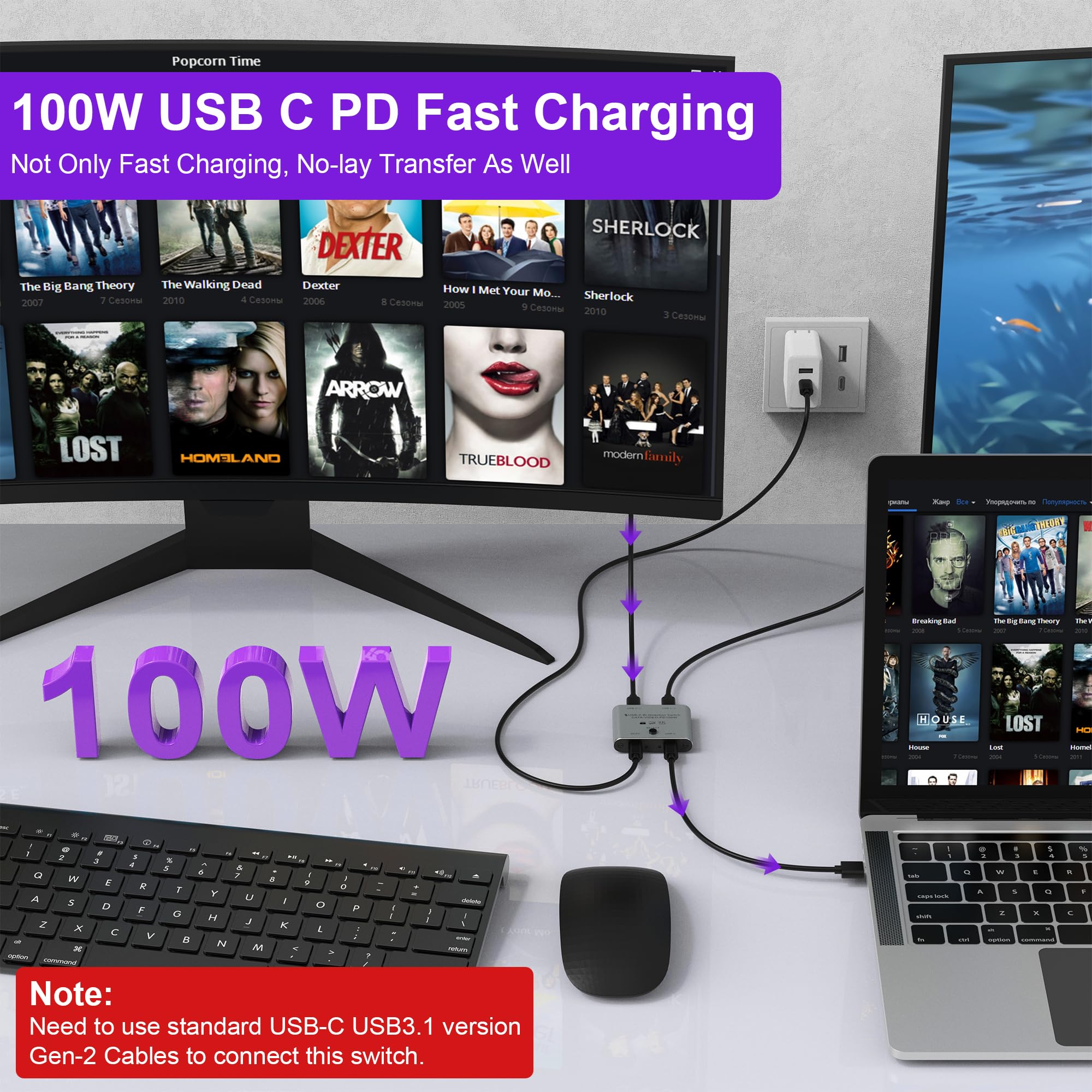

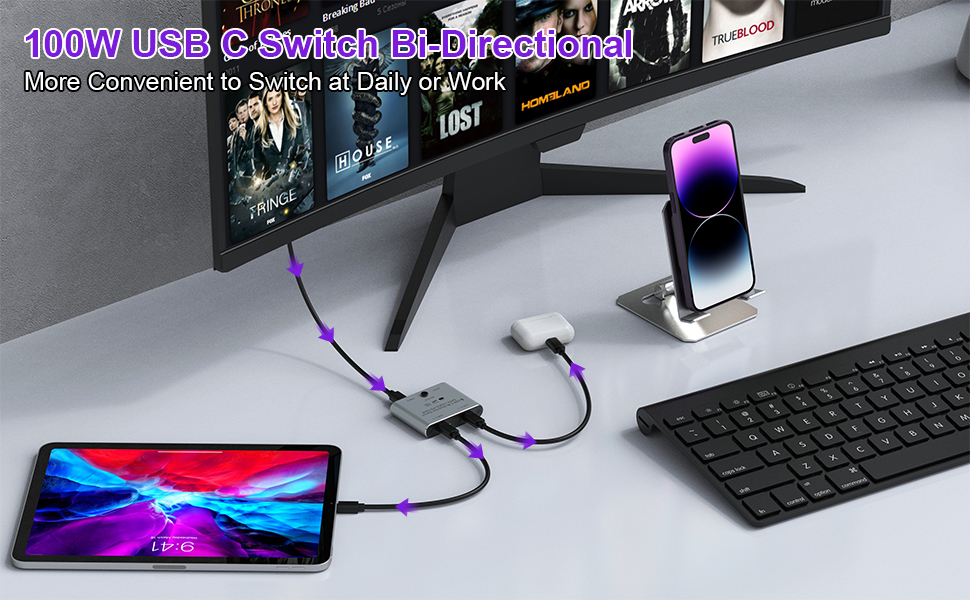
⚡ Elevate your workspace: Switch, charge, and stream in ultra HD like a pro!
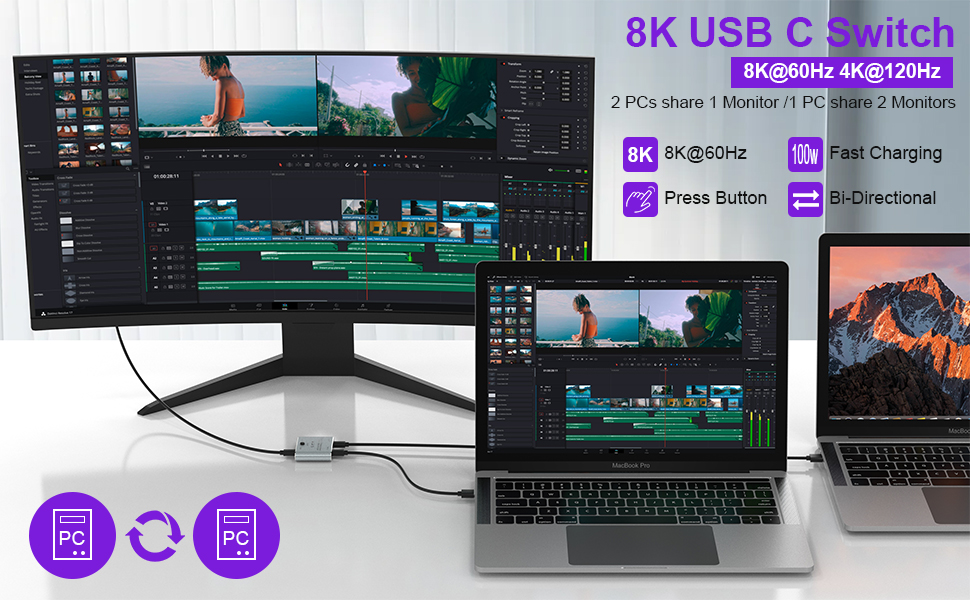
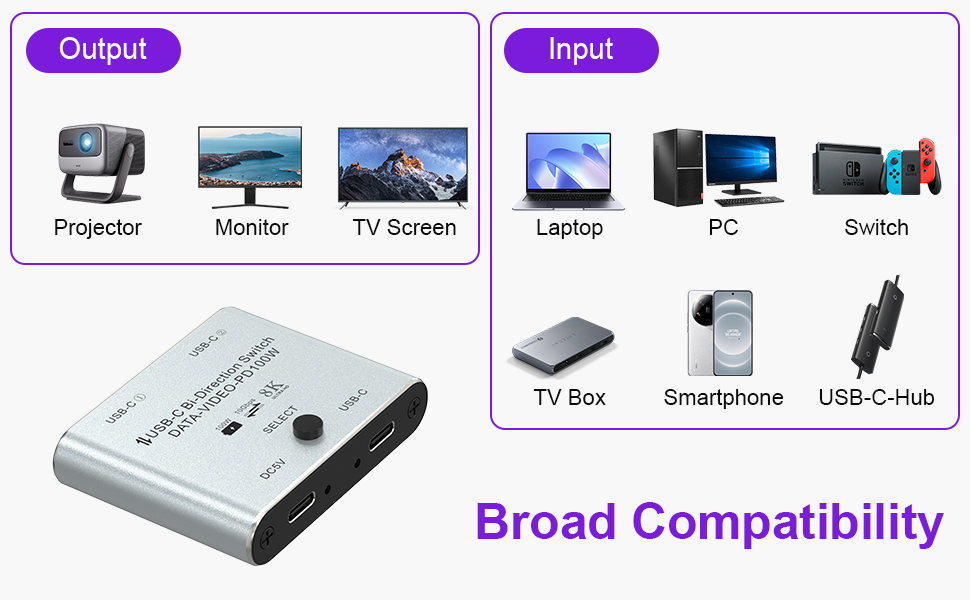
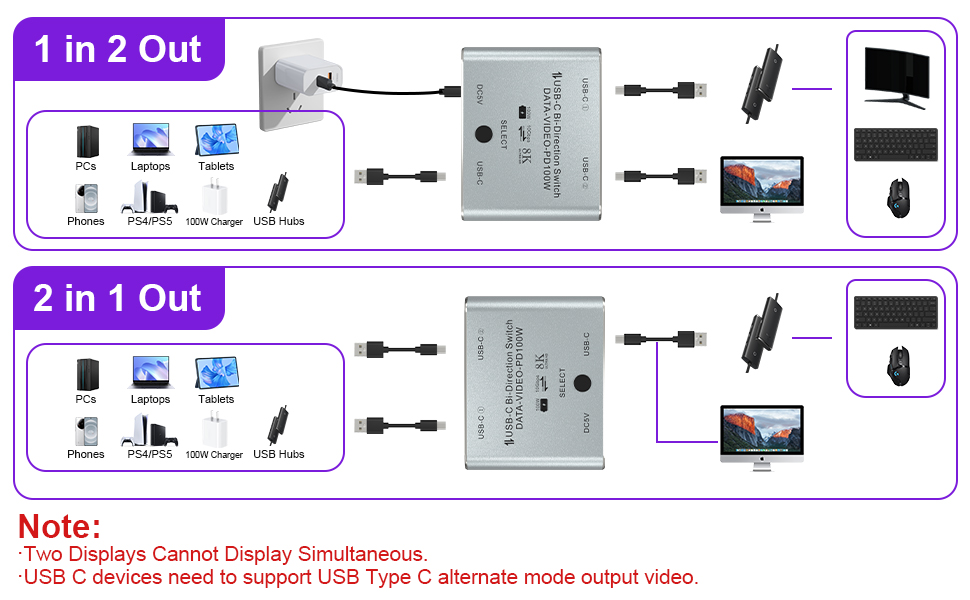
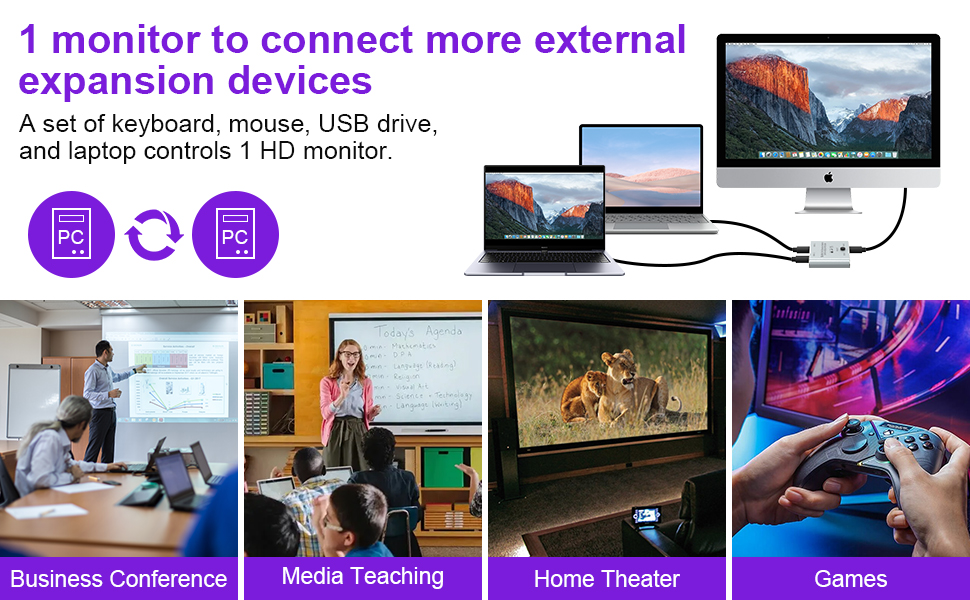
The Arleedyn Bi-Directional 8K USB-C Switcher is a compact, high-performance KVM switch that enables seamless sharing of USB-C video and data between two computers or monitors. Supporting up to 8K@60Hz and 4K@120Hz video output, 100W power delivery charging, and 10Gbps data transfer speeds, it’s designed for professionals seeking efficient multi-device management. Requires USB-C cables and power source; ideal for ultra HD setups and fast workflows.
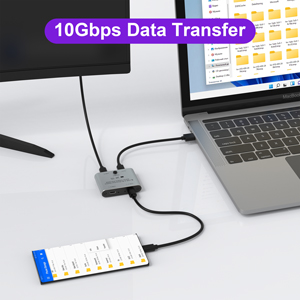
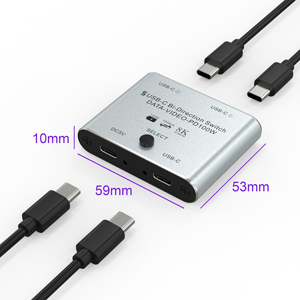
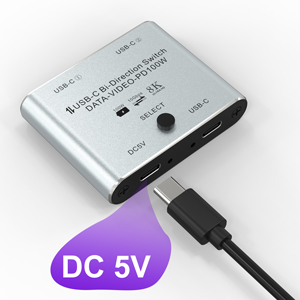
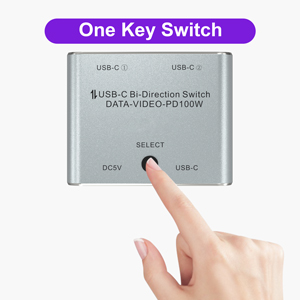
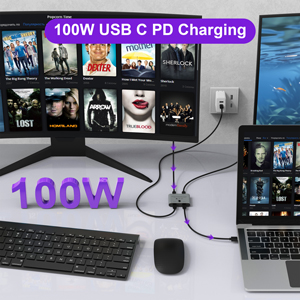
| ASIN | B0DLWJ1HFW |
| Customer Reviews | 3.6 3.6 out of 5 stars (36) |
| Date First Available | December 27, 2024 |
| Item Weight | 2.46 ounces |
| Item model number | USBC-AB201-02-EC |
| Manufacturer | Arleedyn |
| Product Dimensions | 0.39 x 0.39 x 0.39 inches |
J**O
The best option in a field with very limited options
I have a small docking station that plugs into the computer via USB-C and I want to be able to switch all the devices on it between two different computers. The hub has ethernet and HDMI and also several USB devices connected to it. Switching the devices from one computer to another works pretty well. There are a few seconds of delay as all the devices are reconnected. This isn't a full KVM setup where the KVM devices is keeping the connections active so switching is fast, but it also costs significantly less. Things to know: - This devices comes with no cabling. So you'll need two USB-C cables to connect to the two computers. You'll also need a 3rd USB-C cable to power the switch. This can either be a dedicated USB-C charger, or just a 3rd cable you plug into either computer. The switch just needs a power source of some kind. - The dedicated USB-C power input is required. Even if your source USB-C device can provide power, the switch cannot use that power for itself. Only problem I have is the ethernet device in my docking station sometimes does not show up on the active device. Switching back and forth sometimes resolve the problem, but sometimes I have to unplug things and plug them back in. I suspect this is not the fault of the switch but rather the docking station, or maybe just a flaw in the way USB devices work.
S**H
doesn't work
Cheap junk. Plugged in and it show leds for about 30 seconds before they turn off, thats the extent of the performance of the product. I tried sharing usb-c device between two macbooks and it would not provide a connection. Requested a replacement which had the same issues.
B**E
Works for high speed data.
This works. It's critical that you use only the highest quality USB 3.0 or better cables if you want full speed data. I am using this with a Disk Attached Storage (Terramaster) and two PCs. It switches between them no problem. I did not get full transfer speed until I upgraded to very high quality USB cables, but that's not the fault of the device. I did not need to use the extra 5v power "in" cable for it to work correctly, despite what others here have said. Since I am not powering any device from the switch it does not appear to require power via the Power In port. The switch is fully illuminated and working without additional power in.
L**J
works fine
Works fine nothing fancy, 4k
A**L
It works good for me
This switch functions as described, but occasionally, you may need to manually wake the computer if it’s in sleep mode. The keyboard or mouse doesn’t always wake the computer.
H**Y
Works well once you get the cables and power sorted out
I need to be able to switch my keyboard and mouse between my laptop dock and my desktop. I didn't need a full KVM. I tried this, and it does work, but it took me a few days of messing with which USB power supplies and cables to use to get my setup working. I have an Anker PowerExpand dock that the keyboard and mouse USB adapters plug into. There are some other ports on that as well for video and network that I am not currently utilizing. At first, my desktop would detect the keyboard and mouse, but then my laptop wouldn't, and vice versa. I tried using a dedicated USB-C power supply, and that didn't solve the issue. I tried powering the USB switch from my laptop or computer's USB ports, and that didn't work reliably either. In the end, I am now powering it from a USB-A port on a generic power strip with a USB-A to C cable. I had to use a Thunderbolt 4 cable from my Anker PowerExpand 9 USB Dock even though this is a USB-only device and not Thunderbolt compatible. I have Anker USB-C cables going from the selector to the two computers. I did check that the switch can deliver video from my computer and laptop through the switch to the DisplayPort on the Anker PowerExpand, though I do not use it for this in my current setup. The documentation was sufficient to plug things in, but it would have made things easier if it had told me exactly which standards of cables are needed to get it working out of the box.
T**S
It didn’t work
It didn’t work
S**R
Bi-Directional A/V Switch
I WAS very disappointed with This product. I don't know if it is because I didn't endersfand the description and explanation if what it is and does on is the explanation wasn't clear enough. I thought I would be able to connect at least a couple of USB-C attactiments and shave services like a printer. unless I don't understand it, that's not a simple task to accomplish. You must also have to attach a cable you power. as a result, I can't accomplish what I thought I was going to be able to do. It may work for you, just be sure it's what you think it is.
D**Z
It doesn't work
M**O
I use this plugged to a USB hub with all my peripherals (7 devices) and it seamlessly allows me to switch between desktop and laptop. Amazing.
S**M
Works flawlessly as expected!
M**R
Doesn't work
B**.
Ich habe mit drei Kabeln und vier Laptops getestet und über keinen Port des USB-C-Switches eine Verbindung herstellen können. Weder Power Delivery noch eine Geräteerkennung funktionieren. Kein Monitor und noch nicht einmal eine Tastatur oder Maus wird erkannt, solange der USB-C-Switch dazwischen hängt. Ohne den Switch hat man direkt wieder die volle Funktionalität. Nur die LEDs leuchten wie erwartet, aber nur mit zusätzlicher Stromversorgung. Ich kann das Gerät nicht empfehlen. Ohne Funktion geht es wieder zurück.
Trustpilot
1 week geleden
1 maand geleden