We remain fully operational. Our teams are working around the clock to ensure your deliveries continue safely.

DOWNLOAD DE APP


Klantenservice
Copyright © 2025 Desertcart Holdings Limited
DOWNLOAD DE APP
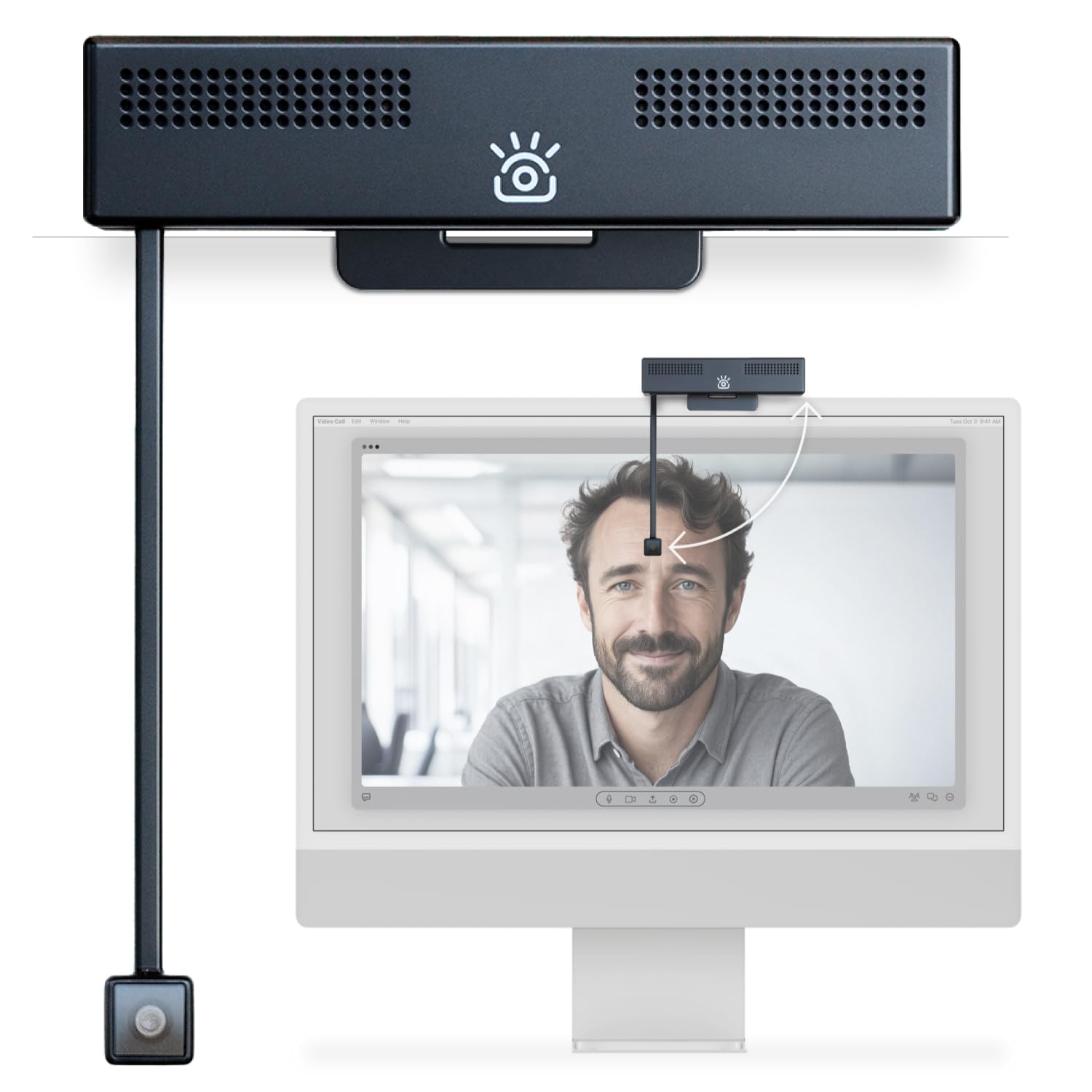

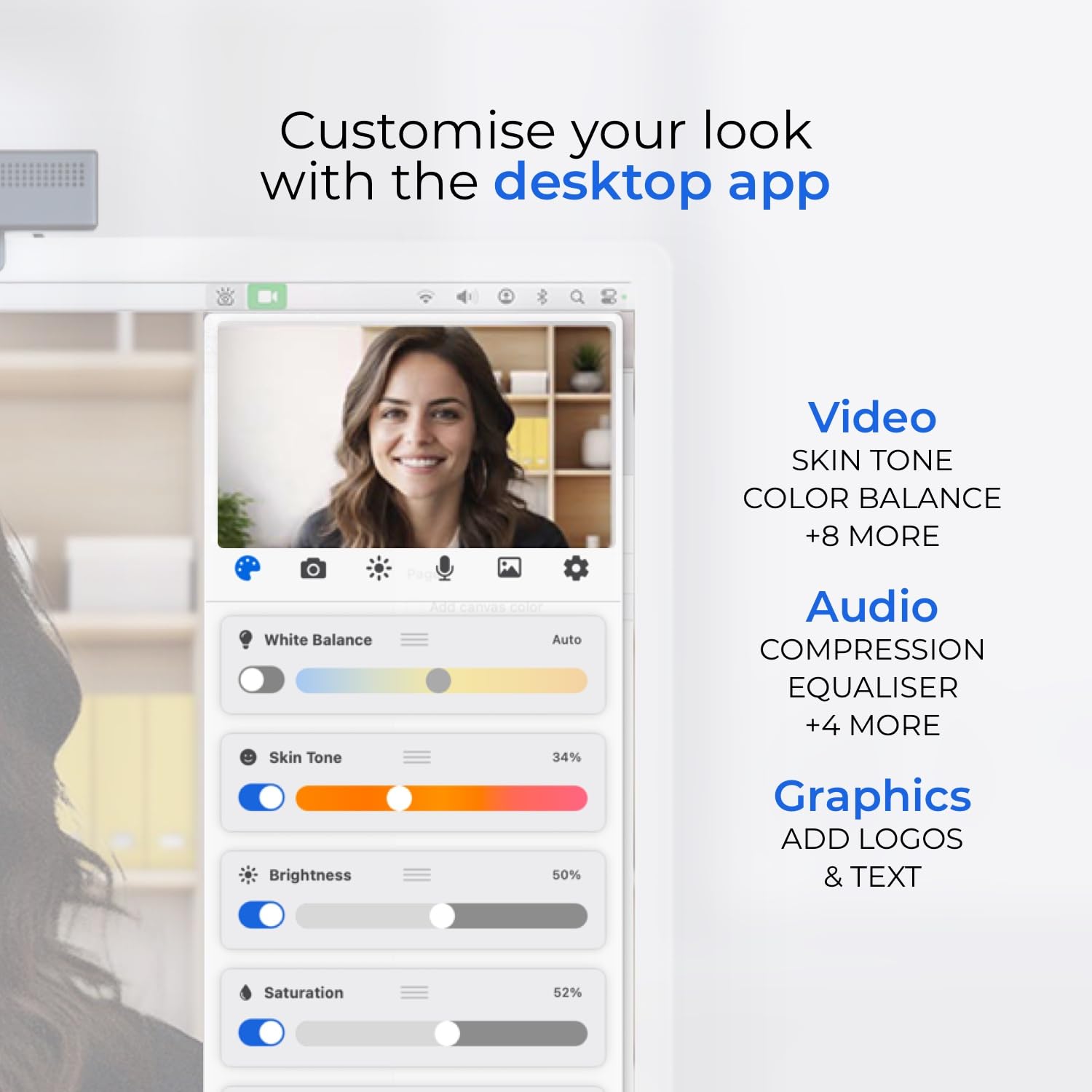
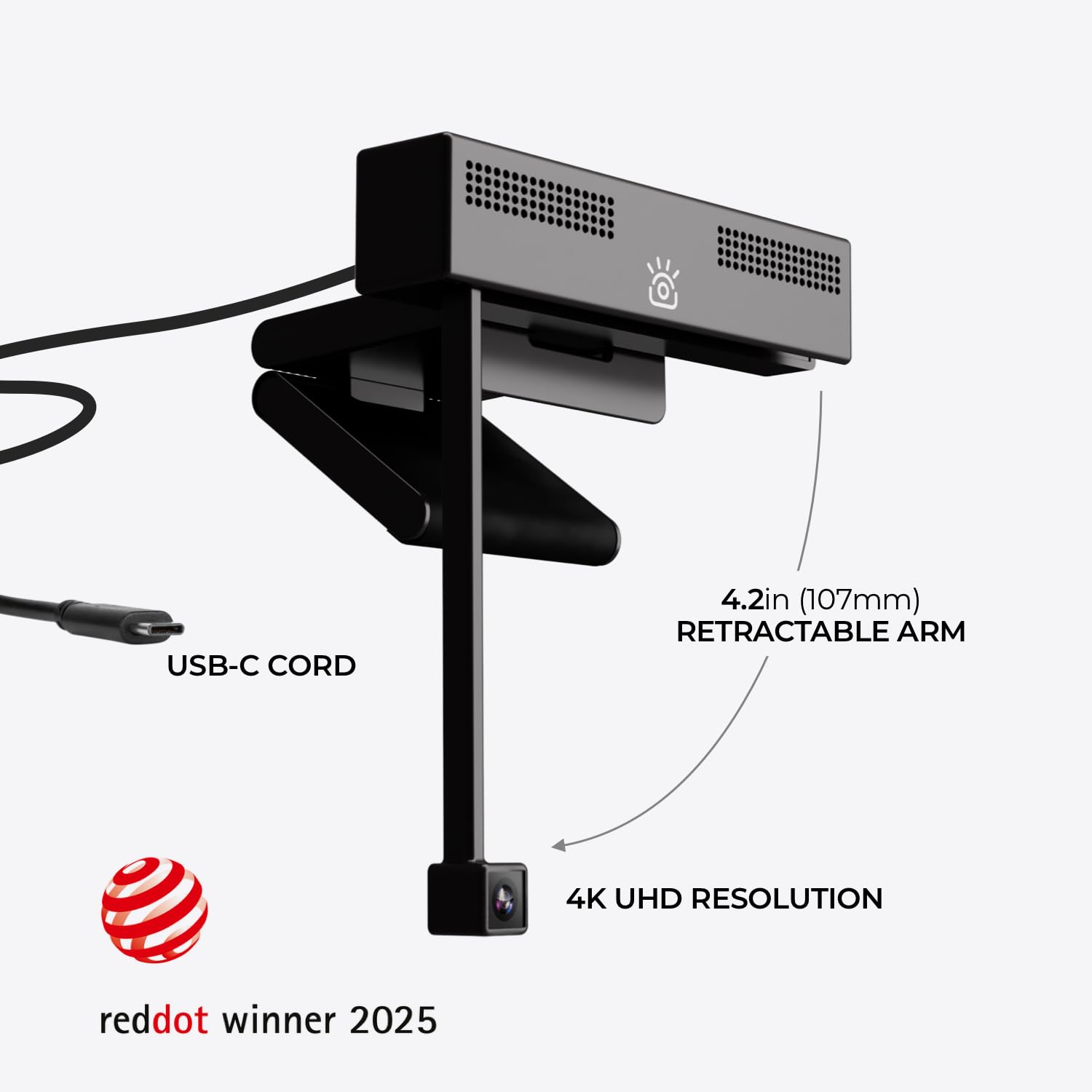
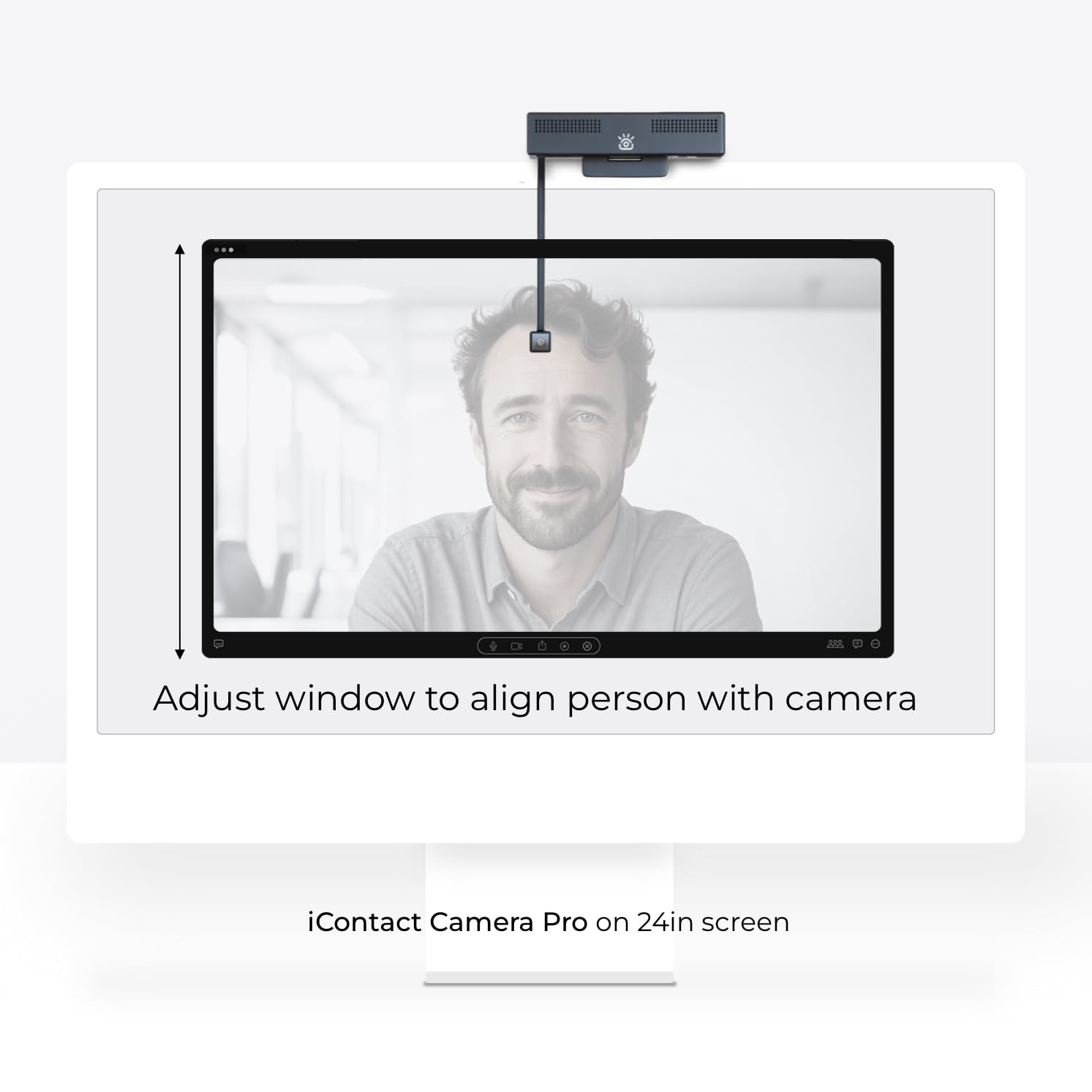
👁️🗨️ Elevate your presence—because your face deserves 4K fame!
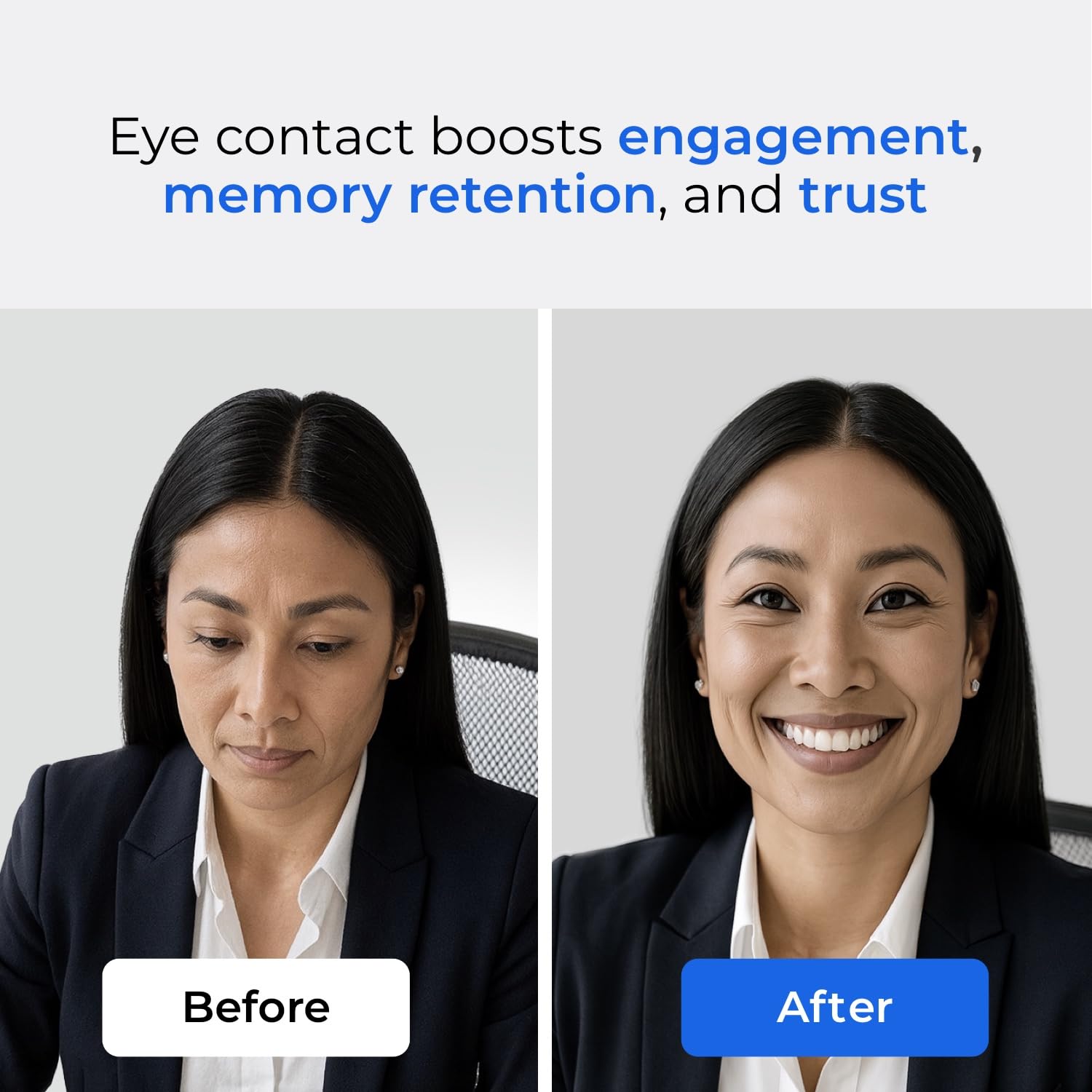
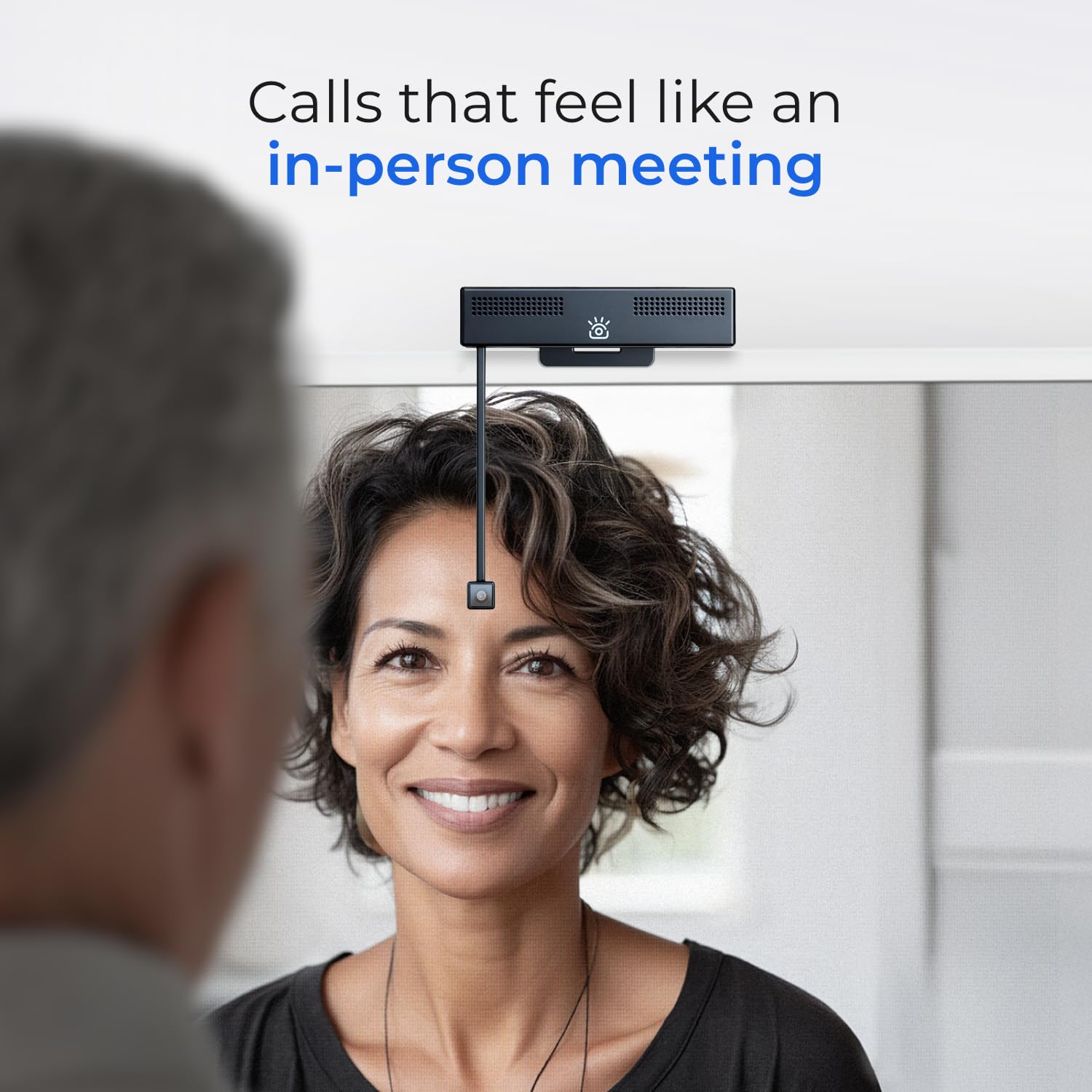
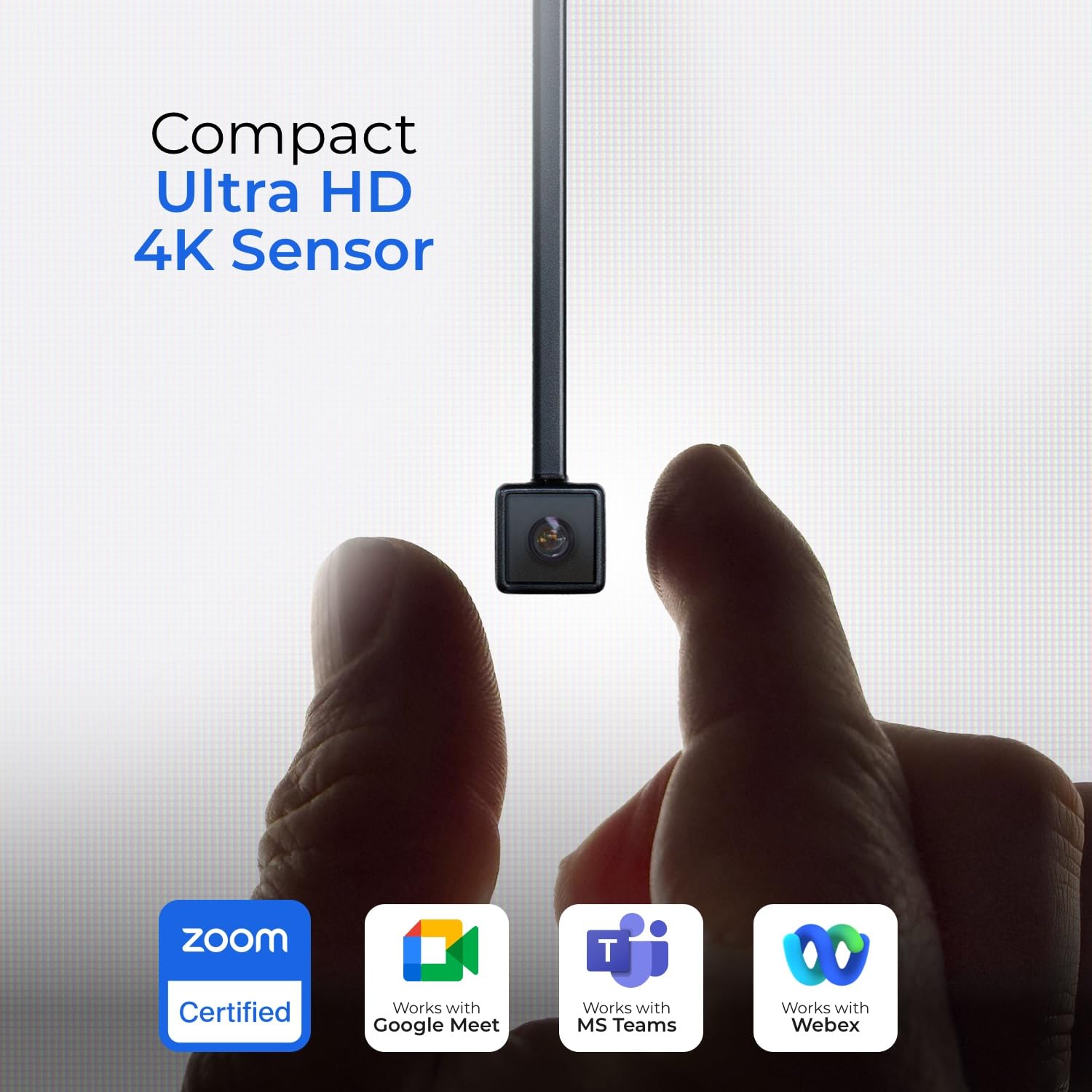
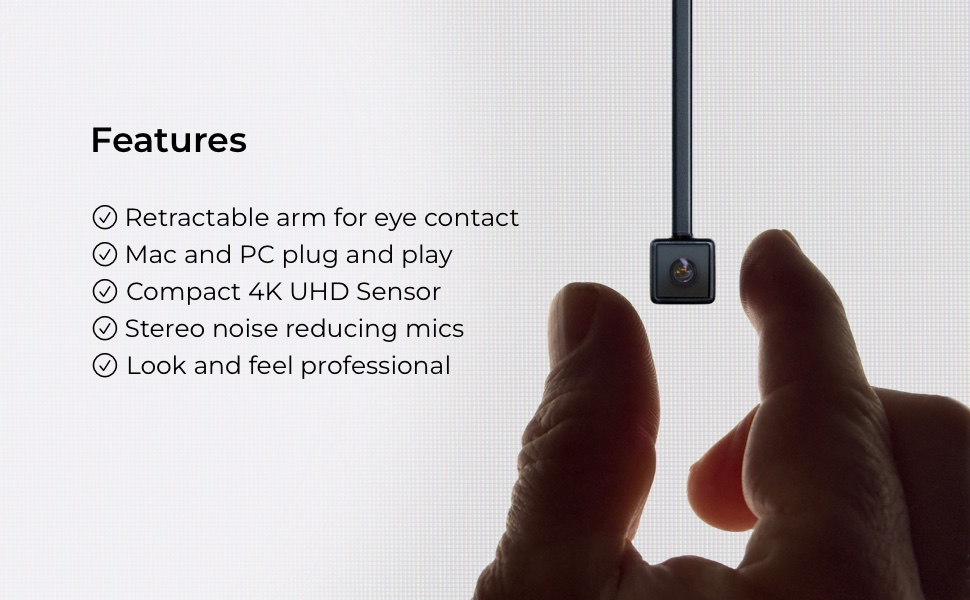
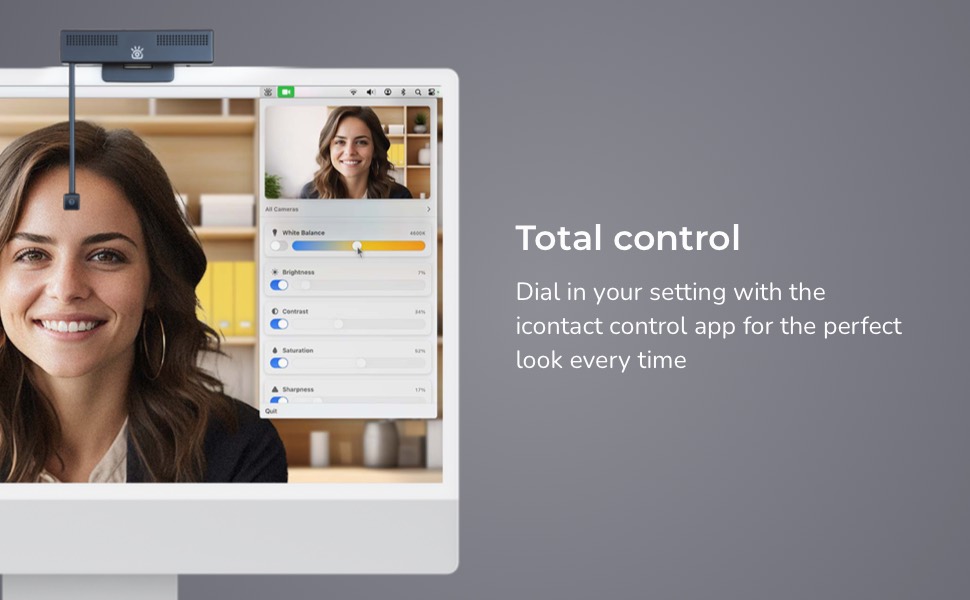
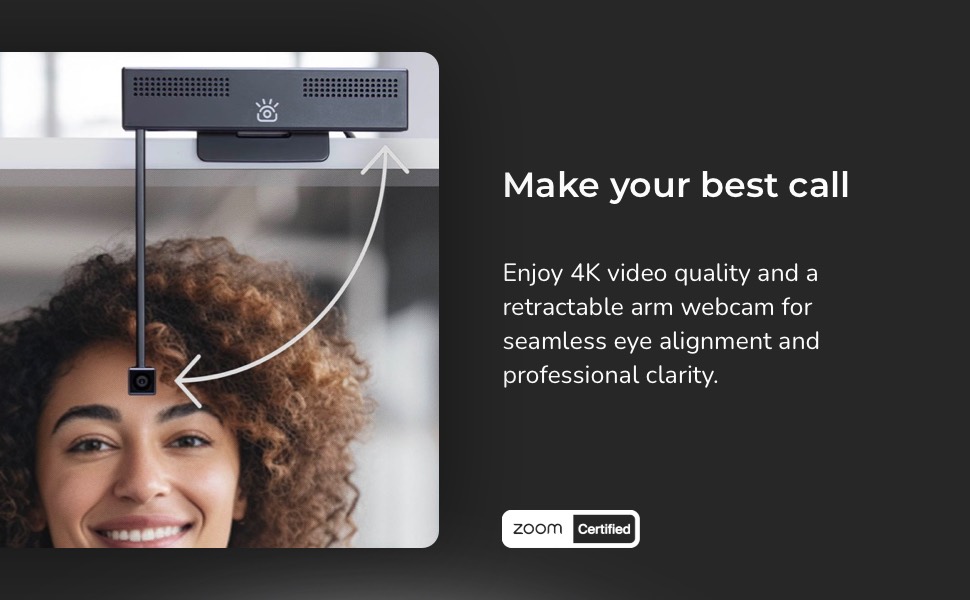
The iContact Camera Pro is a Zoom-certified 4K HD webcam featuring a 12MP sensor for stunning video clarity, dual noise-cancelling microphones for crystal-clear audio, and a unique retractable arm for natural eye contact. Plug-and-play USB-C compatibility ensures effortless setup across Mac and PC platforms, while the free control app offers advanced customization. Perfect for professionals seeking to boost engagement and presence in virtual meetings, streaming, and content creation.

| ASIN | B0DJ214KN2 |
| Best Sellers Rank | #43 in Webcams |
| Brand Name | iContact Camera |
| Color Name | Black |
| Customer Reviews | 3.8 3.8 out of 5 stars (204) |
| Date First Available | October 31, 2024 |
| Item Weight | 13.7 ounces |
| Item model number | ICCP01LP |
| Product Dimensions | 3.3 x 5.2 x 5.5 inches |
| Special Features | color |
T**S
Great Concept!
Great camera. No issues with image quality. Fits well and easily mounts on top of my monitor. I don't use the mic capabilities as I have a Rode mic instead, but love the 'eye contact' concept and am able to put the camera right where my PowerPoint previews are, so I'm looking right at the audience as I reference my notes. Unlike my experience with Logitech, the control app works well, and I can control zoom and other settings. Expensive, but the quality is there and I've had no issues.
G**N
Game changer for virtual meetings: Real eye contact achieved!
The iContact Camera Webcam perfectly solves the eye contact gap in virtual meetings. It eliminates the "looking down" effect, allowing for authentic connection with the person you’re speaking to. Excellent image quality and a must-have tool for any remote professional!
Z**.
Super Cool But Quality of the Video Isn't There.
Idea was good. Set up worked. Problem is quality of the camera is really low and software is buggy. I was super optimistic but no bueno.
R**L
Clever Idea, Solid for Meetings, But You’re Paying Mostly for the Core Feature
I’ve been using this webcam for about two weeks across a lot of video calls, so I’ve had time to get a realistic sense of how it performs. Overall, I like it. It provides face-to-face call capability as advertised. But I wish the camera/image quality were better for the price point. Setup and Installation Installation on a Mac was straightforward. The camera connected instantly as advertised. However, if you want to adjust settings—things like brightness, color temperature, sharpness, focus, or field of view—you’ll need to download the free Eye Contact Control app from the manufacturer’s website. The app works, but it’s labeled public beta, which doesn’t inspire huge confidence. It also takes a second or two to detect the camera each time. My unit came with a USB-C (the webcam) to USB-A cable (the monitor or computer) only, and there was no USB-C adapter included, despite some reviewers mentioning one. Design and Mounting The camera sits securely on top of a monitor and the clamp works well. When folded down for use, the lens tilts slightly away from the screen rather than perfectly straight. I compensated by lowering my standing desk a bit, but it’s something to be aware of. The camera is fairly low-profile and unobtrusive on the monitor, which I like. Image Quality This is where expectations need to be managed. The video quality is good but not exceptional, especially given the price. Compared with my Logitech Brio, the image is softer and not as good at balancing bright and dark areas in the frame. You can improve this somewhat using the app. Autofocus can also be a little slow, and quick movements sometimes cause a brief lag while it refocuses. Audio The camera includes dual microphones with noise reduction, but the sound quality is only average—slightly tinny and not noticeably better than my laptop’s mic. I prefer using my Shure microphone, which sounds much better. Compatibility I tested the camera with Zoom, Microsoft Teams, and FaceTime, and it worked fine with all three. The Eye Contact Feature This is really the reason to buy this camera—and to its credit, it works well. When you position your meeting window properly on the screen, it creates the effect of true eye-to-eye contact, which does make conversations feel more natural if you position the conferencing app window so the boom is centered on your caller’s face. For frequent video meetings, that’s genuinely nice. But make no mistake: this is the core value of this device. You’re paying a premium for that feature. Other Notes • My unit did not include a built-in lens cover, although some versions apparently do. • I wish the arm could extend just a bit lower, but I understand there are physical design constraints. Bottom Line Overall, I like the camera and I’m keeping it. It does exactly what I wanted: enable better eye contact in video calls. That said, the image quality doesn’t match the premium price point. If you’re creating content or care most about picture quality, a high-end Logitech camera will likely be a better value for that purpose. But if your main goal is more natural eye contact in day to day Zoom meetings, this camera delivers—you’ll just have to decide whether that feature alone is worth the price.
C**N
Ease of use and quality of product
I've been searching for a way to feel more present and connected during my numerous Zoom and conference calls, and the iContact camera has absolutely delivered! From the moment I unboxed it, I was impressed by the simple and intuitive setup. Seriously, it was plug-and-play in the truest sense of the word. Within minutes, I had it connected and was ready to go. No complicated drivers or frustrating software installations – a huge win for someone like me who just wants things to work seamlessly. The video quality is also excellent – clear, crisp, and with good color reproduction. I've received compliments on how clear I look, which is always a nice bonus. While the improved eye contact is the standout feature, the solid video performance definitely adds to the overall positive experience.
K**.
Meh, not worth what it costs
This camera works fine but since it doesn't turn off when its flipped up one has to figure out how to block the camera for privacy when not using. The company that makes the camera is kind enough to sell a astic cover but shouldn't that have been included in the first place. The add on price for a simple privacy blocker is stunningly preposterous considering how expensive this camera already is.
P**O
Exactly what I was looking for
I have been looking for a camera that allows me to keep eye contact with the people on the other side of the screen. I work from home and use 2 monitors in a regular basis. I have 27'' monitors and a camera that goes always on top of the monitors does not help when on video calls. I tried using an arm to position the camera in front of me during the calls, but it would obstruct the screen. I tried a tower camera but it would do the same. When I saw this camera I decided to give it a try. I love that I don't have to move the camera from place to place, it remains sitting on top of my main monitor and, when I get on calls, I just pull the lens down and it is not intrusive at all. The lens is at my eye level and I finally feel like I am making eye contact with the other callers. This camera has great resolution and the picture is crisp and nice. The camera is a little longer than regular webcams but I am willing to put up with the size if it helps me focusing on the screen instead of the camera. The camera adjusts the picture to the light, which is a great feature and, teamed up with Microsoft Teams, it does amazing! I think it is worth what you pay for. I am really happy with this camera. I also love that it is USB C instead of the old USB A interface.
T**I
I’m really impressed with this webcam. I work from home and have a lot of video calls, so good image quality is essential — and this camera delivers perfectly. The picture is clear, the colors look natural, and the light correction works great even on cloudy days. My older son also uses it for his streaming, and it performs just as well for him. Overall, a great purchase for both work and creative use
H**S
very good
M**S
DONT BUY. The product was clearly used before. There was dust on the lens and the protective sticker was partly removed and dusty. The image quality is also not 4k.
D**D
V easy to install and xlnt image!
G**A
Excelente producto
Trustpilot
1 maand geleden
2 weken geleden