We remain fully operational. Our teams are working around the clock to ensure your deliveries continue safely.

DOWNLOAD DE APP


Klantenservice
Copyright © 2025 Desertcart Holdings Limited
DOWNLOAD DE APP
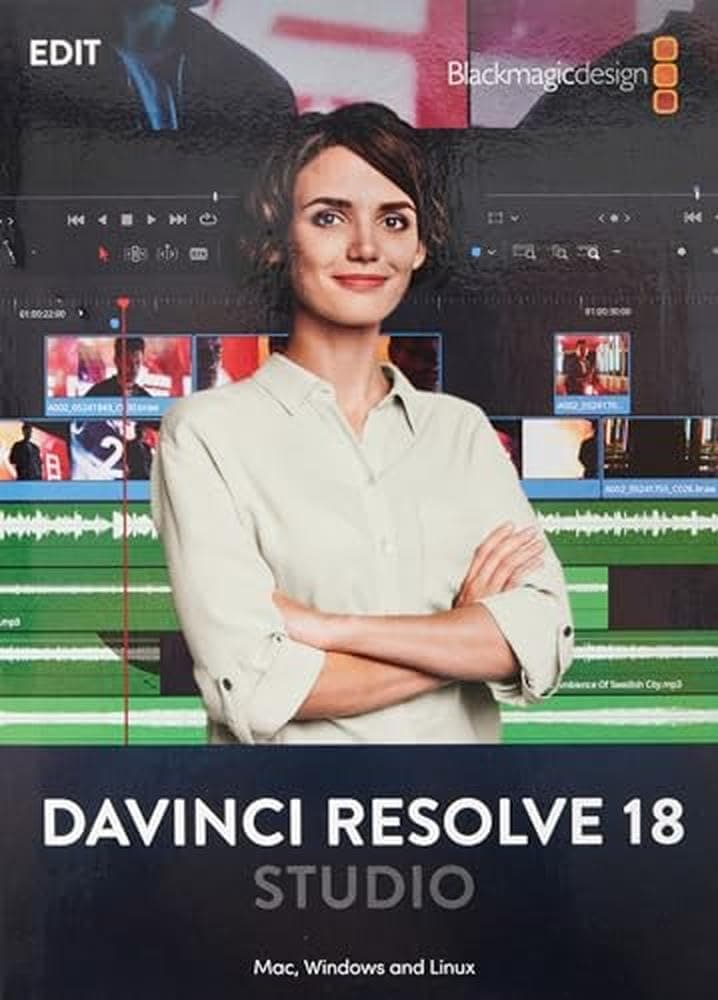

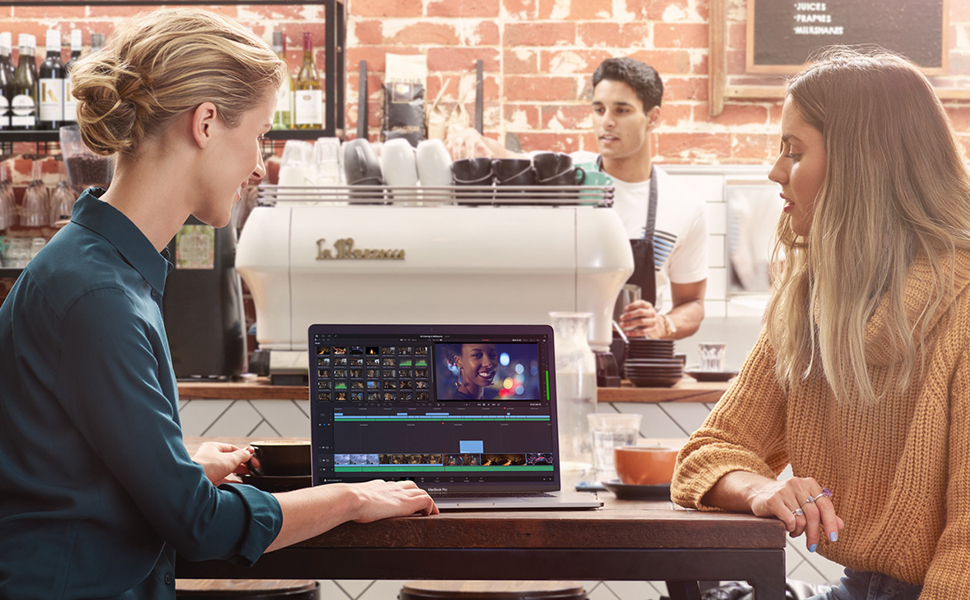
🎬 Elevate your edits, collaborate like a pro, and color your world with DaVinci Resolve 17 Studio!
Blackmagic Design DaVinci Resolve 17 Studio is a powerhouse video editing and color grading software compatible across Mac, Windows, and Linux. Featuring a revolutionary Fairlight audio engine supporting up to 2000 real-time tracks, advanced AI-based color tools, and multi-user collaboration, it streamlines professional workflows. The included dongle enables flexible software access across devices, making it the ultimate all-in-one post-production solution for creative professionals.


| ASIN | B0067Z5UH0 |
| Best Sellers Rank | 72 in Colour Calibration Charts |
| Brand | Blackmagic Design |
| Customer Reviews | 4.0 4.0 out of 5 stars (167) |
| Date First Available | 6 Aug. 2012 |
| Guaranteed software updates until | unknown |
| Item Weight | 68 Grams |
| Item model number | 870 |
| Package Dimensions L x W x H | 19.3 x 13.8 x 1.8 centimetres |
| Package Weight | 0.08 Kilograms |
| Part number | 870 |
| Product Dimensions L x W x H | 19.1 x 13.7 x 2 centimetres |
S**N
Make the swap - do it!
Having worked daily with Adobe Premiere Pro for over 23 years, people were shocked when I moved recently to Resolve. I've not looked back. It's feature rich, with some truly groundbreaking ways to edit video. Rock stable. It feels like video editors designed the software! Don't be lazy and stick with Premiere, learn this. It will make you more efficient editor.
J**F
This product will not work with version 15.2.2
This worked great until BlackMagic identified the dongle as being pirated. It still works on the previous version 15.2 On ver 15.2.2 it asks for the license key!!! Davinci Resolve is a Fabulous piece of software so don’t be put off. Just carful where you get the license from. Latest responce from supplier (Titanium) No returns 'Buyer has not taken reasonable care' this product is still working on the older ver of Resolve 15.2.1... Trying to find a way to get Amzon interested seems impossible.. looks like I will have to chalk this up experiance... The moral is dont buy from an unregister Amazon/Davinci seller if you get a problem, your on your own.
N**K
After 6 months I've barely scratched the surface of the product. I upgraded from a top-rated consumer app. But this one is definitely pro grade. The learning curve has started to flatten, but suspect I've only discovered less than half of what's possible with this. Even less when considering the creative graphics capabilities of Fusion. Overall the app is pretty stable. But to really use its features you'll need some workstation horsepower. I'm running it via a Ryzen 9 and the Titan RTX GPU. The fact that DR Studio leans more on the GPU pushes the need for more GPU RAM. Without it, you might be frustrated in your system performance. But meeting the GPU RAM needs will provide you a powerful post-production tool. Overall module integration is great - switching between EDIT, Fusion and Fairlight is seamless. Fairlight itself is a great audio editor - intuitive and feature rich. Yet I'm still puzzled why an audio editor's name references "light". But that's just me. Another helpful benefit of DR is its database architecture. It's much more flexible as a DB platform in terms of file management. Additionally, there's a pretty extensive on-line support group with plenty of tutorials available to assist with use instruction as well as troubleshooting. And with all of this functionality you can't beat the price. Overall it's a great value.
E**I
Da wir viele Familienausflüge machen und ich auch gern Tiere und Landschaften filme, lege ich wert auf eine Kamera mit zeitgemäßen Videoaufnahmefunktionen. Daher habe ich mir eine Lumix G9 zugelegt, da diese im Gegensatz zur vorher genutzten EOS 750d, Videos bis zu 4k mit 10bit-Farbtiefe aufzeichnen kann. In der Freeversion von Davinci Resolve wird lediglich das ProRes-Format mit 10bit Farbtiefe unterstützt. Somit mussten die Videos der Lumix aufwendig umgewandelt werden, bevor ich sie in Davinci Resolve laden und bearbeiten konnte. Das fällt nun weg und ich kann meine MOV-Dateien der Lumix, direkt in Davinci Resolve laden und bearbeiten. Zudem unterstützt die Studio-Version das Hardware-Rendern per GPU. Die FreeVersion beschränkt sich hier allein auf die CPU und lässt die Grafikkarte beim Rendern des fertigen Videos, außen vor. Zudem stehen mir nun alle Funktionen und Effekte zur Verfügung. Da ich stets an einem Rechner schneide, welcher zudem ausreichend USB-Ports bietet, stört es mich nicht, dass der Dongle einen USB-Port dauerhaft belegt. Die Freischaltung hat damit bestens geklappt. Einfach die Studio-Version herunter geladen und installiert, Dongle in einen freien USB-Port gesteckt und schon lief alles. Davinci Resolve erkennt den Dongle und startet. Der Dongle wird unter Windows nicht angezeigt. Wer also wissen möchte, ob der Dongle funktioniert, muss die Studio Version installieren und starten. Mit dem Wissen, dass der Dongle auch bei allen zukünftigen Davinci-Resolve Versionen funktionieren wird, finde ich den Preis angemessen und kann die Freischaltung von Davinci Resolve auf die Studio-Version jedem empfehlen der des Öfteren mit Videobearbeitung zu tun hat und hier eine dauerhafte Lösung sucht.
L**R
Reçu le code d'activation dans un genre d'enveloppe davinci résolve. Aucun problème pour télécharger la version payante, les mises à jour sont disponibles Top
A**ー
安くて最高です!
J**A
Solamente me ha servido para perder 344€.
Trustpilot
2 weken geleden
3 dagen geleden