We remain fully operational. Our teams are working around the clock to ensure your deliveries continue safely.

DOWNLOAD DE APP


Klantenservice
Copyright © 2025 Desertcart Holdings Limited
DOWNLOAD DE APP

🖨️ Print smart, live smart — your home office MVP awaits!
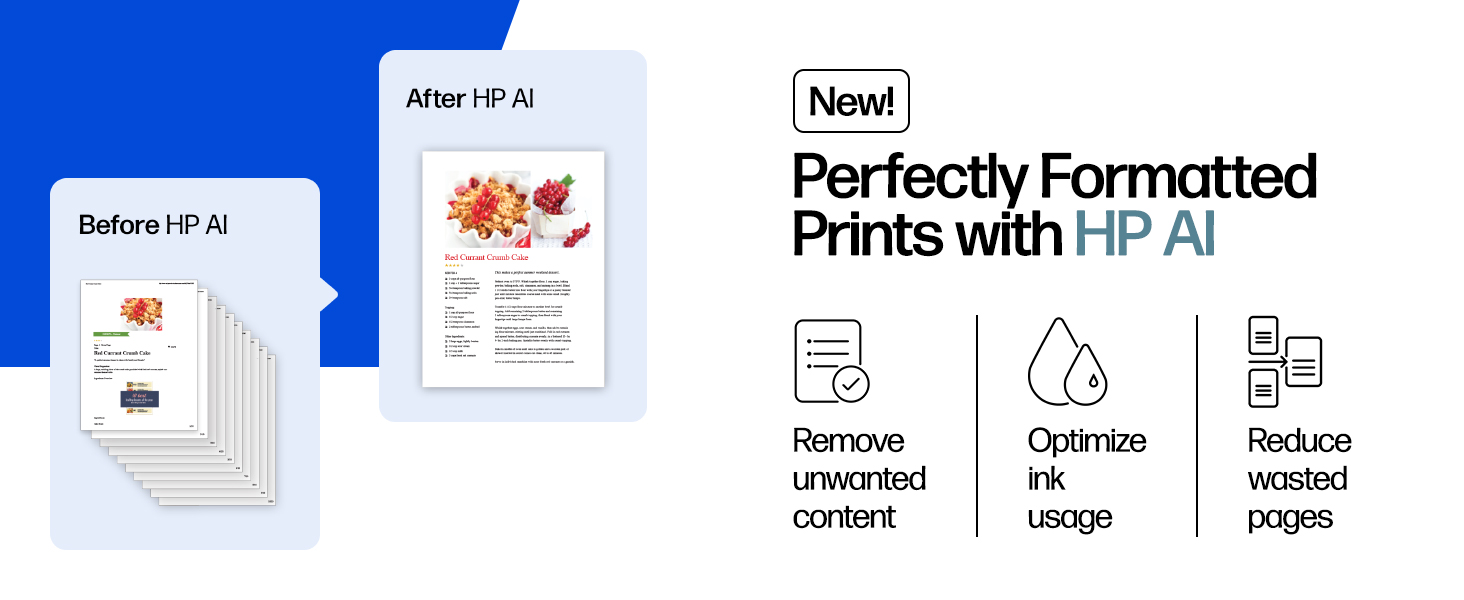
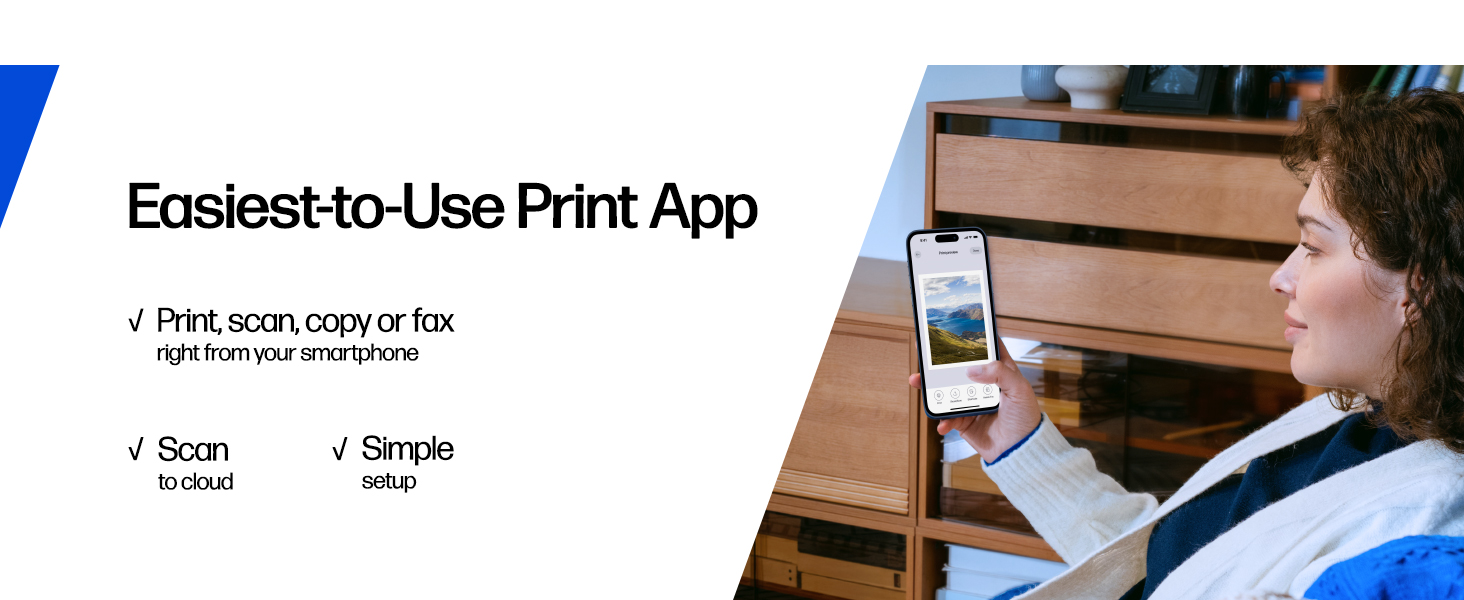
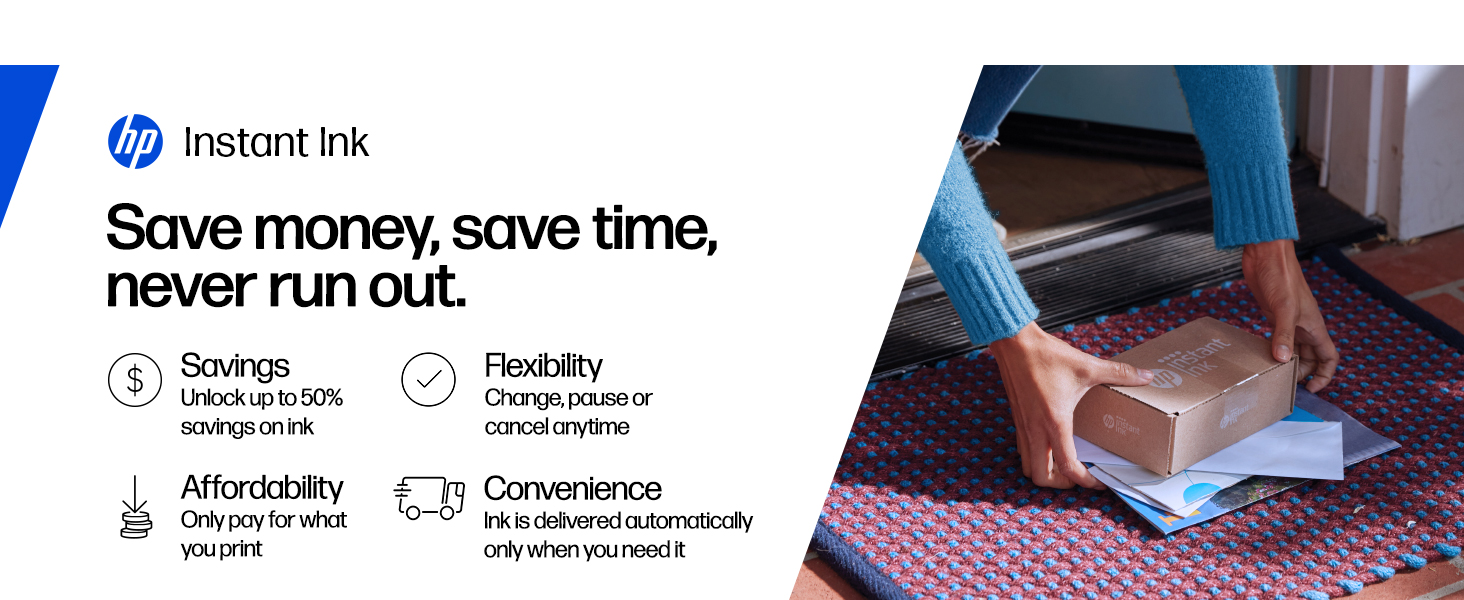
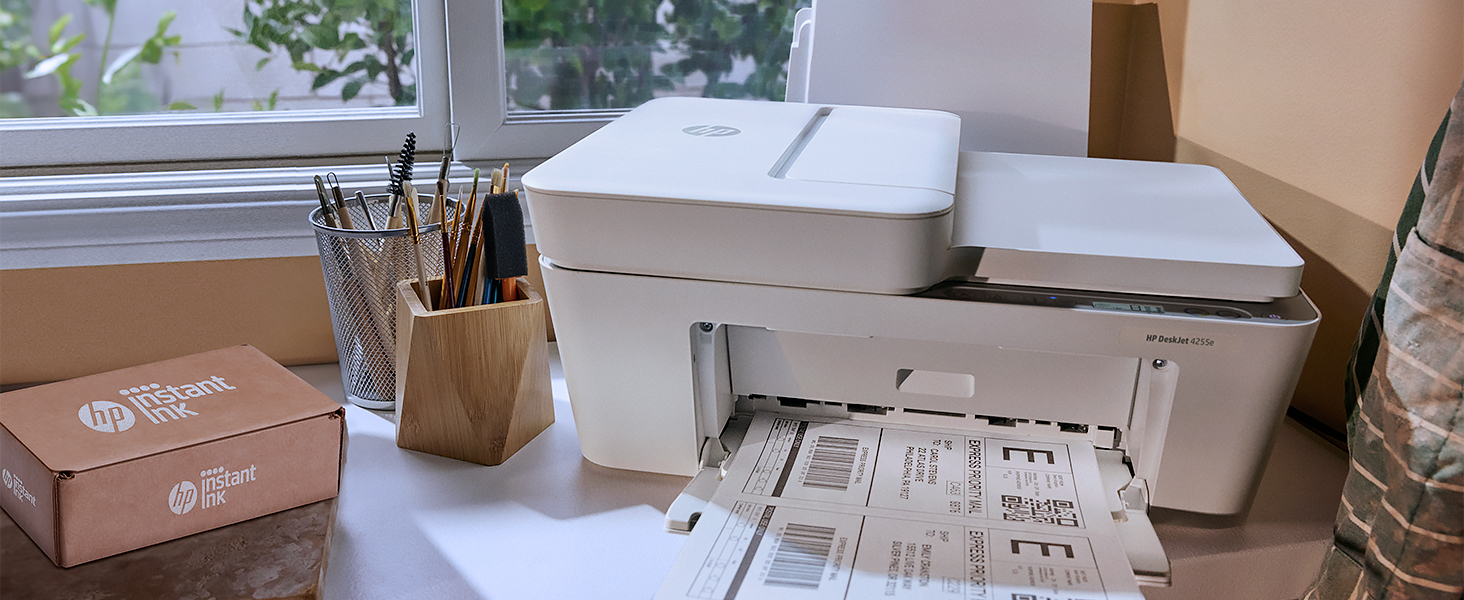
The HP DeskJet 4255e is a compact, AI-enabled all-in-one inkjet printer designed for home and small office use. It offers up to 8.5 ppm black-and-white and 5.5 ppm color print speeds, wireless 2.4 GHz connectivity, and a 60-sheet input tray with an auto document feeder. Featuring HP’s AI technology, it optimizes print layouts to reduce waste. Made with 60% recycled plastic and ENERGY STAR certified, it supports eco-conscious users. The printer includes a 3-month Instant Ink trial and is controlled via the HP Smart app for seamless mobile printing, scanning, and copying.


| ASIN | B0CT2QHQVF |
| Additional Printer functions | All In One |
| Best Sellers Rank | #161 in Office Products ( See Top 100 in Office Products ) #2 in Inkjet Computer Printers |
| Color Depth | 24 |
| Compatible Devices | Laptops, PC, Smartphones |
| Control Method | App |
| Controller Type | iOS |
| Customer Reviews | 3.8 3.8 out of 5 stars (5,665) |
| Date First Available | April 8, 2024 |
| Dual-sided printing | Yes |
| Duplex | Manual |
| Hardware Interface | USB |
| Included Components | HP DeskJet 4255e All-in-One Printer; HP 67 Setup Black Cartridge; HP 67 Setup Tri-Color Cartridge; Regulatory flyer; Setup guide; Reference guide; Power cord [For ink volume and page yield information, visit http://hp.com/go/learnaboutsupplies] |
| Initial page print time | 19 Seconds |
| Ink Color | Black; Cyan; Magenta; Yellow |
| Item Weight | 10.6 pounds |
| Item model number | 588S6A#B1H |
| Manufacturer | HP |
| Max Copy Speed (Black & White) | 6 ppm |
| Max Input Sheet Capacity | 60 |
| Max copy resolution black-white | Up to 300 x 300 dpi |
| Max copy resolution color | Up to 300 x 300 dpi |
| Maximum Black and White Print Resolution | Up to 1200X 1200 rendered dpi (when Printing from a computer) Dots Per Inch |
| Maximum Color Print Resolution | Up to 4800 x 1200 optimized dpi color (when printing from a computer on selected HP photo papers and 1200 input dpi) Dots Per Inch |
| Maximum Media Size | 8.5 x 11.69 in |
| Maximum copies per run | Up to 9 copies |
| Memory Storage Capacity | 64 MB |
| Model Series | DeskJet 4255e |
| Number of Trays | 1 |
| Number of USB 2 Ports | 1 |
| Output sheet capacity | 25 |
| Power Consumption | 2.8 Watts |
| Print media | Paper (plain) |
| Printer Ink Type | Pigment-Based Ink |
| Product Dimensions | 13.07"D x 16.85"W x 7.87"H |
| Scanner Type | Flatbed |
| Sheet Size | 8.5 x 11;8.27 x 11.7;8.5 x 14;7.16 x 10.12; |
| Smart Home Compatibility | Smart Home Compatible |
| Specific Uses For Product | Home, Home and home office |
| Total USB Ports | 1 |
| UPC | 196337380103 |
| Warranty Type | One-Year limited hardware warranty with option to extend to two-years with acceptance of HP+ Offer. For more info please visit us at support.hp.com .For full terms and conditions visit: support.hp.com. Warranty and support options vary by product, country, and local legal requirements |
| Wattage | 100 watts |
J**Y
Performance & Print Quality
Here is your review in English, ready to use for Amazon or any other platform: ⸻ 🖨️ HP DeskJet 4200 All-in-One Printer Review The HP DeskJet 4200 All-in-One Printer is a reliable and affordable inkjet printer designed for home use and small offices. It offers printing, scanning, and copying features in one compact device, making it a practical solution for everyday tasks. Performance & Print Quality The DeskJet 4200 delivers good print quality for both black-and-white and color documents. Text prints are sharp and clear, while color graphics and photos look vibrant for casual printing needs. It is ideal for homework, personal documents, forms, and occasional photo printing. Print speeds are moderate, which is typical for an inkjet printer in this category. It’s best suited for light to moderate printing volumes rather than heavy daily use. Connectivity & Convenience One of the standout features is its wireless connectivity. The printer supports Wi-Fi printing, allowing you to print directly from smartphones, tablets, and laptops using the HP Smart app, Apple AirPrint, or other compatible services. It also includes a USB connection option. The setup process is generally simple, and the compact design fits nicely on a desk or small workspace. Additional Features • Flatbed scanner for clear document scanning • Copy function for quick duplicates • User-friendly control panel • Compact and lightweight design Pros ✔ Affordable price ✔ Wireless printing capability ✔ All-in-one functionality (print, scan, copy) ✔ Compact size for small spaces Cons ✘ Ink cartridges may need frequent replacement with regular use ✘ Not designed for high-volume printing ✘ Print speed is average The HP DeskJet 4200 All-in-One Printer is a solid choice for students, families, or small home offices that need a dependable printer for everyday tasks. It offers good quality, convenient wireless features, and multifunction capability at an accessible price point.
M**N
Sent back: Dynamic Security chip on printer ink
This printer might seem like a good deal at first, but it’s really just a ploy to lock you into buying expensive ink from HP. I bought this to replace my HP 4255e after its printhead failed, and even the replacement head didn’t work. This printer cost me about $50 less than that replacement head alone, so I thought I was getting a bargain. The setup was straightforward, and it connected to my network without any issues. However, I’m uneasy about how HP connects to the printer over the internet—who knows what data they’re collecting? One glaring flaw is the lack of automatic two-sided printing. Instead, you have to manually reload the paper to print on the other side, following on-screen prompts. It’s an annoying step back from the fully automated feature I had before. The switch to a single color cartridge is a step backward, too. It’s more convenient, but with separate cartridges, you could at least use up each color fully before replacing it. Now, you’re throwing money away when one color runs out. The so-called “free” 6-month trial of HP’s Instant Ink (Dynamic Security chip on printer ink ) program is just a sneaky way to milk more money out of you. It’s not really an ink subscription; it’s a deal where you pay for the number of pages you print each month, regardless of how much ink you actually use. Even if you print just one word on a page, it counts towards your limit. If you cancel the program, any ink they’ve already sent becomes useless, forcing you to buy their overpriced cartridges. I canceled it and switched to aftermarket ink, which works just as well for half the price. Print quality is also a letdown. It’s nowhere near the standard of my old 8610, though it’s adequate for basic home printing. Forget about using it for anything professional or for printing barcodes—scan codes often don’t work on the first try. I printed show tickets, and the usher had to scan them several times to get them to work. The same issue happens with UPC-style codes, though QR codes fare a little better. Bottom line: I would never buy this printer again. After this experience, I’m done with HP printers altogether.
M**S
Es una mala inversión. Impresora barata pero difícil de usar y no tiene repuestos de tinta. Hay que comprarla en línea en EEUU o en China. Incluso para imprimir no sigue las indicaciones, peor su app en el celular, si se cierra antes de imprimir, se corta la impresión. No la compren. 1000 veces mejor una Brother
N**L
I recently purchased the HP DeskJet 4255e Wireless All-in-One, and it has been the perfect addition to our home. If you are looking for a reliable printer, scanner, and copier that doesn't take up too much space and actually works when you need it to, this is a great choice. The Highlights: Super Easy Setup: I had it up and running in no time. The wireless connectivity is stable, and the HP app walks you through everything effortlessly. Seamless Transition: We previously had an older HP model, and I was worried about the "switch over" process. It was incredibly easy! Since we already had an HP account, the printer integrated perfectly. Instant Ink Success: We had absolutely no issues activating the 3 months of included ink. Because our account was already active from our old printer, the transition was smooth, and the ink arrived exactly as expected. It’s been a relief to have a machine that handles everyday documents and scanning so efficiently. It’s a straightforward, high-quality printer that is ideal for anyone who wants a "no-fuss" home office setup.
F**Z
No agarra la señal de wifi tres días intentando configurar la impresora y no se puede la verdad no la recomiendo
T**4
This unassuming little printer was easy to setup. The printing nice and clear. Connected easily. Nice ink plan for small user
C**Y
Es una porquería! A veces conecta e imprime sin problema otras veces es desesperante imprimir una sola hoja. Imprimí como 30 hojas en baja calidad y ya requiere otro cartucho. La voy a devolver. Y la promoción de cartuchos gratis no aplica en México.
Trustpilot
3 weken geleden
2 maanden geleden