
DOWNLOAD DE APP


Klantenservice
Copyright © 2025 Desertcart Holdings Limited
DOWNLOAD DE APP
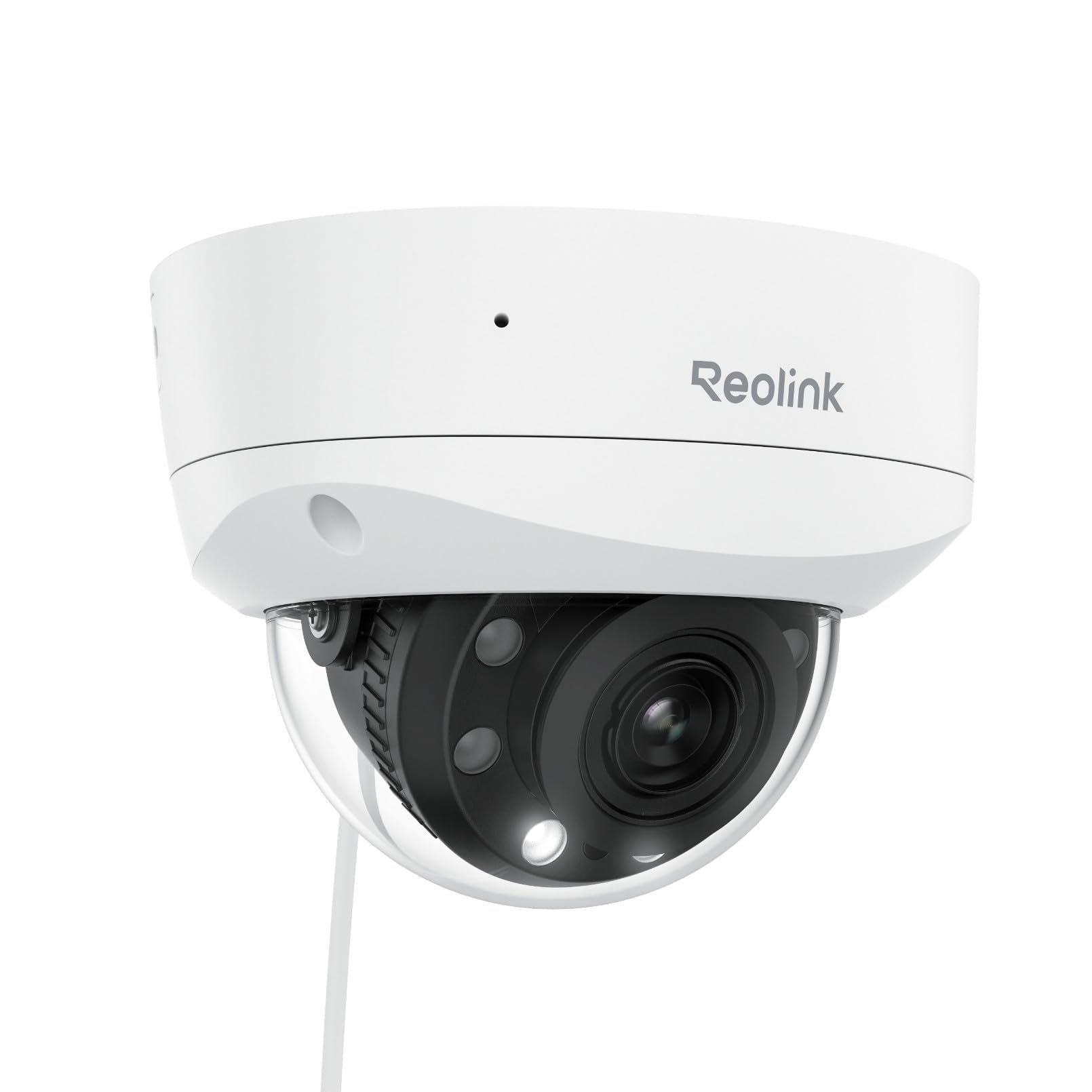
🔒 Elevate your security game with crystal-clear vision and smart detection—because peace of mind is priceless.
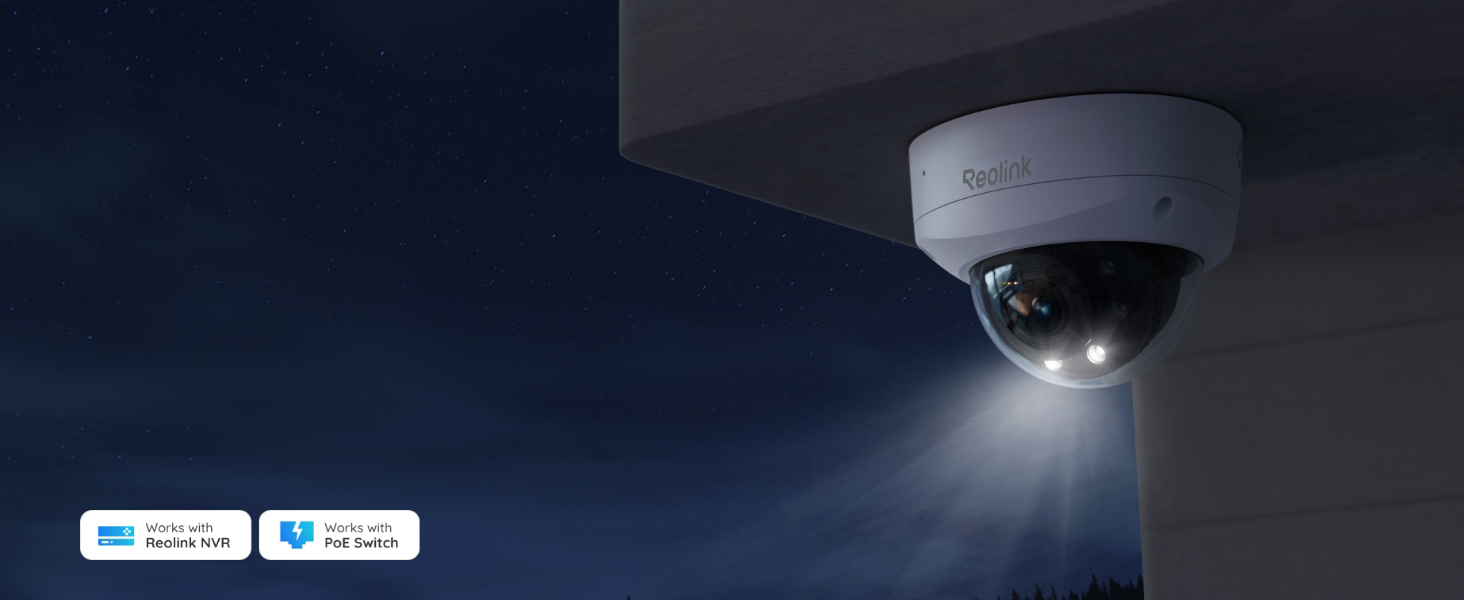
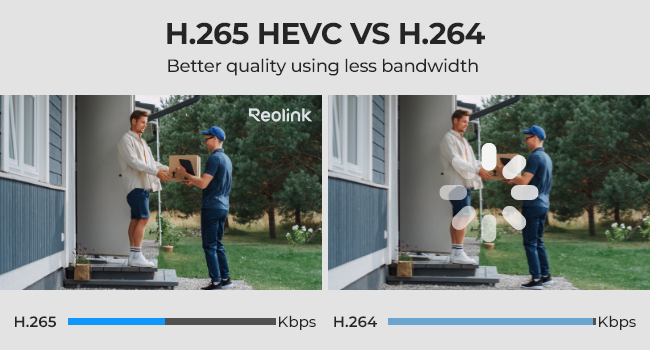
The Reolink RLC-843A is a professional-grade 4K PoE security camera featuring a wide 123° viewing angle, 5X optical zoom, and color night vision. It offers smart human, vehicle, and animal detection to minimize false alerts, combined with customizable spotlights and siren alarms for active deterrence. Built tough with IP67 weatherproofing and IK10 vandal resistance, it’s designed for reliable outdoor surveillance. Easy PoE setup and 24/7 NVR recording support make it ideal for seamless, high-quality monitoring.








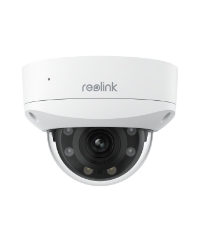

| ASIN | B0CCHZD1WQ |
| Alert Type | Motion Only |
| Batteries Required? | No |
| Best Sellers Rank | #286 in Dome Surveillance Cameras |
| Compatible Devices | Reolink NVR |
| Connectivity Protocol | Ethernet |
| Control Method | App |
| Controller Type | Google Assistant |
| Customer Reviews | 4.2 4.2 out of 5 stars (162) |
| Date First Available | December 26, 2023 |
| Focus Type | Auto Focus |
| Frame Rate | 25 frames_per_second |
| Included Components | 1 x 1m Ethernet Cable, 1 x Pack of Screws, 1 x RLC-843A Camera, 1 x Security Sign, 1 x Waterproof lid |
| Installation Type | Screw In |
| International Protection Rating | IP67 |
| Item Weight | 2.35 pounds |
| Item dimensions L x W x H | 6.69 x 6.5 x 7.87 inches |
| Item model number | RLC-843A |
| Light Source Type | Infrared |
| Low light technology | Night Color |
| Manufacturer | Reolink Digital |
| Material | Aluminum |
| Maximum Webcam Image Resolution | 8 MP |
| Mounting Type | Ceiling Mount |
| Night Vision Range | 100 Feet |
| Number of Items | 1 |
| Photo Sensor Technology | CMOS |
| Power Source | Corded Electric |
| Product Dimensions | 6.69 x 6.5 x 7.87 inches |
| Room Type | Hallway, Living Room, Study Room possibility |
| Specific Uses For Product | Surveillance |
| Unit Count | 1.0 Count |
| Video Capture Format | MPEG H |
| Video Capture Resolution | 4k |
| Viewing Angle | 100 Degrees |
| Wattage | 8 watts |
| Wireless Communication Technology | Wired |
| Zoom Type | Optical Zoom |
S**C
Excellent quality, perfect for home security
I’ve been using this Reolink dome camera for a few weeks now and I’m very impressed with its performance. The image quality is sharp both day and night, and the motion detection works exactly as expected. Installation was simple, and the app makes it easy to monitor everything remotely. The build feels solid and professional. I use it outdoors and it handles weather just fine. Definitely worth the price — I feel much safer having this in place.
F**R
NIGHT VISION 24/7 Infrared Surveillance OUTSTANDING
PICTURE QUALITY FOR THE PRICE IS FANTASTIC ZOOM CAPABILITY GREAT ON LARGE %) INCH MONITOR
F**O
Excelente buen desempeño
J**D
Good Warranty
One camera went out after two months of use. However, after contacting reolink warranty support they sent new replacement camera.
K**A
Don't trust your family's safety with this device
This camera is garbage. It misses everything. Any time anything eventful happens, the feed is garbled and cuts out the action so you miss it. I've watched it delete police cars from frames, sports cars disappear, unknown people become gray/green shadows... PLEASE do not trust this camera at all.
J**S
Great product
Works perfect. Super high-quality, easy to install, very happy.
R**R
Nice Camera...Could be better.
Installed at our backyard. Quality of the pic during the day is excellent. However, at night, the glass dome seems to reflect the camera lens, making the camera stream overlayed with the background of the camera lens. In the morning, back to normal. Have other Reolink cameras too, including with dome, but none with this type of concern. All the other features like zoom and motion detection work as expected. Setup is easy out of the box. Unfortunately, will be returning this one.
M**Y
This company has great service.
Works like a charm
B**A
UPDATE: 2025-06-05 Reolink just released a firmware update for this camera that added the ability to change the High Resolution (aka Clear) stream to H.264. This means I can now watch the High Res stream on my low resolution monitors. Way to go Reolink! Thank you for listening. First off, let me say, I'm a multi-monitor Linux computer user. As such, I struggle with small device interfaces, like Cell phones and even tablets, and the way in which controls and actions are reduced to icons which I often find meaningless. I also do not have or use the Windows OS, so I can't comment on how this camera might work on Windows systems. So this review is about my experience using Linux, Home Assistant and, at times, my Tablet. That said, lets get on with my review. Overall, I'm happy with the camera and how it operates in my environment, however, I wish the firmware update had come sooner. I bought a second camera, but I didn't buy this one because of it's initial limitations. Now I wish I had purchased this as my second camera... PROS: - installation and configuration was simple - plug it into POE switch; download the App to my tablet; add the device to the app, and configure a password. - I didn't have to create an account - just add a password for admin, and I was able to access everything else via my web browser - works with Chrome & Firefox on Linux - Web interface is relatively easy to navigate and configure - works great with Home Assistant via the HA Reolink Integration - Home Assistant found the camera; added all the sensors, most controls, and most configurations - HA notified me there was a new firmware update available - HA even updated the camera firmware for me without the need to access the camera - configuration for some things, was very simple and straight forward - People AI sensor, motion detection, and recording triggers work great - Animal AI sensor, motion detection, and recording triggers seem to work okay, but I've only seen a small cat and a flock of quail trigger recording to date. - Motion detection and recordings work great - Siren works great, and volume adjustment is nice - Floodlights work great, and being able to set the brightness is a great feature - Being able to enable/disable the IR and Floodlights at night is awesome - Provides plenty of features for notifications, but since I'm using Home Assist, I won't be using them - Auto focus is a great feature, especially if you use the optical zoom - you can set the threshold for when the camera enters night mode - you can set the camera to record in black & white at night if you choose (which is what I do) - there are controls for the image sensor to control Brightness, Contrast, Saturation, and Sharpness - which are great - especially if the camera is pointed toward a bright light source or toward the sun - plenty of options for scheduling if you need that. - you can mask areas for privacy (say your neighbor's yard or a home window) - you can set max/min sizes for AI recognition of people and pets - you can set detection zones for motion - FTP push works fine, and provides a Test button to upload a file once you've entered your server settings - recordings can have a "pre-motion" value - which will prepend X number of seconds to recorded video (but you can't change the number of seconds) - nice feature, since if a person or animal is moving fast, you might not capture their initial movement into the recording without this feature - RTSP streaming works - RTMP streaming works - overall - lots of configuration options NOT TESTED: - I tried Push notifications (notifications to the Ph or tablet App), but it didn't work, and I didn't bother investigating why, since it wasn't something that interested me - I didn't try email notifications, since I'm using Home Assistant to handle all my notifications - I don't use audio, as it impacts streaming, and I have no need to listen to the audio from the camera or send audio to the camera. - No vehicles will ever enter the camera view, so I have no way to know how good vehicle AI works - I also haven't had any need to play with the Brightness, Contrast, etc since the camera works great in its current location without modifying those settings. - I believe the camera supports ONVIF and I think Home Assistant is actually using it, but I'm not positive and have not tested it independently. CONS: - Resolution: there are 3 settings available via the Web Interface for live viewing, but only 2 are available for playback or streaming - Fluent - (aka "Low" resolution or "Sub" streaming feed) is fixed at 640x360 - this should be configurable to at least 1280x720 or 1920x1080 - Mid - (aka "Mid" or "Balanced" resolution) - only available via Live viewing - no idea what the resolution is - not available for streaming or playback - Clear (aka "High" resolution or "Main" streaming feed) - initially this was fixed at H.265 encoding, which prevented it use for streaming to low resolution monitors - Reolink just fixed this with a firmware update making a good camera close to great - Recordings - doesn't seem to be possible to delete recordings from the SD Card, unless you format it - Streaming - two options Clear (aka main) and Fluent (aka sub) - they really need to add a custom feed that you can set to values that work for your needs and not dictate what we get based on their limited vision. - FTP settings has two separate Save buttons, so I lost my server settings the first time, because I didn't notice this - not a huge issue, but still could be better - Siren and Speaker volume are tied together. Not an issue for me, but might be for others - there's a lack of information/documentation available regarding all the various settings available for this camera. If you search the web, you can find the info, but Reolink needs to create better manuals for their cameras in my opinion. OVERALL: With the new firmware update I'm very happy with the camera and would recommend it. However, they still need an operational manual with all the setting explained before I could give it a rating of excellent...
D**E
Great easy to install product.
I**E
Great price, easy to install, I am using BlueIRIS but the reolink app is a good backup. Good for wall mounting not so good for ceiling mounting unless it is up very high at least 3M
B**N
fonctionne trés bien sur PC ou sur application, bonne qualité d'image et beaucoup d'options avec le NVR
C**.
First time buyer of a Reolink camera. Certainly not disappointed. Configured using the Reolink software and then connected to my existing Synology DiskStation. No issues. I would purchase another Reolink POE camera if I needed one.
Trustpilot
1 maand geleden
2 maanden geleden