Some deliveries may take a little longer than usual due to regional shipping conditions.

DOWNLOAD DE APP


Klantenservice
Copyright © 2025 Desertcart Holdings Limited
DOWNLOAD DE APP


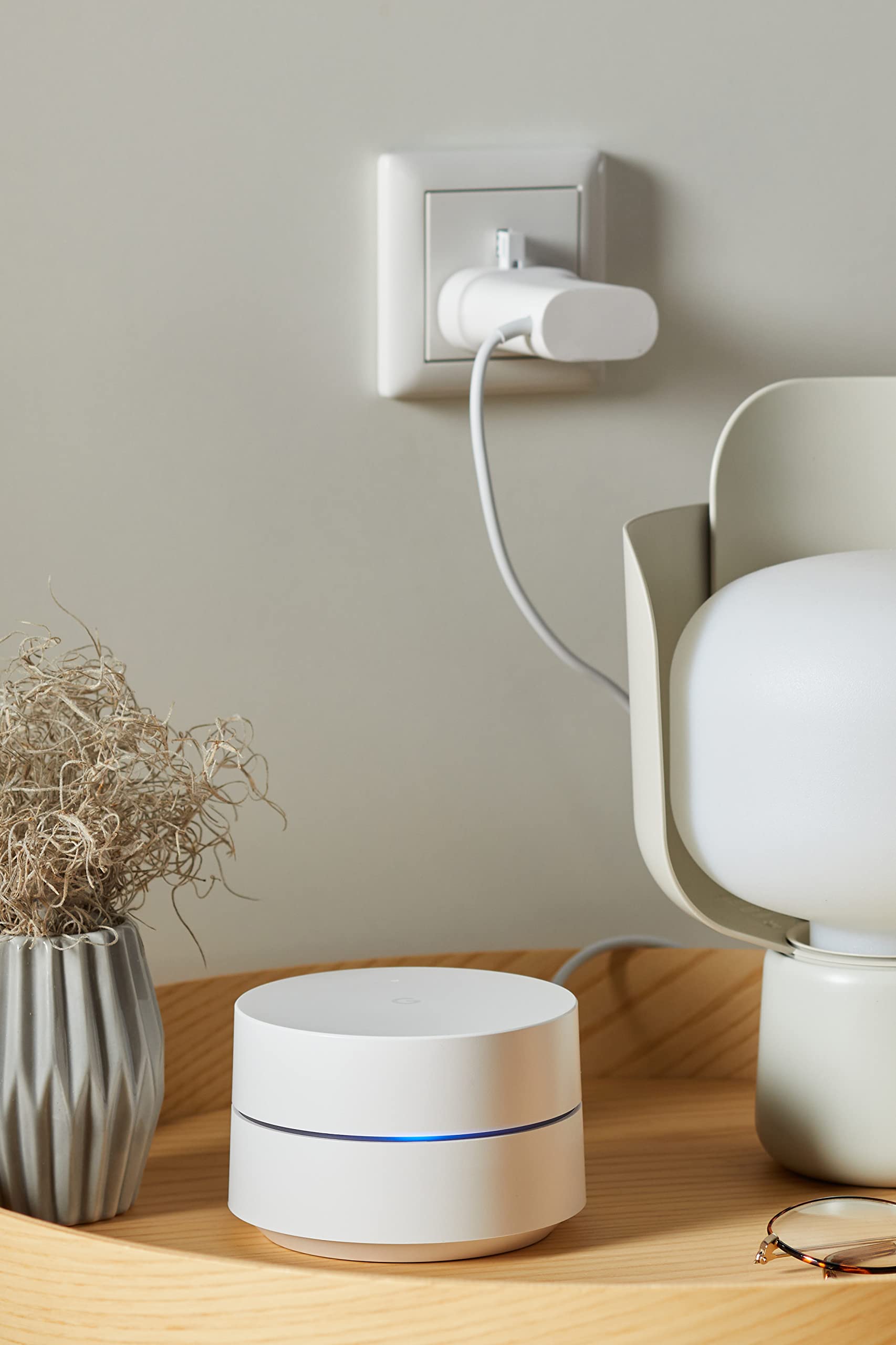
📶 Elevate your home Wi-Fi game — never miss a beat!
Google Wi-Fi Whole Home System delivers reliable, high-speed dual-band wireless coverage tailored for homes up to 170+ sqm. Featuring automatic security updates, easy app-based setup with parental controls, and a sleek design, it ensures seamless connectivity and peace of mind. Backed by 24/7 support and compatibility with all internet providers, it’s the smart choice for modern living.


| Brand | |
| Product Dimensions | 10.6 x 10.6 x 6.8 cm; 670 g |
| Batteries | 1 Product Specific batteries required. |
| Item model number | GA3A00440-A04 |
| Manufacturer | |
| Series | GA00157-UK |
| Colour | White |
| Wireless Type | 802.11ac |
| Voltage | 230 Volts |
| Operating System | Chrome OS |
| Are Batteries Included | No |
| Lithium Battery Energy Content | 20 Watt Hours |
| Lithium Battery Packaging | Batteries contained in equipment |
| Lithium Battery Weight | 5 g |
| Number Of Lithium Ion Cells | 1 |
| Item Weight | 670 g |
| Guaranteed software updates until | unknown |
S**E
Worth every penny!
I bought this as I had no Wifi in my weekday rental; just ethernet(!) - plugged it into the existing ethernet cable and a plug and hey presto; fast forwarded to the 21st century! I can connect anything and play 4k vidis on my devices with uninterrupted powerful WiFi. So easy to use, you download an app which walks you through the set up if needed and controls the device for passwords, guests, speed check, etc. Its great. If you suffer from patchy reception its well worth getting. We tested it at my own home and it means our Samsung TV no longer drops WiFi connection and we can play Amazon Prime on our Samsung TV (we thought it was the TV with an issue, turns out its because WiFi wasn't strong enough from our BT router box). So yes you can use it one place and take it and use it elsewhere to get WiFi; anywhere you can plug it into a router or that has an ethernet cable in situ should be work but you can call and ask them; their customer service is excellent even before I purchased. 5 stars from me!
C**H
Excellent value if bought at the right time, and a good product
These are a good product that work well in my home - a smallish 3 story, 3 bedroom end-terraced house, 2 of these is more than sufficient for house and garden.Easy to use, far more user-friendly than any other router i've ever used. Doesnt have the level of configuration available of (at the other extreme) Ubiquiti devices, however i was still able to change my network address range, mange wifi to attached devices, and i love being able to look at wifi speeds of individual devices as and when i want (even when im not in the home - i can still see whats connected to what and how fast).Only issue i would say is that for me, these were a real bargain at under £70 per device. At the more common price of over £100 each, i would say they are still good, but check the competition too.
P**U
Best WiFi
After having numerous issues with my wifi connection in my house I bought the Google mesh.The setup was very easy. You simply download the app on your mobile device and as soon as you open it, it guides you through the procedure.Straight from the very first day the difference was obvious. Wifi signal was greatly improved and the overall speed has increased dramatically.What is great is that now with the app you can have total control of your home network.You can easily check network status, who is connected, and what bandwidth usage is used.
A**N
I'd choose a Google wifi system over any other
I'm not super tekkie and our house sprawls a bit so wifi coverage can be an eternal issue, but in fact I've found the Google system - we have 6 of these pucks across the house and garden - works pretty well and the app that comes with it provides a lot of controlability and diagnosis when there are apparent issues.I dislike the very tall adaptors/plugs - one needs to go in a floor socket for me and it just doesn't - and Google did not offer an alternative when I enquired.The key challenge is making sure the incoming signal from your broadband provider works with the Google system. When I first installed this system 3 years ago+ now, BT's homehub and Google's wifi mesh did not work well together. That may have been fixed now but the solution I found was to use a Netgear device as a modem only and connect it directly to the master Google hub, which then connects to a switch and thence to all the other stuff in the house including the other Google pucks. I don't use the BT kit.I also found that Sonos devices (mine are mainly older Sonos devices) can cause interference with the Google system and that had to be fixed by ensuring those Sonos devices are set to run on the Google wifi and not wired or on their own mesh system.
P**R
Great tech
Great for extending the Wi-Fi bubble.
J**D
Gave me signal in the bedroom!
With my virgin media superhub I got 1 bar (barely) in the upstairs bedroom. Its a large 3 bedroom house with thick brick walls throughout.Ran an ethernet cable routed from the window upstairs then plugged this baby in, full bars ALL of upstairs.Setup is effortless with the app and it has some nifty features (although imo they are all gimmicks you'll never use).Moving between up and downstairs my phone switches between the two without me even noticing.
J**O
Great little product by Google
Great product from google , it’s not made for the best performance, so if you’re looking to use it for any gaming it’s not the best choice, but if you want a proper router , that does its job without any complications, it’s perfect ! The app it’s really good , you can use it even when not connected to your home WiFi , so you can control your router when your outside your home . I thought the coverage would be better , but you can always buy another for getting better coverage !
K**R
Disappointed
I live in a decent sized 3 bed semi - not huge by any means, but was built in the 20's so has thick walls.I bought the 2 pack Google WIFI mesh system as there were a few areas of the house that struggled with wifi. Installation was pretty easy, one puck (?) attached via ethernet cable to the SkyQ router and one puck placed in the lounge. Not a huge distance, and the signal was ok. I have an office in the garden which had zero wifi and was struggling with the Power Line adaptors, so I bought an additional puck and placed it about halfway between the second puck in the lounge and my office...a distance of about 20 feet each way. The wifi signal was weak in the office and the additional puck didn't really improve wifi in the rest of the house either.I am disappointed as I researched quite a bit before buying the Google system. It's pretty expensive. (We were given a free Sky booster which works just as well, tbh. I have half our devices connected to the Sky wifi and half to the Google mesh).The fact that I have just finished installing an ethernet cable from the house to the office - 30 metres of cat 6 cable, a few cable clips, some ethernet connectors and a crimping tool all for less than £40 - probably tells you all you need to know!The Google wifi pucks look nice, and the app has some cool features, but they didn't fix my wifi issue.
Trustpilot
1 maand geleden
1 maand geleden