We remain fully operational. Our teams are working around the clock to ensure your deliveries continue safely.

DOWNLOAD DE APP


Klantenservice
Copyright © 2025 Desertcart Holdings Limited
DOWNLOAD DE APP
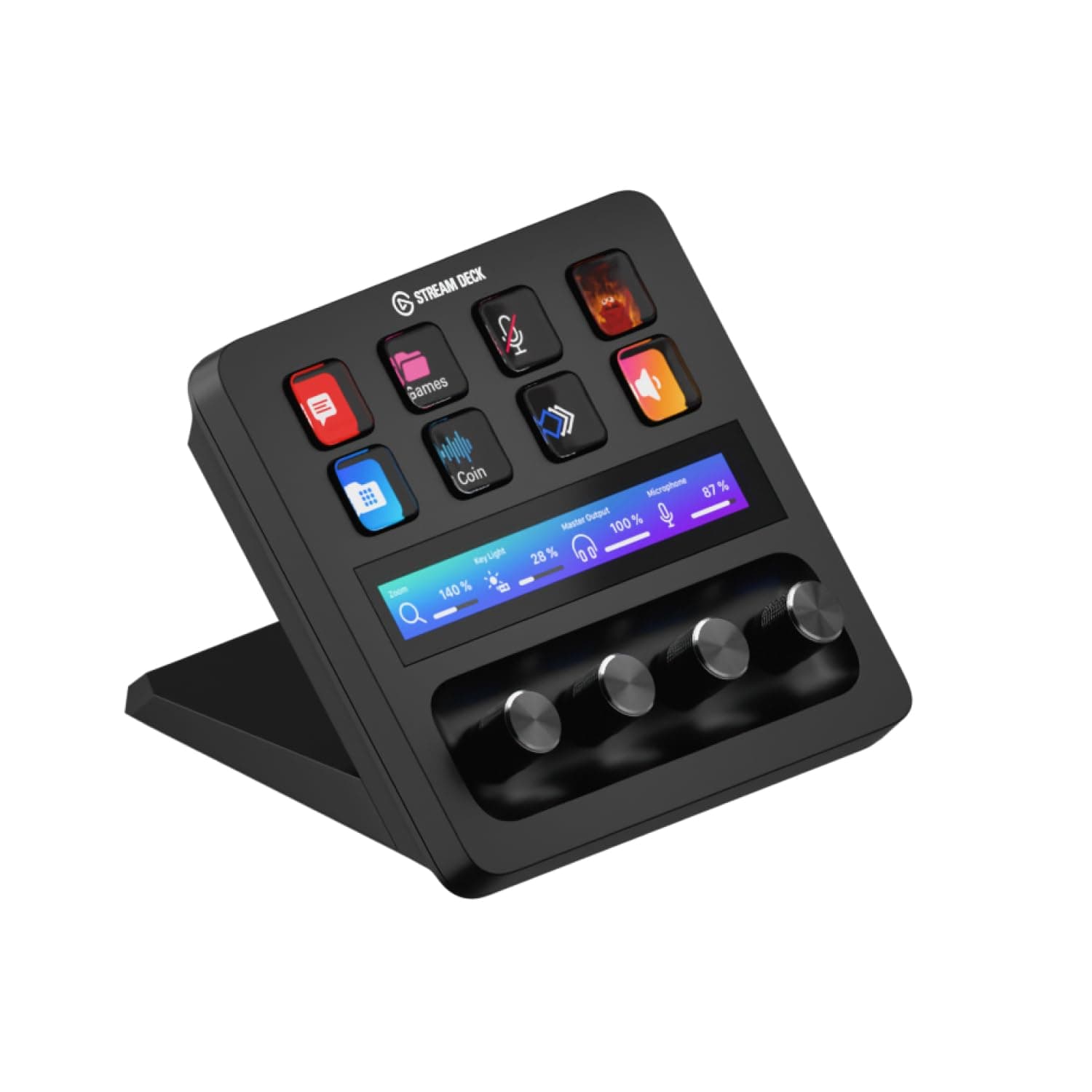
🎮 Elevate your stream, command your studio — be the creator everyone envies!
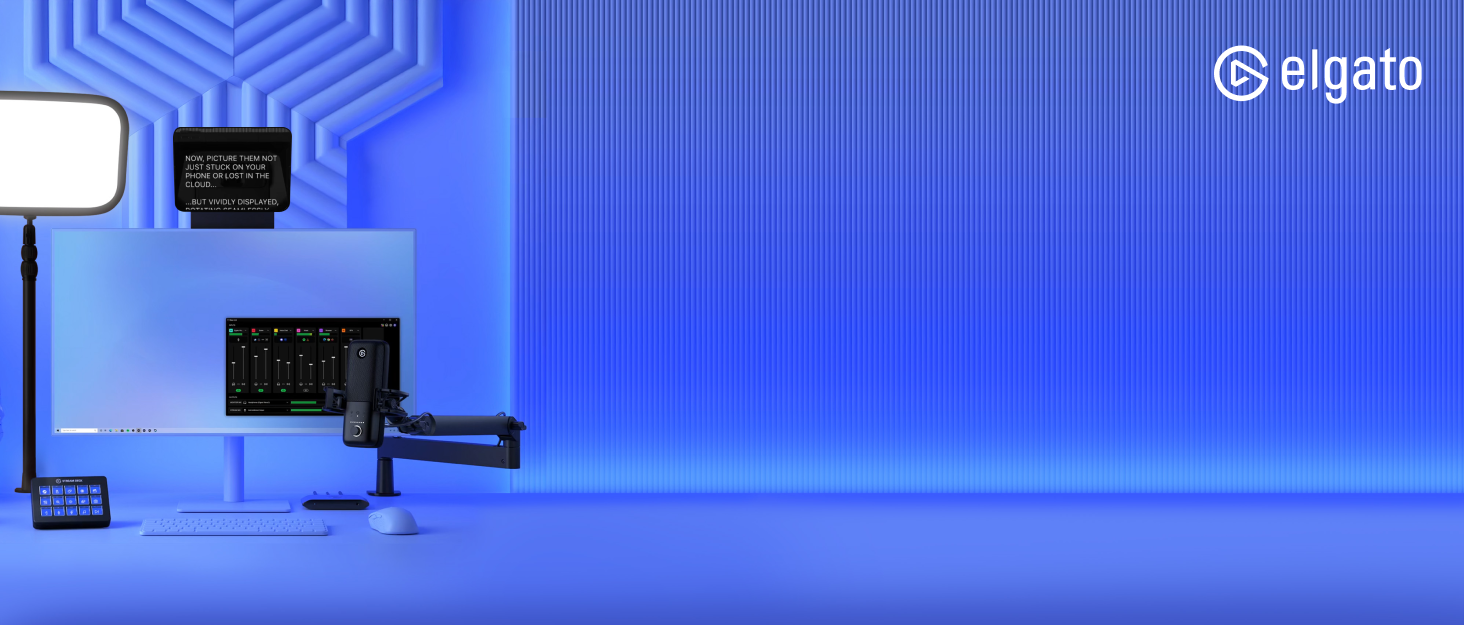
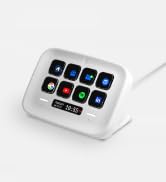
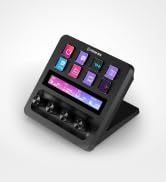
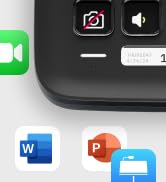
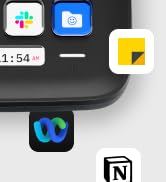
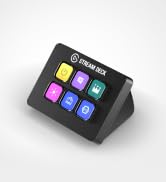
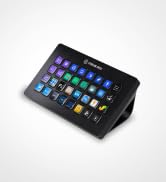
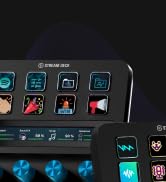
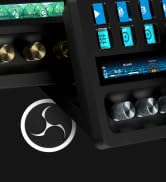
The Elgato Stream Deck Plus is a professional-grade production console featuring 8 customizable LCD keys, 4 multifunctional rotary dials, and a responsive touch strip. Designed for content creators, streamers, and gamers, it offers seamless integration with major platforms and apps, extensive plugin support, and smart profile switching. Compatible with Mac and PC, it transforms complex workflows into effortless, one-touch commands, making it an indispensable tool for elevating live production and streaming setups.







| ASIN | B0BJL8SJ59 |
| Audio Input | USB |
| Best Sellers Rank | #161 in Musical Instruments ( See Top 100 in Musical Instruments ) #1 in Digital Audio Workstation Controllers |
| Brand Name | Elgato |
| Connectivity Technology | USB-C |
| Customer Reviews | 4.6 4.6 out of 5 stars (4,168) |
| Frequency | 20 KHz |
| Included Components | USB Cable |
| Item Dimensions D x W x H | 5.51"D x 5.43"W x 4.33"H |
| Item Weight | 470 Grams |
| Manufacturer | Corsair |
| Output Connector Type | USB Type C |
| Power Source | Corded Electric |
| UPC | 840006645146 |
| Voltage | 1 Volts |
| Warranty Description | 2 year manufacturer. |
M**E
A Game-Changer for New Streamers
First Impressions: Right out of the box, the Stream Deck Plus felt solid and well-made. Setting it up was a breeze, and I customized it to fit my needs in no time. What I Liked: • Ease of Use: The 15 programmable LCD buttons let me set up hotkeys for quick access to essential functions, making managing my stream and other apps much simpler. • Extra Controls: The rotary knobs and touch screen add flexibility for adjusting audio and other settings. Now, I can easily tweak my mic volume or switch scenes in OBS without hassle. • Customization: Being able to personalize each button with icons and even GIFs is awesome! My Stream Deck now looks just the way I want it. What Could Be Better: • Software: Occasionally, the Elgato software can be glitchy. Some plugins have crashed or didn’t work correctly, and the plugin installation site can be slow. But overall, it’s manageable. • Price: For a newbie streamer, the cost might seem steep. However, considering its functionality and build quality, I think it’s a worthwhile investment. Conclusion: The Elgato Stream Deck Plus has become an indispensable tool in my streaming setup. Despite a few minor issues, I’m thrilled with the purchase. If you’re starting out in streaming and want to enhance your broadcasts, I highly recommend checking out this device. Hope my review helps! Good luck with your streams!
M**E
From Button Mashing to Command Center — The Elgato Stream Deck Is Pure Gaming & Streaming Magic
The Elgato Stream Deck has completely transformed my daughter’s gaming and streaming setup — and I don’t say that lightly. What immediately stands out is how intuitive and satisfying this device is to use. The customizable LCD keys, smooth dials, and touch strip turn complex actions into effortless, one-tap commands. Scene changes, audio adjustments, app launches, macros — everything that used to interrupt her flow now happens seamlessly and instantly. The visual clarity of the keys is excellent, the responsiveness is spot-on, and the overall build quality feels premium and purpose-built. This isn’t a gimmicky accessory — it’s a serious productivity and performance tool disguised as a sleek piece of hardware. What I love most is how quickly it becomes indispensable. Once it’s set up, you wonder how you ever streamed or gamed without it. My daughter raves about it daily, not because it’s flashy, but because it actually makes everything easier, faster, and more enjoyable. If you’re a gamer, streamer, content creator, or even a power user looking to streamline your workflow, the Elgato Stream Deck is absolutely worth it. It’s one of those rare products that lives up to the hype — and then exceeds it. Highly recommended.
M**X
LOVE IT!!!!!!
Okay so I work from home and am a bit of a gamer so, I spend OODLES of time at my computer (and I have the carpal tunnel and cubital tunnel syndromes to prove it lol) and basically all I do all day long is type out the same stuff over and over and dont move... Theres a lot of time to be saved from not having to type the same sentence out over and over again randomly (and for someone like me, remembering key combos isnt in my wheelhouse).... i originally bought a knockoff version of this company's stream decks and I really changed my life, however I really should have just spent another $40 and just bought this in the first place. It took about 30 minutes of messing around once I simply plugged it in and its basically ready to go. It was SO much easier than the other device I got to get it working. Their marketplace is pretty decent and there are like a million plug ins to find and try out. Basically I refuse to write an essay about how this thing works because if your reading reviews I am pretty sure you know WHAT your looking at/for and this thing is AWESOME! The price initially put me off despite thinking it would be useful... it was worth EVERY penny (and they do seem to have deals from time to time). I HIGHLY recomend this (I guess I'd recommend any of their stream decks that suit your particular needs as this one does for me). Love the dials. SUPER nice quality and clicky and tactile (and dont feel like your going to accidentally scroll one of them too far)... As some other reviews said, if your on the fence, DO IT!
M**K
Elgato never misses!
Works well. The software is great. Very customizable. Works great for streaming and even simple commands. Software is beginner friendly as well.
L**K
Wish I knew about this years ago
Wow. This is something that makes you say "I wish I knew about this years ago." The Stream Deck brings real, tangible improvement to my workflow. I'm not a huge gamer or streamer, and this is for mostly for productivity. It's fast, stable, and generally easy to configure. Bonus: the same device on both my Mac and PC. I found two downsides: there are some limitations with Key Logic, and since that is software, it can be improved. The angle of the device is fixed. That is a bit more difficult to change. The base plate is removable, so this might help with some mods.
W**.
This thing slams. It really reflects the learned experience of the first gen stream decks, with the kinds of things people wanted to do with them, and what other types of input (beyond just buttons with dynamic labels) could better support those functions. Even with fewer buttons, this can do way more than your classic 15 button stream deck, and it does it more efficiently. Take the example of media controls. Previously you'd need buttons for play/pause, back, forward, volume up, volume down, mute/unmute. Now you need *zero* buttons -- you have a knob for volume (a way better experience than buttons), which you can push in to mute/unmute, and you have another knob for back/forward, which can be pushed to play/pause. And on top of that you have the display above each button, which is more spacious than a button for showing information, and can be touch-tapped for an extra function. Another thing I used my class stream deck for was to start timers. But it could only count up. On this, the time and date display (something a single touch zone is spacious enough to accommodate all at once) doubles as a count-down timer, if you turn the knob under it. That's another several buttons from my old stream deck layout replaced by one thing that takes up zero buttons. Also it's not for nothing that you can navigate between pages by swiping, which avoids the need for the forward and back buttons. 2 more buttons you don't need! The Stream Deck at its core is really about UI efficiency, and this takes that to another level.
D**P
Llegó muy rápido, fue vendido por un externo (VENTROTEC). Grabé incluso video de la apertura de la bolsa para evitar problemas con relación al producto, pero fue el correcto, nuevo y al 100. Llevo un par de semanas de uso y ha mejorado la parte de mis clases (cambié de un streamdeck de 15 botones), pues me permite tener los botones que más ocupo, a mejor disposición, más grandes, con knobs específicos para mi micrófono y mis lámparas, lo que me permite encender todo y cambiar rápidamente (aún no lo uso con XLR diferentes al Wave, para probar la fusión con otra interfaz).
K**N
The Elgato Stream Deck + in White is an absolute upgrade for anyone who wants more intuitive control over their workflow. The build quality is top-notch as always solid, premium, and the white finish looks stunning on a clean desk setup. The combination of customizable buttons, touch strip, and rotary dials makes it incredibly versatile. Assigning actions is super easy through the Elgato software, and the dials are surprisingly useful for adjusting volume, switching scenes, or controlling lighting with real-time precision. Everything feels smooth and responsive. What I really appreciate is how well it integrates with OBS, audio mixers, and productivity apps. Whether you're streaming, video editing, or just want quick shortcuts for daily tasks, it adds genuine efficiency. A bit pricey, yes but you can feel where the money goes. If you want both functionality and aesthetics, this is one of the best tools you can put on your desk. Highly recommended.
A**E
This has been one of my best purchase in 2025, I bought this primarily for my MSFS and have enjoyed using it too for other apps. Fully customizable buttons, touchscreen and dials a must have for productivity and gaming enthusiasts.
J**M
Great stream deck. Highly recommend
Trustpilot
3 weken geleden
4 dagen geleden