Some deliveries may take a little longer than usual due to regional shipping conditions.

DOWNLOAD DE APP


Klantenservice
Copyright © 2025 Desertcart Holdings Limited
DOWNLOAD DE APP
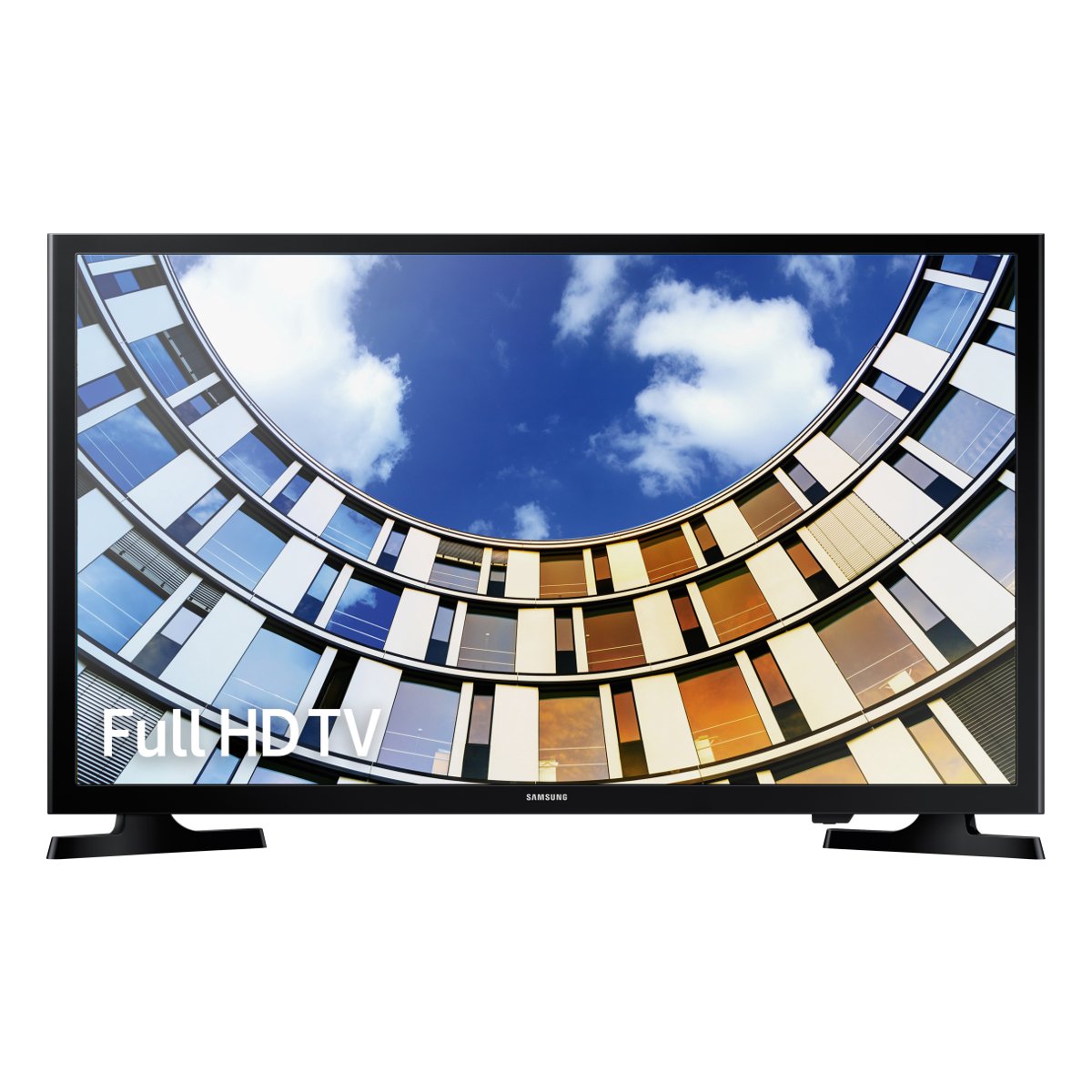
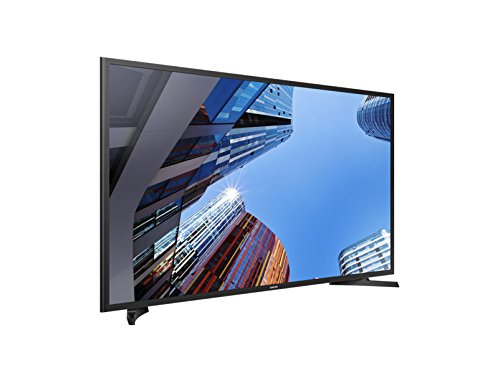
🎉 Elevate Your Viewing Experience!
The Samsung M5000 40-Inch Full HD Ready TV delivers an immersive viewing experience with its Full HD resolution and advanced Wide Colour Enhancer technology, ensuring vibrant and clear images. The Digital Clean View feature enhances picture quality, making it perfect for any entertainment setup.
| ASIN | B071F3ZYYP |
| Item model number | UE40M5000AKXXU |
| Manufacturer | Samsung |
| Product Dimensions | 7.26 x 92.2 x 52.2 cm; 8.7 kg |
R**T
Great Buy
Brilliant item! I absolutely love my tv and at £100 cheaper than the nearest rivals, it is great value. Couldn’t recommend highly enough!
K**R
FAULTY
The Tv was fine until tonight when the picture started mashing up and the set making screeching noises Could I exchange for a new set under the gaurantee?
P**X
Perfect
Excellent as you would expect from top manufacturer
T**A
What to look for and why!
Great budget TV. Black levels, peak brightness, colour reproduction and motion processing all within acceptable parameters. There is so much jargon and misinformation written about TVs that I thought I should write a review to help people make an informed choice when purchasing a TV. Here is what to look for and why. I will centre my review around picture quality. Debating the sound quality of inbuilt TV speakers which are about one inch thick is like discussing whether you would rather be punched by Mike Tyson or George Foreman. Both are going to be unpleasant so what is the point? If you are interested in sound quality, connect your TV to your hifi system via the TV’s optical output. If your hifi does not accept digital inputs then purchase a Fiio D03K DAC from Amazon for £22. You won’t get a better DAC for less than £100. If you can’t connect your hifi to your TV, then purchase a sound bar from a decent hifi brand such as Q Acoustics or better still active speakers such as the Q Acoustics BT3’s or Ruark MR1s. Also, I won’t waste time describing the smart features of a TV when you can buy an Amazon Fire Stick with Alexa voice control for £25 in the sales. It is comfortably the fastest, most intuitive, most comprehensive smart interface widely available and it comes with voice activation and Alexa. It will run circles around the smart engines offered by Sony, Panasonic, Samsung and LG. This is because of the colossal amount of money Amazon invests in AI and software development to ensure that their product remains at the forefront in streaming video and audio content. So, what should I look for for when purchasing a TV? Firstly, we need to distinguish between budget and premium TVs. Budget TVs can be defined by the way the LCD panel is illuminated and subsequently the peak brightness achieved by the TV set. Spending £1,200 on a 65” set would afford you a budget TV whereas spending £1,200 on a 49” set would buy you a premium TV. Confused? Let me explain ... Almost all Budget LCD TV panels have their screens illuminated from the edges by banks of LEDs. The cheapest sets have just one bank of LEDs along the bottom but it is more common to have LEDs along the sides and in some cases along the top as well. The problem is that these LEDs struggle to illuminate the whole screen evenly and more light blends through as you get closer to the edges. To mitigate against this manufacturers limit the peak brightness of the screen to 250 to 350 nits. If you are buying a premium TV make sure it carries the “Ultra HD Premium” certification. This is the standard that ensures TVs are capable of achieving the black levels, peak brightness and wide colour gamut to take advantage of 4K and HDR content. All of which I will explain later. Ultra HD Premium TVs are directly lit from behind with LEDs responsible for lighting zones. Each zone can be individually turned on and off. This ensures not only a much more even backlight for the TV but much better control of light bleeding through. They must have a minimum brightness of 1000 nits of 540 nits for OLED to meet the standard. Organic Light Emitting Diode or OLED TVs are currently the best TVs on the market with no backlighting required as each pixel can be lit individually. Right, let’s now deal with some of the hyperbole surrounding 4K and HDR! CRT TVs used to have 525 lines of resolution, HD ready LCDs offered 720 lines, Full HD TVs have 1020 lines and now we have 4K with 2160 lines of resolution. Those previous shifts in resolution from 525, to 720 and then to 1080 resulted in noticeable improvements in the sharpness of the image. This was partly because the public were shifting to accommodate larger TV sets, typically 40” to 50,” in their living rooms. Whether you will notice an improvement in the sharpness of the image with 4K over 1080p will depend on two factors. These are the size of the screen and your viewing distance. It is worth noting that 4K only affects the sharpness of the image and noting else. The average viewing distance in the UK is 3 meters or 9 feet and the vast majority of homes have a main TV of 50 inches or less. At these distances with sub 50” sets there is no discernible difference between 1080p and 4K in performance. Even professional TV calibrators have struggled in AB comparisons. Above 50” the improvements become evident. Bare in mind that a 60” screen is over 30% larger than a 50” screen. Of course, someone is bound tell tell you that they noticed a difference watching 4K content on there new 4K 40” set. 4K material, especially 4K demo material, is mastered to the highest possible standards. What that person is noticing is the improvements due the mastering process and not the increased resolution of their screen. Play a YouTube 4K demo on your 1080p screen and it will look amazing! Try it and see for yourself. There is a lot of buzz around HDR as well at the moment. HDR is the promise of High Dynamic Range due to images with boosted contrast and brightness. Realistically, your TV needs a minimum peak brightness of 600 nits to start to take advantage of HDR. Although, 1000 nits is preferable as per the Ultra HD Premium rating. The reality is that budget TV sets do not have full local dimming for the backlight and simply can not go bright enough to take advantage of HDR images. HDR also promises a wider colour gamut. The protocol for determining how accurately a TV recreates colours is called DCI-P3. TVs need to track at a minimum of 90% to make use of HDR images. Again, most budget TVs will fall well short of this figure. You may ask, why does my TV say it is HDR compatible when it lacks the hardware to take advantage of HDR? Well, it costs manufacturers little or nothing to write in the software to decode the HDR metadata and it serves as a powerful marketing feature when people are looking to upgrade their TVs. The fact that HDR is an UTTER NONSENSE for anyone other than those purchasing the most expensive TVs tends to get overlooked! If you have an edge lit TV which is HDR compatible it is sensible to disable the HDR feature on the TV if possible or at least at source. This is because budget, edge lit TVs will destroy black levels whilst trying to reproduce spectral highlights in HDR images. As a result, they perform better with HDR disabled. I know, it’s scandalous but true! Black levels are important because it’s the ability of the TV to reproduce details in dark images. It is notable more at night or when watching movies with dark scenes. Black levels have always been a weak point of LCD technology due to the need to backlight the screen in one way or another. This is why OLEDs with their individually lit pixels have such an advantage. The amount of light bleeding on an LCD will greatly depend on the pixel alignment of the screen. There are two prevailing technologies. VA screens have their pixels, have you guessed?.. vertically aligned. IPS or In-Phased Switched screens have the pixels horizontally aligned. Due to their pixel alignment, VA screens have superior black levels but IPS panels have better off axis performance (i.e. wider viewing angles). In practical terms most people would be better served by VA panels unless the sit at 45 degrees to the TV or greater. VA panels are almost exclusively used on the more expensive LCD TVs but at the budget end of the market both IPS and VA are heavily used. Most Samsung’s tend to be VA. Most LGs tend to be IPS. Panasonic and Sony use a mixture with IPS on mainly the cheaper sets. Do your homework and get what suits you! Another traditional weakness intrinsic to LCD performance is the inability of pixels to change colour quickly. This is sometimes referred to as refresh rate or input lag. It makes fast moving images disjointed as they move over the screen. It is a particular annoyance to gamers or people who watch a lot of sports or action films. Manufacturers deal with this by fitting motion processors to speed up the image. The better sets have faster image processors. It may not be the first thing that comes to mind when purchasing a TV set but it is another key area that should not be overlooked. Sony’s X-Realty Pro processor is generally regarded as the best in the business but Panasonic, Samsung and LG are not far behind. My final word is on set calibration. Don’t rely on using the factory settings of the TV to achieve the best image. Of course, I don’t expect many people will spend £400 get their set professionally calibrated. However, there is a CNet video on YouTube that will show you how to manually calibrate your set. Well done if you have stuck with me so far. I am sorry it has turned out to be such a long article but there was a lot of ground to cover and hopefully it was worth it.
A**T
Good value
Good for the money. Picture quality is good.
D**L
Not good
Poor service and poor quality product. The TV came without a power cable so I was unable to use it straight away. Picture quality was below average. Invest more for a better tv.
D**S
... a cheap tele nother more than that not a great picture bad from an angle of 20degrees from head
its a cheap tele nother more than that not a great picture bad from an angle of 20degrees from head on
A**R
So far good purchase
Myself
Trustpilot
3 dagen geleden
2 maanden geleden