We remain fully operational. Our teams are working around the clock to ensure your deliveries continue safely.

DOWNLOAD DE APP


Klantenservice
Copyright © 2025 Desertcart Holdings Limited
DOWNLOAD DE APP
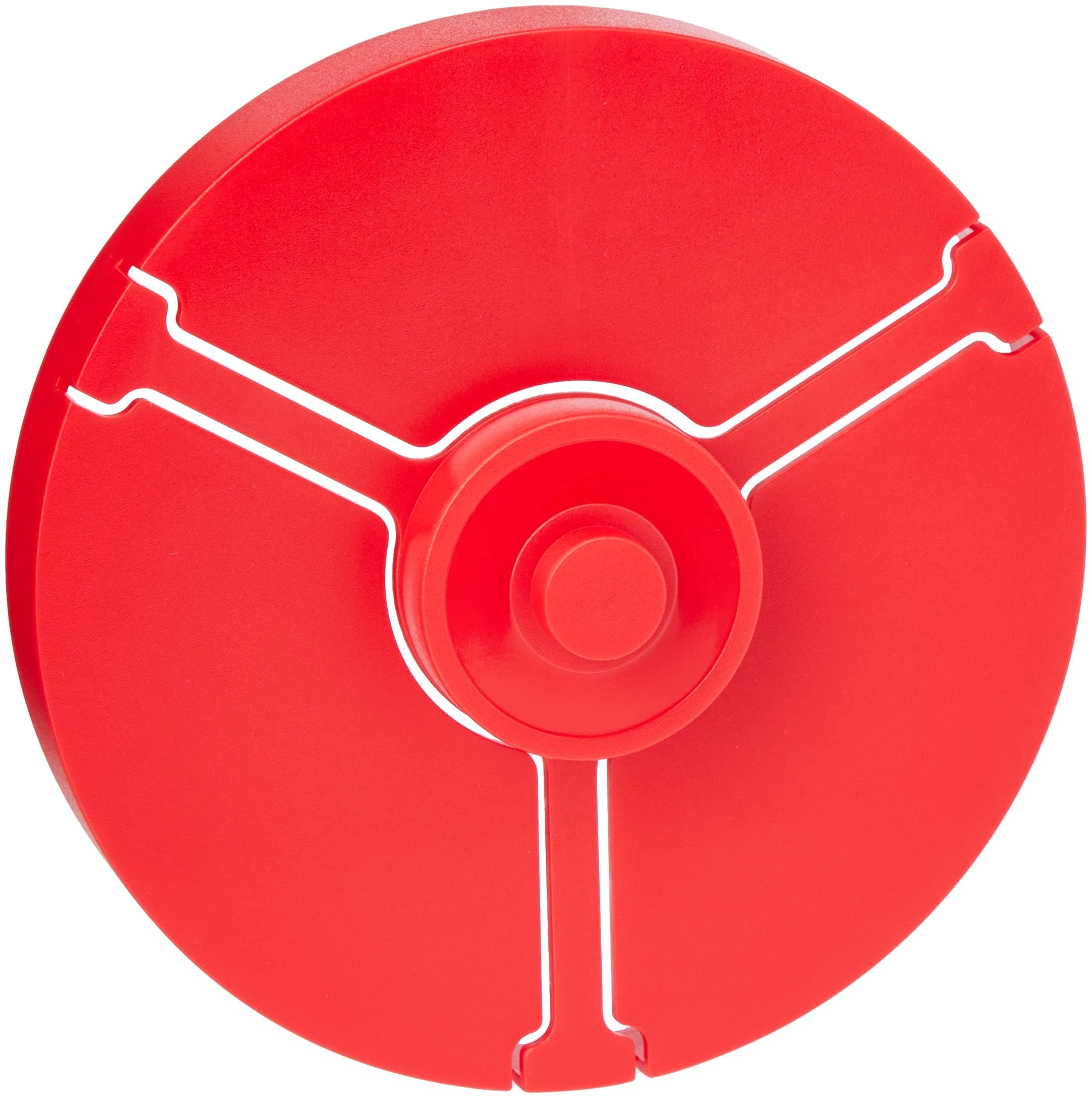
🔴 Stick with style — flawless labels, zero hassle!
The PressIt Superlite DVD/CD Labelling Kit in vibrant red offers a simple, professional solution for applying glossy, crease-free labels compatible with both inkjet and laser printers. The kit includes 3 sheets of labels and a jewel case insert, plus downloadable software for custom designs, making it perfect for managers and creatives who demand efficiency and style in their media organization.
| ASIN | B001F3W3LK |
| Best Sellers Rank | 62,497 in Stationery & Office Supplies ( See Top 100 in Stationery & Office Supplies ) 6 in Media Labels |
| Brand Name | PressIT |
| Colour | Red |
| Customer Reviews | 3.9 3.9 out of 5 stars (595) |
| Finish Type | Glossy |
| Item Shape | Round |
| Manufacturer | PressIT |
| Material Type | Paper |
| Number of Labels | 3 |
| Size | Small |
| UPC | 619098010107 |
| Unit Count | 1.0 Count |
A**J
Useful Device Which Sticks Labels to Discs
Fairly standard device for applying printed labels to cds/dvds. The process is relatively easy to follow, however the printed labels have a tendency to curl up once removed from the printer sheet making placement on the applicator a challenge. Once on the applicator it’s as simple as pressing the disc onto the label & the overwhelming majority stick crease free - every so often you’ll get one which doesn’t want to play! Pack comes with a couple of label sets & link to printer label software which I wasn’t a fan of, so chose to use the Avery website instead.
B**P
Applicator Perfection!
I thought labelling my disks would be difficult and very tricky but I am astounded by the simplicity and effectiveness of this perfect and inexpensive applicator. I'm chuffed! The C.Ds look like I bought them in a shop. I think of the software as a fun bonus because I already have a C.D. label designer. I shall use this one as an extra way to do my labelling. Really, the applicator alone is well worth all of the cost of this package.
W**K
Total rubbish
This is the most useless CD label applicator that it has been my misfortune to buy. The central lug where you place the CD label is too small, so when you put the CD face down onto it it is off centre and cockeyed. Therefore it is impossible to exactly fit the label perfectly onto the CD. Ridiculous and utter rubbish. Avoid this, simply use a jewel case tray, put the label face up on it and then carefully place the CD disc face down onto it.
D**S
label making
The device is a good simple item to use, The main problem I had was downloading the free software, every time I tried to import photos from my P.C. it wouldn't let me do it,every time I tried a message came up OUT OF MEMORY. I had a lot of trouble trying to get the tel: no for pressit but after persevering I did manage to contact Pressit customer services & they sent me a couple of links to download the proper software & as long as you use the proper labels it works every time, I would recommend this system to anyone who's downloading either DVDs, or Music CDs & wants a good & reasonably priced labelling system.happy labelling
B**X
Good piece of kit but can't get the software download
Really good package and the applicator works well. Easy to use. Only problem is, you can no longer get the Pressit download software. I found, after many searches that Disketch software works. (I needed Mac software) You can get it here at [...] There is a fair amount of fidling to get the print right Also make sure its not a trial version. As for the kit, you get three sheets of normal paper templates and one sheet of glossy template for the cd's, giving you eight cd labels. Once printed, its very easy to use the applicator. Place template sticky side up, add CD to applicator and press down in one movement. Hey presto, it works. Hope this helps but best to find a software download first before purchasing.
A**E
Useful DIY tool
Fine helper for fitting CD/DVD labels by hand
A**R
CD LABEL
M**K
Label printing software unavailable
Product OK, but the label printing software is unavailable for Apple ios operating systems, so totally useless.
Y**O
Todo perfecto. pero solo valen para etiquetas de centro grande
W**U
Simple à utiliser, très efficace, facilite la pose d'une étiquette sur un CD ou DVD et notamment pour le centrage de l'étiquette Je vous conseille ce produit.
W**L
Um kleine Lochgrößen zu labeln lege ich zunächst eine CD/DVD auf den Träger damit das Etikett nicht an den überstehenden Enden herab baumelt, dann das Etikett und dann den zu labelnden Datenträger. Bei Etiketten mit großem Loch zuerst das Etikett und dann den Datenträger. Da die Zentrierplatte mit 3 Federarmen in der erhöhten Position gehalten wird, drücke ich einfach in der Mitte auf den Zapfen und drücke diesen auf einer festen Unterlage so weit durch, bis das Etikett Kontakt mit dem Datenträger hat.
M**Y
Works great
E**I
e semplice da usare. Mi serviva con urgenza e solo con Amazon: presto fatto
Trustpilot
3 weken geleden
3 weken geleden