
DOWNLOAD DE APP


Klantenservice
Copyright © 2025 Desertcart Holdings Limited
DOWNLOAD DE APP

🚀 Unlock lightning-fast, limitless connectivity—because your network should work as hard as you do.
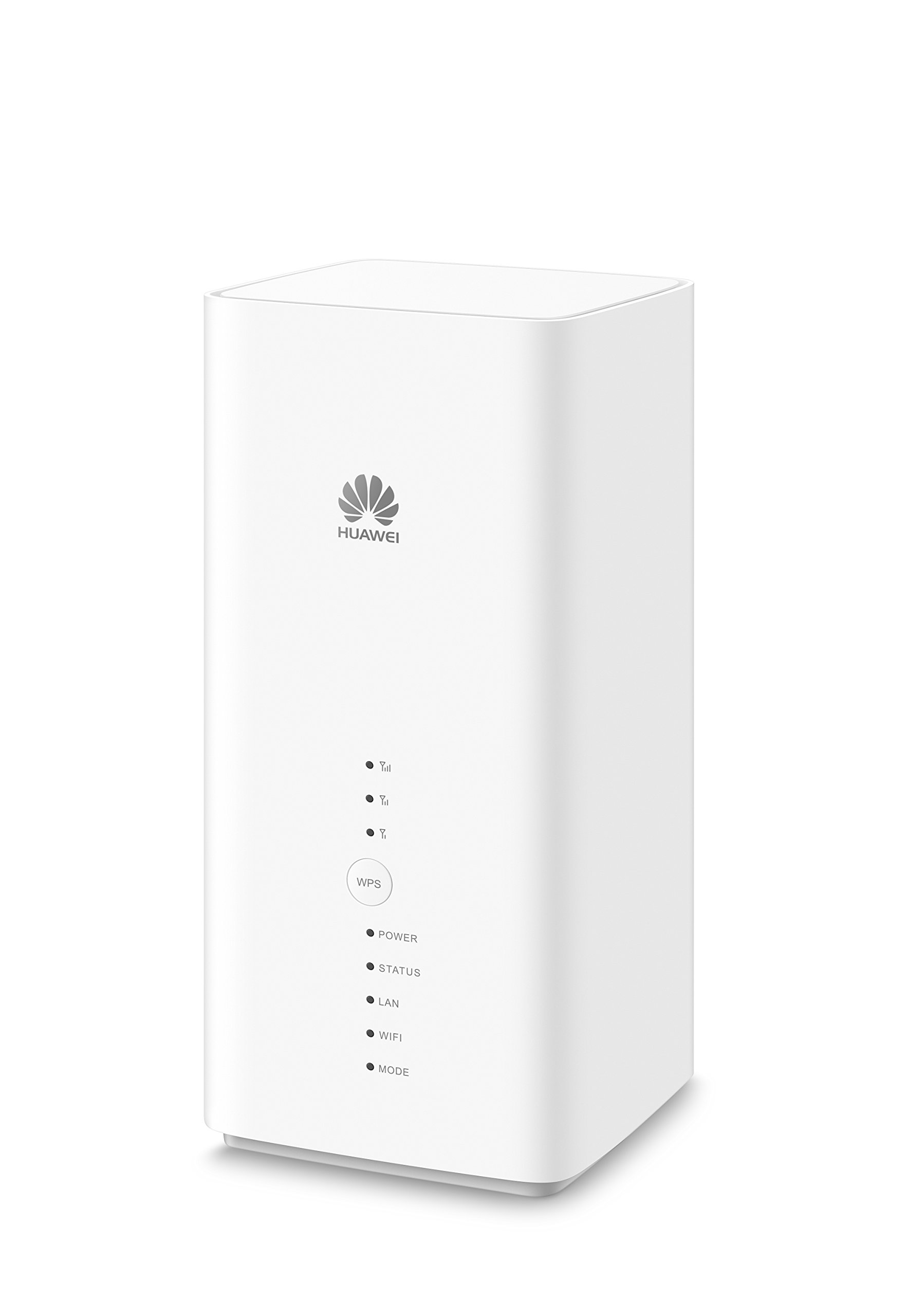
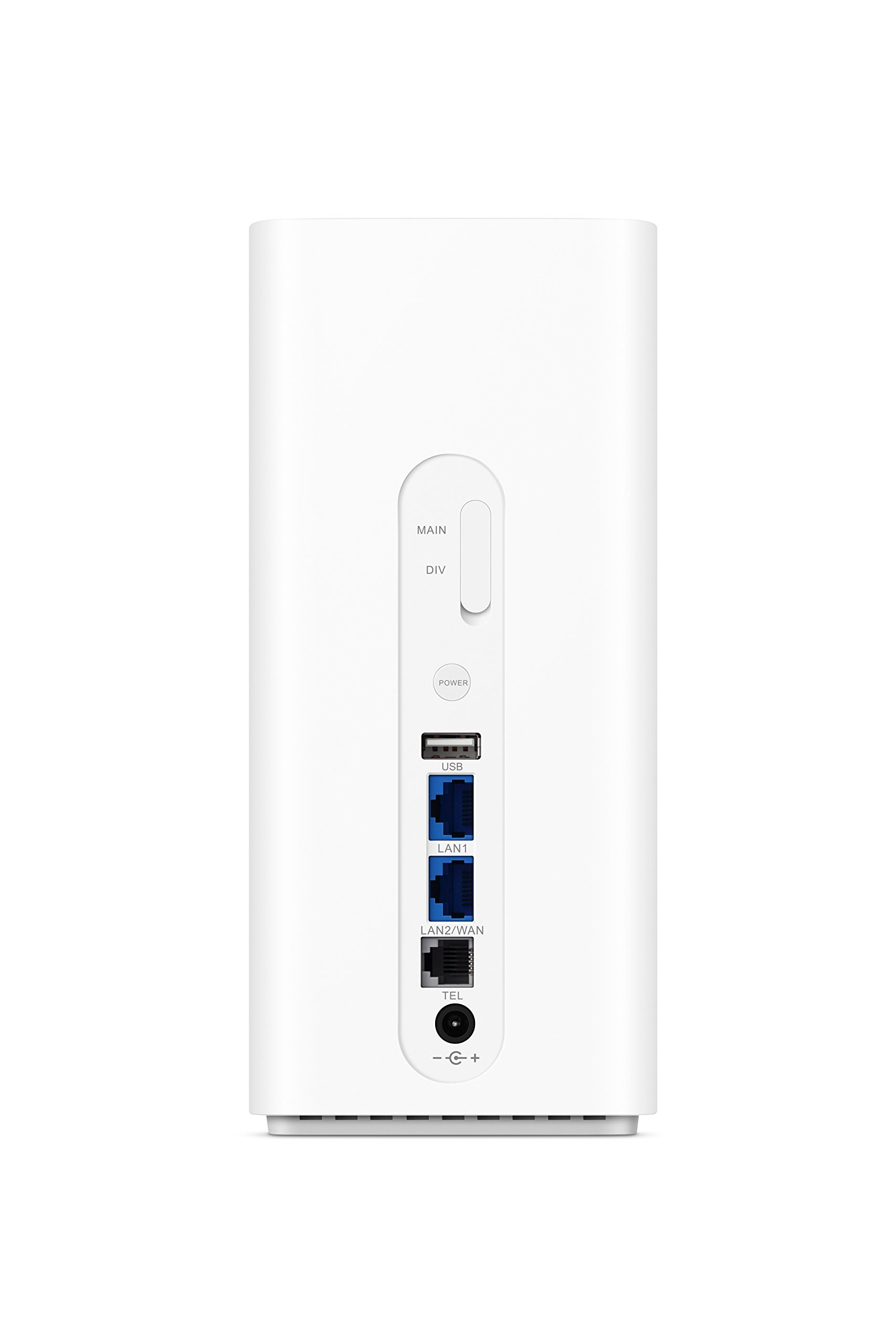
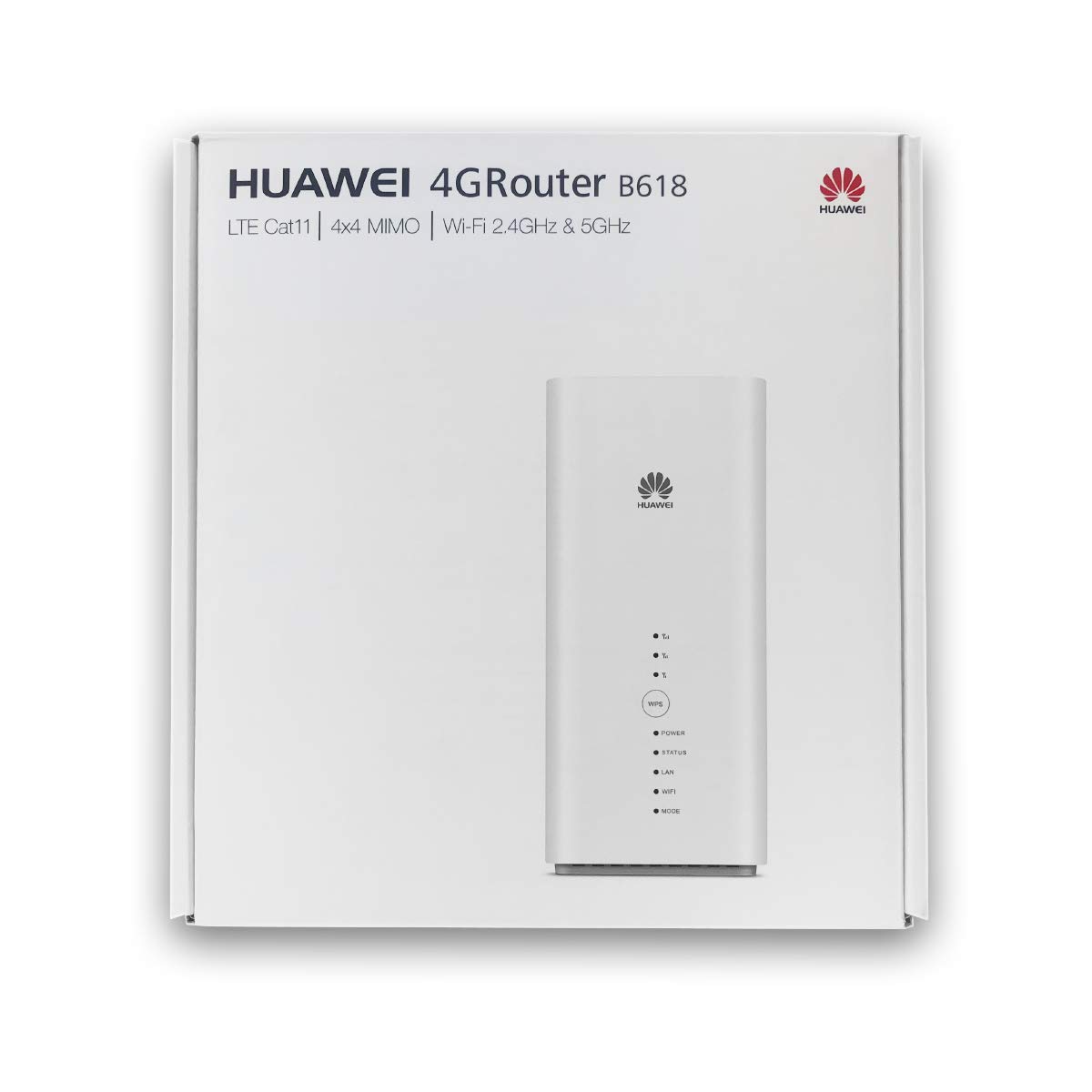
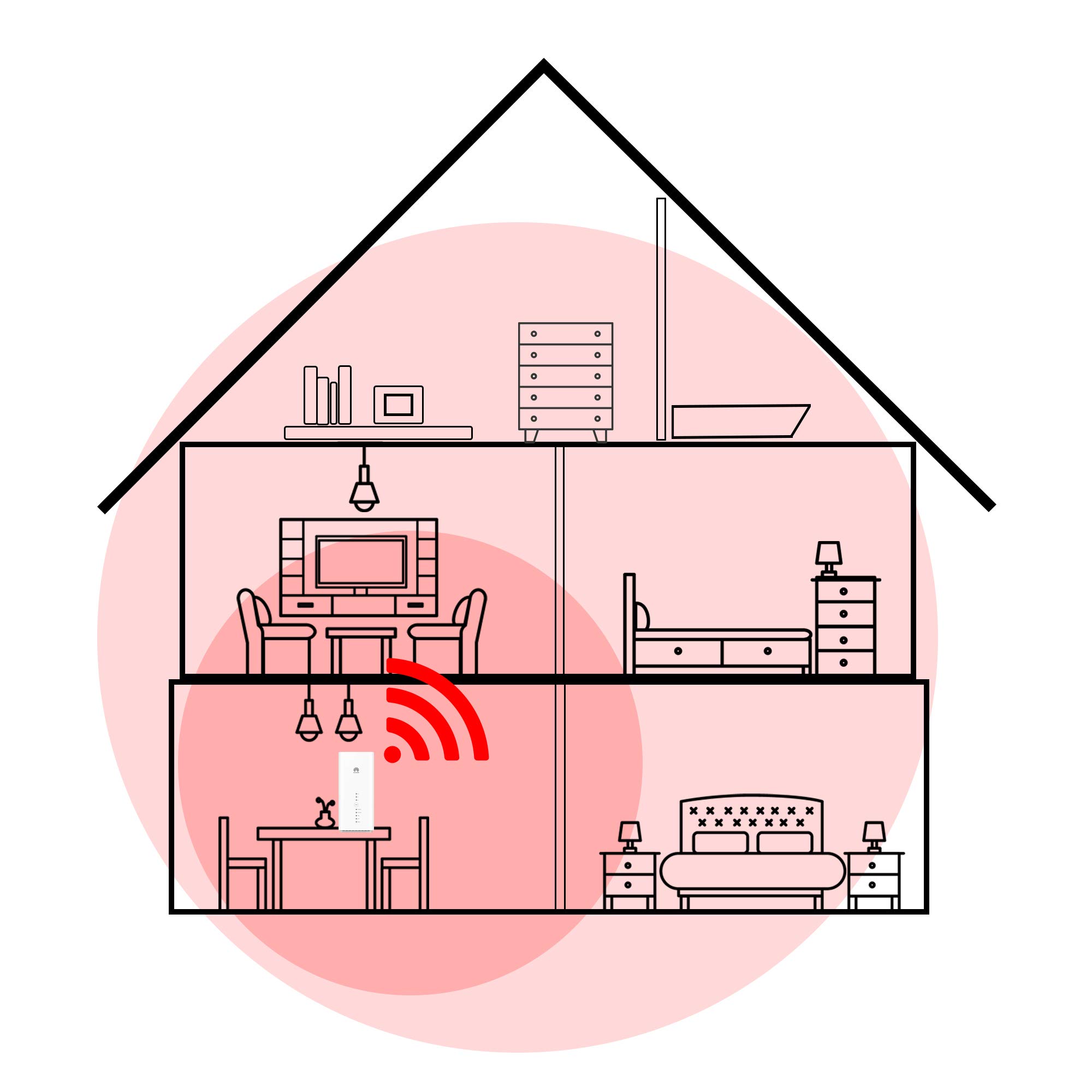
The HUAWEI B618 2020 is an unlocked 4G LTE CAT11 mobile Wi-Fi router delivering up to 600 Mbps download speeds and supporting up to 64 connected devices simultaneously. Featuring dual-band 802.11ac Wi-Fi, a sleek white design, and compatibility with any SIM card worldwide, it’s ideal for professionals seeking reliable, high-speed internet in home or small office environments. Backed by a genuine UK warranty and robust technical support, it ensures rock-solid connectivity wherever you are.
| ASIN | B073VBYFL5 |
| Antenna Location | Business, Gaming, Home |
| Antenna Type | Fixed |
| Best Sellers Rank | 41,699 in Computers & Accessories ( See Top 100 in Computers & Accessories ) 90 in Mobile Broadband Devices |
| Brand | HUAWEI |
| Brand Name | HUAWEI |
| Colour | White |
| Compatible Devices | Personal Computer, Smartphone, Tablet |
| Compatible devices | Personal Computer, Smartphone, Tablet |
| Connectivity Technology | Wi-Fi |
| Control Method | Voice |
| Country of Origin | China |
| Coverage | Up to 64 devices |
| Customer Reviews | 4.2 out of 5 stars 132 Reviews |
| Data Transfer Rate | 600 Megabits Per Second |
| Frequency Band Class | Dual-Band |
| Frequency band class | Dual-Band |
| Global Trade Identification Number | 05060508600138 |
| Is Modem Compatible | No |
| Item Weight | 0.62 Kilograms |
| LAN Port Bandwidth | 1000 Mbps |
| Manufacturer | Huawei |
| Maximum Upstream Data Transfer Rate | 600 Megabits Per Second |
| Model Name | B618 |
| Model Number | B618s |
| Model name | B618 |
| Number of Ports | 2 |
| Operating System | Huawei HiLink OS |
| Other Special Features of the Product | Access Point Mode |
| Product Warranty | 1 year |
| Security Protocol | WPS |
| Special feature | Access Point Mode |
| Wireless Compability | 802.11ac |
| Wireless communication standard | 802.11ac |
D**E
Rock solid and fast
I live in a rural location, and until a month ago I had to live with a maximum landline broadspeed speed of 1.5mbps. I was told about EE's new 200GB 4GEE data package and went for it. Immediately my speed was boosted to 45mbps, brilliant! (for once I'm lucky: there's a phone mast just across the valley with clear line of sight). Unfortunately the 4gee router provided by EE turned out to be unreliable: it goes to sleep when idle and can't be woken up except by cycling the power. Also I found the WiFi coverage to be glitchy and prone to failure even when the router seemed to be still awake. I took the plunge and bought the Huawei B618 on the recommendation of a friend, and I'm pleased to report that it's the difference between night and day! The router is absolutely rock solid: no going to sleep and no glitchy WiFi. What's more my speed increased to 55mbps - I then added dual external antennas (external to the router that is, but still inside the house, in a window) - and speed increased again to a consistent 70mbps. Considering that I've been living for 15 years with 1.5mbps this is just extraordinary. The only downsides of the Huawei B618 that I've noticed so far: (1) it has no "SMS forwarding" like the EE router had, so I can't forward network messages to my phone, so I have to remember to check for service notifications manually. (2) it has no IP address reservation scheme like I had on my Netgear landline router (yes, I've checked thoroughly, I didn't miss it). This feature was useful to ensure that certain (buggy) devices were always given the same IP addresses, to stop them upsetting the network when they wake up and continue using an expired IP address. These two quibbles are small, and hopefully will be addressed in a firmware update. I'm not going to knock a star off for that. Basically I'm delighted.
J**.
Phenomenal
Having read the reviews for this 4G router and others, this had the highest rating in terms of performance and reliability. It is not difficult to see why. While it costs more than many others, so far the performance is phenomenal. Having endured speeds of 4Mbps download and 0.5 Mbps upload on landlines, this Huawei router is delivering 90Mbps download and 10Mbps upload with 3 bars of signal strength. I have yet to see what it is like when located in the roof where it can receive 5 bars signal strength. Although still in early days of use it is rock solid in its performance. It is simple to set up and you can connect via wi-fi or ethernet cable. A great piece of kit.
C**N
Strong & Stable
This is probably the best 4g LTE router at the moment for stability of connection. It may not quite have the range on some of the other DLink and pl-link routers, but I've tried them all and they all drop connections regularly. The User interface may not be the swankiest, but it's all about uptime for me. I have devices that rely on a consistent IP address, such as a voicelinx phone, so dropping connections and having to reboot was a problem on the other routers. I've had this up for almost a week with no rebooting needed. The speed is another thing. I'm getting about 30% better speed than the best tp-link and d-link could manage. Having said that, you do need to place the router in the best possible place, whereas the other routers were not as temperamental with the speed issue. I'm on Three and can get between 80mb and 117mb download speeds and around 20mb upload. I got this for just under £200 and at that price, it has been worth every penny...that the er company paid! :-) Very Happy
L**Z
Pricey, but did the trick
The short version, for those who are only thinking of buying this to get better 4G internet in poor reception areas or because they're always on the move: -pop your SIM card into the allocated slot at the bottom of the unit -power the router on -once the Mode LED is a solid blue/cyan*, connect to the WiFi using the device's default settings showing on the label at the bottom of the unit (although highly recommend you change these asap) -move the device around until you find the spot with the best reception (usually near a window) Done. *if the Mode LED is red, you need to connect to the web interface (192.168.8.1) and enter the SIM's PIN. If you're travelling a lot, that's also a good time to turn on the data roaming option. Like many, given the high price tag, I was expecting miracles. There are times in the day when, indeed, there is a noticeable improvement (from 0.5-4Mbps with my phone's hotspot to 40Mbps with the B618). Whilst it's a far cry from the surreal 600Mbps label, and even the 100Mbps I was hoping for, the difference is that, even when the signal drops to a single digit for download speed, it is far more stable than with the phone's hotspot, or a TP link MiFi. Ping went down from 80-100ms to 25-40ms. On a bad day, using my phone, my VPN connection would drop every 3 seconds, or every 10 minutes when using my TP Link Mifi. With the B618, I've been connected for 18h in a row (and counting) without a single drop. And that's without adding any antenna or spending too much time trying to find 'the perfect spot' for the router. When you're connecting from hotel rooms or lobbies, it's not as if you had many positioning options anyway... Using the web interface, you'll be able to easily set up the usual: -data cap warning -Samba -MAC Filtering -Implement different settings for each wireless band (e.g. SSID name, hidden or not) -Domain black-listing/white-listing Yes, the options are not as advanced as you'd get from a 'proper' router, but I was able to get server and network connected in little time, so it should suits the average home configuration. It offers far more setting options than other 4G routers I've used - its menu almost feels like the real thing. As for the HiLink app, it enables you to: -monitor your data consumption (although the numbers arent quite matching the actual consumption. Where my provider says I've consumed 1GB in a day, the app shows 6GB for that same day) -monitor the list of connected devices, get their MAC and IP addresses, restrict their access to Wifi, rename the devices -stop the data connection if you've reached your cap -turn data roaming on/off -update the firmware -check any SMS sent to your internet SIM Overall, I find the app to be of limited use. Getting to the web interface doesn't take much longer and you have far more control from there. Only 2 negative points: 1 - the router's size. Sure, it looks good and fits in a suitcase, but it could have been made much smaller to fit in a bag. 2 - a dual power mode, letting you chose between battery or AC, is missing. Then the price tag would have been entirely justified I don't need bridge mode or VoLTE, so the known limitations of B618-22d were not relevant to me.
E**R
Easy to use and Good Support
Not being able to get a decent broadband service where we live we rely totally on having a Mobile service. This Router was very easy to setup and has a lot of good features, 4G & 5G, especially "Stats" which allow you to monitor usage. Very important as all mobile providers have a "fair Use" policy which is very easy to exceed if doing a lot of streaming. Aerial strength is very important when you live in areas of poor signal and this performed very well but we further boost with an external to get even better speed. . There was a problem with the first one reordered as there was a small broken part but this was dealt with very swiftly and the support much appreciated. One Note: The Router should have a Quick Setup guide which was missing in the two I had but it is very easy to find and download so not a problem.
K**H
Good Router when it works
It’s a good router nice and fast when it works, however on a weekly basis I have to reset it for it to work as it just stops working, and it’s not even a month old, wonder how long it will last at this rate.
M**H
Replaced BT landline at home. Used with external antenna. Great download and amazing upload speeds
I live in the countryside, just over a mile froom the BT fibre cabinet. I needed to change the landline connection (8Mbps download, 0.3Mbps upload). This has transformed my internet and has worked out cheaper than the original BT or Sky package. I've been using it since November 2018. Highlights 1. 70 - 105mbs download 2. 30 - 40mbs upload. 3. Geeky bit - this is a cat12 device (which means it has more channels to transmit receive data to the mast). Many routers are Cat6, which have half the number of channels and tend to be slower as a result. 4. My house is equal distance from my provider's 3 masts and I use an external antenna (Though I tested with the it internal antenna). The external antenna has esnured the 4G signal is strong. 5. I don't use the built in wi-fi (though it seemed pretty good when I tetsed it); I use a number of wi-fi access points around the house instead. 6. I use a VoIP provider (yay.com) to provide my phone service. No issues and quality is better than the BT line. 7. Streaming services are great (Netflix, Amazon Prime). I always had the dreaded buffereing with the landline. Things to be aware of 1. It's worked really well for the 14 months or so I've been using it. A fibre line would have to offer something special for me to move back. 2. I found installing this really straight forward, but I've a technical background... 3. Use Open SIgnal App to find out where your service provider masts are. 4. There is a newer version of this router (5G CPE) which supports 5G and 4G. I have tested that router too. On my 4G connection and it was slower but I guess it's designed for 5G.
R**U
Bad experience - never again
The specs looked good so I decided to buy 3 of these babies to replace three B525s until hopefully 5G arrives my way. I have two 500GB EE connections and one 100GB O2 with X-Pol 2 external antennae. The signal is extremely strong because the masts are about 400m away either end of the building with no obstructions. All good, they arrived the next day and were dead easy to set up. They worked straight away and from the start I noticed a 20% improvement in download/upload speeds. Before I was getting 55 down and 35 up. Now I was getting nearly 70 down and 45 up. Impressive. Then the problem started. All 3 modems started having difficulty opening websites and were timing out returning a message ' this website cannot be reached'. Strange I thought as many sites were reputable sites such as banking, gov portals, IT sites etc. So I decided to try the old B525s - the sites opened with no problem whatsoever. Browsing with the B618 on EE and O2 had become a frustration. That was it. I disconnected the B618s and send them straight back to Amazon. I am now back to my B525s which work perfectly although a little slower. At least I can open websites.
Trustpilot
1 maand geleden
2 weken geleden