Desert Online General Trading LLC
Dubai, United Arab Emirates
Desert Online General Trading LLC
Dubai, United Arab Emirates



🔗 Connect with Confidence!
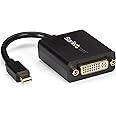
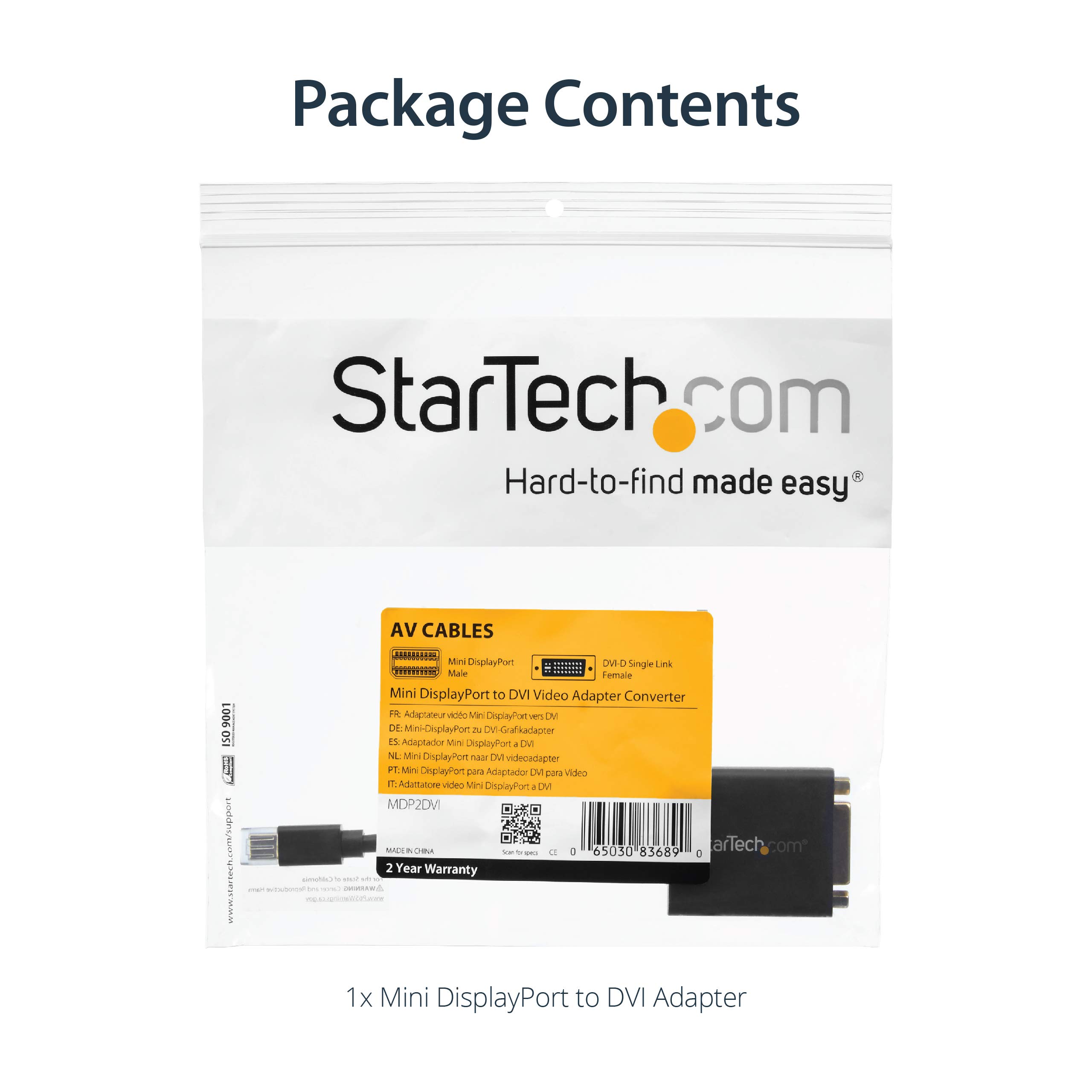
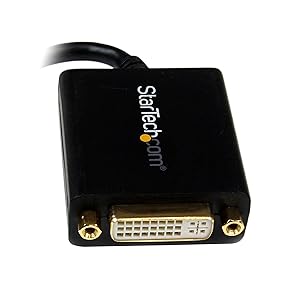
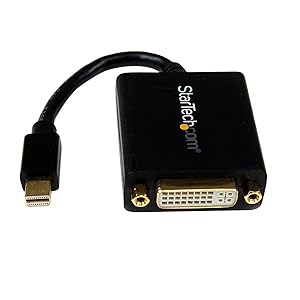
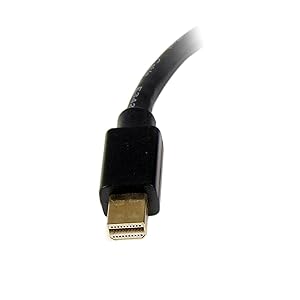
The StarTech.com Mini DisplayPort to DVI Adapter is a high-performance solution for connecting your Mini DisplayPort devices to DVI displays. With support for 1080p video at 60Hz and a compact design, this adapter is perfect for enhancing your workspace or taking on the road. Its screw-locking feature ensures a secure connection, while universal compatibility makes it a must-have for any tech-savvy professional.


G**9
Works perfectly fine with a 2016 iMac and a 1920 x 1200 ...
Works perfectly fine with a 2016 iMac and a 1920 x 1200 monitor, with monitor either in landscape or portrait mode. The short cable (90 cm) is nice when the computer is on the desk itself, so there is no cable lying around on the desk. Much nicer than having an adapter as well.
J**N
Gave me the ability to drive a monitor with a DVI-D socket from a Mini DP laptop output
This is was exactly what I wanted. My Dell XPS 14z laptop has 1 x HDMI socket and 1 x mini DisplayPort (DP). I had two Dell 20 inch monitors that could be fed with either VGA (blue plug) or DVI-D (white plugs). What to do?I bought this item to convert the Mini DP to DVI-D then used a standard DVI-D monitor/projector cable to go from this to the monitor.I also bought a "StarTech 8 inch HDMI Male to DVI-D Female Video Cable Adapter" to convert the output of the HDMI socket to DVI-D (separately reviewed).Note that the combination of these two adapters allows me to either duplicate or extend my Windows 7/8 desktop to span both monitors (which was also my goal).This item arrived quickly and properly packed and has worked perfectly in this application since.
C**L
This is a passive adapter, not active
If your after more than 2 screens, your gonna need an active adapter (around £20 for cheap ones) for your 3rd screen.The majority of ATI cards in recent generations have up to 6 connections at the back for hooking up additional screens...however they don't all work! What happens is if you plug in a 3rd screen (2 screens already plugged into DVI ports) you have to use a mini display port. The graphics card will reroute the signal from the second DVI to the new mini DP screen (or HDMI)....so you can only have 2 active connections at a time. To get around this you need a powered (active) adapter.But that is the limit as far as I know (3 screens). the other connections are just to work with a large selection of monitors. If you want more than 3 screens you need a special gfx card built for it....or a 3rd party solution (like a matrox adapter - http://www.amazon.co.uk/Matrox-TripleHead2Go-Graphics-Expansion-Module/dp/B000RMQZ96). Using crossfire (2 or more GFX cards) might allow you to do this...but I cant confirm that.My current setup is 17" - 27" - 17". This adapter WILL NOT WORK. So be warned! If you want to use 3 screens you need something like this - http://www.amazon.co.uk/gp/product/B004SUELLC/ref=oh_details_o00_s00_i00Hope that helps people!
H**H
Good quality
Good quality
N**D
The right connector and does the job well
This is exactly what I was looking for and pretty reasonably priced considering the cost of some connectors. It has worked perfectly and I would heartily recommend if this the connector you are looking for (cheeky Star Wars reference there)
A**M
StarTech is a great brand that makes brilliant
StarTech is a great brand that makes brilliant, bur pricey parts. If you have the cash to spare and want good quality, this is for you.
M**I
Top quality
Excellent option to Apple's adapter - purchased 2 of these adapters to work with Apple 23" screen, works perfectly and it's cheap.
S**M
One Star
Product not working properly and dropping off quiet regular.
Trustpilot
3 dagen geleden
2 weken geleden