
DOWNLOAD DE APP


Klantenservice
Copyright © 2025 Desertcart Holdings Limited
DOWNLOAD DE APP
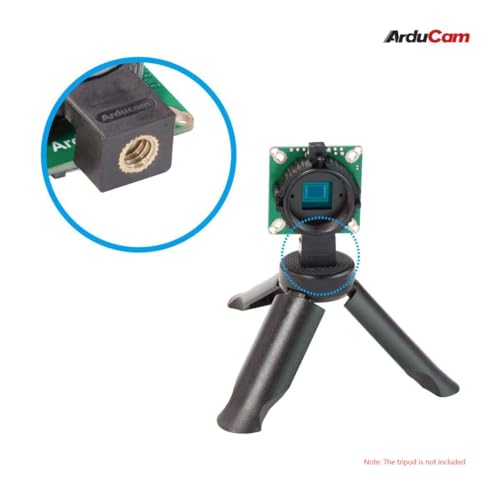
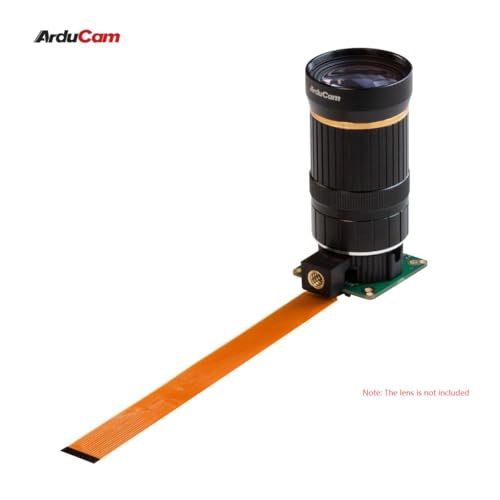
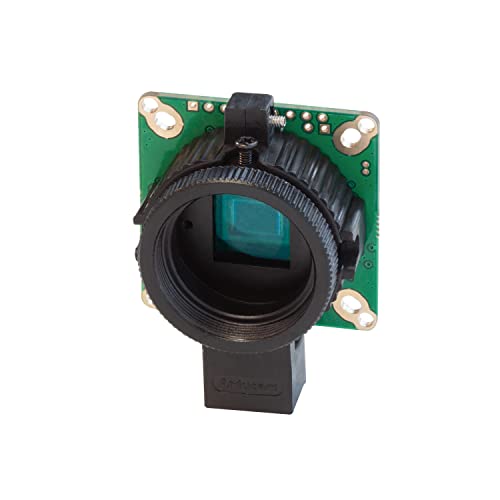
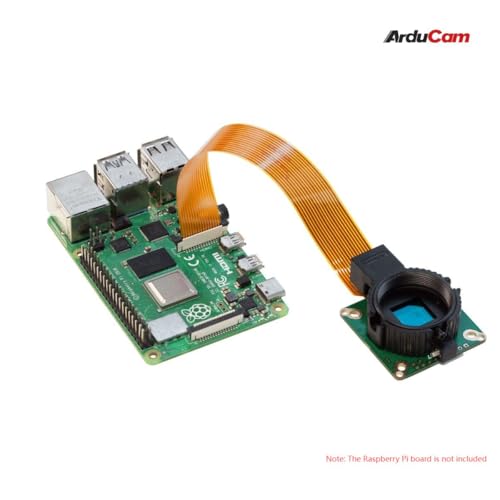
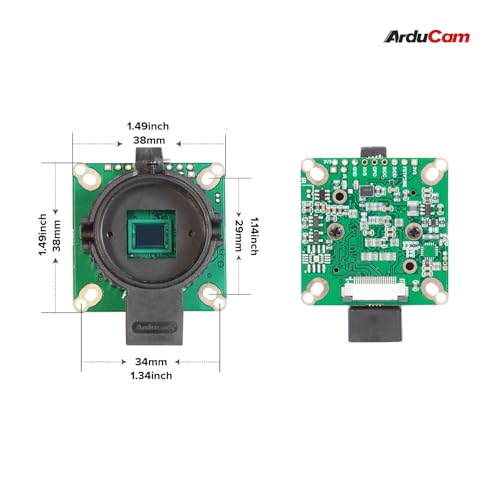
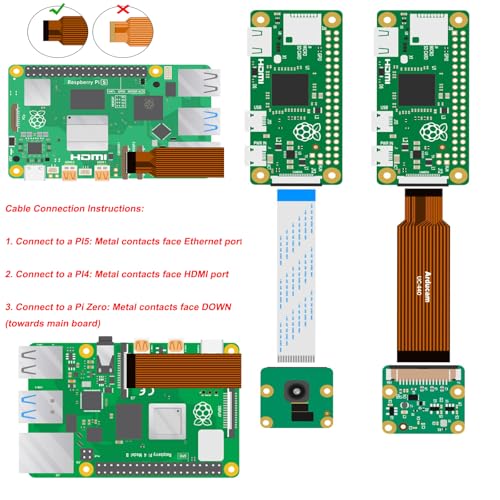

🚀 Elevate your Pi projects with pro-level clarity and low-light power!
The Arducam Raspberry Pi HQ Camera features a 12.3MP Sony IMX477 sensor with enhanced low-light sensitivity thanks to 50% larger pixel area. Compatible with Raspberry Pi 4, 3/3B+, and Zero 2W, it supports C- and CS-mount lenses and includes a tripod mount for versatile, professional-grade imaging. Ideal for makers and developers seeking high-resolution, sensitive camera solutions for advanced Pi applications.


| ASIN | B09YHN5DBY |
| Batteries Included | No |
| Batteries Required | No |
| Best Sellers Rank | #575,498 in Electronics ( See Top 100 in Electronics ) #369 in Barebones |
| Brand | Arducam |
| Customer Reviews | 3.6 3.6 out of 5 stars (39) |
| Date First Available | 28 April 2022 |
| Display Technology | lcd |
| Flash memory type | SDHC, SmartMedia |
| Form Factor | Raspberry Pi |
| Has Image Stabilisation | No |
| Item Dimensions LxWxH | 38 x 38 x 18 Millimeters |
| Item Weight | 32 g |
| Lens type | Zoom |
| Manufacturer | raspberry pi |
| Model Name | Arducam for Raspberry Pi High Quality Camera |
| Mounting Hardware | IMX477 camera |
| Operating System | Linux |
| Optical Sensor Resolution | 12.3 MP |
| Processor Brand | ARM |
| Processor Count | 1 |
| Product Dimensions | 3.8 x 3.8 x 1.84 cm; 32 g |
| Ram Memory Technology | LPDDR2 |
| Special Features | Low Light |
| Standing screen display size | 2.7 Inches |
| Total USB ports | 4 |
| Video Capture Resolution | 1080p |
| Wireless Type | Infrared |
C**N
le logicielle libcamera pour IMX477 qu'on dois utiliser pour Raspberry Pi est instable, pour prendre quelque photo c'est OK, mais prendre plusieurs sans arrêt ou une longe vidéo: le logicielle fige ou plante (intermittences; minute ou plusieurs heures), probablement le concepteur de libcamera vas un jours corriger le problème.
J**L
When I got this HiQ camera it would not work though I tried it with several different pi boards. I gave up and gave it a bad review. Fast forward, the seller contacted me and showed me the error of my ways, gave me the magic settings you have to make in a config file. After that the camera connected and works fine. If you buy this, be aware that it is not plug and play like a regular picam. You must change settings. If you have issues the seller will help you resolve them.
P**5
Connected to a Raspberry Pi 3b+ and a 4b fresh install of raspberry OS bookworm.. Didn't work on either device.. double checked to make sure that the ribbon cable was correctly installed, and libcamera kept on saying *** no cameras available *** Per the product description this camera should have worked right out of the box.. Yeah, Sorry, but that a Big NO.. what a POS
L**G
I used on my rasp with octoprint and it didn’t work well at all, the camera it self with raspbian does work great.
J**C
Purchased this as an afordable alternative to the Raspberry Pi brand HQ Camera, Arducam's 16mm telephoto lens, and a generic 1/4-20 tripod. The camera works by changing 2 lines in the boot config file for RaspiOS. Go to camera documentation on the Raspberry Pi website for complete instructions, but essentially changing "camera_auto_detect=1", from 1 to 0, and adding a line beneath "dtoverlay=IMX477". The actual file is different between Bookworm and Bullseye. This camera works successfully for higher quality photos and as streaming security camera, using a Raspberry Pi Zero 2W, 3B+, and with a RPi 4. I have not tried it with the original Zero. The more powerful the Pi the quicker the image is processed, and less frame drops when streaming. To first configure the lens properly, it is helpful to have the Pi hooked up to a monitor. Then once physically it can be used headlessly. For the Arducam lens the proceedure involved using the C-CS adapter, setting the apateur to the lowest setting, adjusting the near-far setting to the most sharpest image (it will still be fuzzy), then rotating the whole lens assembly as if to remove it, but stopping only when the camera is in perfect focus. Then tighten the locking screw. Other lenses may be different. Some other lenses appear to have a bezel for adjustment, some it is manually screwing in or out the whole lens assembly as described above. Depending on application, I found it helpful to purchase longer cables if not using a camera lens to Pi mounting plate. (Not supplied with camera).
Trustpilot
2 weken geleden
1 maand geleden