We remain fully operational. Our teams are working around the clock to ensure your deliveries continue safely.

DOWNLOAD DE APP


Klantenservice
Copyright © 2025 Desertcart Holdings Limited
DOWNLOAD DE APP
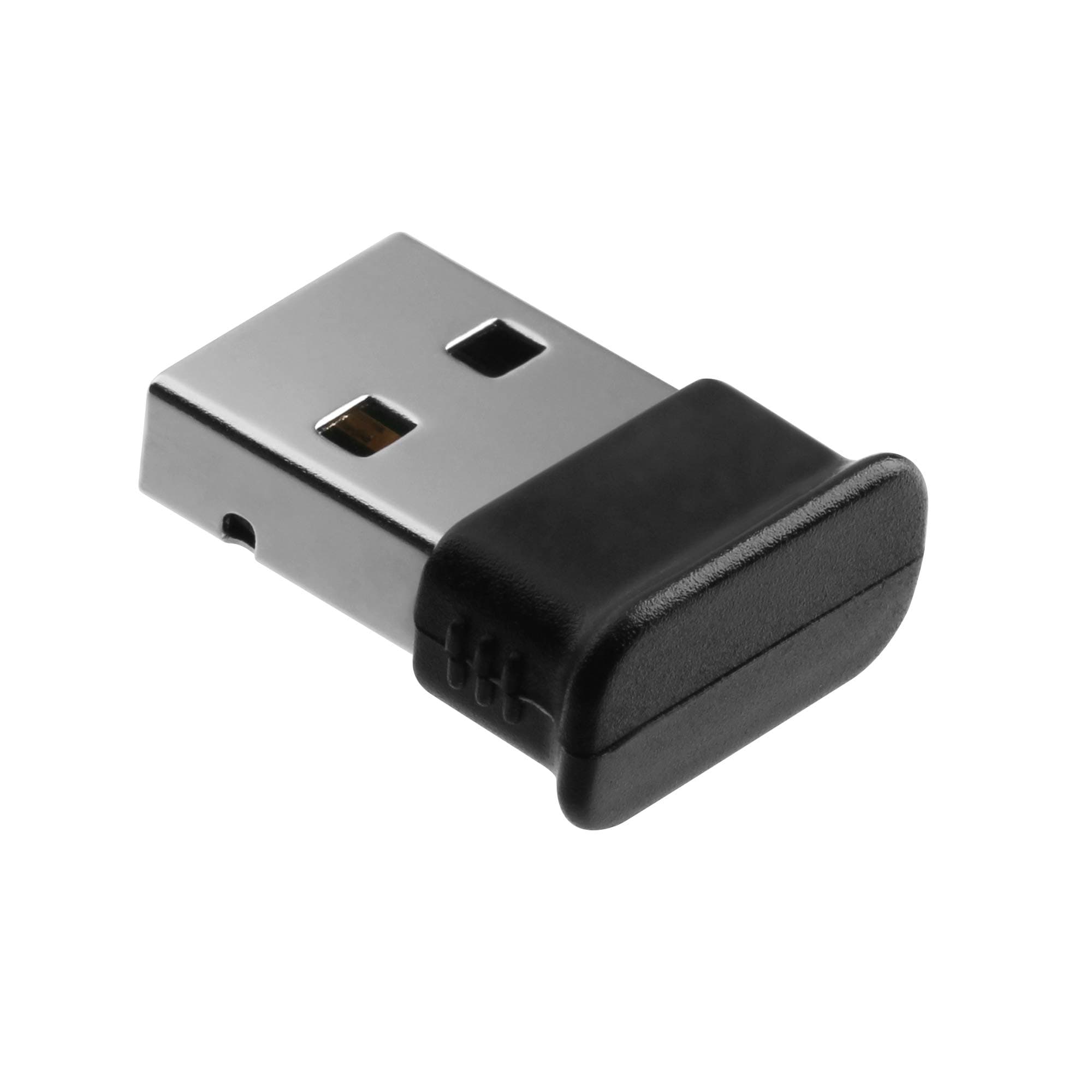
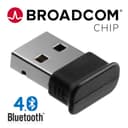
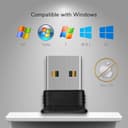
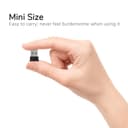
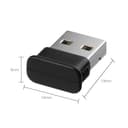
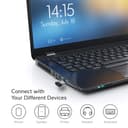
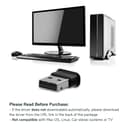
🔌 Plug into the future of connectivity!
The Bluetooth 4.0 Broadcom Chip Dongle Adapter is a compact USB transmitter and receiver designed for seamless connectivity with a variety of Bluetooth devices. With support for multiple devices and impressive transfer rates, it’s the perfect solution for enhancing your PC, laptop, or tablet experience.


| Wireless Type | Bluetooth |
| Brand | GMYLE |
| Item model number | Bluetooth V4.0 Dual Mode Dongle |
| Operating System | Win7,Windows,Windows Vista |
| Item Weight | 1.41 ounces |
| Product Dimensions | 4.2 x 5.2 x 0.54 inches |
| Item Dimensions LxWxH | 4.2 x 5.2 x 0.54 inches |
| Color | Class 2 Bluetooth V4.0 |
| Voltage | 5 Volts |
| Manufacturer | GMYLE |
| ASIN | B007MKMJGO |
| Is Discontinued By Manufacturer | No |
| Date First Available | March 20, 2012 |
P**H
Effective Bluetooth application with decent range
I got this as part of a Hackintosh build as per recommendations. The dongle is plug and play for both windows and Macintosh. I actually swapped it out sometime later in favor of a card that held both Wi-Fi and Bluetooth 4.0 that was recognized in both Mac and windows. However I noticed after doing that switch that my Xbox controller started to lose connectivity when I was just a couple of feet further away from the Desktop box. It seemed kind of ridiculous because my unit is on top of my desk and the difference was holding the controller in my lap looking at my primary screen where connection was decent probably at a distance of about 2 1/2 feet from the box to literally turning slightly to my secondary Monitor at a distance of maybe 3 feet with the controller still at lap level.So I switched back to this dongle. The dongle is on the top of my desktop unit whereas of course the card was inside the unit with the glass side on the box. The dongle appears to have much better range for whatever reason and now I’m not have any problems with drop out.I’m still using the wireless card though it’s primarily just for airdrop on the Mac side of things. The box itself is plugged in with ethernet cable so I don’t use Wi-Fi for Internet connection.
A**.
Works on Mac
I purchased this because my Early 2011 15" Macbook Pro only has BT 2.1 and I wasn't able to use it with my Razer Orochi that I received as a gift. Unfortunately it still doesn't work, but I think it's at fault of the mouse and not the dongle. I have been able to connect other devices to the dongle, including older BT version devices. In order to get the dongle to work on a Mac you will most likely have to Bluetooth Explorer from Apple's developer page. It will allow you to switch to the BT dongle from the built in BT. I have also installed a Continuity Activation Tool onto my computer that allows me to enable Airdrop and Handoff on my Mac using this dongle. Older Macs that don't have BT 4.0 built in have these features disabled. The dongle needs a bit of force to insert and remove compared to other USB devices I own. I don't think it's a problem and it probably helps keep it from coming out accidentally. There is a little blue activity light that flashes when in use and is solid when idle. For me it remains on all the time even when the computer is asleep. I haven't experienced reduction in battery life because of it. If you're a Mac user that needs BT 4.0 for something this should work for you just fine and if you're on Windows I highly doubt you'll have any issues due to the plethora of drivers out there.
A**O
Works great except for two problems.
I purchased this to use Apple Wireless keyboard and the wireless mighty mouse with my Windows 7 Machine. As far as the functionality goes, it works like it should be. Except for two problems....First, when I plug this dongle into USB port ALL THE WAY(like anyone would plug in any USB device all the time), it won't power up. This dongle has a blue LED light indicating that it's turned on, but if I plug this thing into any USB port on my computer, it won't power up. I have to pull it out probably about 1mm to get it worked. I'm assuming that it's not the best of best in build quality category.Second, this could be critical to some. So I got my package and like how I normally would, I started to cut the packaging(not the shipping box, the plastic container that keeps the items, documents, and etc..) and what do I know, I just cut through the installation CD. I was like, you cut this packaging wrong, then you're screwed? Ok...? then I thought oh no biggie I can just go to the website and download the driver from there. Right? Nope. Official website of this product does not have download page for drivers. I thought I was really screwed but I somehow figured it out....If you don't have an optical drive or threw away the CD or destroyed it like I did, try this method. If you connect this to your Windows 7 PC(I don't know about Windows 8, but I would assume it should work since the W8 has much more drivers) it will say that it can't find the driver and it can't be installed. Click on that popup then some box with installing new hardware failed, no driver found with some red signs. In that box, there should be an option that says something like "search in windows update" . Click on that, then voila, it should be working.Now I say this because I find many people turn off their automatic updates or their computer doesn't search in windows update automatically when the driver is not found.Overall, dongle is working perfectly, but I am giving it 4 stars because of the hassle I had to go through and some build quality issue.
T**J
Mac Compatible if you're an Apple Developer
This device, in the pictures displayed for it, identifies it as Mac-compatible with a broad range of Apple product. The literature that comes with it has absolutely no Mac software or instructions to make this work. On my Early 2009 Mac Pro, it required, after no small amount of googling and reading advice (none from the manufacturer), accessing my Apple Developer account to download the latest version of additional tools for Xcode, installing Bluetooth Explorer, and using its HCI Controller Selector command to switch from my built-in older Bluetooth to the GMYLE device. Along the way, I managed to have to force shut-down the computer and swear in several languages before I managed to get it to work. The fact that it now works, and works pretty well, still does not excuse the identification of my machine as "compatible" without providing any information on just what is needed to achieve that "compatibility." Had I known what I was headed for in its successful installation, I would likely have concluded it wasn't worth the trouble.
Trustpilot
2 weken geleden
4 dagen geleden