We remain fully operational. Our teams are working around the clock to ensure your deliveries continue safely.

DOWNLOAD DE APP


Klantenservice
Copyright © 2025 Desertcart Holdings Limited
DOWNLOAD DE APP

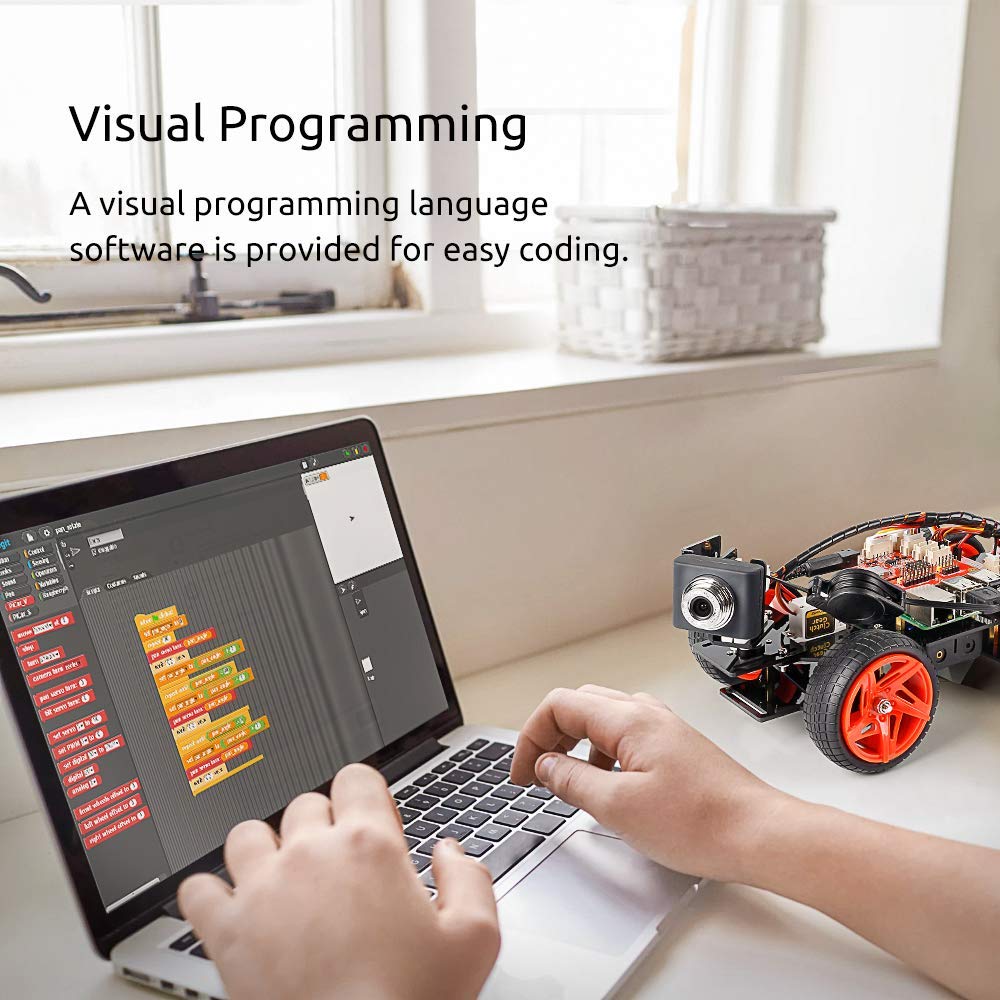


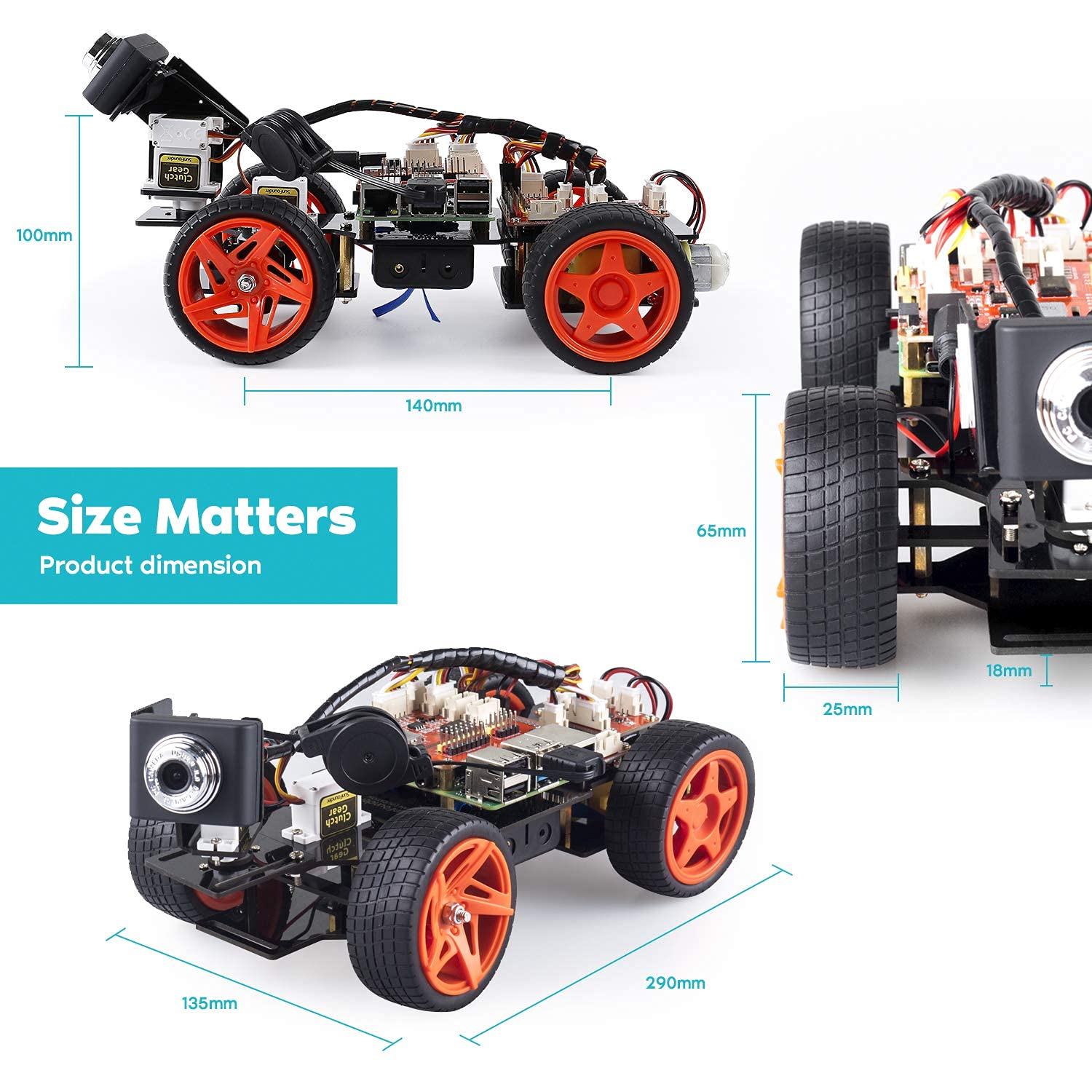
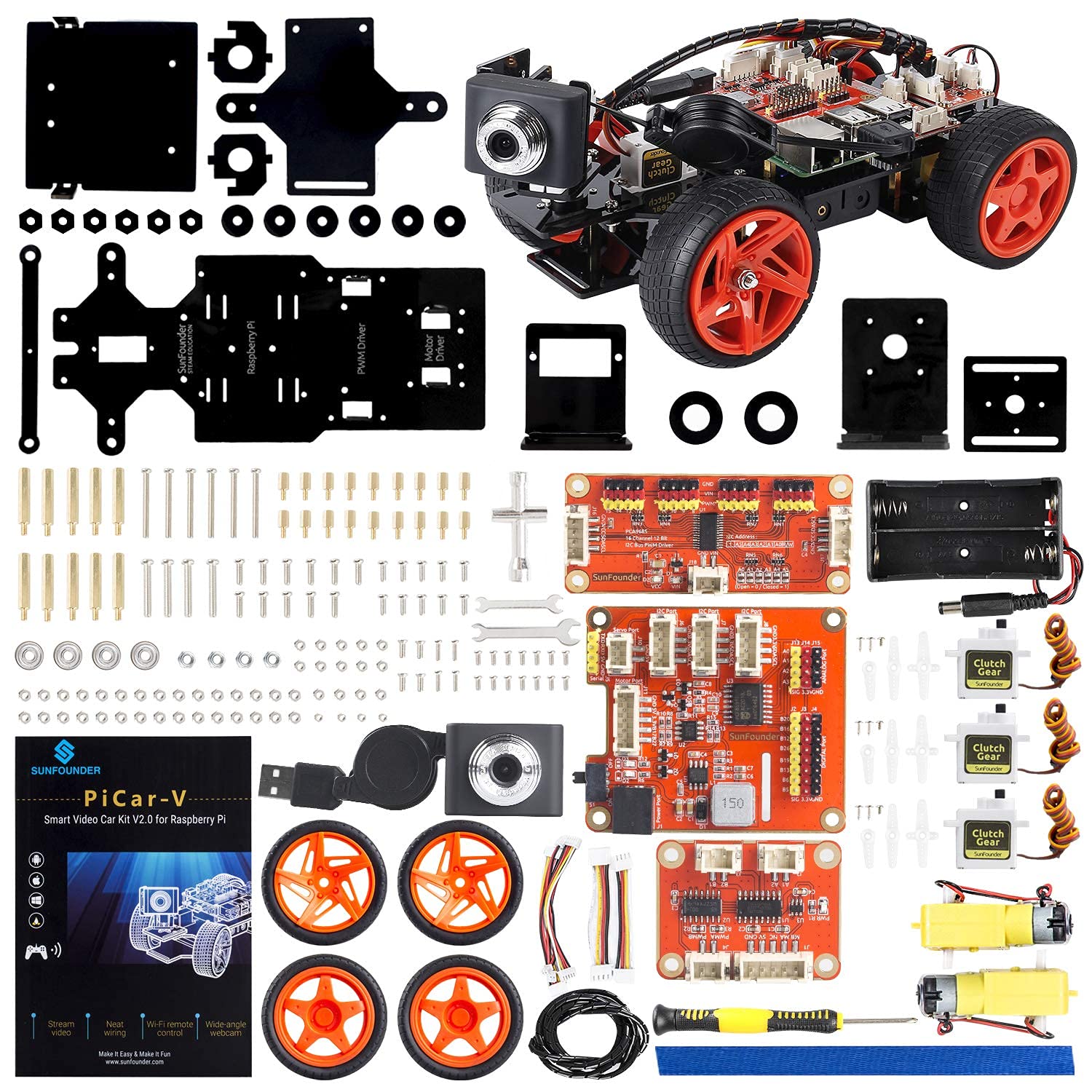
🤖 Drive the future: Build, code, and control your own smart robot car!
The SunFounder Smart Video Car Kit V2.0 PiCar-V is a cutting-edge robotics platform compatible with Raspberry Pi 4B/3B/3B+. Featuring real-time video transmission via a wide-angle USB webcam, graphical visual programming for easy coding, and remote control through PC or web browsers, it’s designed for STEM learners and tech-savvy professionals. Upgraded hardware protections and extensive tutorials make it an ideal hands-on tool for mastering robotics and programming in a sleek, interactive package.


| ASIN | B06XWSVLL8 |
| Best Sellers Rank | #991,466 in Toys & Games ( See Top 100 in Toys & Games ) #8,442 in Educational Science Kits |
| Customer Reviews | 3.8 3.8 out of 5 stars (220) |
| Is Discontinued By Manufacturer | No |
| Item Weight | 1.1 pounds |
| Item model number | SF-PICARVS |
| Manufacturer | SunFounder |
| Manufacturer recommended age | 15 - 15 years |
| Product Dimensions | 10 x 5.8 x 3 inches |
S**Y
----- This kit is PERFECT for high-school-age and above budding robot enthusiasts
TL;DR - Outstanding platform for robotics experimentation. Expect some challenges wading through the software setup environment. Ages: 9+ for hardware assembly, 12+ (with assistance) for software setup, 5+ for driving around using the smartphone app. *** Don't forget to buy 2x 18650 batteries and a charger!! *** Python and web-based software environments. ----- This kit is PERFECT for high-school-age and above budding robot enthusiasts, "serious" robotics experimenters and anybody who already has their own software - but just needs a hardware platform to run it on. ONE (happy) CAVEAT - Once it's set up, kids as young as 5 can easily drive it around using the remote-control smartphone app! (It's a lot of fun!!!) The physical assembly of this kit is trivial. You can use just the supplied tools, but I found that having a small needle-nose pliers helped me when attaching the standoffs on the Pi + board stack. The manual has a typo here and there. It repeatedly refers to the SD card as a "TF" card, and one of the color diagrams shows the cable colors in reverse. But don't worry, the connectors are "keyed", which prevents you from hooking them up backwards. If you are new to programming you may have some trouble navigating the various README files, application notes, server settings and github repositories that this kit uses. You can find enough information to get the software for this car going, but (as of Aug. 2017) there appears to be no *single* source of all this information. I used two git repositories (one for Picar, and one for Picar-V) to get the client and server going, and found no less than three (3) Arduino apps ("Video Car Controller" buy SunFounder, "PiCar Controller" and "RaspberryPiCar" from others) - each of which had various usability issues. The server software makes assumptions about install directories and port number - so install it below your user's home directory ($HOME or ~, in Linux), and don't change port numbers until after you get it all working! The web-based app currently only works on systems with a touch-screen interface. This means it should work on tablets and smartphones, but it will not work on your home computer with a mouse without changes. (The web server only hooks the "touchstart" javaScript event, and not the "mousedown" event.) This would be easy to change, but it's not for the "uninitiated". ;) I had some issues with the remote control web client's video feed not working over a VPN, but have not had any problems over the local LAN. I worked around this by launching a second browser window, and pointing it directly to the video feed URL. (The issue might have nothing to do with the VPN, and everything to do with the video feed being handled as a background "image", using CSS. More experimentation needed on this...) I was able to drive the car around using the remote-control web interface (including live video feed) for over one solid hour. When I drove only on hardwood floors and used the slowest motor speed setting I could achieve slightly over 2 hours of drive time. This kit is capable of driving over carpet, although higher pile/rougher terrain will certainly require higher speed/torque setting - with reduced drive time. Don't expect this kit to climb rocks or drive in loose sand. It was designed for indoor use, and has exposed wires and circuit boards. Edit: Substitute longer M2.5 spacers (x4) between the car and the Raspberry Pi to raise the Pi high enough to allow you to use the HDMI port without disassembling the car.
D**N
2017 vs 2019 version..
I have 2 of these (actually 3 - I also have the 2017 'S' version). I partially assembled the 2019 version last night - comparing the 2 V-kits there have been significant cost reductions.. not necessarily a bad thing in itself - but I'll list the compromises. Chassis: The 2017 chassis is acrylic, probably 3mm think and stiff, and where required, held together at 90 degrees by a clever nut+bolt scheme - the 2019 kit is very thin - more plastic feeling - and a bit flexible, and has bends presumably formed by heating the material instead of the nut+bolt scheme. Servos: they are different, my 2017 kit shredded its servos - not sure how these are yet. I'll update. Mechanical fixing of the 3 IO boards to the chassis: The 'HAT' mounts on a Pi4 with no issues, clearance is tight with the heatsinks, but it is fine. The other 2 PCBs are identical between the models - the fixing for them to the chassis is very different. The 2017 model has the PCBs mounted using copper standoffs and, along with the stiffer chassis material, they PCBs are very solidly connected; the 2019 version - not so great. The PCBs are floating on 2 bent up plastic tags from the chassis at each end, this requires long 12mm bolts with nuts all the way through, which isn't great - they are not lock-nuts so you need to torque them a little or they will be loose - as you tighten then, the chassis and/or PCBs are being flexed - that doesnt seem like a great choice.. I'm using the 2nd unit as a proxy for the full bot - so not a huge problem for my setup - if you were building this to trundle around I could see the nuts and bolts coming undone, or worse if you over tightened the bolts you will break the PCBs.. This wasn't a great place to cost reduce IMO.. the 8mm copper standoffs are much better. This same bent plastic vs 90 degree nut+bolt combo also applies to the Pan/Tilt setup. Pi4 vs 3b: They are not 100% compatible with the 3bs - doesnt matter in this setup as the Network and USB ports are exposed (Pi4 vs 3B has the USB + eNET ports swapped .. who though that was a good idea?). On the upside the annoying mini-HDMI connector makes it possible to connect the PI to a display while mounted in the robot - makes installing easy. About the Software: The SunFounder car repo doesnt directly support the Pi4 yet - the PWM driver will abort, and after fixing it to run, it wasn't 100% happy - which is how I shredded the servos in the car, and why I bought another unit - so I can debug without wheels and physical constraint. Overall: the kits are inexpensive and it is possible to merge the S and V hardware to create a bot with camera + ultrasonics + line following/edge detection, and indirectly supporting the Pi4 means you have a lot more onboard compute muscle and memory. I've still not been successful getting ROS installed and running though.
T**.
Fun project kit that works really well
I enjoyed putting this pi car together. The kit comes with all of the components you need marked well which makes it pretty simple to get started right away. The images are clear enough where I didn't have too much trouble figuring out what pieces I needed next for each step in the process. The web controls work pretty well -- as long as I was within the confines of my house (and a bit outside of it) I was able to control the car without any problems. I set it outside recently and surprised my kids by controlling it and sending it out on a mission in the backyard which they really enjoyed. My only problem was my mischievous son who put a box over it to thwart my plans. Would recommend this kit as it makes it really easy to get started and get moving. You'll need a raspberry pi, an sd card, and some 18650 batteries. I bought some higher capacity ones and never run into issues while running the car. Definitely one of the better DIY remote control cars.
L**Y
No reliable software or code provided. Connecting camera may destroy PI 3B. Basically Junk!
Software provided is garbage. Instruction manual contains code errors that wll disable your PI's ability to communicate. Cool parts but they do not work together well. Best time we could get is 8 min. operation before system crashes due to lack of power. PI4 requires a second power supply not provided. Not much fun. Cannot work as advertised requires wifi connection and additional batteries. They sent a replacement but was eventually cahrged an extra $300 for shipping and customs. What a scam!
V**O
It works in general, but plastic parts are very fragile, phone control UI isn't working well
In general it works, electronics are fine, no missing parts, software kind of works, but: - Body parts are acrylic, I don't think it's acceptable for the car model, it can break any time. - Remote control UI provided by vendor is terrible and not working properly (at least on iphone).
S**E
One item Respberry Pi is missing inside the box
I**T
While the product build is good for the price, unfortunately there is very little in the way of ongoing updated support documentation. The software is quite old and I think it has not been upgraded as Raspberry Pis and their software as been upgraded. The camera just does not work and neither does the client software - other than the configuration section. I can see I will have a big learning curve to study the software and get it to work. The camera hardware works(tested it in my pc) but not once it is pluged into the car.
Trustpilot
4 dagen geleden
2 weken geleden