We remain fully operational. Our teams are working around the clock to ensure your deliveries continue safely.

DOWNLOAD DE APP


Klantenservice
Copyright © 2025 Desertcart Holdings Limited
DOWNLOAD DE APP
Buy anything from 5,000+ international stores. One checkout price. No surprise fees. Join 2M+ shoppers on Desertcart.
Desertcart purchases this item on your behalf and handles shipping, customs, and support to Netherlands.
🕹️ Zero Delay, Infinite Wins – Own Your Arcade Legacy!
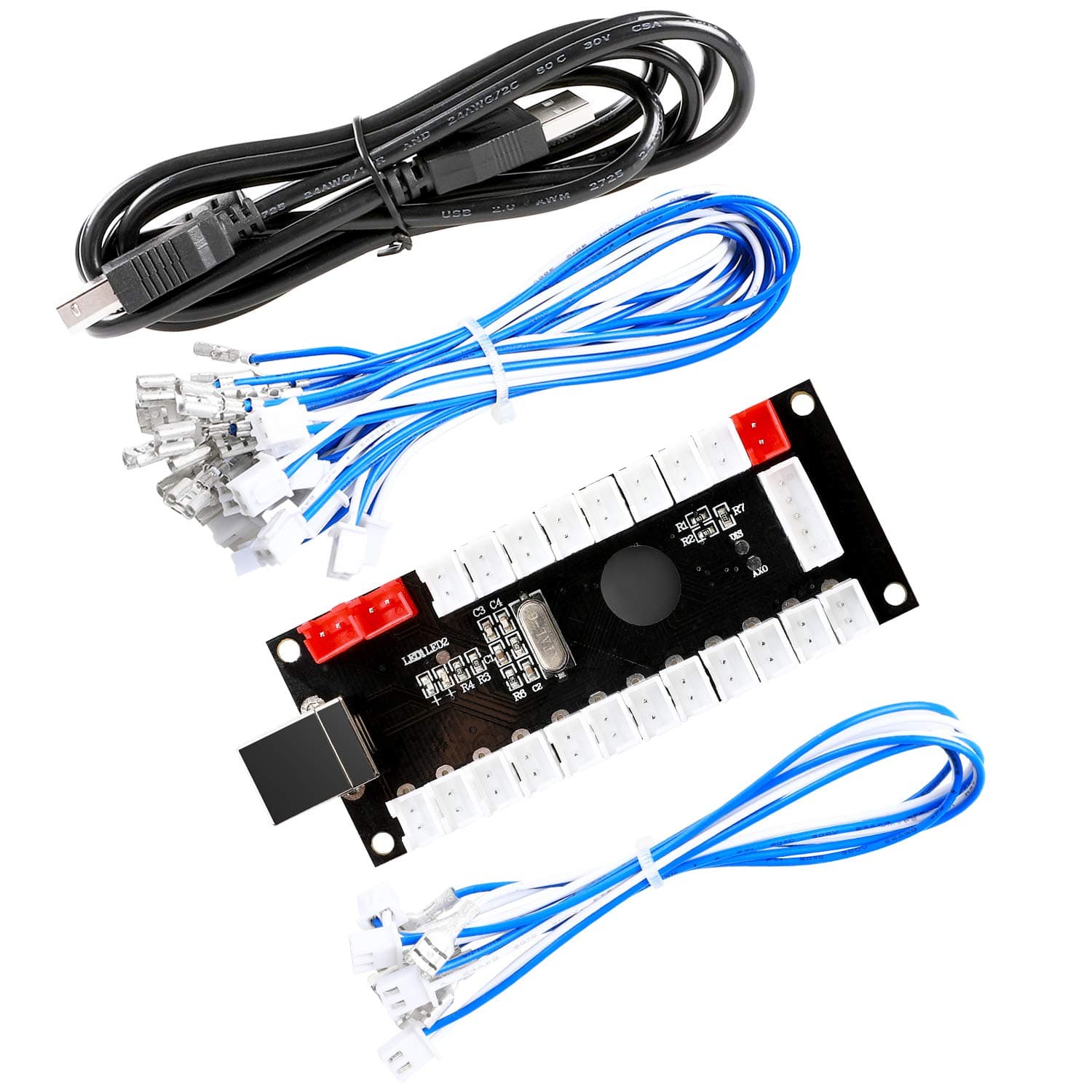
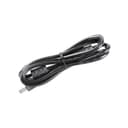
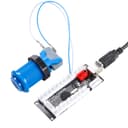
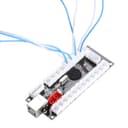
The Reyann Zero Delay Arcade USB Encoder transforms your PC or Raspberry Pi into a pro-grade arcade machine with 100% zero input lag, universal joystick and button compatibility, and plug-and-play USB connectivity. Designed for MAME, JAMMA, and other emulators, it features advanced turbo functions and a compact, high-quality build, making it the ultimate DIY arcade upgrade for serious gamers and creators.


| ASIN | B00UUROWWK |
| Best Sellers Rank | 14,617 in PC & Video Games ( See Top 100 in PC & Video Games ) 49 in PC Joysticks 183 in PC Gamepads & Standard Controllers |
| Country of origin | China |
| Customer reviews | 4.6 4.6 out of 5 stars (719) |
| Is discontinued by manufacturer | No |
| Item model number | 8541677869 |
| Product Dimensions | 13 x 4.5 x 8 cm; 125 g |
M**S
I bought it for my simulator button box working excellently
A**Z
YO LO CONECTE A PRUEBA Y ERROR Y NO ME DEMORE MUCHO, LA VERDAD ES Q ES MUY BUEN EL PRODUCTO POR LO QUE PAGAS
C**G
This product is great quality and delivery time considering where it comes from was fantastic.
A**3
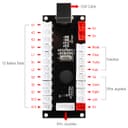
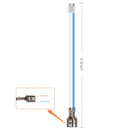
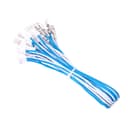
Really affordable board for anyone looking to make their own arcade or arcade stick. I was converting an old fight stick that was for an xbox so it works with PS3/PC/Mac. I use it for SF4 on PS3, Skullgirls on Steam (Mac) and Fightcade on Windows. It comes with all the wires necessary to connect them to my arcade buttons and joystick. This kit comes with 4.8mm terminals. Which is fine for microswitches like Cherries. However if you plan to use them with Sanwa buttons, you may need the smaller 2.8mm terminal wires which you can buy elsewhere. There are other similar kits but with 2.8mm terminal wires. The 12 buttons aren't really documented for PS3 compatibility in the instructions so I'll explain them in the following. From left to right on the bottom row of connections. 1 - Triangle 2 - Circle 3 - X 4 - Square 5 - L2 6 - R2 7 - L1 8 - R1 9 - Select 10 - Start 11 - L3 12 - R3
J**B
This little USB Joystick encoder was a great find. I use it with Microsoft Flight Simulator 2020 to create a custom switch box for the planes that I fly. My switch box has buttons that allow me to do things such as lower the landing gear or set the flaps. I'm sure it can be used with many other simulation games. The setup for this board is a breeze when just using "momentary" button switches (a switch that is similar to a keyboard button, where it just goes down and immediately returns up). Here you can have up to 12 momentary buttons plugged in. Plug the board's USB cable into the PC and the game immediately recognizes the board as a "Generic Joystick Control". Using the game, I was quickly able to map certain game keyboard commands to each of the 12 buttons on the board. It works great! Takes just a few minutes to get it running. However, If you plan to use other types of buttons or switches, such as two or three way toggle switches, then you'll need to use a third party utility called "RSMapper". This software is fairly easy to use. I watched a YouTube video and was able to understand it quickly. The software allows you define how toggle buttons should function in their different states. You use this software to assign your game's keyboard events to the toggles (don't use the game to map them). It also has some cool features, like when you click a button it performs some keyboard event, and if you hold that same button down for more than a second it performs a different keyboard event. I'm very happy with this purchase. I know I've just scratched the surface on what this little board can do. I have not tried setting up a joystick. POV or dial switches. I'll try and edit this review down the road and share my results.
Trustpilot
1 maand geleden
3 weken geleden