
DOWNLOAD DE APP


Klantenservice
Copyright © 2025 Desertcart Holdings Limited
DOWNLOAD DE APP

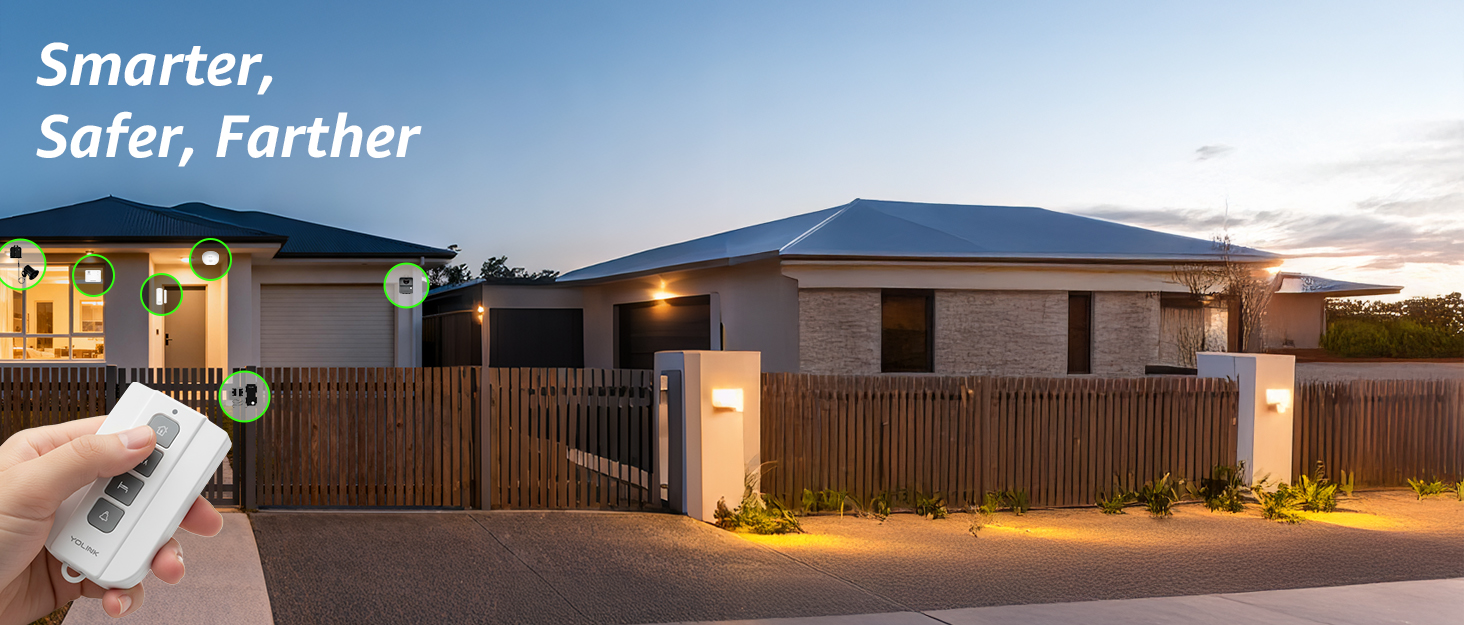
🚨 Stay ahead of every move—security that’s miles beyond ordinary!
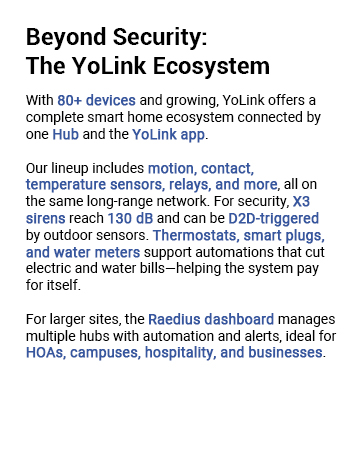
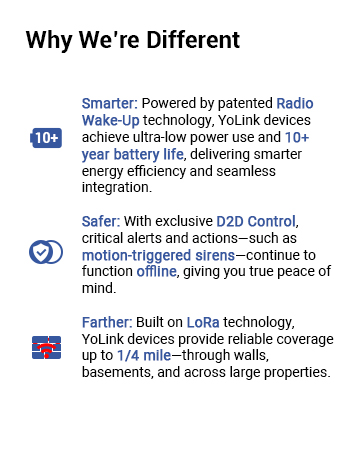
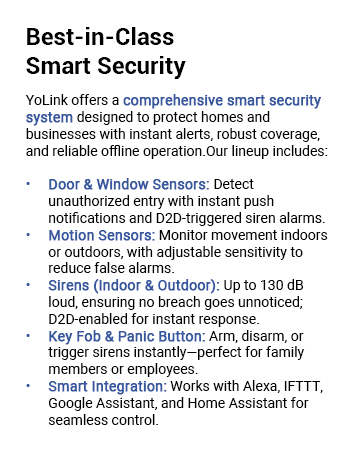
The YoLink Outdoor Motion Sensor Kit combines cutting-edge LoRa wireless technology with ultra-long 1/4 mile range, delivering reliable motion detection for driveways and perimeters without relying on Wi-Fi or internet. Featuring two weatherproof sensors and a SpeakerHub for customizable audible alerts, it supports over 300 devices for scalable smart home automation. With flexible notifications via app, email, SMS, and Alexa routines, plus a 2+ year battery life, this kit offers professional-grade security that’s easy to install and built to last.
| ASIN | B09W8SCF4B |
| Batteries | 4 AA batteries required. |
| Batteries Included? | No |
| Batteries Required? | Yes |
| Battery Cell Type | Alkaline |
| Battery Description | Alkaline |
| Battery Life | 2 years |
| Best Sellers Rank | #160 in Home Security Systems |
| Brand | YoLink |
| Color | Gray, White |
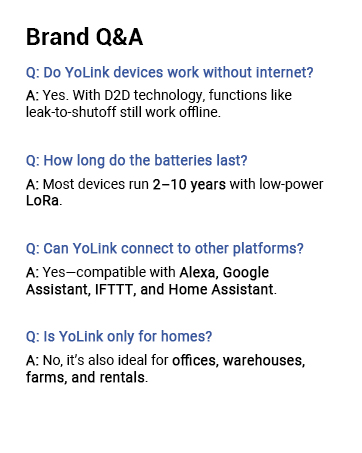
| Compatible Devices | Alexa, IFTTT, Home Assistant, Raedius Web Console |
| Coverage | 1000 feet(open -air) |
| Customer Reviews | 4.4 4.4 out of 5 stars (591) |
| Date First Available | March 23, 2022 |
| Description Pile | Alkaline |
| Included Components | Detector |
| Installation Method | Wireless DIY |
| Item Package Quantity | 1 |
| Item Weight | 14.7 ounces |
| Item model number | YS1604+2YS7805 |
| Manufacturer | YoSmart |
| Material | Plastic |
| Maximum Range | 0.25 Miles |
| Mounting Type | Wall Mount |
| Number of Batteries | 4 AA batteries required. |
| Part Number | YS1604+2YS7805 |
| Power Source | Battery Powered |
| Product Dimensions | 1.97"D x 2.6"W x 2.83"H |
| Recommended Uses For Product | Indoor/Outdoor |
| Smart Home Compatibility | Smart Home Compatible |
| Style | Outdoor IPR, 2-Pack |
| UPC | 850024791824 |
| Usage | Outside; Professional |
| Warranty Description | 1 Year(Speaerkhub) 2 Year(Outdoor Motion Sensor) |
S**O
Speaker Hub and Motion Sensors
I am using the YoLink Speaker Hub and two Motion Sensors around my house. This system uses LoRa and has fantastic range. They have been very dependable from the very start. The motion sensors are extremely sensitive and will alert when motion is detected even if it detects a small creature like a squirrel. There are one or two things, so far, I wish were a little better. One, the lowest setting is still very sensitive. I would like even a lower setting. And although the system is extremely easy to set up, I find it difficult to set up a “disable” button to turn the system off while working around the house. These are not the fault of the equipment, so I am giving 5 stars. Overall, I am very happy with YoLink.
J**S
THIS is what a driveway alarm should be
I've used a few different versions of driveway sensors and these are by far the best. With the audio enabled base station I can set up my own notification sound for when the alarm is triggered. This is incredibly handy for me because I can switch it up when one of the dogs learns what the sound is and barks like crazy when it goes off. Setup is really easy within the app and there is Alexa and IFTTT integration if needed. I've had no issues with connectivity or range so far and that is with the base station in the basement if a brick home and the sensor 100 yards away outside. I don't get any false notifications on the medium setting and so far it hasnt missed any so it seem quite accurate.
B**N
Lives up to reviews
Seriously impressed. I’ve tried multiple motion sensors online setups before and I was disappointed with each one until finding the YoLink one. The sensors work the way they should, the notifications are instant, the settings and tweaks you can do are impressive. Linking the base to my wifi and connecting multiple sensors was not only easy, it’s exactly how I would design the QR code, menus, and devices naming. I’m going to be looking through yolinks inventory now because I’m so impressed.
C**E
Great range, reliable triggering!
Pairs nicely with home assistant, and the range of LoRa is helpful for more remote setups. Sensor triggers reliably.
R**Y
Best solution I have found.
We are on a large property with young kids and have been through a ton of solutions. I wish I would have found YoLink sooner as it has been simple to set up and works amazing. We have had it up for 4 months or so, so we have had some testing time too.
A**C
Motion detector failed after 3 weeks
UPDATE: Yolink did reach out to me and the sensor was replaced after some troubleshooting did not resolve the issue. New sensor seems to be working great so far. Will update again if necessary. I would recommend this company. A little slow to get initial response but after that they worked quickly to resolve issue. Changing stars to 5. Motion detector has failed after 3 weeks. Tried resetting, pulling batteries in an out. Deleting and re-adding in app. Detector shows motion every minute. Placed the detector in a box and closed the box. Still detecting motion every minute. Customer service is spotty to non existent. Had to reach out to them twice to get a response. They had me check setting and then send a photo of settings. Did not hear back after that. Possible I received a bad detector but company not making good. Contacting Amazon to return the item. Had hopes at first.
E**F
As adv
Works great.
S**E
Inconsistent, Poor Info, Maybe Needlessly Complicated?
I was really excited to see this new sensor product being offered. I am familiar with LoRa as I was trying to build my own road sensor because I was frustrated with commercial road sensor offerings. The available road sensors were either inconsistent, or they worked well but only lasted about a year before developing problems. I built a transmitter and receiver from a small microprocessor (Adafruit Feather 32u) and wandered the length of my property (~36 acres) and the LoRa connected to the house receiver and also got back a reply from the house receiver everywhere I went. This included connectivity through trees and non-line-of-sight behind hills! So I had high hopes for this Yolink product. In addition, they offer other sensors like temperature, water leaks, the ability to activate relays or outlets by sensors, etc. As you may have guessed, I've done a fair amount of program coding, building websites, setting up my multiple network devices on the farm, etc. But it took me a long time to even get the speaker hub device connected after downloading and installing their app. The main problem turned out to be that I didn't want to give Yolink my location. Their software won't connect without knowing where you are! And even after allowing it to know my location, it wouldn't connect without knowing my "precise" or exact location. Talk about a lack of privacy! But I sucked it up and gave in. After getting the hub set up, adding the two sensors was pretty simple. Programming them, not so much. I'm still confused about the settings. I've downloaded and read through their manuals, etc. for both the hub and the outdoor motion sensors. The sensors, or maybe the software, just does bizarre things. My setup had the hub on a desk in the front of the house next to windows that face both directions up and down the road to the sensors. After moving my hand in front of each sensor to make sure they were working, I placed the sensors fairly close to the house, about 500 feet away. They are pretty close to a direct line of sight in each direction but through a few branches from trees and some brush. Both sensors showed online and working through the app. Unfortunately, neither detected a car passing a while later. I also walked down to one, waved my arms in front of it, saw the LED light, yet it never activated the hub. Someone was inside and didn't hear it, and the history tab didn't show it. So I thought I must have screwed up the settings. I have it set to "always" alarm. Sensitivity set to "high". I'm only guessing at what this one does: "Time to enter No-Motion state". I originally thought it was a time-out to quit functioning after sensing for a while. I now believe it is the time after the sensor no longer senses motion, before it resets, and will again sense motion. For instance, if I set it to the minimum of one minute and a person walks by, the sensor will alarm. If another person walks by in less than a minute it will NOT alarm. Then (and I'm still unsure) it may start another minute of timeout because it sensed the second person, and so on. So if you have 100 people walking by the sensor every 50 seconds, it will never alarm until they have all passed and the one-minute time-out is complete. In this example, it would be about 84 minutes later it would start working again after all 100 people passed. I had this setting at "disabled". I have no clue whether this means it will alarm without a timeout, or it will never alarm again, because there is no timeout. I also set it to one minute. Trying to test it proved inconclusive. Looking at the history for one sensor, I saw it detected motion at about 4PM. The next entry was "no motion detected". I figured that must be the timeout, and several times it was about one minute which was where the timeout was set. Other times it was THE NEXT DAY, nearly 20 hours later. The sensor is facing a hillside. There is nothing to move except a few leaves, so why would it take a day to stop sensing motion? In addition, some settings randomly reverted to earlier default settings without any intervention by me. I would re-start the app, open the motion sensor page, and the "Time to enter No-Motion state" would be back to "Not detected over 5 mintes" or "Disabled"?????? Then there is "Alert Hold". Again, didn't get enough explanation to know what this is supposed to do. You can set it at zero or longer in minutes and hours. Is this only for an added device, such as an outlet that might turn on a light and the "Alert Hold" is for how long it is turned on? If you have no other devices and set it to zero, does the alert still work? Not enough hours in the day to try to test that. Both sensors have just randomly shown they were "offline". What is that supposed to mean? They can't be reached by the hub? They are tired and need a rest? They are too far away and lose connectivity randomly, sometimes connected, sometimes not? Are they doing some kind of internal programming and have to disconnect while doing it? Possibly any of those ... or none of those. But even when showing "online", good battery, and showing the temperature they still didn't detect movement of either cars or humans from less than 15 feet away and set on "high". That is their primary job, right? Does the app need to be constantly running for them to work correctly? Perhaps a note when you fire up the app saying "Hey, I tried to do a heartbeat with SensorOne and it did not respond. The last signal intensity was marginal. Is it too far away?". Or: "The last signal intensity was good. Did you move it or the hub? If not, your sensor may be defective". Slapping down a black box and having an expectation of how it is "supposed" to operate is not very helpful. Before receiving these, I also asked the seller if these would function without being connected to the internet. The answer was "For full functionality, our devices need to connect with one of our hubs, and that hub needs to be on the internet with a connection to our cloud server." That didn't answer the question so I then asked just "what functionality would be available without an internet connection"? That question was ignored. Go figure. I had hoped I could at least use these as "dumb" sensors after setup, and without being connected to the internet. You know, a simple alert when there is movement without all the history, or temperatures, or added scenes, etc. The odd functionality of these devices or their software, the limited sensitivity, and the partial documentation, etc., first made me frustrated, and now just makes me sad. I received these as a present, but all of the other road sensors I have bought in the past have worked much, much better than these, and most of them even after months outside in the Oregon rainy winters. Also, every other sensor I have bought has functioned at the same distance at which I set these, at least initially. Perhaps they are excellent within short ranges as is typical in a town yard. That is too limited for my needs. It is possible I received a defective device or devices. Even so, I'm not sure I can take all the time needed to set up new ones. And, if they are not tested before shipping, I don't really want to be their unpaid quality control. Bottom line is that I am VERY disappointed. I do know the LoRa technology can do better (numerous people have tested LoRa over miles, even a hundred miles line of sight, and they even connected to a satellite in orbit with LoRa). I'm guessing I need to keep working on my homemade sensor or wait for a decent commercial version that is designed for a rural user such as myself.
E**A
Perfect
J**N
Quick delivery thank you, item was as described.
M**N
Very easy to install and I finally have a good reliable security sensor for my shop. The range of Yolink’s system is as advertised, first in class I would say. I’m sure some might be put off by needing a secondary devise called a hub but it can control 100’s of sensors apparently. This is a great system in my opinion.
M**A
Routines don’t natively run if the linked Alexa account is in AU Australia or NZ New Zealand. After some hunting online it seems to be an issue with YoLink not Amazon Alexa. Been in touch with YoLink and they stated they only support Amazon Alexa in the US. Expensive option for a driveway doorbell, better off going to Temu for the same result - It’s cheaper.
T**A
Pros: - App control and hub integration for convenient monitoring. - Impressive customization options for a smart experience. Cons: - Challenging setup process. - Limited motion detection range; effective only within 5 meters. - Falls short of advertised distance in real-world usage. Summary: While the Outdoor Motion Sensor offers app control and extensive customization, its setup complexity and disappointing motion detection range, far from the advertised distance, left me dissatisfied. Returned the product due to unreliable performance outside the 5-meter range. Potential for improvement with future updates.
Trustpilot
1 maand geleden
3 weken geleden