We remain fully operational. Our teams are working around the clock to ensure your deliveries continue safely.

DOWNLOAD DE APP


Klantenservice
Copyright © 2025 Desertcart Holdings Limited
DOWNLOAD DE APP
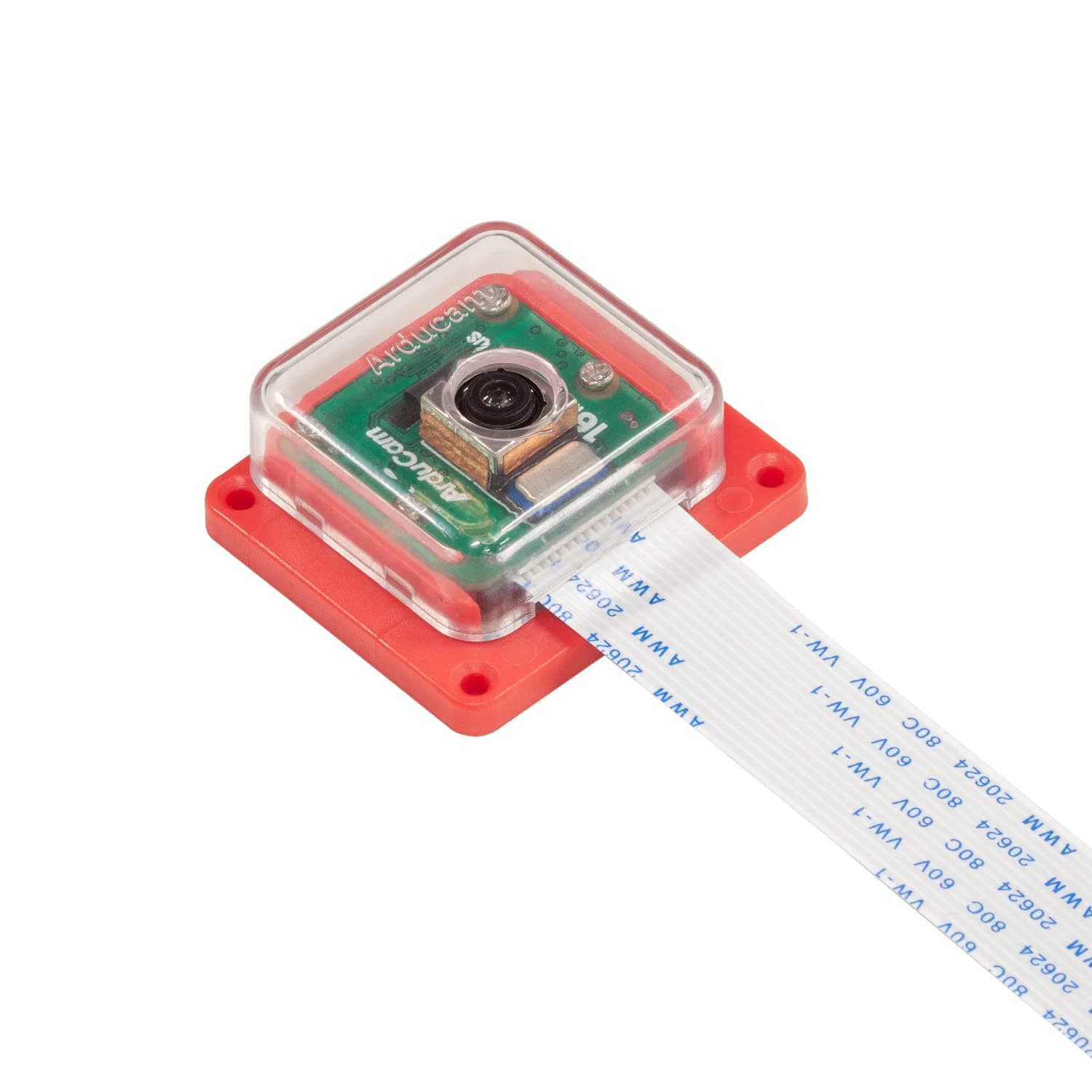
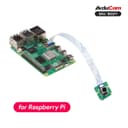
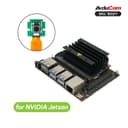
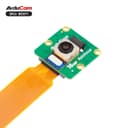
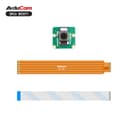
📷 Elevate your Pi projects with pro-grade clarity and focus!
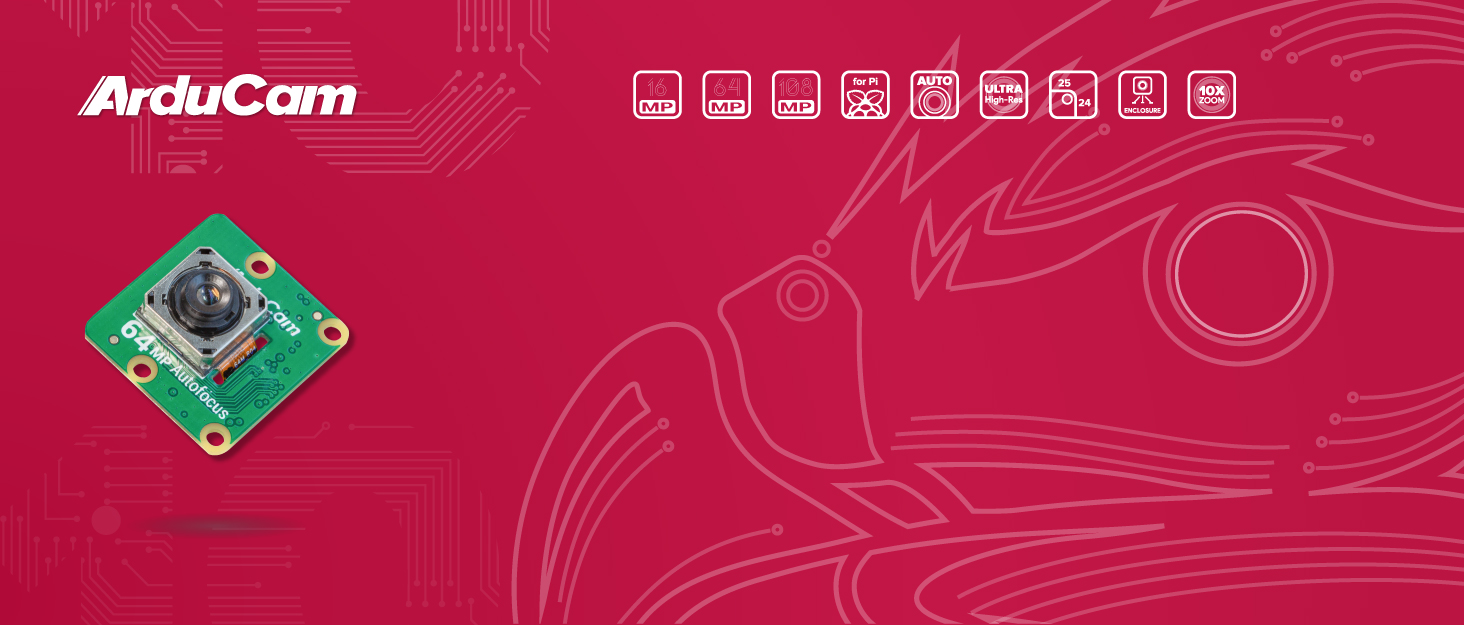
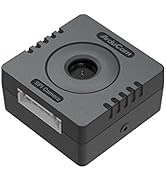
The Arducam 16MP Autofocus Camera Module features a high-resolution Sony IMX519 sensor delivering 4656x3496 pixel images, autofocus capability with a minimum focus distance of 10cm, and supports Full HD video recording at 1080p/30fps and 720p/60fps. Compatible with all Raspberry Pi models via MIPI/CSI interface, it comes housed in a robust ABS case with integrated tripod mounting, making it ideal for advanced imaging, robotics, and computer vision projects.






| ASIN | B09STL7S88 |
| Antenna Location | Embedded systems projects, robotics, computer vision applications, time-lapse photography, high-resolution imaging, and video recording |
| Are Batteries Included | No |
| Best Sellers Rank | #361 in Single Board Computers (Computers & Accessories) |
| Brand | Arducam |
| Built-In Media | Camera Body, Manual |
| Camcorder Type | Video Camera |
| Color | Black, Green |
| Compatible Devices | Raspberry Pi, Jetson Developer Kit |
| Compatible Processors | Raspberry Pi processors, Jetson processors |
| Connectivity Technology | Infrared |
| Customer Reviews | 3.9 3.9 out of 5 stars (78) |
| Display Resolution Maximum | 1920x1080 (1080p Full HD) |
| Effective Still Resolution | 16 MP |
| Effective Video Resolution | 1080 Pixels |
| Features | Lightweight, Low Light |
| File Format | hq |
| Flash Memory Speed Class | C10 |
| Flash Memory Type | SD |
| Flash Memory Video Speed Class | V30 |
| Focus Type | Auto Focus |
| Form Factor | Compact |
| Has Image Stabilization | No |
| Image Aspect Ratio | 16:9 |
| Image stabilization | false |
| Item Weight | 0.02 Kilograms |
| Lens Type | Zoom |
| Manufacturer | Arducam |
| Maximum Aperture | 1.75 f |
| Maximum Focal Length | 150 Millimeters |
| Minimum Aperture | 1.75 Millimeters |
| Minimum Focal Length | 10 Millimeters |
| Model Name | Pi |
| Model Number | Arducam Pi |
| Operating System | Proprietary Firmware |
| Photo Sensor Size | 1/2.3-inch |
| Screen Size | 2 Inches |
| Sensor Type | CMOS |
| Shooting Modes | Automatic, Landscape, Night, Sports, Manual, Time Lapse |
| Style Name | Minimalist |
| Supported Audio Format | AAC, MP3 |
| Supported Image Format | RAW |
| Video Capture Format | MP4 |
| Video Resolution | 1080p, 720p |
| Viewing Angle | 80 Degrees |
| Warranty Description | 6 Months |
| Water Resistance Level | Not Water Resistant |
| White Balance Settings | Auto |
| Wireless Compability | Infrared |
| Zoom | Digital |
F**H
Very good camera with autofocus
I made few tests but I see better quality than others like 5 or 8 MP. It only can be used with Bullseye+ OS. I used a 64bit OS in a RPi 3B+. At first I was able to use this camera but OV5647 neither IMX 219/8MP. I installed required drivers detailed in the user manual but after that any of them were detected. Also had problems with python Picamera2 module. This one was solved with the help of Arducam folks at their forum. The other problems were solved rapidly letting techs access the Pi remotely. Very good support team.
B**R
Good camera
Good camera - sharp images. The mounting bracket might be a plus for some people.
N**U
Works great. Needs non RPi software (easy to install).
Works great. Just make sure that you install correct software. Love the auto zoom feature of this camera. If attaching to a RPi Zero, make sure to get an adapter cable.
R**N
Do not waste your money on this faulty, bunk piece of junk
I wish I could give this less than 1 star. This camera is basically junk. 1) The "instructions" included in the box are literally just "plug cable into camera and raspberry pi." Okay, cool I guess. Lets follow the link to the instructions. First red flag: the page the instruction booklet included with the product links to a webpage that doesn't have the right product on it. Oh goody. What a great job arducam. Where is the correct webpage you ask? Oh you're on the right one, the big brains at the company just straight up don't know their own chinese crapware. The webpage has 2 different connection types listed. Neither one are for this camera. Okay, so I google around a bit and figure out how to connect the ribbon cable the right way. Now lets get onto the software side. Oh my god. What a giant disaster. They've, for some reason, decided to mix up the instructions for different pis and os all in one giant page. Jesus Christ. A preschooler could tell you how stupid of a design this is. Fine. Whatever. I can manage. I go jump through the hoops, download and run all the correct commands for my pi and OS versions. Get to the end. It. Doesn't. Work. Just straight up, no frills, doesn't work. Is there troubleshooting on the website? Nope. Does re-running the commands help? Nope. Does switching the camera port help? Nope. So either their own instructions don't work, or their product doesn't work. Do not give this company a dime. This is one of the most all around incompetent pieces of hardware and user design I have EVER has the immense displeasure of dealing with. The fact that I have to give them a single, solitary star hurts me. They deserve less than that. What an embarrassing, disgraceful disaster.
W**M
does ok
Pretty nice little camera for the Pi. Streaming from Pi4 is rough thou. Great stills and the focus is very handy.
D**E
Good camera, does not work with Motion
I wanted a good camera to use with motion, and thought I'd give this a try. Once it's been set up, it works great. The autofocus is crisp too! The included plastic housing is nice and provides protection to the board components and lens and a convenient way to mount. However, it requires the use of specially downloaded libcamera-dev drivers. So it does not work with Motion, which was my intended use. Probably have to wait until Motion officially supports it, or something else idk. So if you're only planning to use libcamera functionality, or the docs say it can be used with OctoEye or gstreamer or python, then this will probably be fine! Otherwise, find a different camera.
H**I
nice support from Arducam
the support team has helped me to set up the camera correctly with Jetson
D**N
Camera might be nice, but driver installation is embarrassingly bad.
The driver install is just awful. For context, I've been using Linux as my primary desktop since the late 90s. I've never been unable to install an existing driver and get it working until now, and I've used a fair amount of minimally supported hardware. To start with, the driver install instructions tell you to download and run a shell script (which invokes sudo)! This is a major red flag to anyone who cares about security, so I ran the installation on a spare sdcard, just to get it working. I installed the drivers and software, but the driver modules wouldn't load at all. The drivers were apparently compiled with a different version of gcc than my stock kernel, and could not be loaded. The only driver install instructions download precompiled binaries. No instructions for manually compiling the drivers are provided. I started looking for the driver source, but I realized that I'm better off getting a more expensive camera that is properly supported. This one's going back to Amazon. Signed binary packages that use KPMS, and links to source code is the way to distribute drivers. It would have been less work than the silly script they provide. I also saw the following note in the install instructions: "Please avoid using our 16MP autofocus camera module with the official PoE HAT or touchscreen." There is no explanation of whether it's impossible to do so, and we're left to wonder as to the reason for the incompatibility. Does it work with an unofficial POE hat or touchscreen? The instructions don't say anything. So the product is incompatible with a couple of extremely common addons, but there is no warning to the customer BEFORE they purchase the item. This product may have great hardware, but it's useless without decent support.
T**N
This sounds like a good deal..... No support what so ever can really be found! After an entire day of trying to get this to work, I am still left with a fuzzy non focusing camera, missing and misplaced libraires. I am going to give it another full day worth of attempts.... I am pretty sure I am going to have to recode(make my own) everything in order to use at all. Phew super big let down! spent I bunch of money on this one too.
D**G
Für den Raspberry Pi ist die Kamera perfekt. Die Einrichtung ist recht simpel und elektronisches Fachwissen ist auch nicht notwendig. Einziger Nachteil ist, dass die Kamera nicht mit einer Jetson betrieben werden kann. Das ist aber auch so beschrieben. Geht also klar.
T**H
Worked well out the box with particle.io Tachyon, helpfully includes both cable types, and reasonable/useful case.
M**L
I'm sure the camera would have been good, but unfortunately the revision D Board has a 22pin CSI socket, not the 15pin shown in the product photo. (It's the SKU: B0371 for reference). It comes with a 22pin to 15pin flex cable, but as the 22pin is on the camera side, i can't plug it into my Jetson Orin Nano :/ Bought very hard to find 22pin cables seperately, hopefully i get it running with them.
Trustpilot
4 dagen geleden
1 maand geleden