We remain fully operational. Our teams are working around the clock to ensure your deliveries continue safely.

DOWNLOAD DE APP


Klantenservice
Copyright © 2025 Desertcart Holdings Limited
DOWNLOAD DE APP


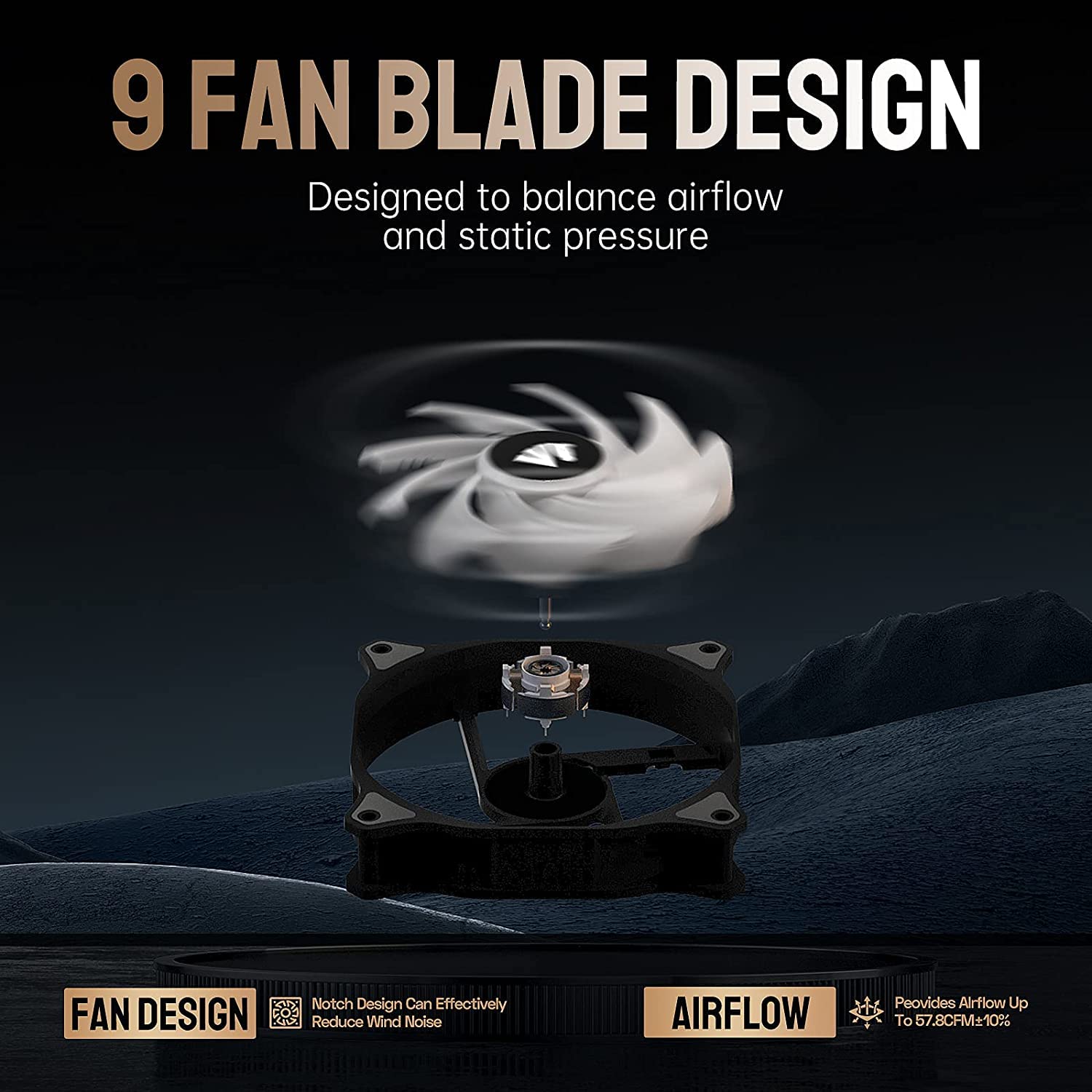

🌬️ Light up your build, silence the noise — cool like a pro!
The ASIAHORSE WD-001 Series 120mm Case Fan 5-pack delivers high-performance cooling with 57.8 CFM airflow and ultra-quiet 24.2 dB operation. Featuring 16.8 million ARGB colors and over 100 LED modes controllable via included ARGB controller or motherboard software, these fans combine durability with style. Designed with gold wire LED beads and a 9-blade aerodynamic design, they ensure long-lasting brightness and efficient airflow, perfect for professional-grade PC builds.


| ASIN | B08LQDKJV2 |
| Air Flow Capacity | 57.8 Cubic Feet Per Minute |
| Best Sellers Rank | #1,094 in Computer Case Fans |
| Brand | AsiaHorse |
| Brand Name | AsiaHorse |
| Compatible Devices | Desktop, Gaming Console |
| Cooling Method | Air |
| Customer Reviews | 4.4 out of 5 stars 1,089 Reviews |
| Item Dimensions L x W x H | 4.7"L x 4.7"W x 0.9"H |
| Manufacturer | AsiaHorse |
| Material Type | Plastic |
| Maximum Rotational Speed | 1800 RPM |
| Noise Level | 24.2 Decibels |
| Power Connector Type | 3-Pin |
| Product Dimensions | 4.7"L x 4.7"W x 0.9"H |
| Voltage | 5 Volts (DC) |
| Wattage | 1.2 watts |
S**Y
Beautiful Fans ♥️
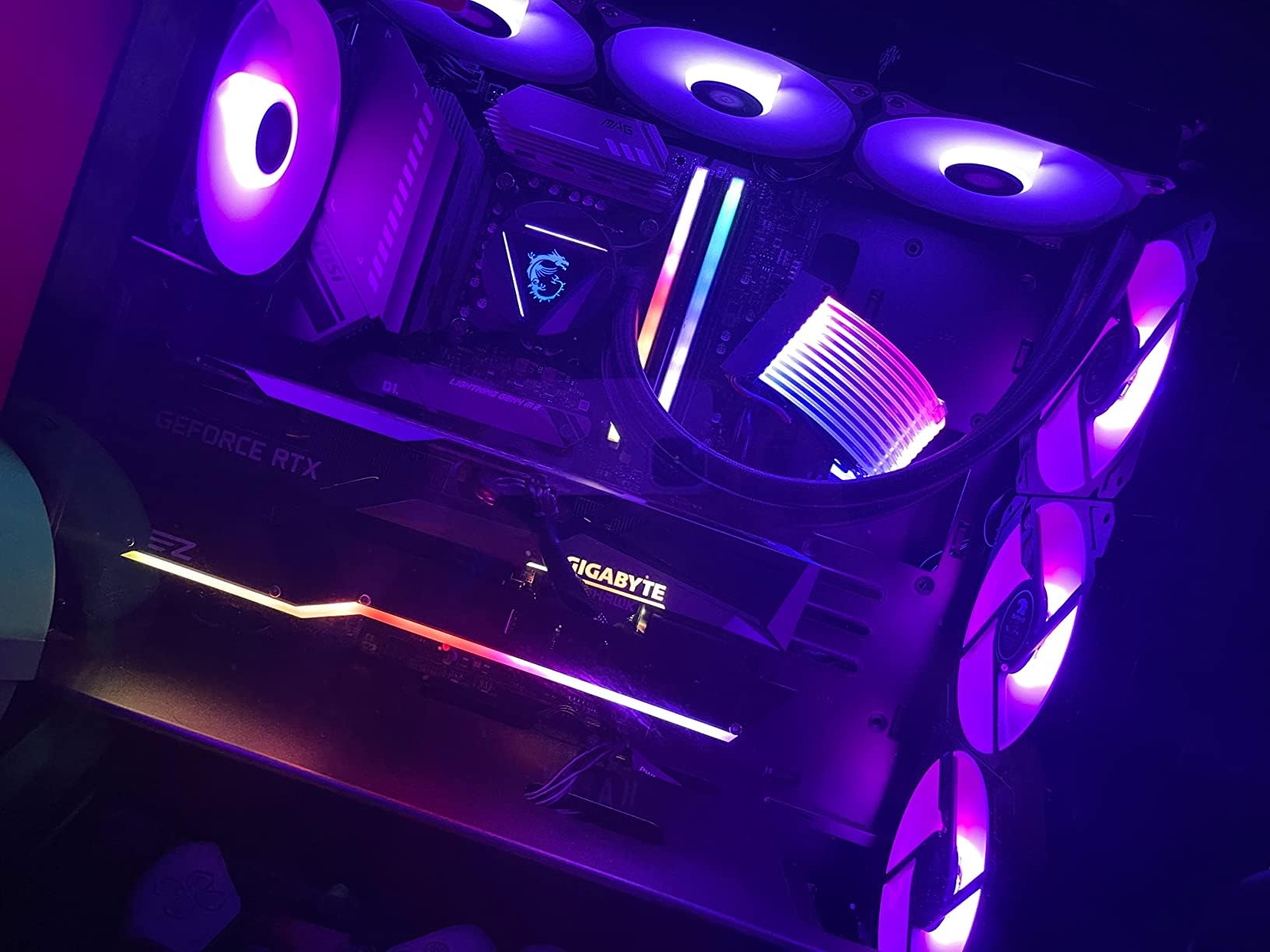
These are beautiful, very efficient AND quiet. They move air really well. The lighting is actually really bright and clear, and the overall quality is good! The remote that come with allows you to set the color or mode, as well as switch over to application controlled, so you can link them to MSI’s Mystic Lights!
T**S
Great option and affordable. Customer Service is A1 also.
I recently purchased the NZXT H9 Flow, and to my surprise, the included fans were not RGB. Saw good reviews on these so decided to give them a shot. The controller is solid, has adjustable speed and lighting, links up to my ASUS Aura software and are fully customizable. Definitely recommend these. Edit: I ended up purchasing another set of these fans in white. I did have to buy the 3 pack and 5 pack to fill the case. The instructions provided said you had to hook up SATA 1 and SATA 2 to use more than 5 fans. However after contacting the seller for assistance, I was informed these fans now come with a new controller where all 10 fans can be run from the same controller with only the one provided SATA power wire. The ARGB and Fan Speed control works perfect with my ASUS motherboard software.
S**8
Good solid fans.
Asia Horse is a fairly decent brand from China. I have their extension cables in my computer and they work just fine. If you need a set of fans at a decent price, these are a very good option. They are no more difficult to install than any other fan. The lights are bright, and they are fairly quiet as well.
C**O
Decent fans, not great instructions
Received the fans and they're definitely decent fans for the price, solid rgb lighting and good performance. Instructions were mediocre due to the following issues and caveats I encountered after installation. 1. Fans are using a proprietary connection so it's a single cable to their fan controller hub. Cannot use the fans to other hubs due to this fact. 2. There's no specific ordering noted on the fan hub, the reason why I bring this up is due to the fact that my motherboard did not detect the fans in UEFI bios, even though the fans were spinning and RGB lights working correctly. I then re-arrange the fan plugs in the hub to start on the right corner after the aRGB plug with the hub logo facing up. The motherboard then detected the fans under chassis/case fans. 3. To set the fans to PWM mode you need to press the W button three times on the remote, if you don't do so they'll just run at whatever the remote has set for the fan speed. 4. Once set to PWM on the remote, you then need to set your bios fan control to PWM. 5. To control RGB through your motherboard, double tap the power button on the remote. Some of these steps are also written on the provided instructions, but the wall of text on the manual is a bit off putting. Also the exhaust side is always the side where the fan cross frame is located, just a tip. All in all I hope this helps some people going forward purchasing this fan set, I'm pretty sure the hub issue may persist in their other models too.
D**N
Seems like it will match any ARGB system brand. A+
I got the 5 white fans option. I replaced 5 RGB fans total. 3 were RGB case fans with their own color and pattern controller mounted in the case (Apevia brand which was a great product btw but I wanted the fans all synced up but I don't think there was a way to do that with those unfortunately. It also had 4 fans total. Simply not enough fans or I would still use that setup), and 2 MSI water cooler ARGB fans, with these. And after holding down the AURA button on the Asiahorse remote for a few seconds...they synced with the MSI Mysticlight water cooler software I already had installed. Very easy. This pleased me greatly. Will work with not just ASUS Aura apparently. And I can control it all with the MSI software and not have to use the Asiahorse remote. Thoughts on why it all synced if you are wondering: so my GPU is ASUS and so I also have ASUS Armory Crate installed. But I think since I plugged the Asiahorse 5v ARBG into an MSI extension ARGB plug for the one already connected to my motherboard for the MSI water cooler CPU block that's why the Asiahorse matches the MSI software. The extension plug was for the black MSI ARGB fans I replaced so everything would match and now replaced by essentially the same thing. Also, the GPU color is recognized separately since it's plugged via PCIE. And my Corsair RAM goes through the memory channels. Different input, different chain of command. I'm sure someone could eviscerate me on the tech terms and explaination here but, eh... The installation instuctions I received were somewhat confusing for me. What is labeled as "Installation 1" is also a step in "Installation 2" but without the ARGB plugged in. My guess that you'd have to use just the remote for the color scheme with Installation 1. The control box probably has loads of color and pattern combinations that you'd cycle through to get to the one you want. I'd recommend that you try plugging into the ARGB plug on your motherboard even if you don't have ARGB software (ASUS, MSI, Corsair, etc.) and downloading a hardware manufacturer independent ARGB software to sync everything you plug into the ARGB plug. I'm going to start looking at this option and perhaps cut the cord on all the various mfr ARGB software conflicts. Going to look at OpenRGB first.
M**B
Asiahorse with another great value
This is my 3rd set of Asiahorse brand fans. For the price of one set of Corsair or Lian Li fans you can get 2 sets of these. That's how much cheaper they are. But cheaper doesn't always work out to well. I always use to buy expensive Corsair fans but after my last set where 2 of the 6 dies within 1 year, I decided to start shopping around. When I came across Asiahorse a few years ago I figured why not for the low price not expecting much at all. I was very wrong to pre-judge this brand. Not only are they well built, they move plenty of air even through radiators. This set comes with 5 Fans, 10 bay controller hub, ARGB cable, Remote, are Motherboard Sync compatible, PWM fan controllable and have a braided Sata power cable. All for this price. You would think they skimp somewhere right? Well not that I have experienced. They look great, run fairly quiet even at 100% speed and move more then enough air through my 360mm Radiator and keep my CPU and GPU in a custom waterloop to very acceptable temps. Honestly cannot go wrong. I needed 6 fans for a push-pull configuration so I ordered another set of 3. Now if a fan goes bad or the controller goes out I can replace them at no extra cost. Still cheaper then my Corsair fans with the extras. Great Value I can totally recommend these.
K**R
Good Value, not good with AuraSync
These fans are a great value, relatively quiet and the colors are very nice. Unfortunately due to the proprietary connector you cannot change the color of the fans individually using AuraSync. They are treated as a single rgb strip that all start at the same point. There are no workarounds for this that I have found. I’ve given up and just started using the remote to control the colors. I will be looking into a more expensive option as this is a feature I would really like to have control over. If that’s not something you are worried about, then the value and appearance of the fans is overall nice.
A**Z
Cumplen su funcion
Cumplen su funcion y son bonitos
Trustpilot
1 maand geleden
2 weken geleden