Some deliveries may take a little longer than usual due to regional shipping conditions.

DOWNLOAD DE APP


Klantenservice
Copyright © 2025 Desertcart Holdings Limited
DOWNLOAD DE APP
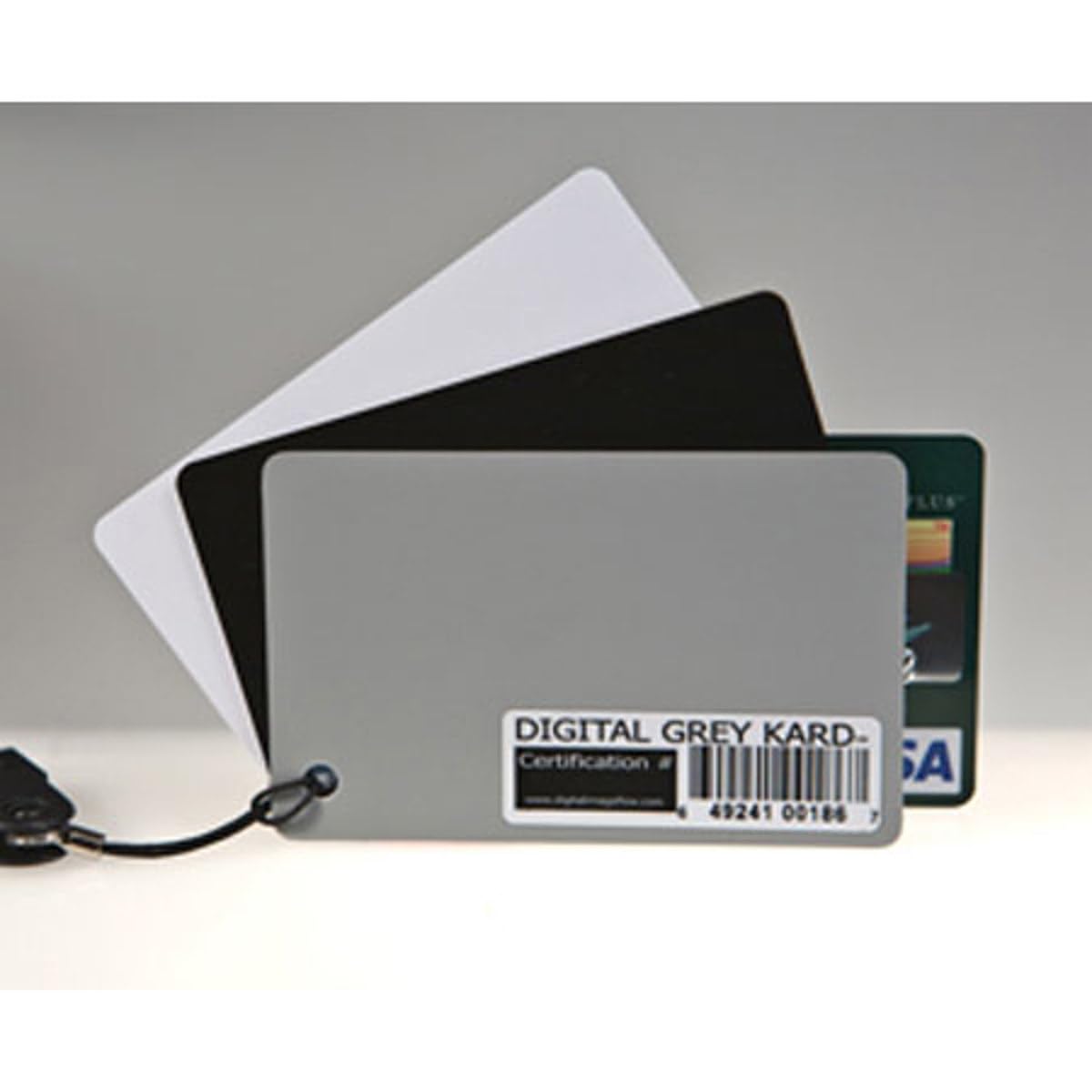
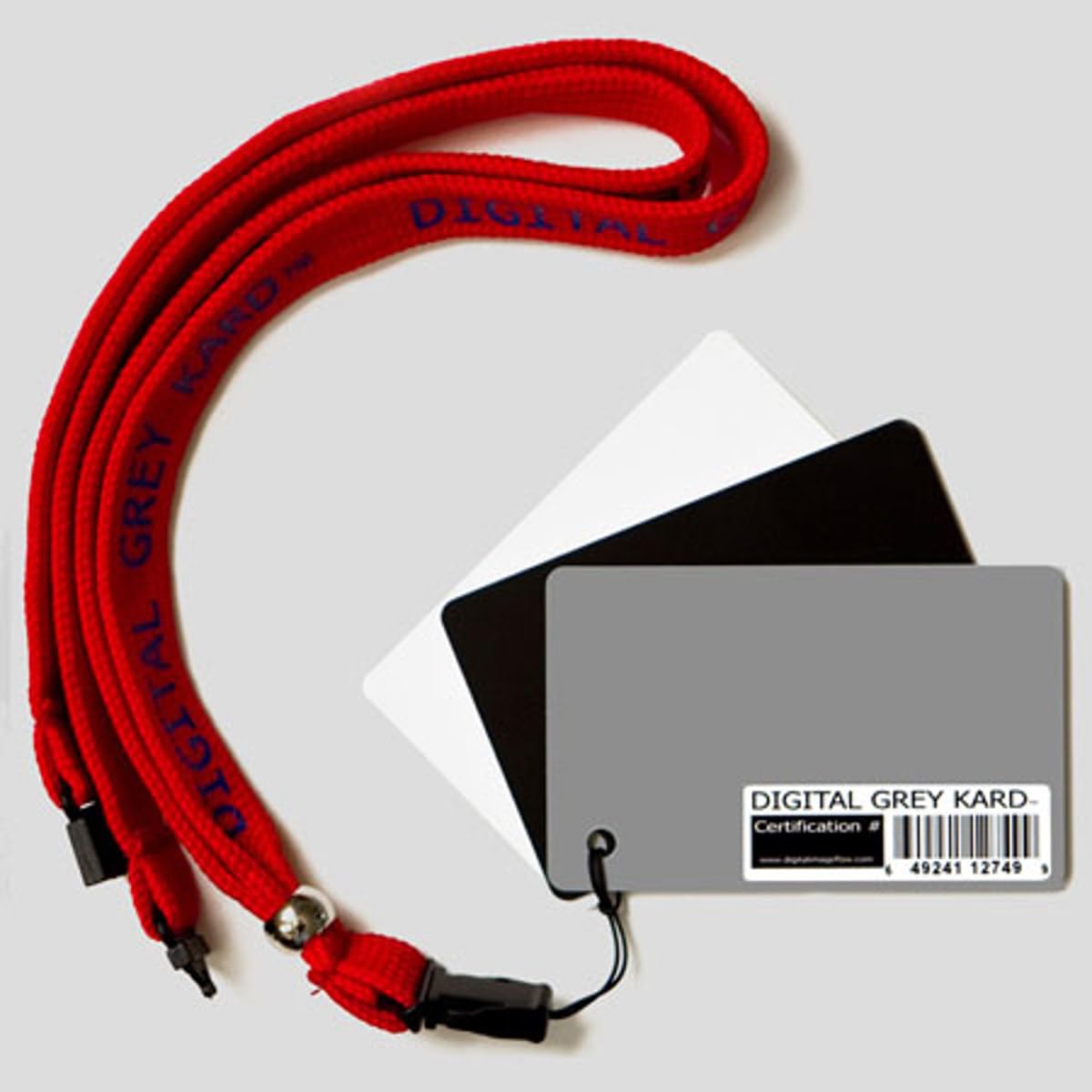
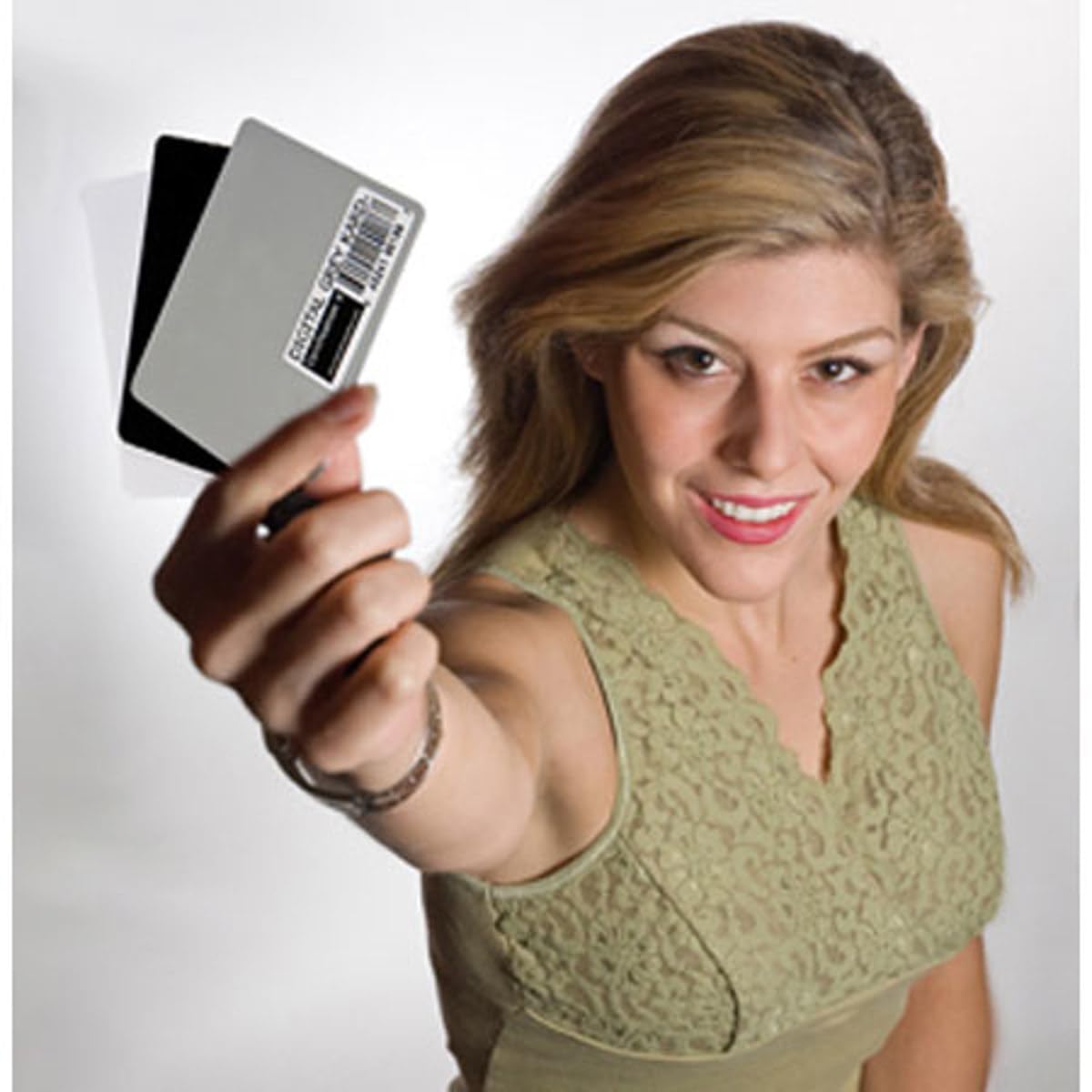
🎯 Nail perfect color balance anytime, anywhere — because your shots deserve precision.
The Digital Image Flow DGK Color Tools Premium White Balance Card Set includes three compact cards (white, grey, black) designed to optimize color accuracy under any lighting condition. Featuring a detachable breakaway safety clip and a strong black lanyard, this lightweight set (0.8 oz) offers portable, hands-free convenience for photographers seeking consistent, professional-grade white balance calibration both on set and in post-production.
| ASIN | B000HDFH6W |
| Best Sellers Rank | #121,872 in Photo Studio Equipment |
| Customer Reviews | 3.8 3.8 out of 5 stars (26) |
| Date First Available | January 14, 2007 |
| Item Weight | 0.8 ounces |
| Item model number | DGK-2 |
| Manufacturer | Digital Image Flow |
| Product Dimensions | 3.4 x 2.2 x 0.1 inches |
M**E
Great value, Compact, and 3 uses in one
This is the first time Ive used a grey card and a white card at the same time. When reviewing your custom white balance settings its easy to check the levels of all three ( Grey, White, and Black ) all at once. I just fan the pack out and center on either the white or grey card depending on the balance I desire. Its also perfect fanned out for a guide shot to be used later in post to set grey, white, & black levels. Its small and easy to wear around your neck. No need to pull it out of your pack every time you need it like larger cards.
J**R
Quite handy
Portable, quite useful but can give very confusing results if not used properly. Different degrees Kelvin are indicated, depending on which processing software is used.
P**B
Only misgiving is price
The three credit card size pieces of plastic work as advertised - they allow instant color correction in PhotoShop. They must be angled correctly or the glare from the flash appears white on both the gray and black cards. They are not large enough for me to use to set custom White Balance in my camera, but they are small enough to easily fit in my shirt pocket without any problems. This product will probably become standard in my portrait photography workflow, but I was a little disappointed when I opened the package - three credit card size pieces of plastic. My guess, and I may well be wrong, is that the packaging costs more than the product.
U**R
Excellent white balancing tool
I bought this set with risk (expensive & don't know if it work ok or not). Turn out I am SO HAPPY with this purchase. I did the card test: Took a picture of this set - Put this unbalanced picture to Photoshop to white balance it - Measure the balanced picture with Photshop sampler tool and find all RGB are equal; R=G=B. That's mean it neutral 100%. I did the camera picture test: Took serveral pictures with different light sets - white balance the pictures with this GreyKard tool. Result color in pix look very much match the real physical subject. So 5 stars for this GreyKard. Some notes, may be you like to read: This little GreyKard may not too great for doing Pre-Blancing for camera internally because it is so small in size. This GreyKard set is great for Post-Blancing using camera software or Photoshop. This is what I like for convenient GreyKard for Post Processing, reason: Post Processing allow me 2 choices (2 sets of image) to pick, First is the original pix; Second is the my white balance touched pix. Sometime the my white balance touched pictures turn the color look so real that make the people in my pictures look like "Living dead in front of a warm burning fire place" so I throw out the white balanced pictures and keep the original AWB pix. That is so good this GreyKard set. If some subjects originally look ugly, it will make it true ugly as original.
C**N
Two Stars
The white balance not neutral and the gray does not match white, also not neutral!
F**O
12% Gray card is a plus but ....
The manufacturer goes to great length to say these are certified for Adobe for Photoshop. But why in the heck would they place a product "sku" sticker on the gray card (the most used for color balance)? Sort of minimizes the certification "feature", in my opinion. On that basis, 3 stars rather than 4 or 5.
M**N
I had no idea....
I had no idea how much post processing time this could save. My method is this; I have my models hold the balance cards where all three can be seen in the first shot of each lighting situation. I now worry much less about the white balance settings in my camera. Once the images are dropped into Photoshop I just click the selected eye droppers on the specific cards and my balance is set. Very easy to use.
N**.
Works Great-short comings yes but--
As a retired negative wedding photographer, I want spot-on results. But with the digital age I had trouble getting exposure/white balance correct. Yes, the processor could correct for my "slight" errors. I did not appreciate how important white balance was, nor that it can change as easy as exposure. After a couple of tests w/this card. I was amazed at the skin tones I got. I used a drug store type quality (Costco) for convenience & speed and got great exposures! Just think what a higher quality firm (i.e. Dale Labs) can do with my files! Photo correction programs: Just use the "eye-dropper" tool; get color corrections- presto! Short comings: The cards could be larger! The instructions could be more detailed- The makers of this product could benefit from comments here!
Trustpilot
3 dagen geleden
3 weken geleden